
 Sign in to Mod The Sims
 Face- In TS3 SEXY edition MTS version
 Face- In TS3 SEXY edition MTS version


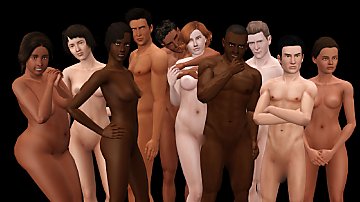
sexyedition-MTS.jpg - width=1280 height=960
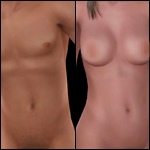
sexyedition2.jpg - width=640 height=640
sexy03.jpg - width=1024 height=768

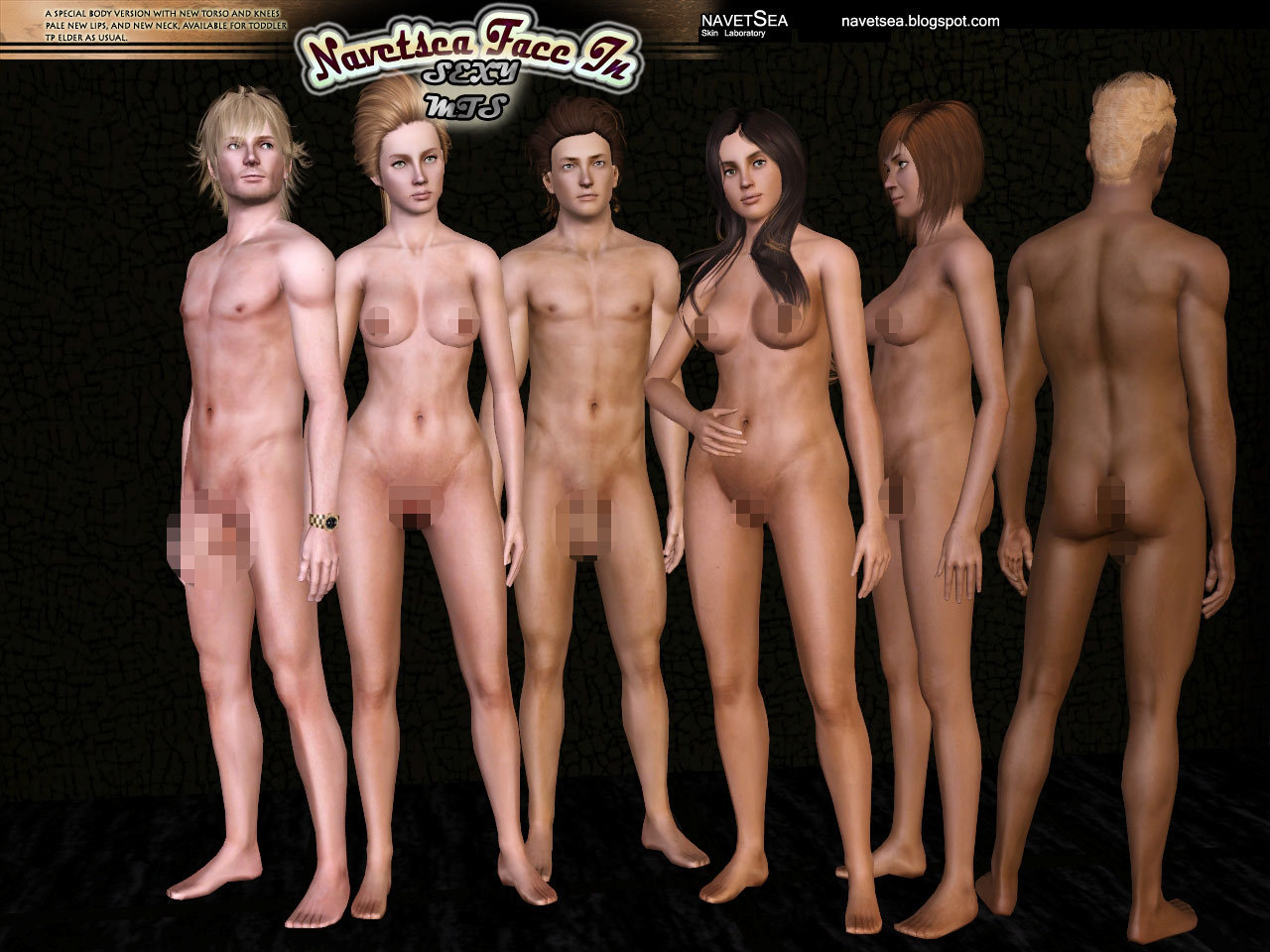
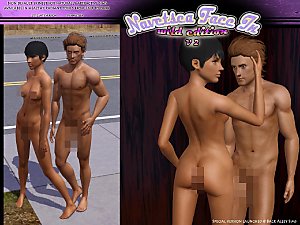
I have said it several time now, but the idea came to me when I tried a new shading on my female skin abs, then I got this idea to transplant it into the male skin, after some adjustment and blending it with my previous male abs, I launch this pair as my newest skin which I'm surprisingly rather proud of how it turned out.
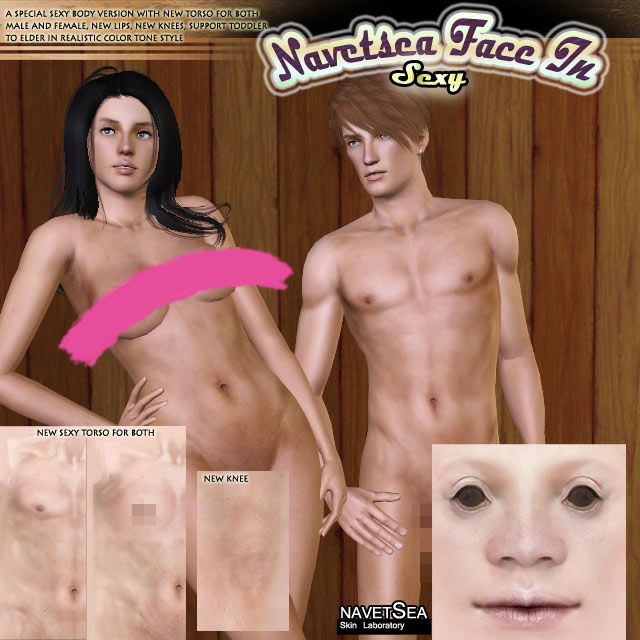
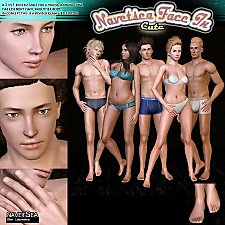
This is how the face looks in game without makeup
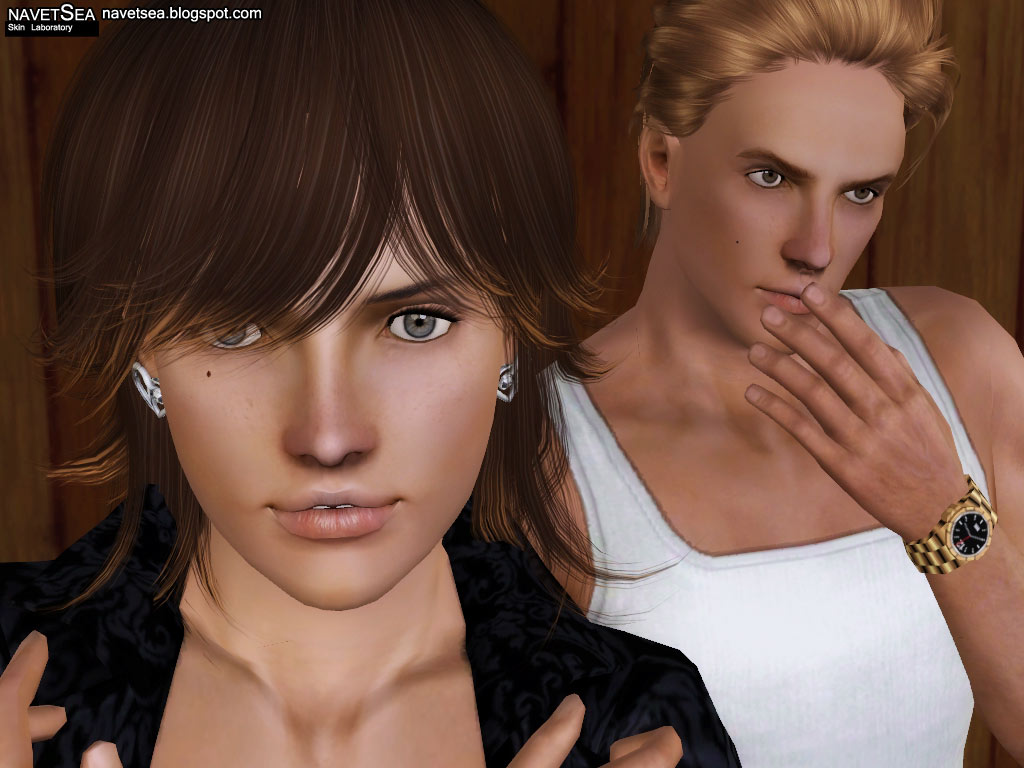
don't worry those moles are NOT part of the skin
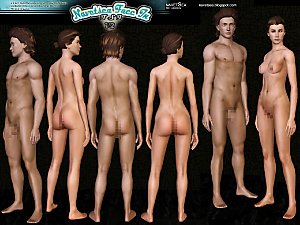
here at MTS the skin is barbie waistdown, however the full detailed skin can be found at my blog
navetsea.blogspot.com
Additional Credits:
First I want to thanks all the CC creators: eyes, hair, eyebrows that I use to complete the presentation of my skin upload,
If I remember correctly: the hairs are peggy's converted by mybluebook, and then another Peggy hair, and Coolsim hair, and male hair also from mybluebook
eyes: shady's lonely eyes
eyebrows: ephemera, helaene, etc.
I also thank:
CmarNYC for skininator
Peter&Inge Jones for S3PE Buhudain for custom normal map
|
navetsea F-IN TS3 MTS Sexy nondefault.7z
Download
Uploaded: 2nd Nov 2012, 5.46 MB.
147,797 downloads.
|
||||||||
| For a detailed look at individual files, see the Information tab. | ||||||||
Install Instructions
1. Click the download button, or the filename, to download the file to your computer.
2. Extract the zip, rar, or 7z file. Now you will have either a .package or a .sims3pack file.
For Package files:
1. Cut and paste the file into your Documents\Electronic Arts\The Sims 3\Mods\Packages folder. If you do not already have this folder, you should read the full guide to Package files first: Sims 3:Installing Package Fileswiki, so you can make sure your game is fully patched and you have the correct Resource.cfg file.
2. Run the game, and find your content where the creator said it would be (build mode, buy mode, Create-a-Sim, etc.).
For Sims3Pack files:
1. Cut and paste it into your Documents\Electronic Arts\The Sims 3\Downloads folder. If you do not have this folder yet, it is recommended that you open the game and then close it again so that this folder will be automatically created. Then you can place the .sims3pack into your Downloads folder.
2. Load the game's Launcher, and click on the Downloads tab. Find the item in the list and tick the box beside it. Then press the Install button below the list.
3. Wait for the installer to load, and it will install the content to the game. You will get a message letting you know when it's done.
4. Run the game, and find your content where the creator said it would be (build mode, buy mode, Create-a-Sim, etc.).
Extracting from RAR, ZIP, or 7z: You will need a special program for this. For Windows, we recommend 7-Zip and for Mac OSX, we recommend Keka. Both are free and safe to use.
Need more help?
If you need more info, see:
- For package files: Sims 3:Installing Package Fileswiki
- For Sims3pack files: Game Help:Installing TS3 Packswiki
Loading comments, please wait...


Uploaded: 2nd Nov 2012 at 10:47 PM
Updated: 3rd Nov 2012 at 4:48 AM
-
Moonlight Skin - All Ages included
by kanno updated 12th Sep 2009 at 3:49pm
-
Satin Skin Default replacement by GE
by Goldeneyes updated 7th Feb 2011 at 3:33am
-
F-IN01 TS3 female default skin replacement MTS v2
by Navetsea 15th Feb 2011 at 8:31pm
-
Face- In revised default & non default natural realistic style skin
by Navetsea updated 23rd Jun 2012 at 9:24am
-
by Strappys updated 4th Dec 2014 at 12:28pm
-
Face- In TS3 revised non default Wild Edition V2
by Navetsea 30th Jul 2012 at 2:17pm
-
Face- In TS3 revised Cute Edition default and non default
by Navetsea 27th Aug 2012 at 11:07am
-
F-IN 01 TSI/ asian edition revised TS3 nondefault
by Navetsea 1st Oct 2012 at 3:00am
-
by Navetsea 29th Dec 2012 at 5:44am
-

-
Val Vultures, my original MUGEN char
by Navetsea 16th May 2006 at 12:42am
That's Valerie Vultures, my MUGEN original character, now simified. more...
 42
58.5k
10
42
58.5k
10
-
ASURA slash of Samurai Shodown
by Navetsea 13th Aug 2006 at 9:26pm
UPDATE: alternate clothes as I mentioned yesterday for his undies, and pajamas, or bathing suit whatever. more...
36
77.4k
40
-
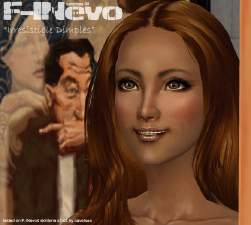
F-INevo "Irresistible Dimples"
by Navetsea 27th Mar 2008 at 10:53am
it is a cheek dimple as multiwearable makeup. more...
32
76.5k
79
-
by Navetsea 29th May 2006 at 8:27am
Hi, Do I need to introduce these guys? OK 4 you unlucky people out there who haven't seen more...
63
30.5k
5
Sims » Horror / Gothic » Male
-
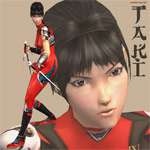
Taki Soul Calibur 2 + SC 3 costume
by Navetsea 17th Jan 2006 at 9:27am
this is Taki again in her Soul Calibur 2 original costume, and I also give you her Soul Calibur 3 more...
71
87.2k
33
-
-
-
-


-


About Me
My skin can be used/packed with sims anywhere on free sites
beyond that normal use, PM me first.