
 Sign in to Mod The Sims
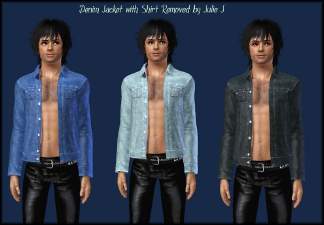
 New Male Open Shirt (Barechested)
 New Male Open Shirt (Barechested)


OpenShirtLARGE.jpg - width=1024 height=698
OpenShirtLARGE1.jpg - width=1024 height=685
OpenShirtLARGE2.jpg - width=1024 height=670
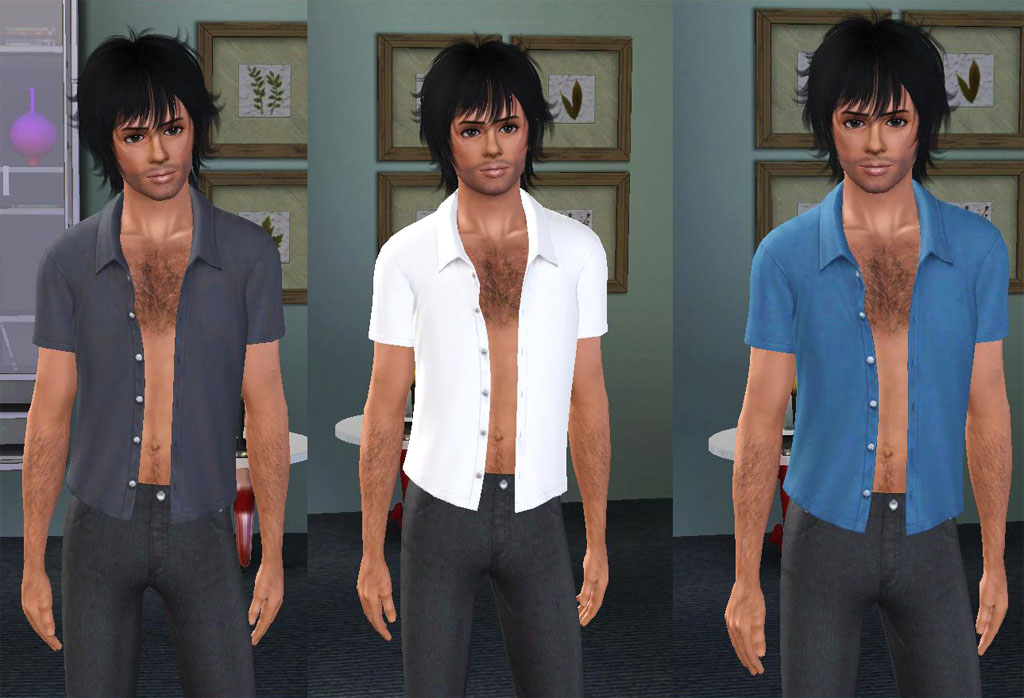
It is fully recolourable and very versatile
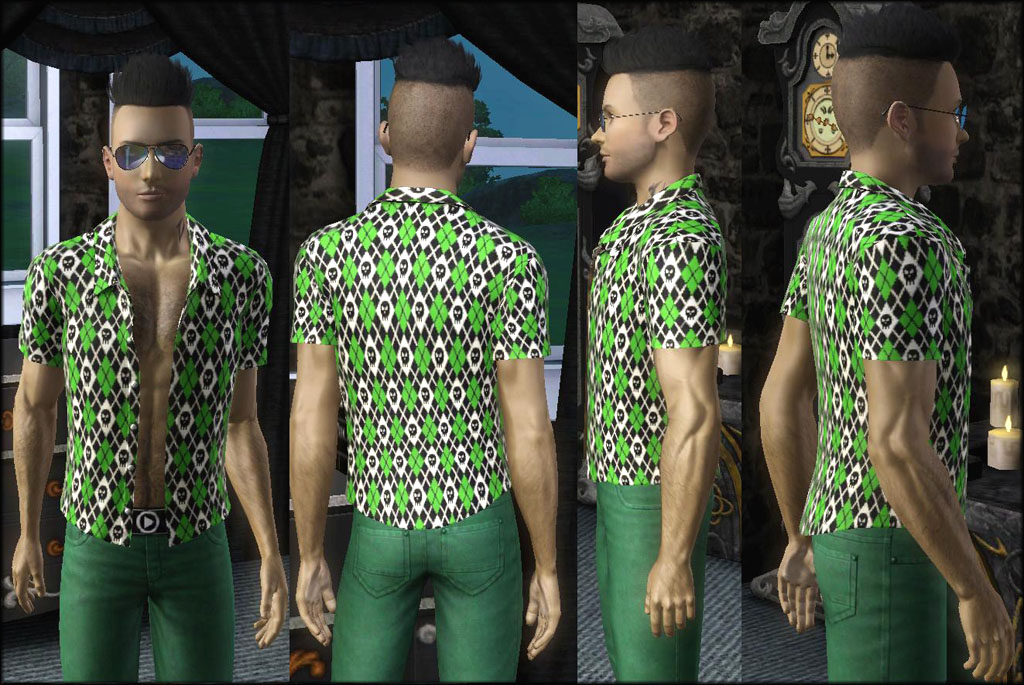
Also has morphs enabled
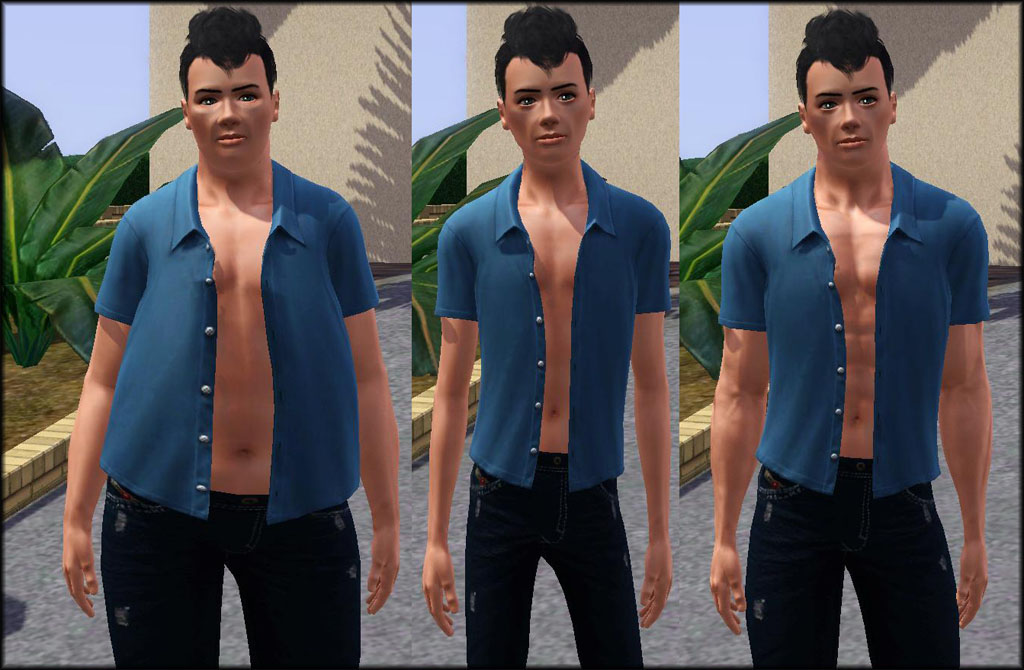
Set for Everyday and Career wear and also for Male Young Adult/Adult - should be available for all patches.
Polygon Counts:
4005
1954
899
This is a new mesh, and means that it's a brand new self contained object that usually does not require a specific Pack (although this is possible depending on the type). It may have Recolours hosted on MTS - check below for more information.
|
Julie J - NewOpenShirt.rar
Download
Uploaded: 5th Oct 2013, 522.0 KB.
15,946 downloads.
|
||||||||
| For a detailed look at individual files, see the Information tab. | ||||||||
Install Instructions
1. Click the download button, or the filename, to download the file to your computer.
2. Extract the zip, rar, or 7z file. Now you will have either a .package or a .sims3pack file.
For Package files:
1. Cut and paste the file into your Documents\Electronic Arts\The Sims 3\Mods\Packages folder. If you do not already have this folder, you should read the full guide to Package files first: Sims 3:Installing Package Fileswiki, so you can make sure your game is fully patched and you have the correct Resource.cfg file.
2. Run the game, and find your content where the creator said it would be (build mode, buy mode, Create-a-Sim, etc.).
For Sims3Pack files:
1. Cut and paste it into your Documents\Electronic Arts\The Sims 3\Downloads folder. If you do not have this folder yet, it is recommended that you open the game and then close it again so that this folder will be automatically created. Then you can place the .sims3pack into your Downloads folder.
2. Load the game's Launcher, and click on the Downloads tab. Find the item in the list and tick the box beside it. Then press the Install button below the list.
3. Wait for the installer to load, and it will install the content to the game. You will get a message letting you know when it's done.
4. Run the game, and find your content where the creator said it would be (build mode, buy mode, Create-a-Sim, etc.).
Extracting from RAR, ZIP, or 7z: You will need a special program for this. For Windows, we recommend 7-Zip and for Mac OSX, we recommend Keka. Both are free and safe to use.
Need more help?
If you need more info, see:
- For package files: Sims 3:Installing Package Fileswiki
- For Sims3pack files: Game Help:Installing TS3 Packswiki
Loading comments, please wait...

Uploaded: 5th Oct 2013 at 6:23 PM
-
-
Fixes for missing pregnant morphs - nude and jeans - update 8/9/10
by CmarNYC updated 7th May 2011 at 2:17pm
 186
436.8k
590
186
436.8k
590
Female » Mixed Sets » Adult
-
Young Adult/Adult Male Kiss Army Hoodie
by Kissfan75 3rd Jan 2010 at 12:58pm
8
28.5k
45
Male » Everyday » Young Adult
-
by LadyFrontbum 21st Mar 2010 at 7:08pm
81
169.7k
325
Male » Everyday » Young Adult
-
-
by furballvie 9th Feb 2012 at 7:43pm
+1 packs
10 17.3k 23 Generations
Male » Everyday » Young Adult
-
-
-
-
Unhidden Male Open Collar Shirt
by sweetdevil 12th Jul 2016 at 2:41am
6
44.6k
102
Male » Everyday » Young Adult


-
Female Military Low Tee Dress by Julie J
by Julie J 28th May 2022 at 10:34am
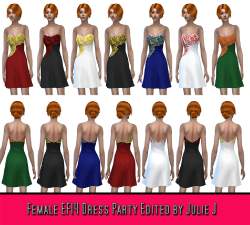
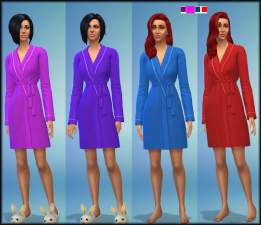
New mesh for female sims, new style short dress for the summer https://thumbs.modthesims.info/getimage.php?file=2097462 https://thumbs.modthesims.info/getimage.php?file=2097463 9 Colours and Every more...
-
-
-
-
-
-
-
-
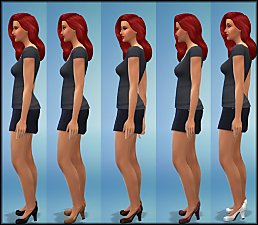
NEW MESH - Maxis Pumps with Thicker Heel
by Julie J 5th Oct 2014 at 10:08pm
Also in 5 recolours, Beige, White, Wine, Black and Brown more...
-
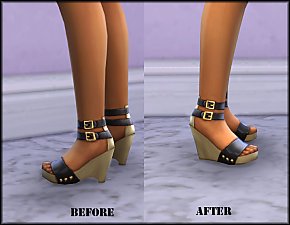
New Mesh: New High Wedges for Females (DEFAULT VERSION ADDED)
by Julie J updated 24th Sep 2014 at 10:01pm
Brand New Shoe Mesh for Teen/YA/Adult & Elder more...


