
 Sign in to Mod The Sims
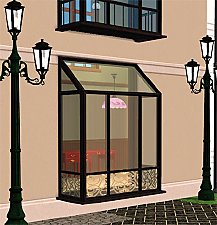
 Empire Bay Windows
 Empire Bay Windows


empireBay2tile.jpg - width=1050 height=800
empireBay3tile.jpg - width=1050 height=800
empireBayThumb.jpg - width=512 height=512

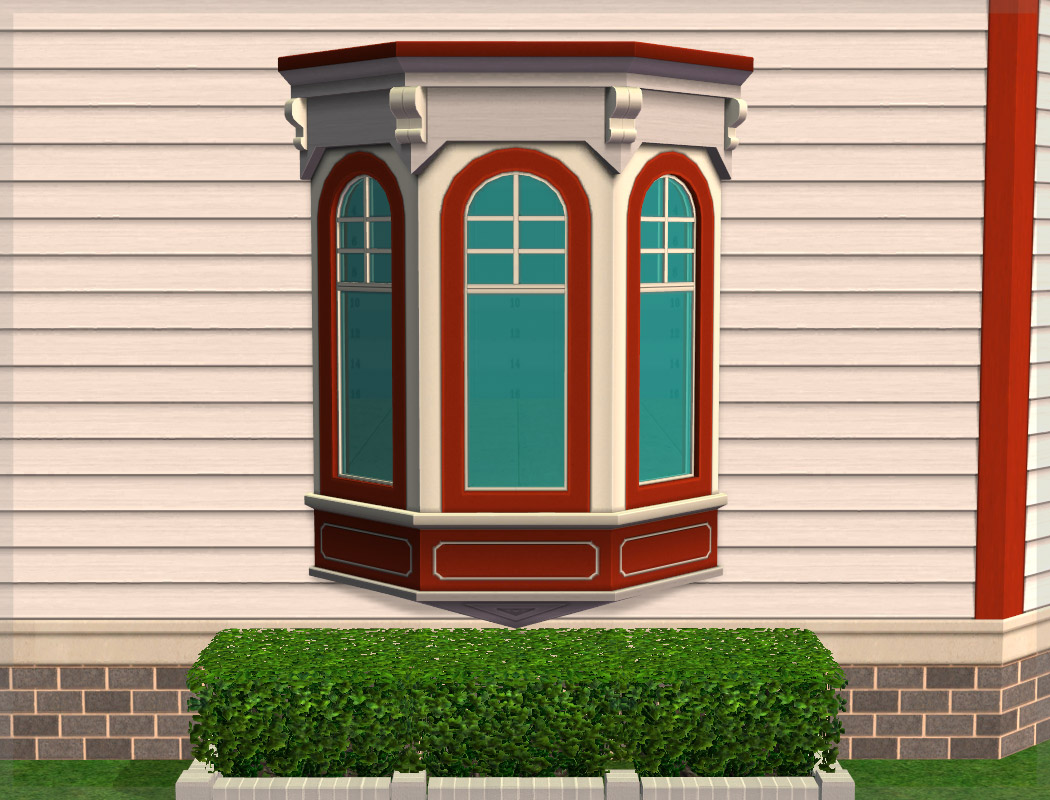
Polygon Counts:
2278 - Inside and Outside [Less than the original since it is one tile smaller mesh wise]
Build / Windows for §320 & §350
This is a new mesh, and means that it's a brand new self contained object that usually does not require a specific Pack (although this is possible depending on the type). It may have Recolours hosted on MTS - check below for more information.
|
HL_EmpireBayAddOns.7z
Download
Uploaded: 8th May 2015, 53.7 KB.
4,853 downloads.
|
||||||||
| For a detailed look at individual files, see the Information tab. | ||||||||
Install Instructions
1. Download: Click the download link to save the .rar or .zip file(s) to your computer.
2. Extract the zip, rar, or 7z file.
3. Place in Downloads Folder: Cut and paste the .package file(s) into your Downloads folder:
- Origin (Ultimate Collection): Users\(Current User Account)\Documents\EA Games\The Sims™ 2 Ultimate Collection\Downloads\
- Non-Origin, Windows Vista/7/8/10: Users\(Current User Account)\Documents\EA Games\The Sims 2\Downloads\
- Non-Origin, Windows XP: Documents and Settings\(Current User Account)\My Documents\EA Games\The Sims 2\Downloads\
- Mac: Users\(Current User Account)\Documents\EA Games\The Sims 2\Downloads
- Mac x64: /Library/Containers/com.aspyr.sims2.appstore/Data/Library/Application Support/Aspyr/The Sims 2/Downloads
- For a full, complete guide to downloading complete with pictures and more information, see: Game Help: Downloading for Fracking Idiots.
- Custom content not showing up in the game? See: Game Help: Getting Custom Content to Show Up.
- If you don't have a Downloads folder, just make one. See instructions at: Game Help: No Downloads Folder.
Loading comments, please wait...


Uploaded: 8th May 2015 at 8:25 PM
Updated: 8th May 2015 at 8:37 PM
-
by HoneyB 21st Jun 2005 at 2:58am
 45
110.2k
70
45
110.2k
70
-
by gbourn 16th Aug 2005 at 10:38pm
7
19.4k
-
-
-
by macarossi 22nd Jun 2006 at 11:09pm
116
311.5k
368
-
-
Excell Exteriors Bay Window System - Set #1 **Base Game Compatable** *UPDATED - PLEASE RE-DOWNLOAD*
by FifthAce2007 20th Aug 2008 at 1:11pm
65
178.5k
192
-
Excell Exteriors Bay Window System - Set #2 - Ground Set **Base Game Compatable**
by FifthAce2007 25th Aug 2008 at 2:34pm
19
44.5k
52
-
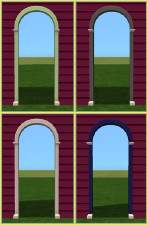
Arch Empire ( a Mansion and Garden add on )
by suefemme 31st May 2009 at 8:09pm
+1 packs
7 22.2k 38 Mansion and Garden
-
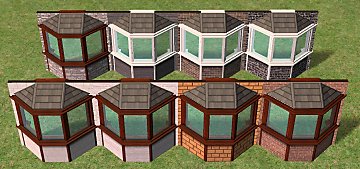
Recolors of FifthAce2007's Excell Bay Windows (Maxis matching)
by Borja20 3rd Aug 2020 at 6:02pm
7
5.1k
17


-


by HugeLunatic 22nd May 2026 at 4:41pm
3.6k
2
-
by HugeLunatic 3rd May 2014 at 1:48pm
Collection of one-tile IKEA dining tables. more...
+1 packs
19 28.8k 92 Ikea Home
-
by HugeLunatic 31st Oct 2014 at 12:24am
Do your males need a bit more color to their lips? Here is the female matte lipstick converted for more...
-
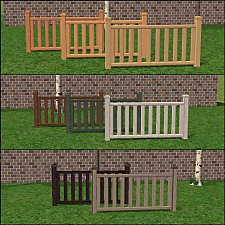
Modular Stairs, Fence, Gate & Column Add- Ons
by HugeLunatic updated 7th Jun 2010 at 5:34pm
New Mesh! more...
32
108.6k
216
-
-
Maxis "Lost & Found" IKEA Pictures
by HugeLunatic 1st Dec 2012 at 5:01am
Another very old project - several lost paintings from the IKEA stuff pack. more...
+1 packs
13 25k 44 Ikea Home
-
by HugeLunatic 23rd Nov 2007 at 2:32pm
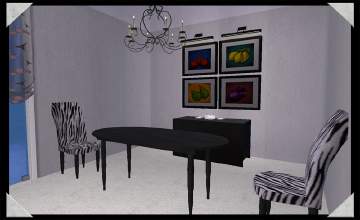
A recolor of EarthGoddess54 Essence Dining Room. A must have set for any sim with discerning tastes. more...
-
by HugeLunatic 14th Mar 2011 at 1:40pm
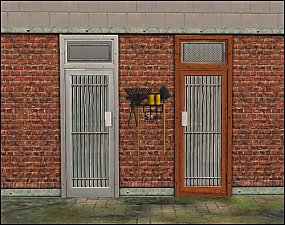
The "Gone Legit" door from NL is a single tile door and has a different mesh inside/outside, so you cannot more...
12
25k
39
-
"Blazin' Buckaroos!" [Recolors]
by HugeLunatic 25th May 2013 at 4:55am
Basic black and silver recolors of garden light. more...
13
21.4k
73
-

by HugeLunatic 4th Oct 2019 at 4:53pm
The electronics from The Sim 3 Store Atomic set. more...
+1 packs
12 8.4k 32 Apartment Life




Packs Needed
| Stuff Pack | |
|---|---|
| Mansion and Garden |
About Me
Pet Stories || Dog Agility Items? || Castaway Stories || Holy Simoly Extras
4esf Archive || Holy Simoly Archive || CEP-Extras List || Buyable Game Objects
lunie content from GoS/s2a
 Installation of CEP Extras
-the package with pfiles appended to the name will go into your cep extras folder where your game is installed (typically c drive, you do you)
-the other goes in CEP extra folder in documents.
The following locations are what I am aware of, beyond that you'll have to do some searching.
Downloads Folder:
C:\Users\<user>\Documents\EA Games\The Sims 2 Legacy
C:\Users\<user>\Documents\EA Games\The Sims 2 Ultimate Collection
With multiple launchers, the location for your game install will vary.
C:\Program Files\EA GAMES\The Sims 2 Legacy\TSData\Res\Catalog\zCEP-EXTRA
C:\Program Files\EA GAMES\The Sims 2\TSData\Res\Catalog\zCEP-EXTRA
C:\Program Files (x86)\EA GAMES\The Sims 2\TSData\Res\Catalog\zCEP-EXTRA