Sign in to Mod The Sims
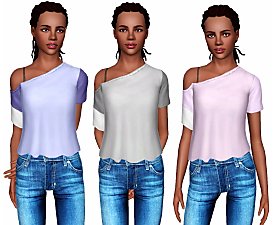
 Sweat Zippers for EM
 Sweat Zippers for EM


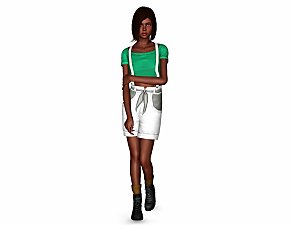
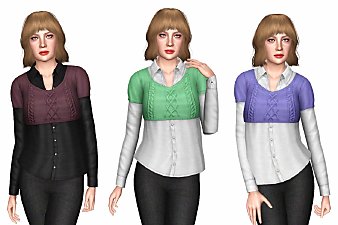
SimplexSims_EMSweatZippers a.jpg - width=650 height=700
SimplexSims_EMSweatZippers b.jpg - width=550 height=700
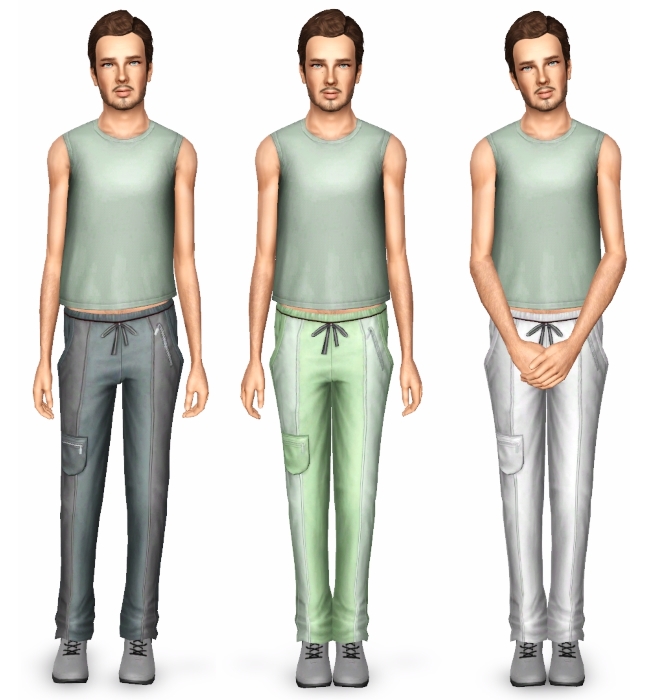
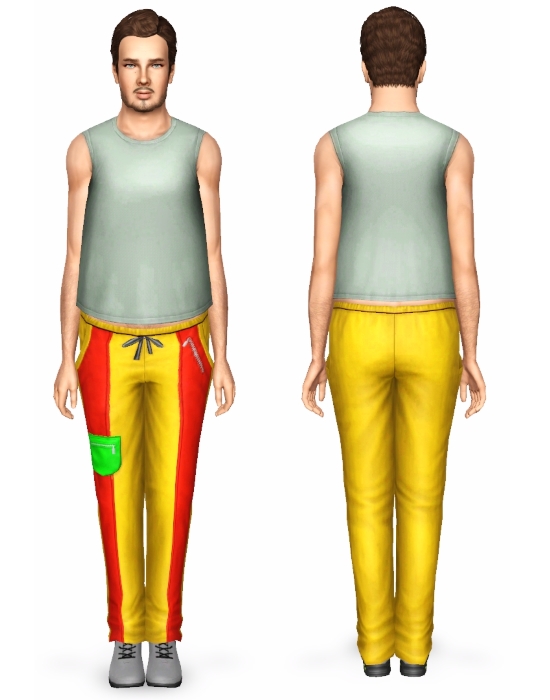
- Pants are in the sleepwear and athletic categories | Valid For Random -
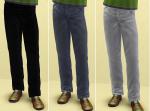
- 3 recolourable channels | 3 presets included -
- Both package and sims3pack formats included-
- Base Game compatible -
- Morph states support -
Polygon Counts:
Lod 1 - 1454
Lod 2 - 714
Lod 3 - 347
Additional Credits:
Milkshape
TSR Workshop
MeshToolKit
Milkshape Plug-Ins Creator
Modthesims
All creators of every tutorials I've followed
| Filename | Type | Size |
|---|---|---|
| SimplexSims_EMSweatZippers.rar | rar | |
| SimplexSims_EMSweatZippers.package | package | 1356235 |
| SimplexSims_EMSweatZippers.sims3pack | sims3pack | 1359008 |
This is a new mesh, and means that it's a brand new self contained object that usually does not require a specific Pack (although this is possible depending on the type). It may have Recolours hosted on MTS - check below for more information.
|
SimplexSims_EMSweatZippers.rar
Download
Uploaded: 6th Jun 2016, 1.70 MB.
3,876 downloads.
|
||||||||
| For a detailed look at individual files, see the Information tab. | ||||||||
Install Instructions
1. Click the download button, or the filename, to download the file to your computer.
2. Extract the zip, rar, or 7z file. Now you will have either a .package or a .sims3pack file.
For Package files:
1. Cut and paste the file into your Documents\Electronic Arts\The Sims 3\Mods\Packages folder. If you do not already have this folder, you should read the full guide to Package files first: Sims 3:Installing Package Fileswiki, so you can make sure your game is fully patched and you have the correct Resource.cfg file.
2. Run the game, and find your content where the creator said it would be (build mode, buy mode, Create-a-Sim, etc.).
For Sims3Pack files:
1. Cut and paste it into your Documents\Electronic Arts\The Sims 3\Downloads folder. If you do not have this folder yet, it is recommended that you open the game and then close it again so that this folder will be automatically created. Then you can place the .sims3pack into your Downloads folder.
2. Load the game's Launcher, and click on the Downloads tab. Find the item in the list and tick the box beside it. Then press the Install button below the list.
3. Wait for the installer to load, and it will install the content to the game. You will get a message letting you know when it's done.
4. Run the game, and find your content where the creator said it would be (build mode, buy mode, Create-a-Sim, etc.).
Extracting from RAR, ZIP, or 7z: You will need a special program for this. For Windows, we recommend 7-Zip and for Mac OSX, we recommend Keka. Both are free and safe to use.
Need more help?
If you need more info, see:
- For package files: Sims 3:Installing Package Fileswiki
- For Sims3pack files: Game Help:Installing TS3 Packswiki
Loading comments, please wait...

Uploaded: 6th Jun 2016 at 11:10 PM
-
-
I'm Still Sexy! (Four Clothing Conversions for Elders)
by daluved1 2nd Jun 2011 at 2:39pm
 32
53.3k
71
32
53.3k
71
Female » Mixed Sets » Elder
-
-
-
-
-
-
-
-
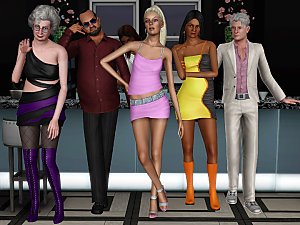
Elders @ The Club Conversion Dump
by VirtualHugs updated 13th Apr 2026 at 5:49pm
+1 packs
6 5.1k 24 Late Night