
 Sign in to Mod The Sims
 Display Cases & Pedestals from TS3
 Display Cases & Pedestals from TS3


00.jpg - width=1365 height=768
01.jpg - width=1920 height=1080
02.jpg - width=1920 height=1080
03.jpg - width=1920 height=1080
04.jpg - width=1920 height=1080
05.jpg - width=1920 height=1080
06.jpg - width=1920 height=1080
Hi everyone
 ,
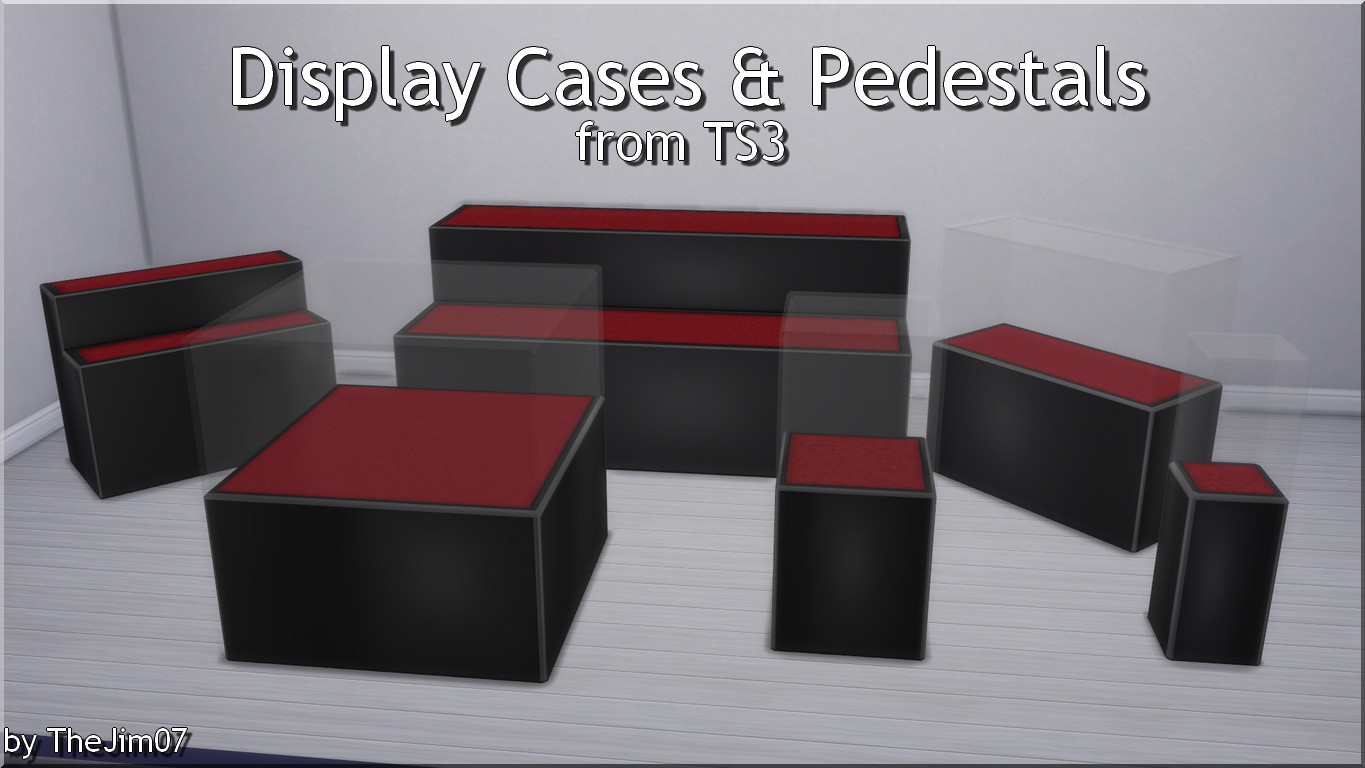
,I converted these display cases and pedestals from TS3. Our Sims can now display their relics, treasures and collections !
6 objects :
- Di$play Case by BlingBling! - Small (290§) - 5 swatches
- Di$play Case by BlingBling! - Medium (320§) - 5 swatches
- Di$play Case by BlingBling! - Large (480§) - 5 swatches
- Di$play Case by BlingBling! - Extra Large (710§) - 5 swatches
- Carter's Display Case (310§) - 5 swatches
- Carter's Display Case - XL Edition (1250§) - 5 swatches
You will find these objects in the surfaces/display and surfaces/misc. sections of the catalogue.
Happy Simming
,Jim
NB : the glass of the display pedestals is not a problem to select/drag objects through.
Polygon Counts:
Di$play Case by BlingBling! - Small = 171 faces
Di$play Case by BlingBling! - Medium = 139 faces
Di$play Case by BlingBling! - Large = 123 faces
Di$play Case by BlingBling! - Extra Large = 123 faces
Carter's Display Case = 218 faces
Carter's Display Case - XL Edition = 120 faces
Additional Credits:
EA/Maxis for original meshes and textures.
TSRW, S4S, S4PE.
This is a new mesh, and means that it's a brand new self contained object that usually does not require a specific Pack (although this is possible depending on the type). It may have Recolours hosted on MTS - check below for more information.
|
TheJim07_TS4_DisplayCases&PedestalsFromTS3.zip
Download
Uploaded: 5th Mar 2018, 1.37 MB.
25,575 downloads.
|
||||||||
| For a detailed look at individual files, see the Information tab. | ||||||||
Install Instructions
1. Download: Click the File tab to see the download link. Click the link to save the .rar or .zip file(s) to your computer.
2. Extract: Use 7zip (Windows) to extract the file(s) from the .rar or .zip file(s).
3. Cut and paste the file(s) into your Mods folder
Need more information?
- My Documents\Electronic Arts\The Sims 4\Mods\
- Anyone can use both .rar and .zip files easily! On Windows, use 7zip!
- If you don't have a Mods folder, just make one.
Loading comments, please wait...

Uploaded: 5th Mar 2018 at 3:31 PM
-
by TheJim07 updated 17th Jul 2018 at 5:43pm
 9
24.5k
77
9
24.5k
77
-
-
by TheJim07 14th Jan 2018 at 1:57pm
7
28k
133
-
-
by TheJim07 30th Jul 2018 at 11:06am
8
19.9k
53
-
by TheJim07 24th Aug 2019 at 12:00am
6
11.5k
32
-
by TheJim07 8th Mar 2020 at 1:35pm
5
15.2k
30
-
by TheJim07 1st Aug 2020 at 6:44pm
4
17.8k
33
-
by TheJim07 22nd Jul 2021 at 10:43am
12
24.3k
99
-
by TheJim07 14th Aug 2022 at 3:48pm
2
24.2k
22

-
-

-
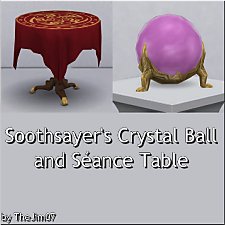
Soothsayer's Crystal Ball and Seance Table
by TheJim07 29th Jan 2021 at 6:51pm
Hi everyone! more...
+1 packs
7 22.1k 59 Paranormal Stuff
-
-
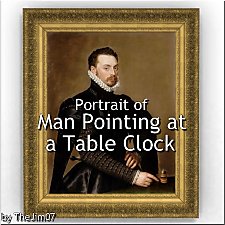
Portrait of Man Pointing at a Table Clock
by TheJim07 4th Apr 2020 at 11:04am
Hi everyone ! more...
4
13.6k
21
-
-
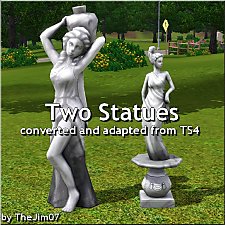
Two Statues converted and adapted from TS4
by TheJim07 updated 23rd Jun 2017 at 8:18pm
Hi everyone :), I converted some TS4 statues the 13th June 2017 . more...
 7
28k
85
7
28k
85
-
-
-


About Me
I'm a French guy, born in february 1988.
As a lot of creators, I will ask you to respect a few points.
You can recolor my items, modify the meshes, etc. But if you want to share your modifications I would like you send me a PM about that and add credits in the thread concerned. A link to the original item can be appreciated.
You can too make lots with my custom content. Again, I would like you send me a PM and add credits and links in the thread.
Of course, I don't want you redistribute my work.
You can also follow me on my tumblr : https://thejim07.tumblr.com. There is exclusive content there :).
If you appreciate my work and want to support me, you can make a donation in my ko-fi page : https://ko-fi.com/thejim07
Well I think all is said. If you have any questions, or suggestions, you can send me a PM :).
Thanks for your consideration and your support.
Jim