
 Sign in to Mod The Sims
 The Harmony House
 The Harmony House


1.jpg - width=1024 height=768
8.jpg - width=800 height=600
7.jpg - width=1024 height=768
6.jpg - width=1024 height=768
5.jpg - width=800 height=600
4.jpg - width=800 height=600
3.jpg - width=800 height=600
2.jpg - width=800 height=600

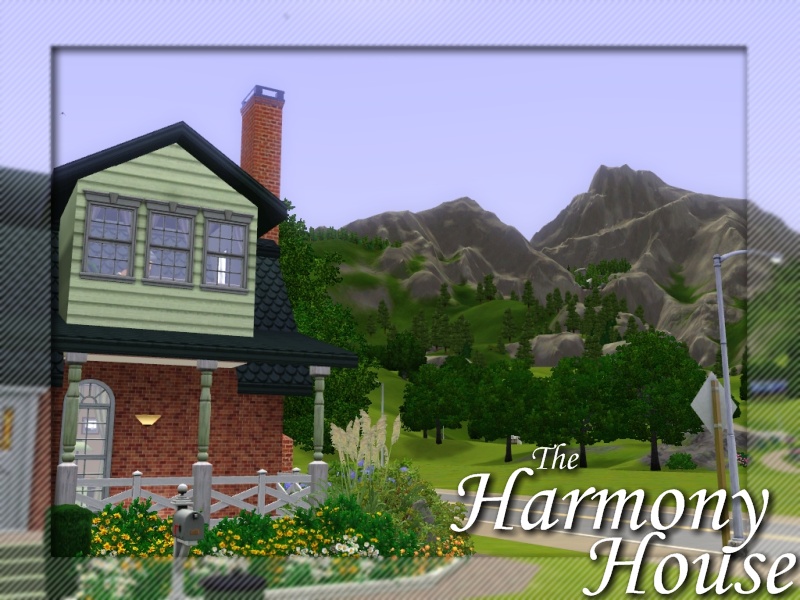
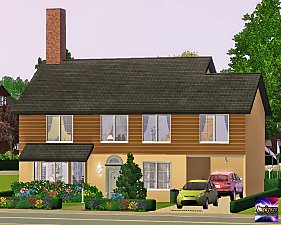
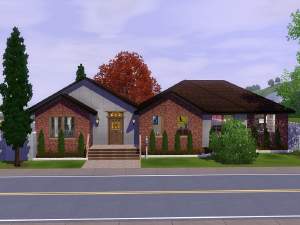
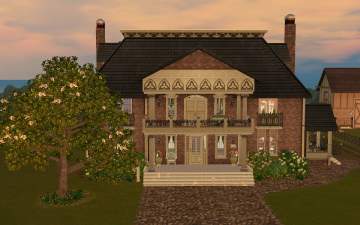
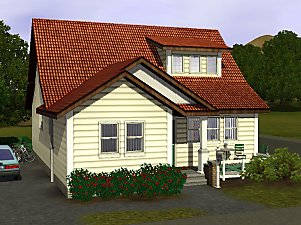
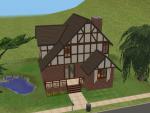
"The Harmony House" was intended to be a part of my 100th upload
celebration, until I found a few problems. First and foremost, I have
this massive creativity block right now. Everything I make has been
terrible for the past two weeks, and secondly...I only have 98 uploads.
Can't celebrate my 100th upload on my 99th! As for the house it self
it is quite lovely and charming. It is great for a family of sims, a
reclusive outcast sim who wants nothing to do with seciety, maybe
even the grandparents! There is a small portion of yard left to run and
play around in if placed on a 20x30 lot, as well as a pool and small sun
room to chill out in. Internally, well furnished, externally, well landscaped.
It is an all around well off lot that is sure to please your sims through
every aspect of their pixel dolly lives.
Features
Front Porch
Eat-in Kitchen
Office / Extra Commons Area
Back Porch / Sunroom
Pool
Grill
Pond
2 Bathrooms
4 Bedrooms - Fits 5 sims
Specs
Lot Size - 20x30
Furnished - 64, 743
Unfurnished - 39, 667
Youtube Video Tour - Right Here
Don't forget to leave a comment and if you download thank it

~Q
Lot Size: 3x2
Lot Price: See Post
|
The Harmony House.zip
Download
Uploaded: 30th Jun 2009, 2.98 MB.
1,163 downloads.
|
||||||||
| For a detailed look at individual files, see the Information tab. | ||||||||
Install Instructions
1. Click the filename or the download button to download the file to your computer.
2. Extract the zip, rar, or 7z file.
2. Select the .sims3pack file you got from extracting.
3. Cut and paste it into your Documents\Electronic Arts\The Sims 3\Downloads folder. If you do not have this folder yet, it is recommended that you open the game and then close it again so that this folder will be automatically created. Then you can place the .sims3pack into your Downloads folder.
5. Load the game's Launcher, and click on the Downloads tab. Select the house icon, find the lot in the list, and tick the box next to it. Then press the Install button below the list.
6. Wait for the installer to load, and it will install the lot to the game. You will get a message letting you know when it's done.
7. Run the game, and find your lot in Edit Town, in the premade lots bin.
Extracting from RAR, ZIP, or 7z: You will need a special program for this. For Windows, we recommend 7-Zip and for Mac OSX, we recommend Keka. Both are free and safe to use.
Need more help?
If you need more info, see Game Help:Installing TS3 Packswiki for a full, detailed step-by-step guide!
Loading comments, please wait...



Uploaded: 30th Jun 2009 at 7:22 PM
-
by gogolinopz 1st Oct 2009 at 7:43pm
 23
17k
13
23
17k
13
-
by QBUILDERZ 15th Feb 2010 at 8:40pm
24
36.7k
31
-
by silverdrake 8th Jun 2010 at 9:31pm
14
14.7k
30
-
-
-
-
by plasticbox 25th Aug 2014 at 7:05pm
8
11.6k
44
-
by plasticbox 2nd Oct 2014 at 2:14am
16
22.6k
110
-
by VanCleveHomes 14th Feb 2023 at 1:45am
+2 packs
1 2.3k 4 Ambitions
 Fast Lane Stuff
-
by VanCleveHomes 18th Feb 2023 at 7:35pm
+2 packs
3k 5 Showtime
 University Life


-
-

-
-
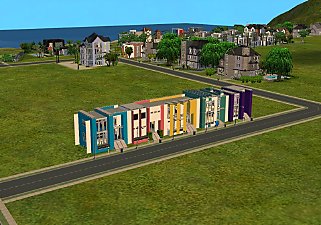
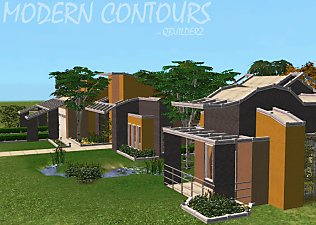
Rows of Radiance - FIVE 1x1 mini lots that form row houses!
by QBUILDERZ 20th Mar 2009 at 4:12am
:alarm: Base Game Compatible! :alarm: No CC included! :alarm: Creates a row house effect! more...
 46
47.6k
65
46
47.6k
65
-
-
-
-
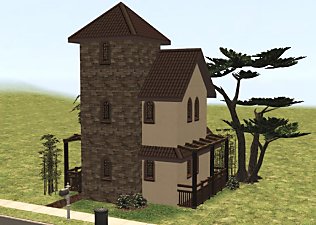
Itty Bitty Miss-Italianate - 1x1 Maxed Out Mini Lot!
by QBUILDERZ 3rd Mar 2009 at 12:23am
:alarm: Base Game Compatable :alarm: Smallest Possible Lot Size :alarm: CC by me! more...
25
21.4k
30
-
-



About Me
Put my content on any pay site or the exchange.
Claim my work as your own.
Send me requests (I forget to finish them.)
That's all! Happy creating!