Sign in to Mod The Sims
 Fancy Corset
 Fancy Corset


FancyCorset_01.jpg - width=1048 height=422
FancyCorset_02.jpg - width=1048 height=422
FancyCorset_03.jpg - width=1048 height=422
FancyCorset_other_01.jpg - width=970 height=461
FancyCorset_other_02.jpg - width=970 height=461
FancyCorset_main.png - width=200 height=200
Screenshot-3.jpg - width=363 height=403
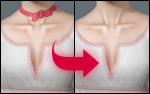
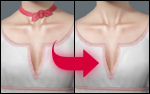
Detailed picture
All these designs are included!
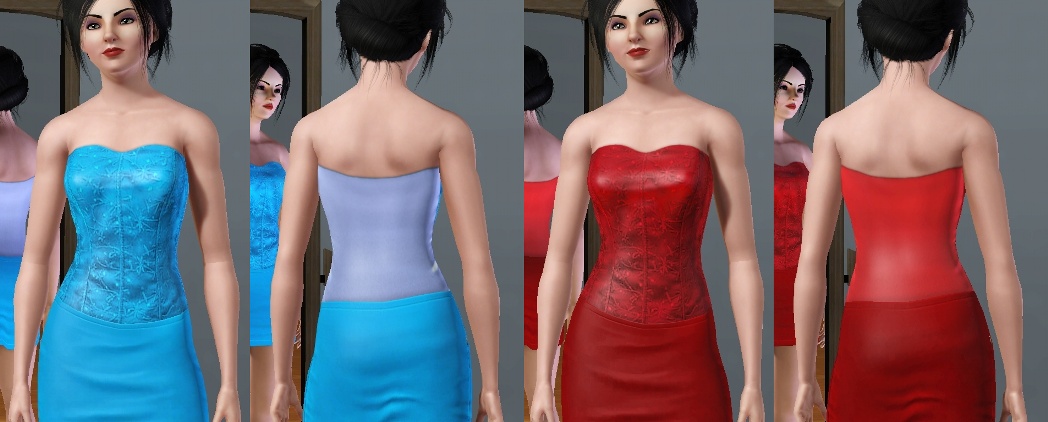
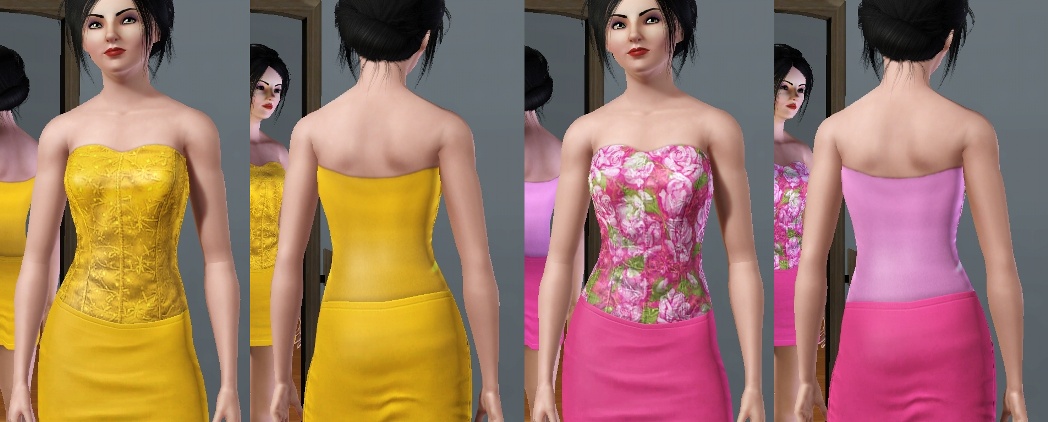
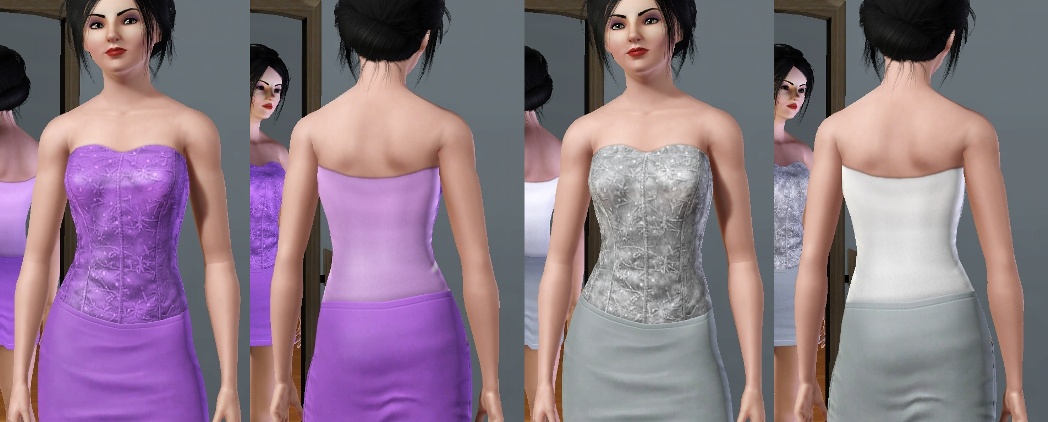
It looks perfect with any EA skirt:
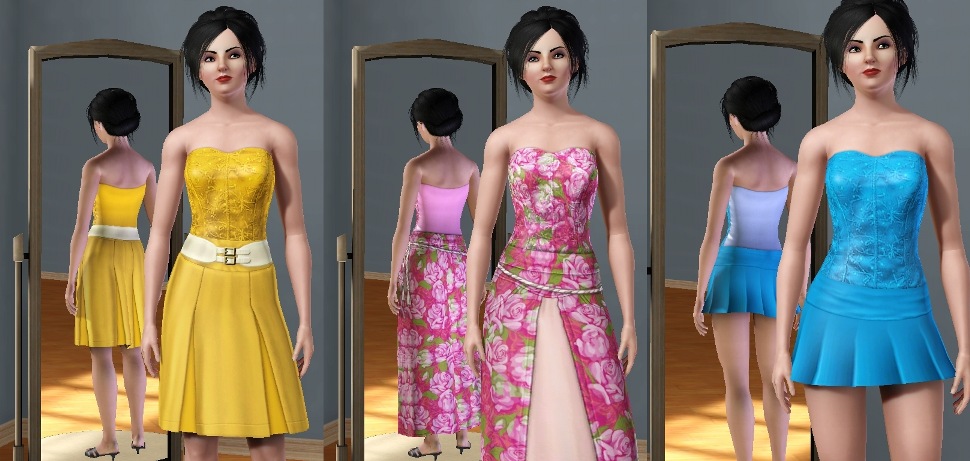
Enjoy!

Additional Credits:
My model hair is from XM Sims
The purple skirt is from The Store
|
FancyCorset.rar
Download
Uploaded: 26th Aug 2009, 459.2 KB.
34,382 downloads.
|
||||||||
| For a detailed look at individual files, see the Information tab. | ||||||||
Install Instructions
1. Click the download button, or the filename, to download the file to your computer.
2. Extract the zip, rar, or 7z file. Now you will have either a .package or a .sims3pack file.
For Package files:
1. Cut and paste the file into your Documents\Electronic Arts\The Sims 3\Mods\Packages folder. If you do not already have this folder, you should read the full guide to Package files first: Sims 3:Installing Package Fileswiki, so you can make sure your game is fully patched and you have the correct Resource.cfg file.
2. Run the game, and find your content where the creator said it would be (build mode, buy mode, Create-a-Sim, etc.).
For Sims3Pack files:
1. Cut and paste it into your Documents\Electronic Arts\The Sims 3\Downloads folder. If you do not have this folder yet, it is recommended that you open the game and then close it again so that this folder will be automatically created. Then you can place the .sims3pack into your Downloads folder.
2. Load the game's Launcher, and click on the Downloads tab. Find the item in the list and tick the box beside it. Then press the Install button below the list.
3. Wait for the installer to load, and it will install the content to the game. You will get a message letting you know when it's done.
4. Run the game, and find your content where the creator said it would be (build mode, buy mode, Create-a-Sim, etc.).
Extracting from RAR, ZIP, or 7z: You will need a special program for this. For Windows, we recommend 7-Zip and for Mac OSX, we recommend Keka. Both are free and safe to use.
Need more help?
If you need more info, see:
- For package files: Sims 3:Installing Package Fileswiki
- For Sims3pack files: Game Help:Installing TS3 Packswiki
Loading comments, please wait...


Uploaded: 26th Aug 2009 at 10:18 PM
-
-
-
by kuchikisan92 24th Jul 2009 at 11:18pm
 17
45.4k
65
17
45.4k
65
-
-
by Anubis360 13th Sep 2009 at 2:42pm
49
196.6k
233
-
-
by Kiara24 3rd Mar 2010 at 7:15pm
20
130.9k
198
-
by Anubis360 21st Apr 2010 at 10:38pm
20
70.2k
178
-
-
by HystericalParoxysm 27th Jul 2014 at 10:31pm
27
32.2k
108

-
-
-
-
-
-
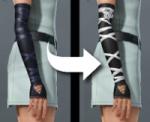
Fixed Gothic Gloves - Now with 2 channels!
by Anubis360 12th Oct 2009 at 5:38pm
I couldn't believe EA made these nice gloves with one single channel, so I decided to fix that. more...
60
92.3k
355
-
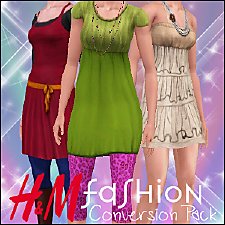
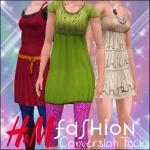
H&M Fashion - Conversion Pack!
by Anubis360 4th Nov 2009 at 3:02pm
Hi there! I was missing so badly these outfits for The Sims 3! more...
110
267.1k
510
-
-
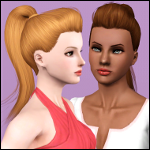
Nouk's Out of Fashion Ponytail ~ Converted for Teen-to-Elder
by Anubis360 25th Jan 2011 at 10:06pm
A comfy, styled ponytail for your sim girls! more...
74
336.4k
818
Hair » Female » Young Adult
-
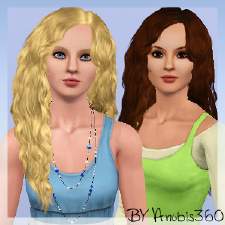
Southern Beauty ~ Myos Female Hair 15 Conversion
by Anubis360 updated 12th Jul 2010 at 5:30pm
:here: This hair has been updated to work with the patch 1.14/2.9/3.5/4.2. more...
119
414.3k
754
Hair » Female » Young Adult