
 Sign in to Mod The Sims
 Request: Gothic Window
 Request: Gothic Window


D&M_Windows_GC_C.jpg - width=696 height=1024
D&M_Windows_GC_C1.jpg - width=696 height=663
D&M_Windows.jpg - width=1059 height=506
D&M_Window_R.jpg - width=1024 height=512
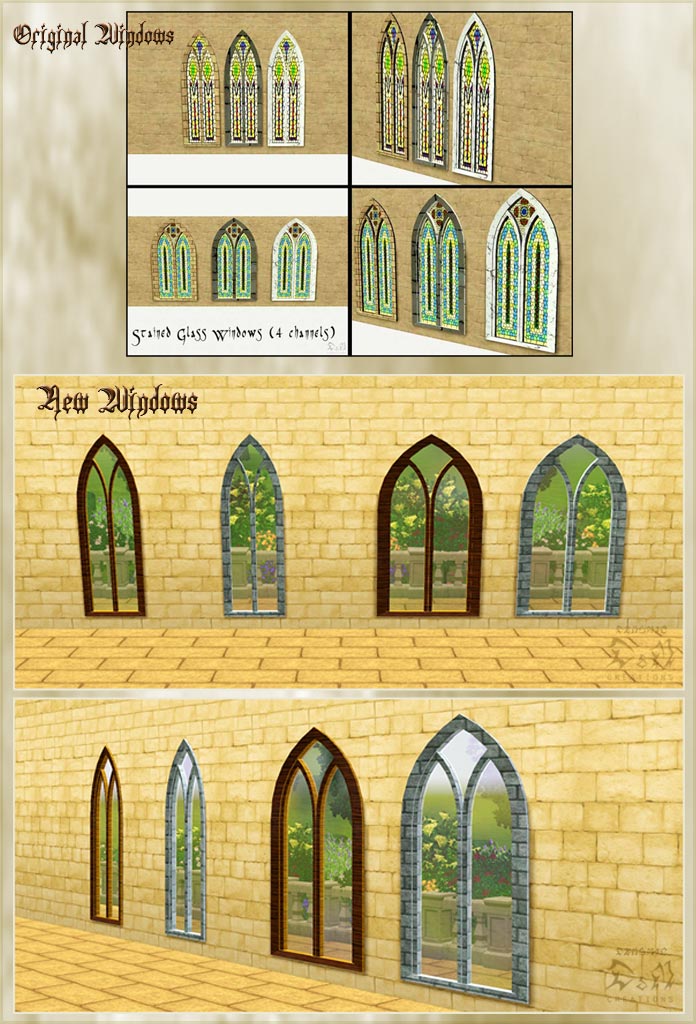
Window:
Price: 200
Channels: 4
Build Mode - Window
Window (2x1):
Price: 250
Channels: 4
Build Mode - Window
Tested in version: 1.12 / 2.7
UPDATE: Fixed wall masks, added new .rar in download section (Game Version: 1.19/2.14/6.2.4)
Polygon Counts:
Window - Faces: 1234
Window (2x1) - Faces: 652
This is a new mesh, and means that it's a brand new self contained object that usually does not require a specific Pack (although this is possible depending on the type). It may have Recolours hosted on MTS - check below for more information.
|
D&M_Windows_GC_C_FIX.rar
| UPDATE: Fixed wall masks (Game Version: 1.19/2.14/6.2.4)
Download
Uploaded: 14th Apr 2011, 499.3 KB.
16,728 downloads.
|
||||||||
|
D&M_Windows_GC_C.rar
Download
Uploaded: 8th Jul 2010, 652.4 KB.
15,939 downloads.
|
||||||||
| For a detailed look at individual files, see the Information tab. | ||||||||
Install Instructions
1. Click the download button, or the filename, to download the file to your computer.
2. Extract the zip, rar, or 7z file. Now you will have either a .package or a .sims3pack file.
For Package files:
1. Cut and paste the file into your Documents\Electronic Arts\The Sims 3\Mods\Packages folder. If you do not already have this folder, you should read the full guide to Package files first: Sims 3:Installing Package Fileswiki, so you can make sure your game is fully patched and you have the correct Resource.cfg file.
2. Run the game, and find your content where the creator said it would be (build mode, buy mode, Create-a-Sim, etc.).
For Sims3Pack files:
1. Cut and paste it into your Documents\Electronic Arts\The Sims 3\Downloads folder. If you do not have this folder yet, it is recommended that you open the game and then close it again so that this folder will be automatically created. Then you can place the .sims3pack into your Downloads folder.
2. Load the game's Launcher, and click on the Downloads tab. Find the item in the list and tick the box beside it. Then press the Install button below the list.
3. Wait for the installer to load, and it will install the content to the game. You will get a message letting you know when it's done.
4. Run the game, and find your content where the creator said it would be (build mode, buy mode, Create-a-Sim, etc.).
Extracting from RAR, ZIP, or 7z: You will need a special program for this. For Windows, we recommend 7-Zip and for Mac OSX, we recommend Keka. Both are free and safe to use.
Need more help?
If you need more info, see:
- For package files: Sims 3:Installing Package Fileswiki
- For Sims3pack files: Game Help:Installing TS3 Packswiki
Loading comments, please wait...



Uploaded: 8th Jul 2010 at 5:53 PM
Updated: 14th Apr 2011 at 12:33 PM
-
by HugeLunatic 12th Aug 2009 at 5:38pm
 56
159.1k
246
56
159.1k
246
-
by leefish 16th Oct 2009 at 3:56pm
38
43.8k
68
-
-
-
-
by Lisen801 18th Jul 2010 at 10:53pm
27
45.8k
96
-
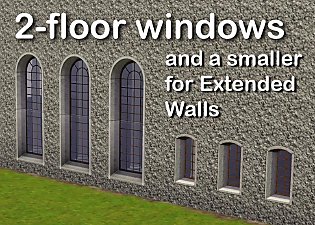
2 new windows for *Extended* walls
by Lisen801 updated 27th May 2012 at 12:44pm
+1 packs
19 59.9k 106 Late Night
-
-
-



-
Medieval Male Armor CAS for Young Adults & Adults - Ye Olde Kingdom of Pudding
by The Merrye Makers 2nd Oct 2012 at 7:44am
Are you looking for armor for their knights? more...
+1 packs
29 77.3k 138 World Adventures
-
Medieval Windmill Home - Ye Olde Kingdom of Pudding
by The Merrye Makers 24th Apr 2012 at 4:24pm
Perfect starter home for a family of four, this repurposed medieval windmill has 2 bedrooms, 1 bathroom, pond and garden. more...
+5 packs
8 35.1k 52 World Adventures
 Ambitions
Late Night
Ambitions
Late Night
 Generations
 Pets
Pets
-
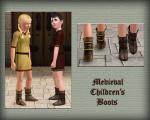
Medieval Shoes for Boys and Girls CAS - Ye Olde Kingdom of Pudding
by The Merrye Makers 14th Jul 2013 at 4:46am
This time, our shoemaker only bring boots for children. After all, our boys and girls can not walk barefoot through the kingdom. more...
-
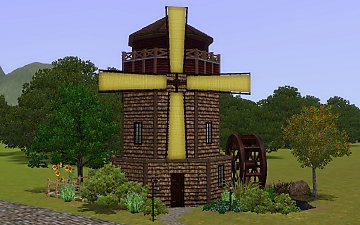
Medieval Big Water Wheel & Windmill Blades - Ye Olde Kingdom of Pudding
by The Merrye Makers 8th Dec 2011 at 1:46pm
The Quick Tick Wall Clock was used to make the Medieval Big Water Wheel and Windmill Blades actually turn. more...
19
38.3k
93
-
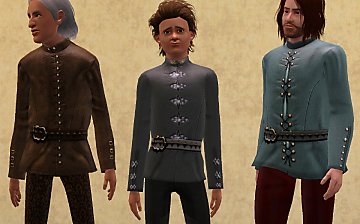

Medieval Male Doublets CAS - Ye Olde Kingdom of Pudding
by The Merrye Makers 15th Jan 2013 at 11:13pm
Three medieval male doublet conversions by Kiara24, revised by monca533, for teens through elders in everyday and formal categories. more...
22
65.2k
167
-
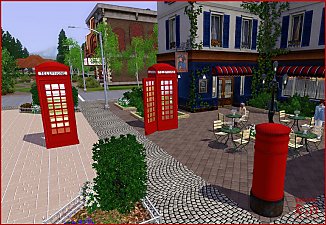
Request: British Phone Booth and British Mailbox
by Hekate999 updated 14th Apr 2011 at 11:49am
Build your own british phone booth more...
-
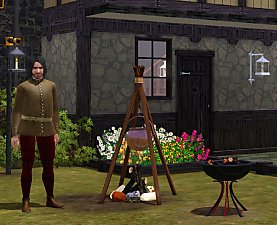
Medieval Fireplaces - Ye Olde Kingdom of Pudding
by The Merrye Makers 14th Jan 2012 at 12:52pm
A mediveal Floor Torch and Campfire which are both functioning fireplaces. Made by Hekate999 for The Merrye Makers. more...
14
51.6k
129
-
-
Medieval Blacksmith - Deco Objects - Ye Olde Kingdom of Pudding
by The Merrye Makers 20th Dec 2011 at 11:27am
Medieval blacksmith decorative objects made by Hekate999 for The Merrye Makers. more...
8
56.6k
117
-
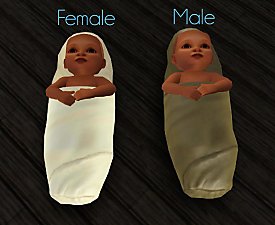
Medieval Baby Blanket Default Replacements - Ye Olde Kingdom of Pudding
by The Merrye Makers 29th Jan 2012 at 1:25pm
Two options for medieval baby blanket default replacements made by Daluved1 for The Merrye Makers. more...


About Me
All my creations are for The Sims 3 and can be converted to The Sims 2 and The Sims 4, but can't be used for other projects.
Please give credit with a link when converting my work.
Thanks:
Wes Howe: S3ObjTool
Inge and Peter Jones: S3OC and S3PE Delphy: Sims3dashboard
All the authors of tutorials in MTS