
 Sign in to Mod The Sims
 Nose contour and Tired eyes make up for Defined noses and realistic eyes!
 Nose contour and Tired eyes make up for Defined noses and realistic eyes!


nosecmain.jpg - width=356 height=288
nosec1.jpg - width=484 height=708
nosecontourcolla.jpg - width=978 height=614
recolorinfo.jpg - width=520 height=648

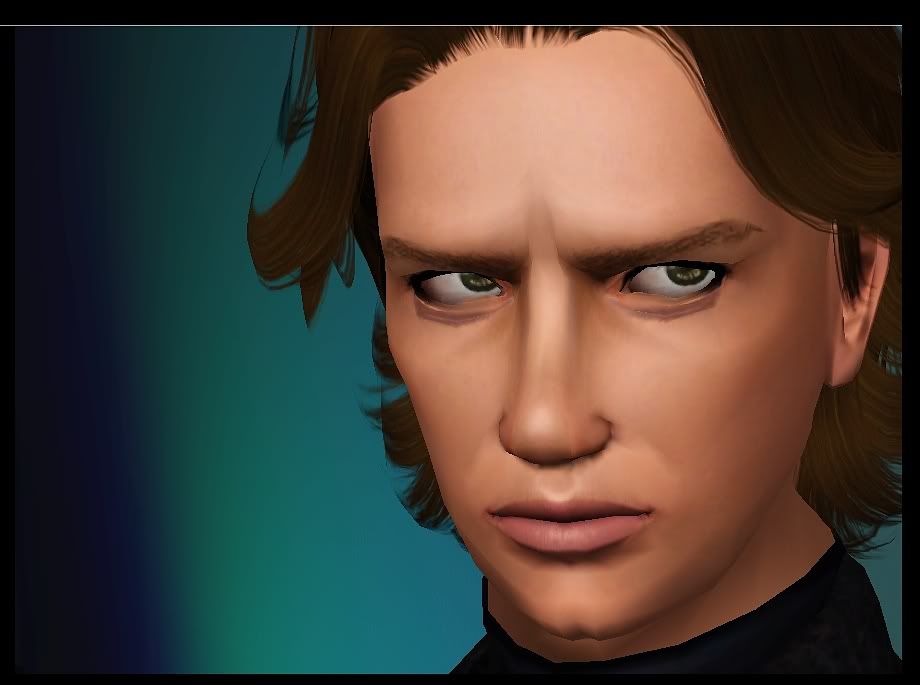
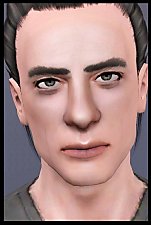
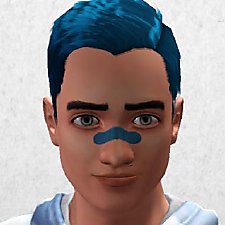
I was re-doing my Anakin's nose for seriously like the 200th time when I realized a possible way to get rid of the 'fat nose' that occurs when trying to create a realistically undefined nose. You know, the nose get's really fat right between the eye. And that's SO ugly, all of celebrity-creators know that from the heart, right... :/
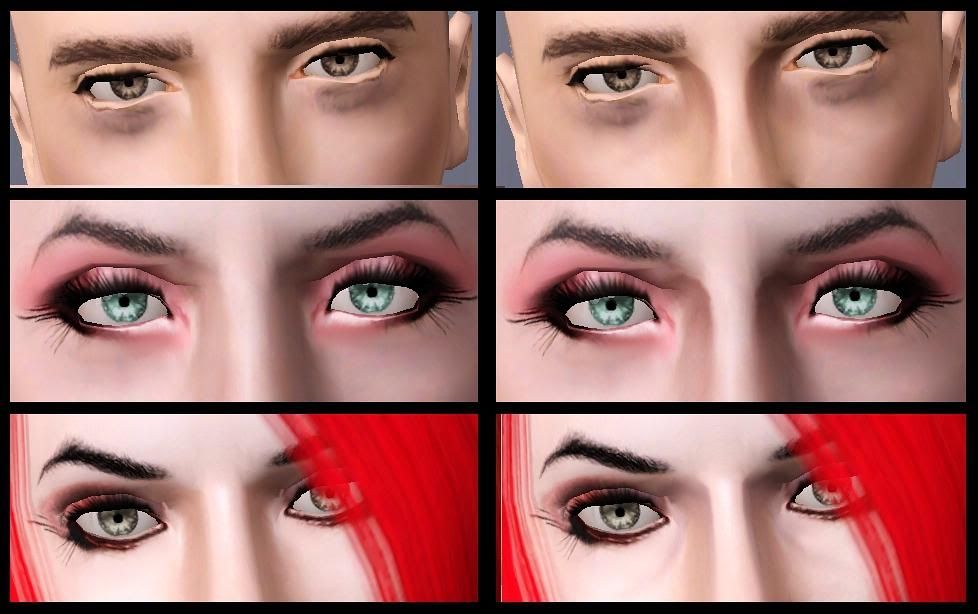
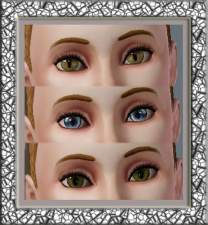
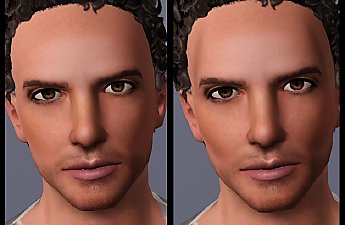
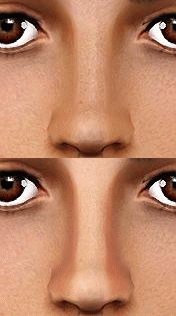
AND HERE IT IS! A way to define the upper part of the nose without the fat nose and without making the lower part defined!
It has three recolorable channels, which enables different volumes from barely visible and natural to very defined.
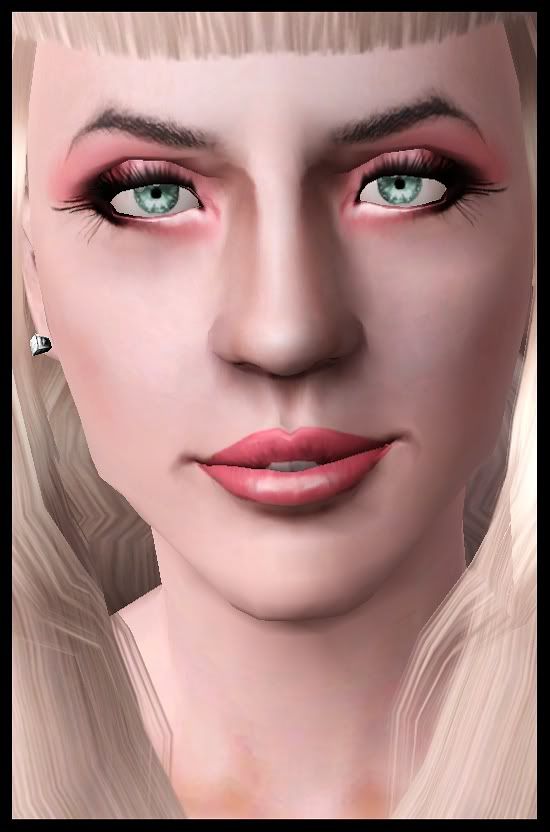
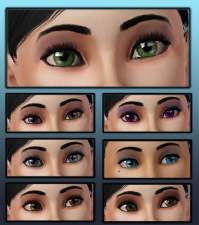
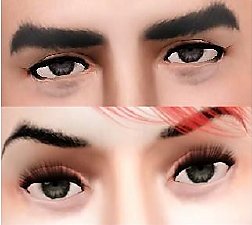
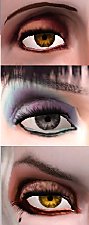
Also, as there can't be enough realistic eyes, I made another version, which has an added detail under the eyes. With this, you can make tired and/or realistic eyes!
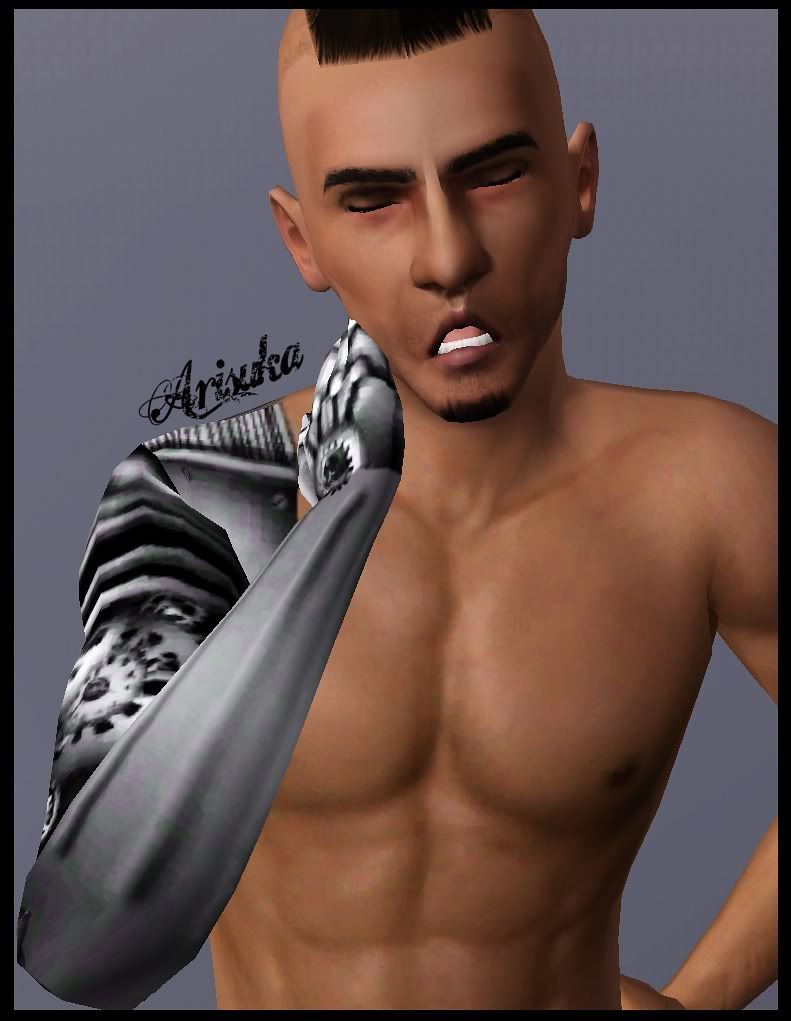
AND, because celebrity creating requires sometimes loads of CC use, I made both versions in eyeliner AND blush category so that you won't have to choose to leave any desired feature out.

These are from teen to elder, for both genders.
Anakin's hair (free) Peggyzone, converted by Anubis360
Red hair by Annihilation
Red head's hat by Rose (under TS3, accessories, page 11)
Skins by Peggyzone (under TS3, free, skins)
All make up, eyes, brows (except brows on ladies by Nandonalt ) stubble and iron arm by me, available in my downloads section (except the iron arm which I'll upload some other time).
|
ALL.rar
Download
Uploaded: 10th Aug 2010, 287.1 KB.
25,744 downloads.
|
||||||||
|
Arisuka_NoseAndEyesContourDetail_EYELINER.rar
Download
Uploaded: 10th Aug 2010, 65.1 KB.
6,065 downloads.
|
||||||||
|
Arisuka_NoseAndEyesContourDetail_BLUSH.rar
Download
Uploaded: 10th Aug 2010, 65.1 KB.
7,147 downloads.
|
||||||||
|
Arisuka_NoseContourDetail_EYELINER.rar
Download
Uploaded: 10th Aug 2010, 78.5 KB.
5,770 downloads.
|
||||||||
|
Arisuka_NoseContourDetail_BLUSH.rar
Download
Uploaded: 10th Aug 2010, 78.5 KB.
8,359 downloads.
|
||||||||
| For a detailed look at individual files, see the Information tab. | ||||||||
Install Instructions
1. Click the download button, or the filename, to download the file to your computer.
2. Extract the zip, rar, or 7z file. Now you will have either a .package or a .sims3pack file.
For Package files:
1. Cut and paste the file into your Documents\Electronic Arts\The Sims 3\Mods\Packages folder. If you do not already have this folder, you should read the full guide to Package files first: Sims 3:Installing Package Fileswiki, so you can make sure your game is fully patched and you have the correct Resource.cfg file.
2. Run the game, and find your content where the creator said it would be (build mode, buy mode, Create-a-Sim, etc.).
For Sims3Pack files:
1. Cut and paste it into your Documents\Electronic Arts\The Sims 3\Downloads folder. If you do not have this folder yet, it is recommended that you open the game and then close it again so that this folder will be automatically created. Then you can place the .sims3pack into your Downloads folder.
2. Load the game's Launcher, and click on the Downloads tab. Find the item in the list and tick the box beside it. Then press the Install button below the list.
3. Wait for the installer to load, and it will install the content to the game. You will get a message letting you know when it's done.
4. Run the game, and find your content where the creator said it would be (build mode, buy mode, Create-a-Sim, etc.).
Extracting from RAR, ZIP, or 7z: You will need a special program for this. For Windows, we recommend 7-Zip and for Mac OSX, we recommend Keka. Both are free and safe to use.
Need more help?
If you need more info, see:
- For package files: Sims 3:Installing Package Fileswiki
- For Sims3pack files: Game Help:Installing TS3 Packswiki
Loading comments, please wait...



-
-
-
-
-
Subtle Wrinkles for Both Genders ***NOW AS AGE DETAIL TOO***
by Arisuka updated 8th Mar 2010 at 5:05pm
 38
99.4k
157
38
99.4k
157
-
-
-
-
-

-
Assassin's Creed III - Connor / Ratonhnhaké:ton
by Arisuka 2nd Jan 2013 at 11:52pm
The humble hero of AC3! more...
36
54.9k
59
-
-
-
I Wanna Be Your TeddyBear - Gleaming default replacement eyes
by Arisuka 18th Feb 2010 at 10:58pm
These eyes are super-glossy, shiny and twinkly, and very small (yes, very small!) in size! more...
-
-
-
Subtle Wrinkles for Both Genders ***NOW AS AGE DETAIL TOO***
by Arisuka updated 8th Mar 2010 at 5:05pm
Are you fed up with adults looking all shiny and oiled? And don't want more...
38
99.5k
157
-
-
-
Daniel Radcliffe as Harry Potter
by Arisuka 21st Mar 2010 at 7:22pm
Harry was told his parents were killed in a car crash, and he lived with his highly unpleasant more...
75
99.3k
163


