Sign in to Mod The Sims
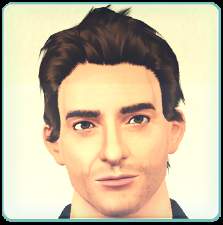
 Christian Bale
 Christian Bale


balefinalb.png - width=377 height=400
Release header
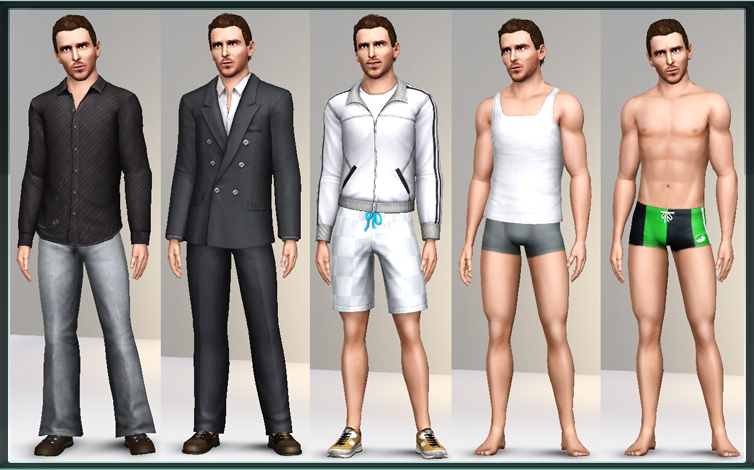
balefinal3.jpg - width=754 height=470
Everyday, Formal, Athletic, Sleep and Swimming outfits
balefinal4.jpg - width=620 height=560
Comparison shot with real life pictures
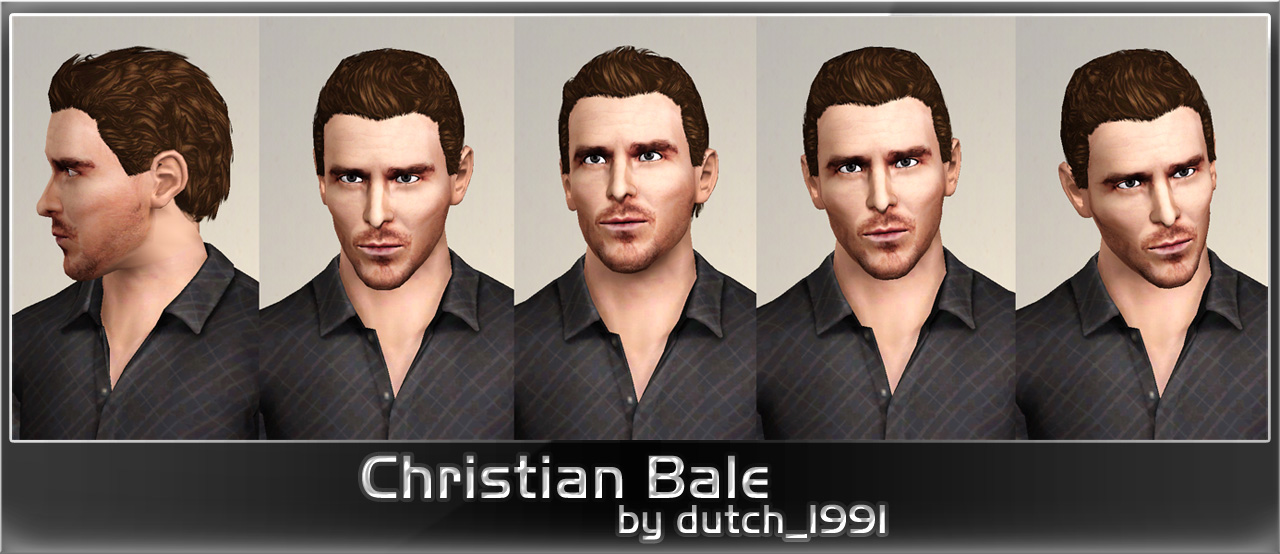
balefinal1c.jpg - width=1280 height=554
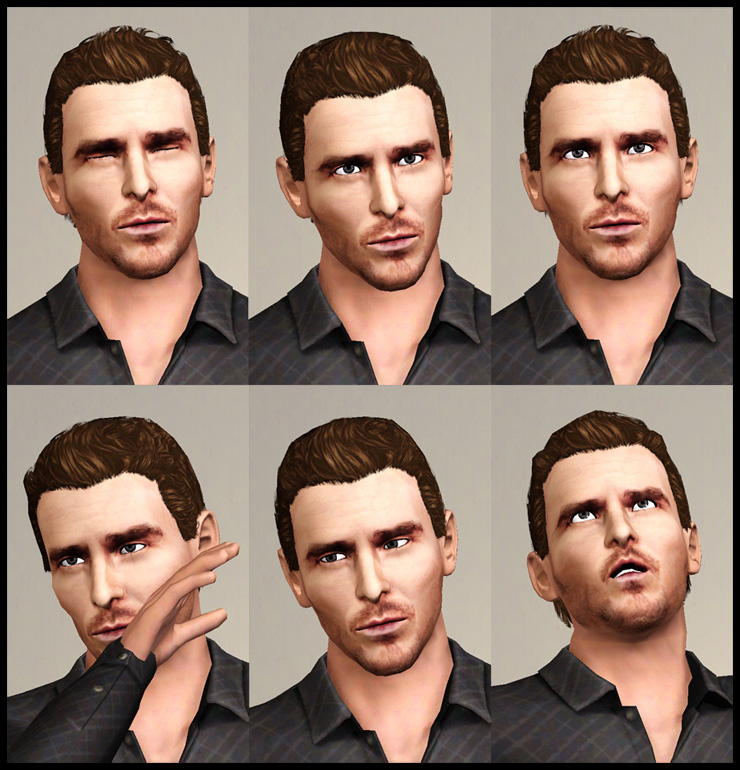
balefinal5.jpg - width=740 height=770
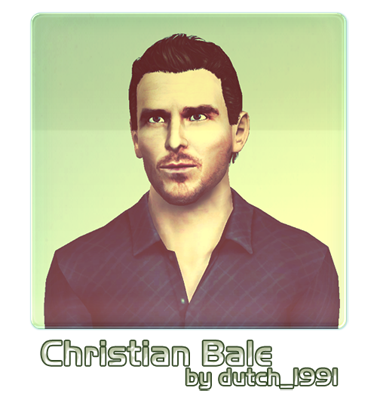
Hey all,
This is my very first upload on MTS, please go easy on me

I'm currently creating a series of celebrity sims, mainly Hollywood actors for now. The first one in line is Christian Bale, cause most of his movies are absolutely awesome and I haven't seen anyone create him before. So yeah. Here's what I make of him.
More expressions:
Age: Young Adult
Personality traits:
- Charismatic
- Brave
- Good
- Hot-headed
- Perfectionist
Favorite Food: Tri-Tip Steak
Favorite Music: Classical
Favorite Color: Black
Bio:
Christian Bale is currently one of Hollywood's top action films stars. He has appeared in a number of hit movies such as American Psycho, Equilibrium, The Machinist, The Prestige, and especially as Bruce Wayne in Christopher Nolan's legendary recreation of the Batman franchise in Batman Begins and The Dark Knight. He is a serious actor, explaining the usual dark and disturbing characters he takes on. He's also hot tempered at times, but when he's not, you might find him quite charming.
All of his clothes are EA's defaults with some recoloring.
The custom face mask as you see here was created by me, with two recolorable channels and it's included in the release.
Custom Content by Me:
- Costume face mask for Christian Bale
Additional Credits:
Skin: Silk non-default skin package by LadyFrontbum
Hair: AlfredAskew's Backswept Short Curly Hair Conversion by TumTum
Sliders that determined his looks:
AwesomeMod
jonha's sliders
bella3lek4's sliders
|
Christian Bale.rar
Download
Uploaded: 12th Oct 2010, 1.43 MB.
11,593 downloads.
|
||||||||
| For a detailed look at individual files, see the Information tab. | ||||||||
Install Instructions
1. Click the filename or the download button to download the sim to your computer.
2. Extract the zip, rar, or 7z file.
2. Select the .sim file you got from extracting.
3. Cut and paste it into your Documents\Electronic Arts\The Sims 3\SavedSims folder. If you do not have this folder yet, it is recommended that you open the game, enter Create-a-Sim, and save a sim to the sim bin to create this folder, rather than doing so manually. After that you can close the game and put the .sim file in SavedSims
4. Once the .sim file is in SavedSims, you can load the game, and look for your sim in the premade sims bin in Create-a-Sim.
Extracting from RAR, ZIP, or 7z: You will need a special program for this. For Windows, we recommend 7-Zip and for Mac OSX, we recommend Keka. Both are free and safe to use.
Need more help?
If you need more info, see Game Help:Installing TS3 Simswiki for a full, detailed step-by-step guide! Special Installation Instructions
- If you get an error that says "This content requires expansion pack data that is not installed", please use Clean Installer to install this sim.
Loading comments, please wait...


Uploaded: 12th Oct 2010 at 12:37 PM
-
by Syera 26th Jun 2009 at 1:14am
 44
52.1k
25
44
52.1k
25
-
by monca533 24th Dec 2009 at 4:28pm
11
10.3k
4
-

-
by monca533 12th Feb 2010 at 11:41am
46
62.8k
59
-

by monca533 23rd Feb 2010 at 7:49pm
17
29.3k
17
-
by monca533 23rd Feb 2010 at 7:50pm
14
34.4k
26
-
by monca533 19th Mar 2010 at 7:31pm
9
17.8k
11
-
by dutch 24th Oct 2010 at 8:45pm
16
45.9k
34
-
by Victor_tor 23rd Oct 2010 at 12:37am
15
74.9k
65
-
by monca533 12th Dec 2010 at 12:46pm
38
91.5k
28