
 Sign in to Mod The Sims
 Satin Skin Default replacement by GE
 Satin Skin Default replacement by GE


shapes.jpg - width=1024 height=800
fem all ages.jpg - width=1024 height=800
male all ages.jpg - width=858 height=800
full body male.jpg - width=1024 height=773
Vs face.jpg - width=1024 height=751
main.jpg - width=1024 height=800
female full body.jpg - width=1024 height=800
satskin.jpg - width=993 height=768
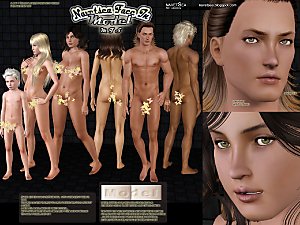
 And Now a non default version available for adults both genders...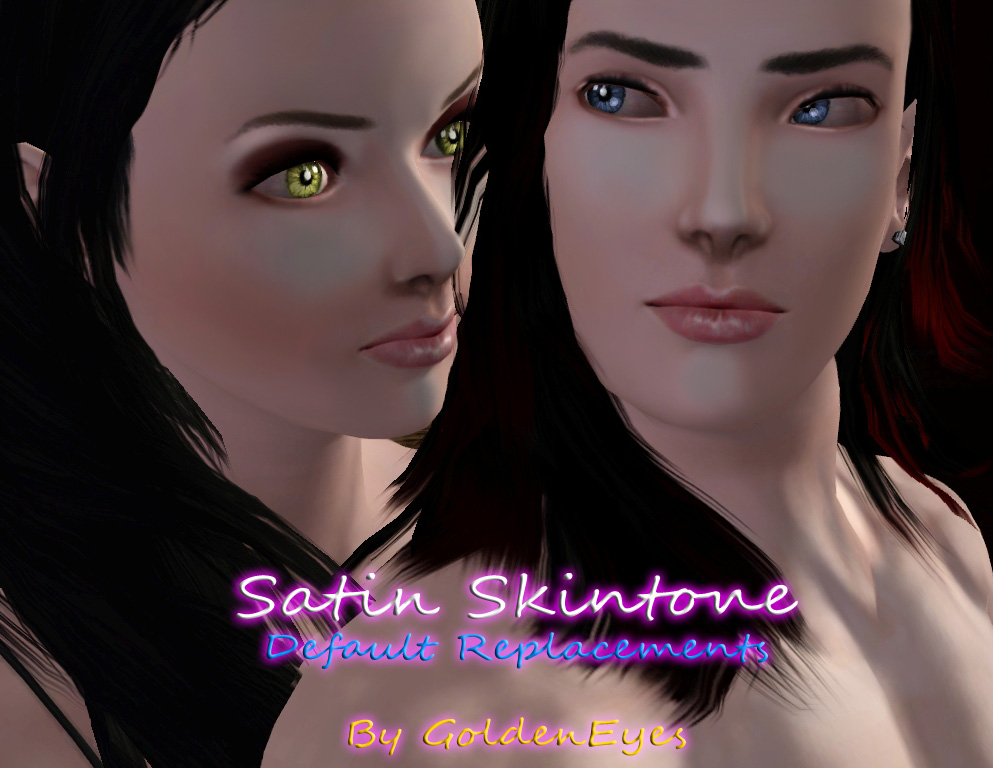
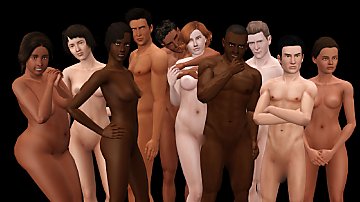
With a very detailed texture you can replace all of your sims skins from toddlers to elders...
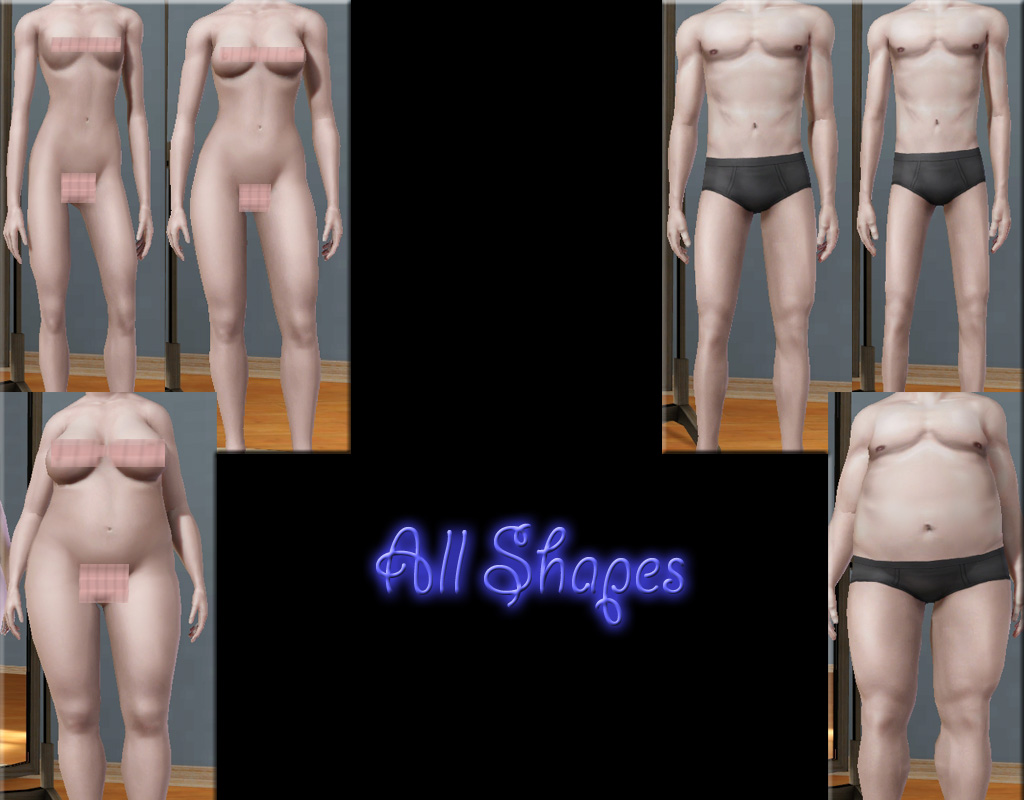
Is great for all shapes, shades and ages...
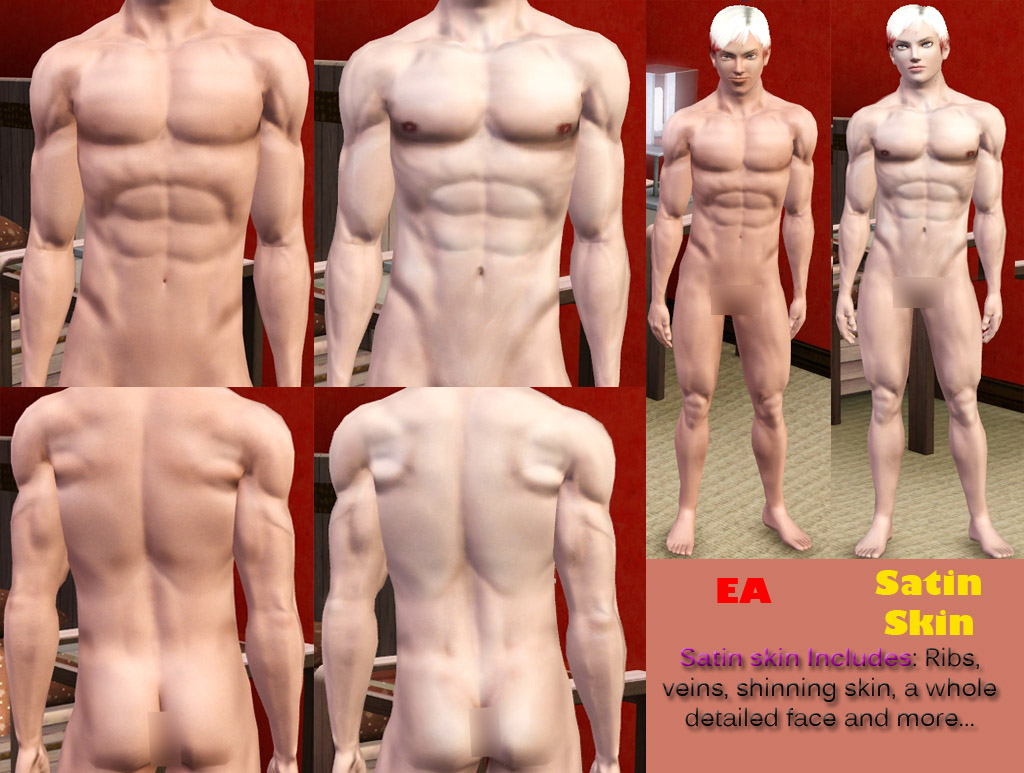
Males
Females::
Compare them yourself::

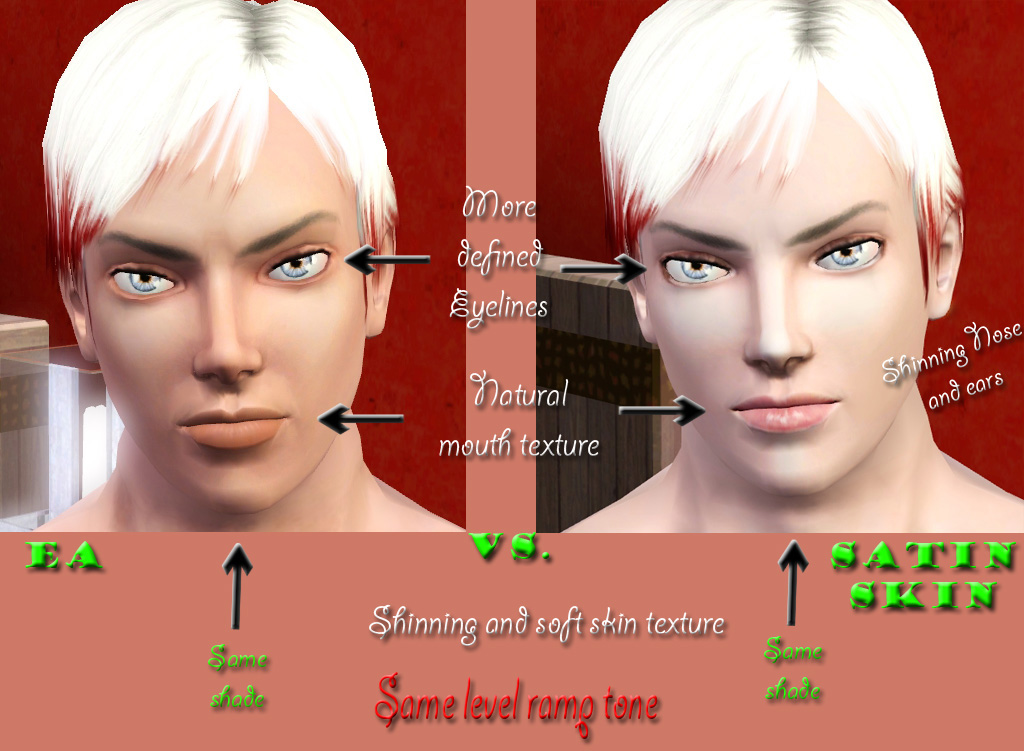 As the default skintone has been completly modified and it's now paler, you must download the scalps rar file to match the tones for face, body and scalps... NOW NON DEFAULT VERSION available
Hope yall enjoy

|
Satin Skintone non-def By GE.rar
| Non default version for both gender (Children not included)
Download
Uploaded: 7th Feb 2011, 2.76 MB.
6,883 downloads.
|
||||||||
|
Satin Skintone Scalps.rar
Download
Uploaded: 9th Jan 2011, 325.8 KB.
6,404 downloads.
|
||||||||
|
Satin Skintone By GoldenEyes.rar
| all ages and shades
Download
Uploaded: 31st Dec 2010, 6.77 MB.
11,680 downloads.
|
||||||||
|
Satin Skintone By GE 4 Males only.rar
| Doesn't include children and toddlers
Download
Uploaded: 31st Dec 2010, 1.84 MB.
6,838 downloads.
|
||||||||
|
Satin Skintone By GE 4 Females only.rar
| Doesn't include children and toddlers
Download
Uploaded: 31st Dec 2010, 1.69 MB.
8,089 downloads.
|
||||||||
| For a detailed look at individual files, see the Information tab. | ||||||||
Install Instructions
1. Click the download button, or the filename, to download the file to your computer.
2. Extract the zip, rar, or 7z file. Now you will have either a .package or a .sims3pack file.
For Package files:
1. Cut and paste the file into your Documents\Electronic Arts\The Sims 3\Mods\Packages folder. If you do not already have this folder, you should read the full guide to Package files first: Sims 3:Installing Package Fileswiki, so you can make sure your game is fully patched and you have the correct Resource.cfg file.
2. Run the game, and find your content where the creator said it would be (build mode, buy mode, Create-a-Sim, etc.).
For Sims3Pack files:
1. Cut and paste it into your Documents\Electronic Arts\The Sims 3\Downloads folder. If you do not have this folder yet, it is recommended that you open the game and then close it again so that this folder will be automatically created. Then you can place the .sims3pack into your Downloads folder.
2. Load the game's Launcher, and click on the Downloads tab. Find the item in the list and tick the box beside it. Then press the Install button below the list.
3. Wait for the installer to load, and it will install the content to the game. You will get a message letting you know when it's done.
4. Run the game, and find your content where the creator said it would be (build mode, buy mode, Create-a-Sim, etc.).
Extracting from RAR, ZIP, or 7z: You will need a special program for this. For Windows, we recommend 7-Zip and for Mac OSX, we recommend Keka. Both are free and safe to use.
Need more help?
If you need more info, see:
- For package files: Sims 3:Installing Package Fileswiki
- For Sims3pack files: Game Help:Installing TS3 Packswiki
Loading comments, please wait...
Uploaded: 31st Dec 2010 at 4:34 AM
Updated: 7th Feb 2011 at 3:13 AM
#skintone, #skin, #default, #realistic skintone
-
Moonlight Skin - All Ages included
by kanno updated 12th Sep 2009 at 3:49pm
-
F-IN01 TS3 female default skin replacement MTS v2
by Navetsea 15th Feb 2011 at 8:31pm
-
F-IN01 TS3 default replacement FULL FAMILY v2
by Navetsea 6th Mar 2011 at 5:36pm
-
UPDATED--- FFDW-skintone (Non-Default+Default)
by -Mallow- updated 7th Oct 2011 at 5:03am
-
Eskin WEAK set with Default replacement
by teru_k 3rd May 2012 at 4:39pm
-
Face- In revised default & non default natural realistic style skin
by Navetsea updated 23rd Jun 2012 at 9:24am
-
by Strappys updated 4th Dec 2014 at 12:28pm
-
-
by Navetsea 29th Dec 2012 at 5:44am
-

-
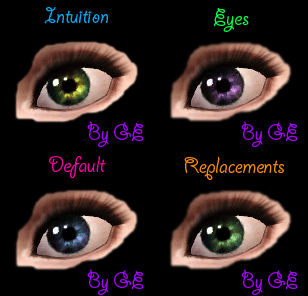
Intuition Eyes TS3 Default Replacements.
by Goldeneyes 10th Jan 2011 at 8:46pm
Intuition Eyes TS3 Default Replacements Is a package file tht replace the default TS3 Eyes with a very realistic texture for the iris and sclera... more...
-
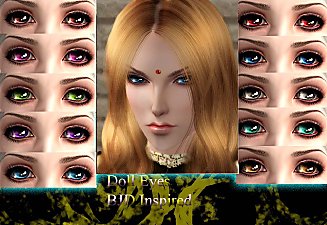
Cute Doll Eyes - BJD Inspired as contacts
by Goldeneyes 17th Aug 2010 at 7:34pm
Lovely and cute plastic eyes ... 10 colours specially for Dollfies BJD more...
 19
58.1k
100
19
58.1k
100
-
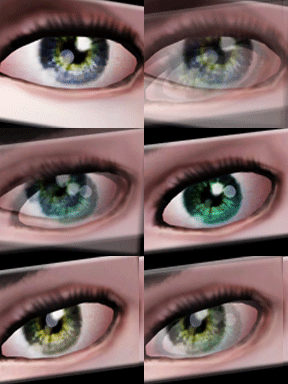
Intensity Eyes as Contacts and Defaults
by Goldeneyes 28th Jan 2011 at 11:39am
Amazing and realistics eyes as contacts... more...
-
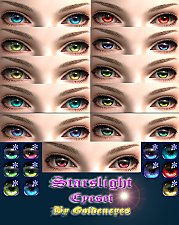
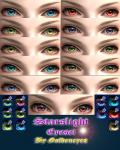
Starslight Eyeset by GoldenEyes
by Goldeneyes 28th May 2011 at 3:44am
11 beautiful and shinning colours with a flashing and colorful texture more...
-
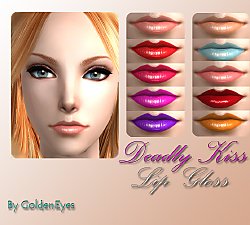
by Goldeneyes 23rd Sep 2015 at 5:18am
Lip gloss in 10 colors more...
-
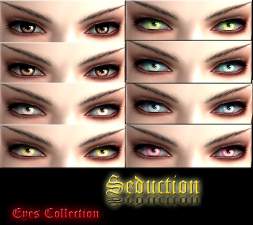
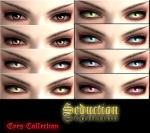
by Goldeneyes 14th Sep 2010 at 9:06pm
8 new colours with a flashing and charming texture... more...
-
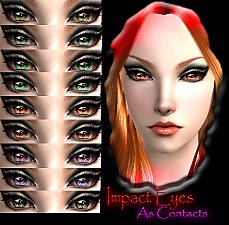
by Goldeneyes 6th Mar 2011 at 5:36am
Impact Eyes As Contacts nine beautiful eyes as contacts more...
-

Ilumination Eyeset and Defaults
by Goldeneyes 13th Feb 2011 at 10:40pm
Ilumination Eyeset and Defaults is package that includes 8 different and realistics eyes more...
-
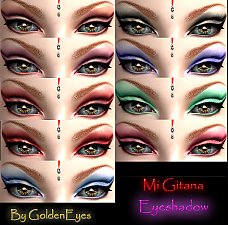
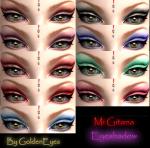
by Goldeneyes 8th Mar 2011 at 4:37am
Nine beautiful and colorfull Eyeshadows more...
-
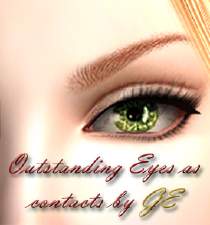
Outstanding Eyes as Contact Lenses Second Edition
by Goldeneyes 16th Mar 2011 at 11:59pm
Outstanding Eyes as Contact Lenses Second Edition with 10 new colors and textures.. more...

About Me
If you want to include my creations in a package PM me first and ask for permission.