
 Sign in to Mod The Sims
 Cleo Hwang
 Cleo Hwang


body01.jpg - width=1280 height=640
front01.jpg - width=1024 height=1024
front02.jpg - width=1024 height=1024
front.jpg - width=800 height=800
thumb.jpg - width=250 height=250

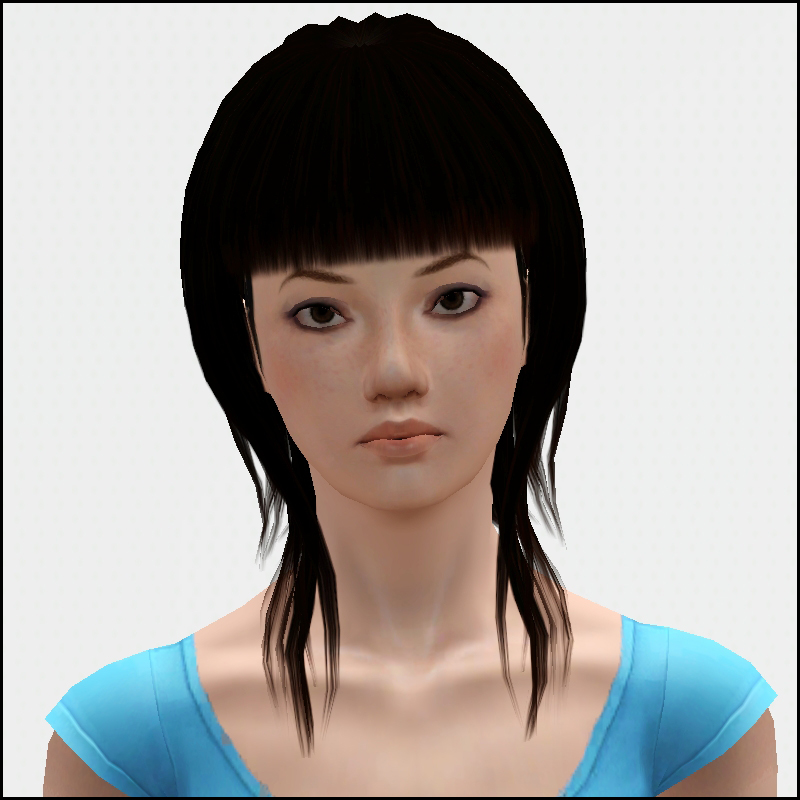
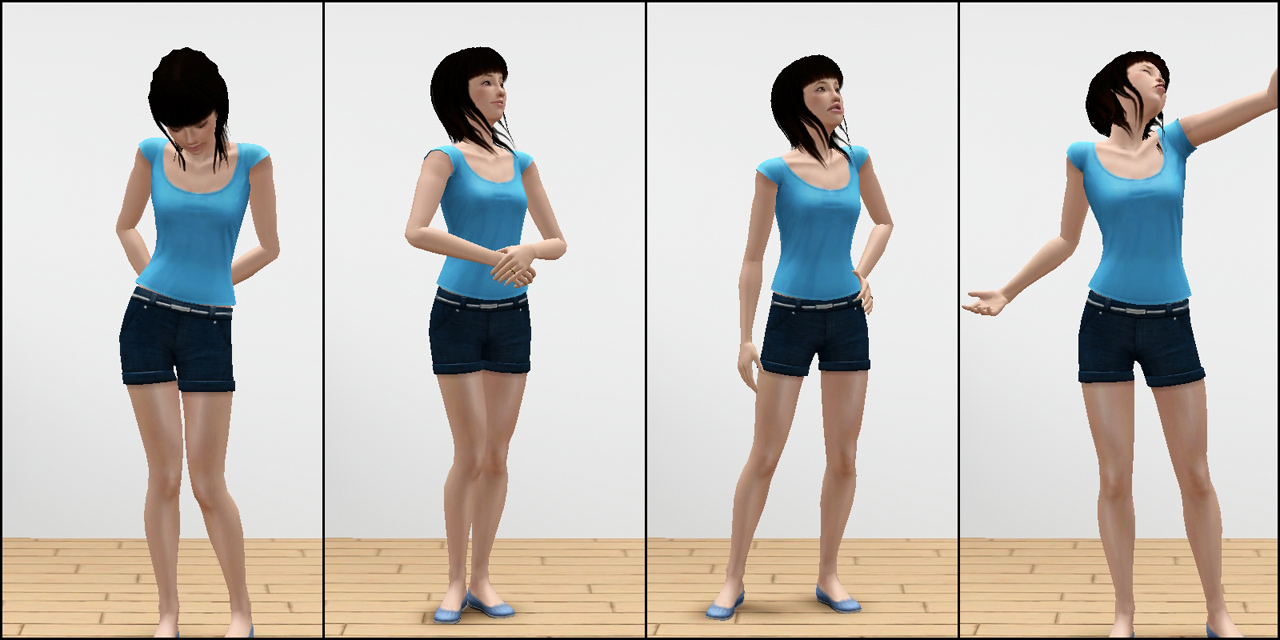
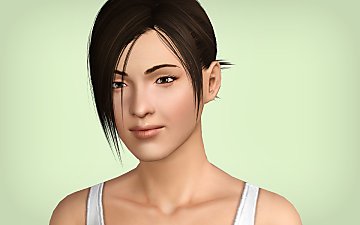
Cleo Hwang spends her days puttering in her garden, growing fresh vegetables and herbs to cook with. She is mindful of the environment, recycles her kitchen scraps in her garden, and loves to ride her bicycle to the local bookstore to buy more recipe books. As a vegetarian, her favorite food is stir fry - made from all the fresh vegetables she grows. She can happily spend everyday outside, either working in the garden or just reading a good book. Someday she hopes to travel to France to learn about nectar and start growing her own grapes.
Traits
- Eco Friendly
- Green Thumb
- Loves Outdoors
- Natural Cook
- Vegetarian
Favorites
- Stir Fry
- Aqua
- Classical Music
CC Used - NOT Included!
European Skin A2.0 by lemonleaf
Anva Groomed & Styled Eyebrows by Nandanolt
Oh My Tiffany Eyes by Escand
Bright & Smoky Eyeshadow by emmzx
Freckles by Papercat
Moisture Sheer Lipstick by Channi & Vivin
Sliders
Master Controller by Twallan - sliders set to 3x
This sim is packaged with EA hair & skin
|
Cleo_Hwang.rar
Download
Uploaded: 10th Apr 2011, 339.6 KB.
3,028 downloads.
|
||||||||
| For a detailed look at individual files, see the Information tab. | ||||||||
Install Instructions
1. Click the filename or the download button to download the sim to your computer.
2. Extract the zip, rar, or 7z file.
2. Select the .sim file you got from extracting.
3. Cut and paste it into your Documents\Electronic Arts\The Sims 3\SavedSims folder. If you do not have this folder yet, it is recommended that you open the game, enter Create-a-Sim, and save a sim to the sim bin to create this folder, rather than doing so manually. After that you can close the game and put the .sim file in SavedSims
4. Once the .sim file is in SavedSims, you can load the game, and look for your sim in the premade sims bin in Create-a-Sim.
Extracting from RAR, ZIP, or 7z: You will need a special program for this. For Windows, we recommend 7-Zip and for Mac OSX, we recommend Keka. Both are free and safe to use.
Need more help?
If you need more info, see Game Help:Installing TS3 Simswiki for a full, detailed step-by-step guide! Special Installation Instructions
- If you get an error that says "This content requires expansion pack data that is not installed", please use Clean Installer to install this sim.
Loading comments, please wait...


-

-

-

-
-

by Jessica_2020 3rd Jan 2010 at 12:54pm
-
-
-

-

-
by Normal_Astronaut_875 12th Nov 2025 at 10:41am
 +20 packs
1 4.5k 2
+20 packs
1 4.5k 2 World Adventures
 High-End Loft Stuff
 Ambitions
 Fast Lane Stuff
 Late Night
 Outdoor Living Stuff
 Generations
 Town Life Stuff
 Master Suite Stuff
 Pets
Pets
 Katy Perry Stuff
 Showtime
 Diesel Stuff
 Supernatural
 70s, 80s and 90s Stuff
 Seasons
 Movie Stuff
 University Life
 Island Paradise
 Into the Future


-
by HugeLunatic 1st Oct 2012 at 8:22am
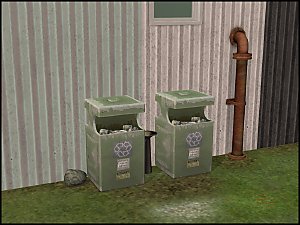
Square up your community lots with this slightly abused trash receptacle. more...
 16
28.4k
76
16
28.4k
76
-
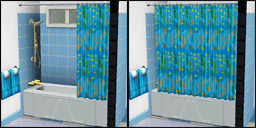
by HugeLunatic 10th Mar 2011 at 6:26pm
The one overused and abused object from TS2 that I miss the most is the Aquaplus Shower Stall - with more...
125
167.8k
504
-
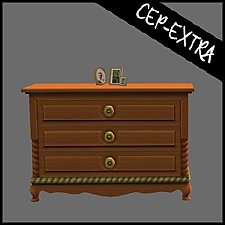
by HugeLunatic 2nd Dec 2016 at 5:44pm
As I was building a Victorian inspired house, I discovered that the Bohemian dresser from AL didn't have two subsets more...
+1 packs
10.4k 23 Apartment Life
-
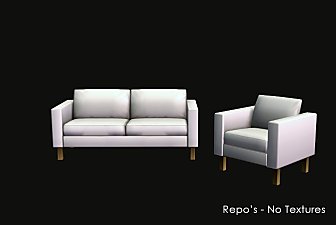
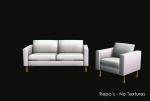
IKEA *Extras* - Updated for NEW CEP - 01 June 2009
by HugeLunatic updated 10th Feb 2025 at 2:21pm
IKEA is my favorite Stuff Pack, but there are just so many items that are single items, or just missing more...
+1 packs
102 138.4k 241 Ikea Home
-

Arbor Falls (aka Free Play): Neighborhood Recreation - No CC
by Hood Building Group 7th Aug 2019 at 1:54pm
Arbor Falls (aka Free Play), a Sims Pets Stories neighborhood recreated for TS2. more...
59
56.1k
154
Miscellaneous » Neighborhoods & CAS Screens » Neighbourhoods and Worlds
-
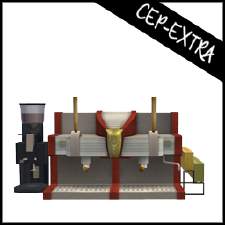
by HugeLunatic updated 17th Sep 2019 at 8:48pm
The original Espresso Machine had the counter base and counter top as the two recolorable subsets so that it could more...
+1 packs
8 11.8k 36 University
-
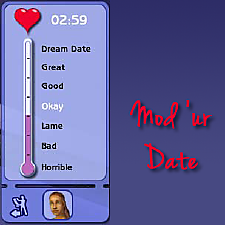
by HugeLunatic updated 14th Sep 2024 at 11:25pm
+1 packs
8 10.9k 18 Nightlife
-
OFB International Window Extras - Part II - Arches
by HugeLunatic 31st Jul 2009 at 10:50pm
Part II of my OFB International Windows and Doors add on set. more...
+1 packs
8 39.1k 70 Open for Business
-
by HugeLunatic 28th Jun 2010 at 7:31pm
:here: Redneck Hot Tub So just because your totally broke, and you live in a mixture of boxes and shipping more...
+1 packs
46 73.9k 186 Pets
Pets
-
by HugeLunatic 11th Jan 2013 at 2:51am
The hanging skeleton is a doctors aid for the continuation of their work. more...
35
43.7k
151




Packs Needed
| Expansion Pack | |
|---|---|
 | Late Night |
About Me
Pet Stories || Dog Agility Items? || Castaway Stories || Holy Simoly Extras
4esf Archive || Holy Simoly Archive || CEP-Extras List || Buyable Game Objects
lunie content from GoS/s2a
 Installation of CEP Extras
-the package with pfiles appended to the name will go into your cep extras folder where your game is installed (typically c drive, you do you)
-the other goes in CEP extra folder in documents.
The following locations are what I am aware of, beyond that you'll have to do some searching.
Downloads Folder:
C:\Users\<user>\Documents\EA Games\The Sims 2 Legacy
C:\Users\<user>\Documents\EA Games\The Sims 2 Ultimate Collection
With multiple launchers, the location for your game install will vary.
C:\Program Files\EA GAMES\The Sims 2 Legacy\TSData\Res\Catalog\zCEP-EXTRA
C:\Program Files\EA GAMES\The Sims 2\TSData\Res\Catalog\zCEP-EXTRA
C:\Program Files (x86)\EA GAMES\The Sims 2\TSData\Res\Catalog\zCEP-EXTRA