
 Sign in to Mod The Sims
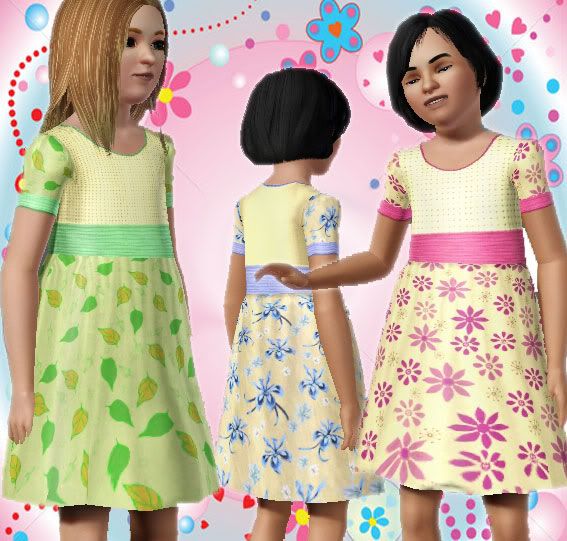
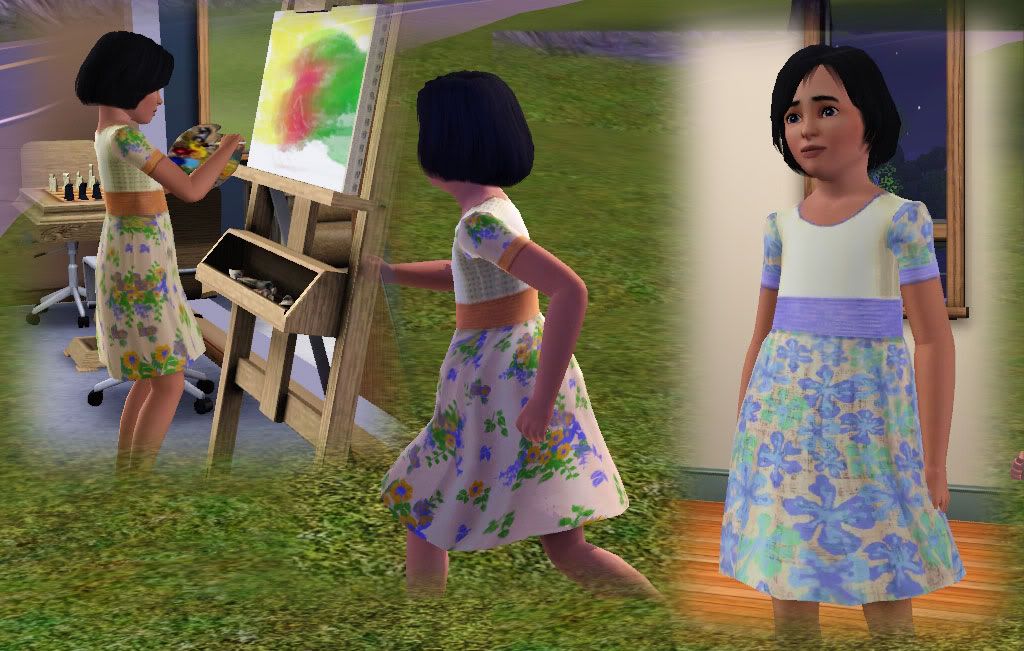
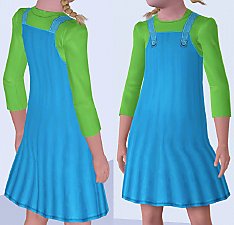
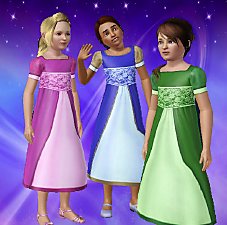
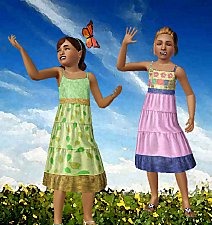
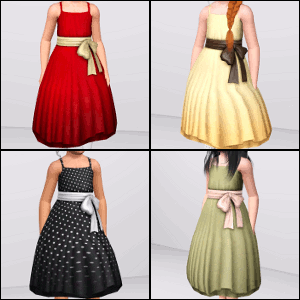
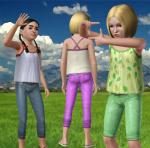
 Girl Dress - New Mesh!
 Girl Dress - New Mesh!


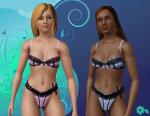
ScreenShot068.jpg - width=567 height=541
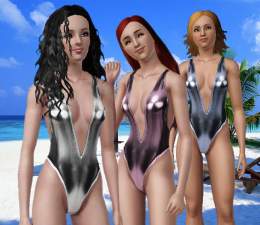
ScreenShot148.jpg - width=1024 height=651
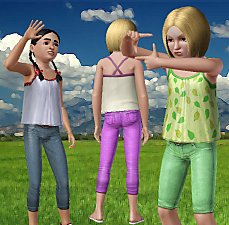
ScreenShot147.jpg - width=415 height=590
All parts are recolourable.
Is available for girls everyday and formal.
I hope you enjoy!
I want to thank all people that help me in CreatorFeedbackForum.
Polygon Counts:
3176 polygons
Additional Credits:
Thanks Delphy for the great CTU Tool
Thanks oepu for the hair
This is a new mesh, and means that it's a brand new self contained object that usually does not require a specific Pack (although this is possible depending on the type). It may have Recolours hosted on MTS - check below for more information.
|
GirlDress by kiara24.rar
Download
Uploaded: 6th Nov 2009, 332.0 KB.
29,331 downloads.
|
||||||||
| For a detailed look at individual files, see the Information tab. | ||||||||
Install Instructions
1. Click the download button, or the filename, to download the file to your computer.
2. Extract the zip, rar, or 7z file. Now you will have either a .package or a .sims3pack file.
For Package files:
1. Cut and paste the file into your Documents\Electronic Arts\The Sims 3\Mods\Packages folder. If you do not already have this folder, you should read the full guide to Package files first: Sims 3:Installing Package Fileswiki, so you can make sure your game is fully patched and you have the correct Resource.cfg file.
2. Run the game, and find your content where the creator said it would be (build mode, buy mode, Create-a-Sim, etc.).
For Sims3Pack files:
1. Cut and paste it into your Documents\Electronic Arts\The Sims 3\Downloads folder. If you do not have this folder yet, it is recommended that you open the game and then close it again so that this folder will be automatically created. Then you can place the .sims3pack into your Downloads folder.
2. Load the game's Launcher, and click on the Downloads tab. Find the item in the list and tick the box beside it. Then press the Install button below the list.
3. Wait for the installer to load, and it will install the content to the game. You will get a message letting you know when it's done.
4. Run the game, and find your content where the creator said it would be (build mode, buy mode, Create-a-Sim, etc.).
Extracting from RAR, ZIP, or 7z: You will need a special program for this. For Windows, we recommend 7-Zip and for Mac OSX, we recommend Keka. Both are free and safe to use.
Need more help?
If you need more info, see:
- For package files: Sims 3:Installing Package Fileswiki
- For Sims3pack files: Game Help:Installing TS3 Packswiki
Loading comments, please wait...

Uploaded: 6th Nov 2009 at 5:00 PM

-
Medieval Lighting - Ye Olde Kingdom of Pudding
by The Merrye Makers 11th Dec 2011 at 2:49pm
A collection of medieval lanterns made by Hekate999 for The Merrye Makers. Includes floor, wall, and table lanterns. more...
 8
45.3k
135
8
45.3k
135
-
-
-

-

-
-
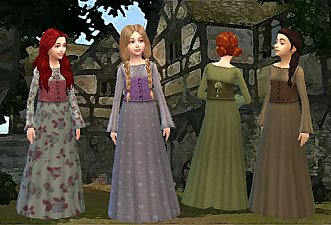
by Kiara24 10th Aug 2015 at 9:13pm
Available in casual, formal and party 10 options more...
 18
54.5k
174
18
54.5k
174
Female » Mixed Sets » Child
-
-
-

About Me
Subscribe to my channel.