Sign in to Mod The Sims
 Make Your Own Avatar Set - Part 2!
 Make Your Own Avatar Set - Part 2!


Screenshot-461.jpg - width=800 height=709
Screenshot-468.jpg - width=800 height=661
Screenshot-471.jpg - width=800 height=600

This is an add-on to that, so if you're wondering why it starts with 3, that's why.
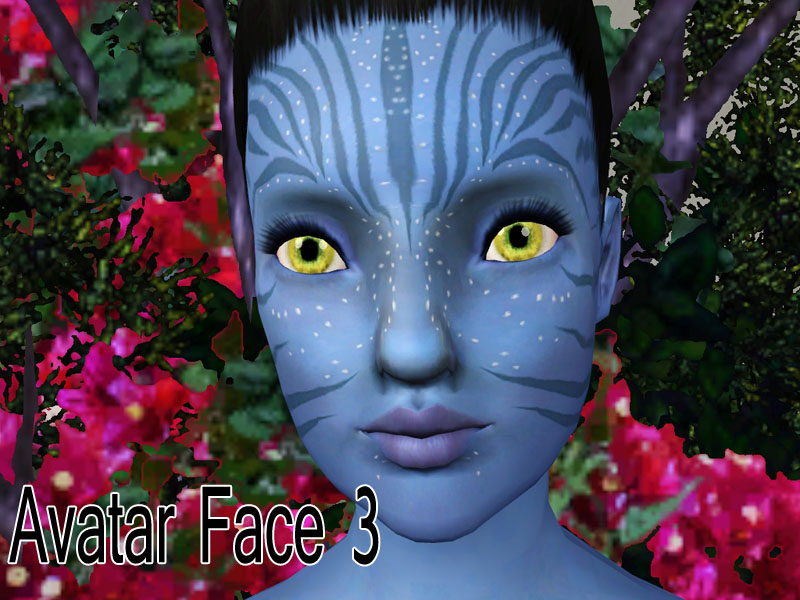
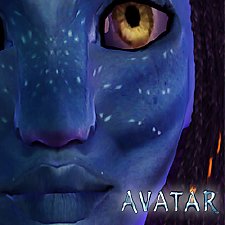
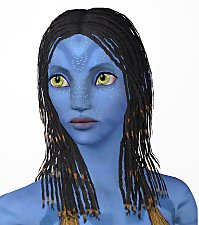
The first new part is a stripe design for the face. It closely was designed around Neytiri's actual face stripes. This shows up in the blush section. There are two recolorable channels. The stripes and the glowy dots.
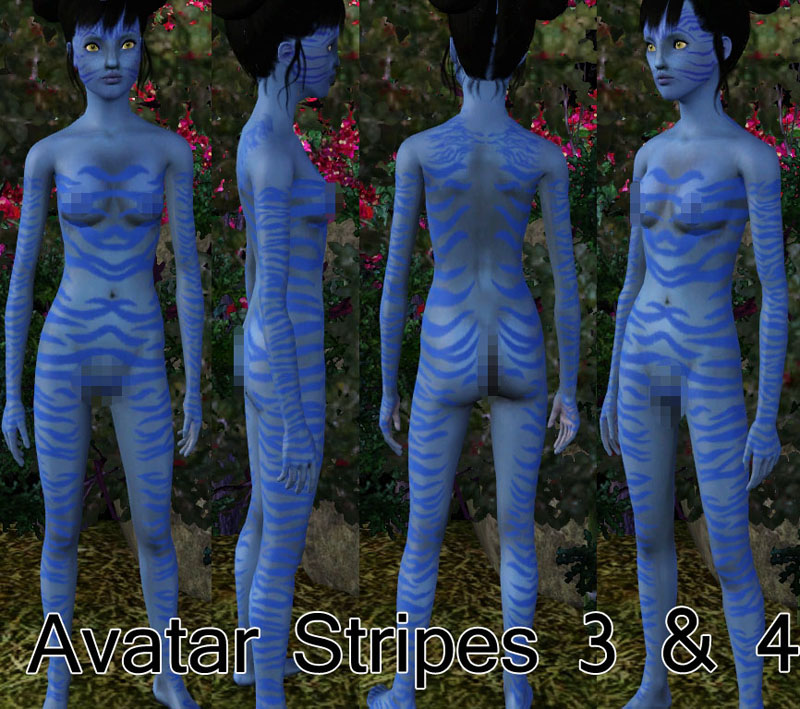
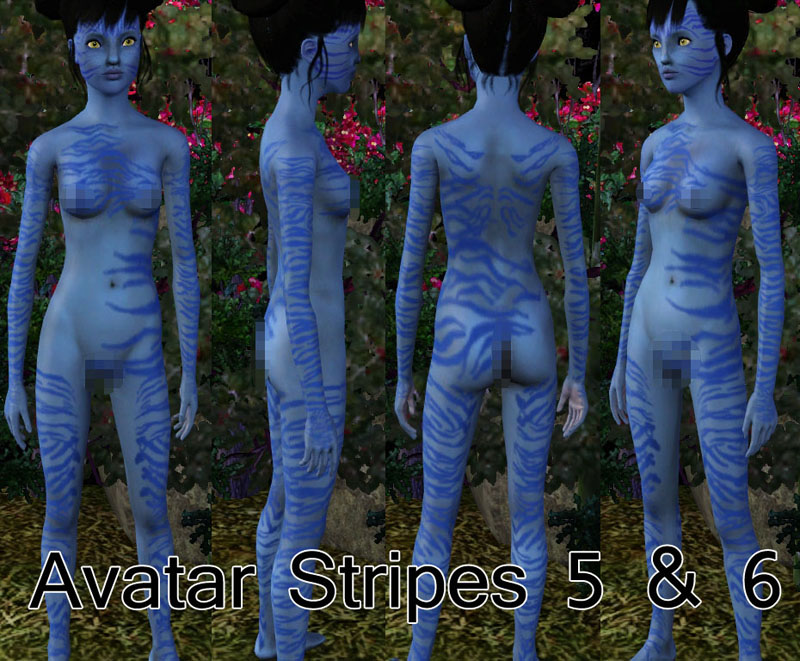
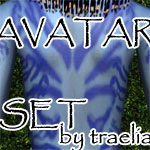
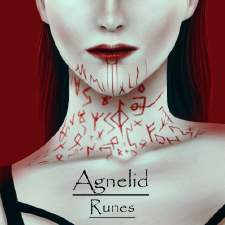
The second new part is 2 body stripe designs, each have 2 variations. I did not take photos of both variations, but the only difference is that the first is darker and the second is more see through. These appear in the socks part of the Accessories section. They are enabled for all categories. They are recolorable and patternable.
All parts are enabled for males and females, toddler through elder.
You may include these pieces with uploads, but only to free sites, preferably only here at MTS. DO NOT UPLOAD TO THE EXCHANGE. YOU MUST LINK BACK HERE!
I checked today, and on the exchange, only one person actually mentioned where they got the stripes from, I was very dissapointed..
And if that continues I might not make another add-on to this set.

Enjoy!
If you'd like to request a certain pattern or something special as far as these parts go, send me a PM.
This set works for WA and basegame.
Thanks to the many at CFF.
|
traelia_avatar_set_part2.rar
Download
Uploaded: 1st Feb 2010, 1.89 MB.
9,466 downloads.
|
||||||||
| For a detailed look at individual files, see the Information tab. | ||||||||
Install Instructions
1. Click the download button, or the filename, to download the file to your computer.
2. Extract the zip, rar, or 7z file. Now you will have either a .package or a .sims3pack file.
For Package files:
1. Cut and paste the file into your Documents\Electronic Arts\The Sims 3\Mods\Packages folder. If you do not already have this folder, you should read the full guide to Package files first: Sims 3:Installing Package Fileswiki, so you can make sure your game is fully patched and you have the correct Resource.cfg file.
2. Run the game, and find your content where the creator said it would be (build mode, buy mode, Create-a-Sim, etc.).
For Sims3Pack files:
1. Cut and paste it into your Documents\Electronic Arts\The Sims 3\Downloads folder. If you do not have this folder yet, it is recommended that you open the game and then close it again so that this folder will be automatically created. Then you can place the .sims3pack into your Downloads folder.
2. Load the game's Launcher, and click on the Downloads tab. Find the item in the list and tick the box beside it. Then press the Install button below the list.
3. Wait for the installer to load, and it will install the content to the game. You will get a message letting you know when it's done.
4. Run the game, and find your content where the creator said it would be (build mode, buy mode, Create-a-Sim, etc.).
Extracting from RAR, ZIP, or 7z: You will need a special program for this. For Windows, we recommend 7-Zip and for Mac OSX, we recommend Keka. Both are free and safe to use.
Need more help?
If you need more info, see:
- For package files: Sims 3:Installing Package Fileswiki
- For Sims3pack files: Game Help:Installing TS3 Packswiki
Loading comments, please wait...



Uploaded: 1st Feb 2010 at 3:59 PM



-
-
Forgotten - A Man's lost dream
by traelia 12th Dec 2010 at 2:23pm
Once a beautiful a lucious cottage, this run-down house is worn like the spirit of the man who lives in it. more...
 +3 packs
14 13k 15
+3 packs
14 13k 15 World Adventures
 Ambitions
 Late Night
-
-
-
Boots 3Dsockified for A/YA/T females!
by traelia 7th Mar 2012 at 9:11am
You like boots? You like 3D stuffz? You'll love deeze bootz. more...
-
Fantasy Pose Pack - For your mythically magical ladies! (UPDATED 7/3/11)
by traelia updated 3rd Jul 2011 at 9:12pm
Important: You will need cmomoney's Pose Player found here. more...
61
147k
224
-

Facebook Request Pose Pack - Various requested poses from my FB fans! (UPDATED 7/1/2011)
by traelia 18th May 2011 at 10:03pm
Important: You will need cmomoney's Pose Player found here. more...
29
117.6k
130
-
-
Sassy Pose Pack - For cmomoney's Pose Player (UPDATED 6/14/11)
by traelia updated 14th Jun 2011 at 11:16pm
Important: You will need cmomoney's Pose Player found here. more...
39
133.7k
132
-

Cute Kid Pose Pack - For your wee little models! (UPDATED 6/17/11)
by traelia updated 18th Jun 2011 at 4:10am
Important: You will need cmomoney's Pose Player found here. more...
37
97.4k
136