
 Sign in to Mod The Sims
 World Adventures Add Ons - Walls converted from TS2
 World Adventures Add Ons - Walls converted from TS2


ElegantDefault.jpg - width=800 height=500
ElegantVarious.jpg - width=800 height=500
SandWavesDefault.jpg - width=800 height=500
SandWavesVarious.jpg - width=800 height=500
ShojiDefault.jpg - width=800 height=500
ShojiVarious.jpg - width=800 height=500
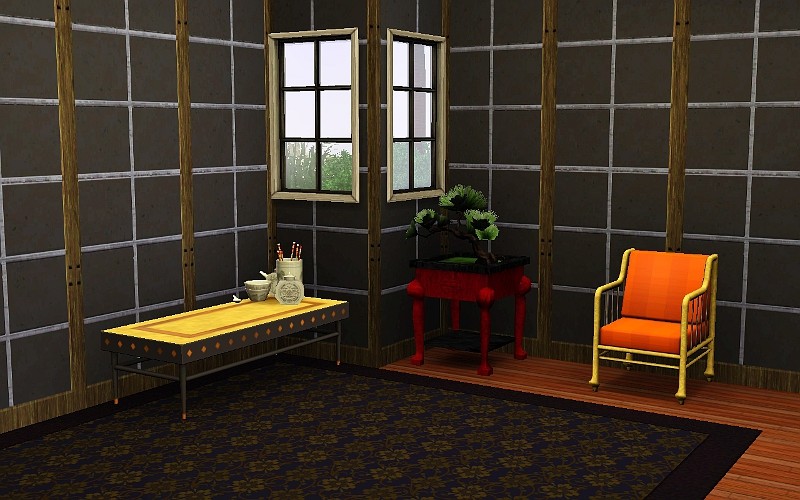
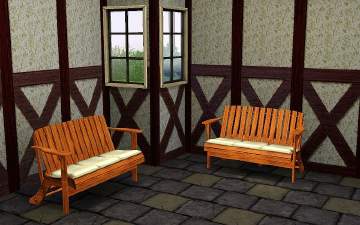
French Wall (Converted from my own custom Sims 2 Wall):
2 channels, found in Paint
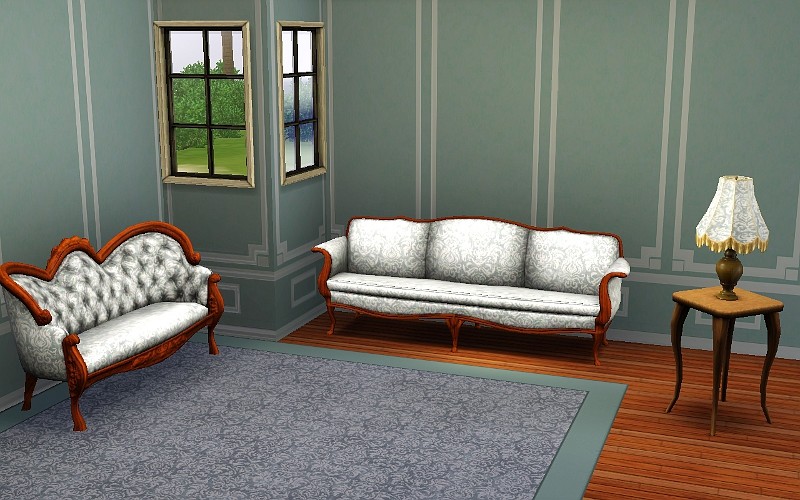
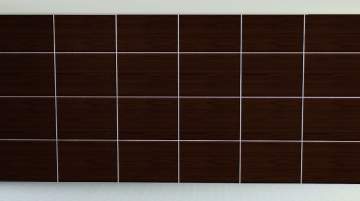
Egyptian Wall:
1 channel, found in Masonry:
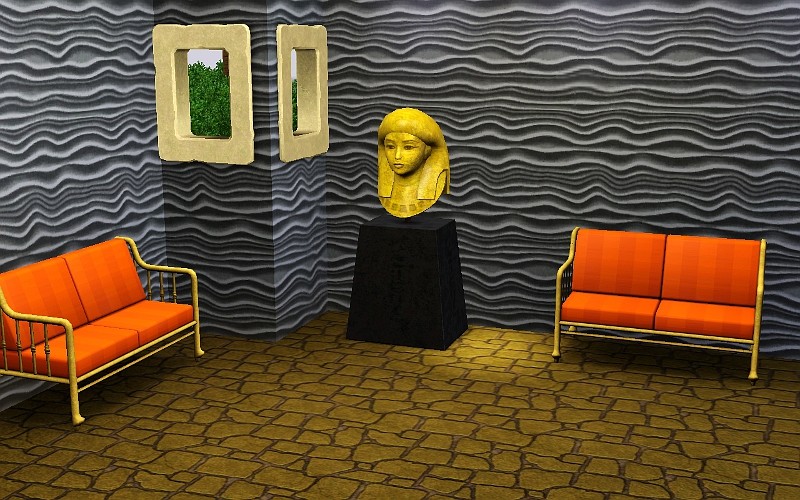
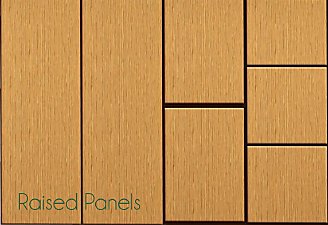
Asian Wall:
3 channels, found in Paneling:
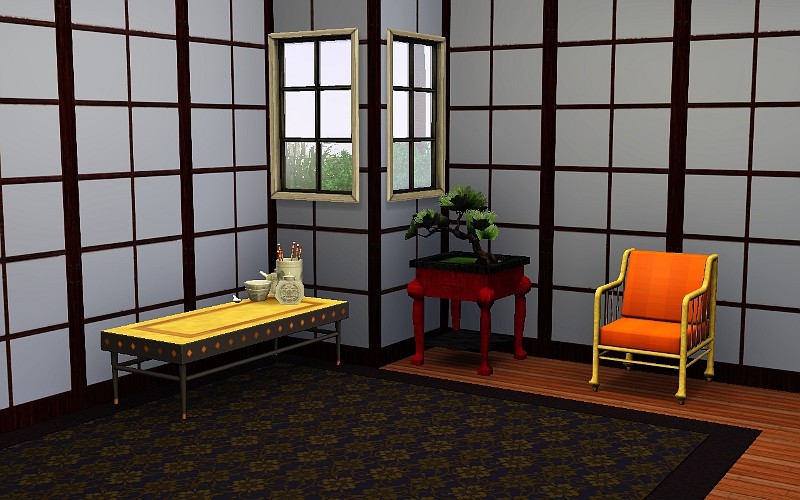
The inline pics show a few default selections, the thumbnails show various color choices.
If you would like to learn how to make your own walls, I have written a tutorial found Here
April 19th, 2010, fixed the weird shadow at the top of the French Wall.
|
World_Adventures_Add_Ons_Walls_jimTNW.zip
Download
Uploaded: 19th Apr 2010, 430.6 KB.
13,783 downloads.
|
||||||||
| For a detailed look at individual files, see the Information tab. | ||||||||
Install Instructions
1. Click the download button, or the filename, to download the file to your computer.
2. Extract the zip, rar, or 7z file. Now you will have either a .package or a .sims3pack file.
For Package files:
1. Cut and paste the file into your Documents\Electronic Arts\The Sims 3\Mods\Packages folder. If you do not already have this folder, you should read the full guide to Package files first: Sims 3:Installing Package Fileswiki, so you can make sure your game is fully patched and you have the correct Resource.cfg file.
2. Run the game, and find your content where the creator said it would be (build mode, buy mode, Create-a-Sim, etc.).
For Sims3Pack files:
1. Cut and paste it into your Documents\Electronic Arts\The Sims 3\Downloads folder. If you do not have this folder yet, it is recommended that you open the game and then close it again so that this folder will be automatically created. Then you can place the .sims3pack into your Downloads folder.
2. Load the game's Launcher, and click on the Downloads tab. Find the item in the list and tick the box beside it. Then press the Install button below the list.
3. Wait for the installer to load, and it will install the content to the game. You will get a message letting you know when it's done.
4. Run the game, and find your content where the creator said it would be (build mode, buy mode, Create-a-Sim, etc.).
Extracting from RAR, ZIP, or 7z: You will need a special program for this. For Windows, we recommend 7-Zip and for Mac OSX, we recommend Keka. Both are free and safe to use.
Need more help?
If you need more info, see:
- For package files: Sims 3:Installing Package Fileswiki
- For Sims3pack files: Game Help:Installing TS3 Packswiki
Loading comments, please wait...
Uploaded: 14th Apr 2010 at 11:34 PM
Updated: 19th Apr 2010 at 7:33 AM
-
by joninmobile 14th Apr 2010 at 11:31pm
 9
26.6k
66
9
26.6k
66
-
by HugeLunatic 3rd May 2010 at 6:55pm
15
38.8k
72
-
by daluved1 updated 13th Jan 2011 at 6:20pm
27
53.3k
107
-
by armiel 27th Jan 2011 at 5:48pm
15
35.9k
96
-
by alexpilgrim 20th Jun 2011 at 7:55pm
61
101.9k
283
-
-
by Lo2ta 28th Oct 2025 at 5:33pm
1
1.1k
2
-
by Lo2ta 3rd Nov 2025 at 6:38pm
638
1
-

by Lo2ta 26th Feb 2026 at 6:07pm
718
4
-

by Lo2ta 11th May 2026 at 8:18pm
591



-
-

Green and Yellow Retro Linoleum
by joninmobile 18th Dec 2007 at 2:56pm
Here is a Retro Linoleum.I hope ya'll enjoy this! more...
 1
7.1k
6
1
7.1k
6
-

"Transcendence" Blended Painted Walls in 5 shades
by joninmobile 4th Mar 2008 at 6:28pm
Here is a set of paint walls called "Transendence".They have a neat blending effect to them.I hope y'all enjoy these! more...
5
6.5k
12
-

by joninmobile 26th Oct 2007 at 3:12pm
These murals are recolors of "Two Dogs and an Olive" from the nightlife expansion pack.You have to click on "Two more...
+1 packs
6.9k 12 Nightlife
-
Simlish Candy Snacks for Vending Machine or Fridge
by joninmobile 6th Jul 2010 at 4:38pm
So sweet it will make your sim's teeth hurt. more...
13
28.8k
39
-
by joninmobile 6th Aug 2010 at 1:32am
Nasty, Grimy, Filthy, Gross, Decrepit, Weathered, Worn, Wretched, but most of all GRUNGY! more...
10
30.3k
50
-
More Channels to Plants (Some with More Options)
by joninmobile 22nd Mar 2010 at 5:59pm
I've gone through and done a nice little overhaul of the EA plants. more...
14
22.9k
31
-
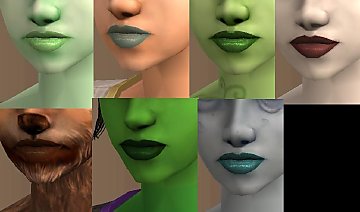
Creature Appropriate Lipsticks for Vampires,Zombies,Plantsims, e.c.t.
by joninmobile updated 9th Apr 2009 at 8:48pm
These are recolors of my Roseus lipsticks. These lipsticks are appropriate for your creature sims. more...
-

Coffee Pictures for your Kitchen
by joninmobile 25th Oct 2007 at 8:52am
Here are 4 coffe pictures (two paintings and two photographs)for your kitchen.They are recolors of "handle and spout" painting from more...
7
16.3k
19
-
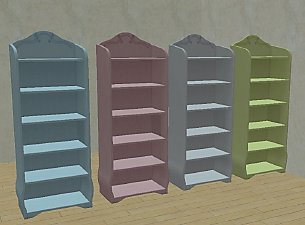
*Fixed Empty Thumbnails Problem!* Teen Style Bookshelf Emptied With Extra Slots in Leesester style
by joninmobile updated 14th Jan 2010 at 3:30am
Most of the credit for this goes to Leesester at mts for coming up with this impressive idea to empty more...
+1 packs
18 26.3k 47 Teen Style


About Me
I hope you enjoy all the downloads I've brought to you over the years. It's been fun. Being a part of The Sims community has had it's ups and downs for me, but I keep on truckin' nonetheless. Lots and lots of drama, lots of pain and sorrow, but lots of laughs, and good times too. Made so many new friends over the years, and it all started by uploading to MTS way back in 2006. Have fun with my creations, that's what they're here for!
~ Jon