
 Sign in to Mod The Sims
 Column-girder system set
 Column-girder system set


catalogue - 2.jpg - width=1279 height=784
catalogue - 3.jpg - width=1279 height=784
catalogue - 4.jpg - width=1279 height=784
example - 1.jpg - width=1152 height=864
example - 2.jpg - width=1152 height=864
main.jpg - width=1279 height=784
columns.jpg - width=1279 height=784
channels.jpg - width=1279 height=784
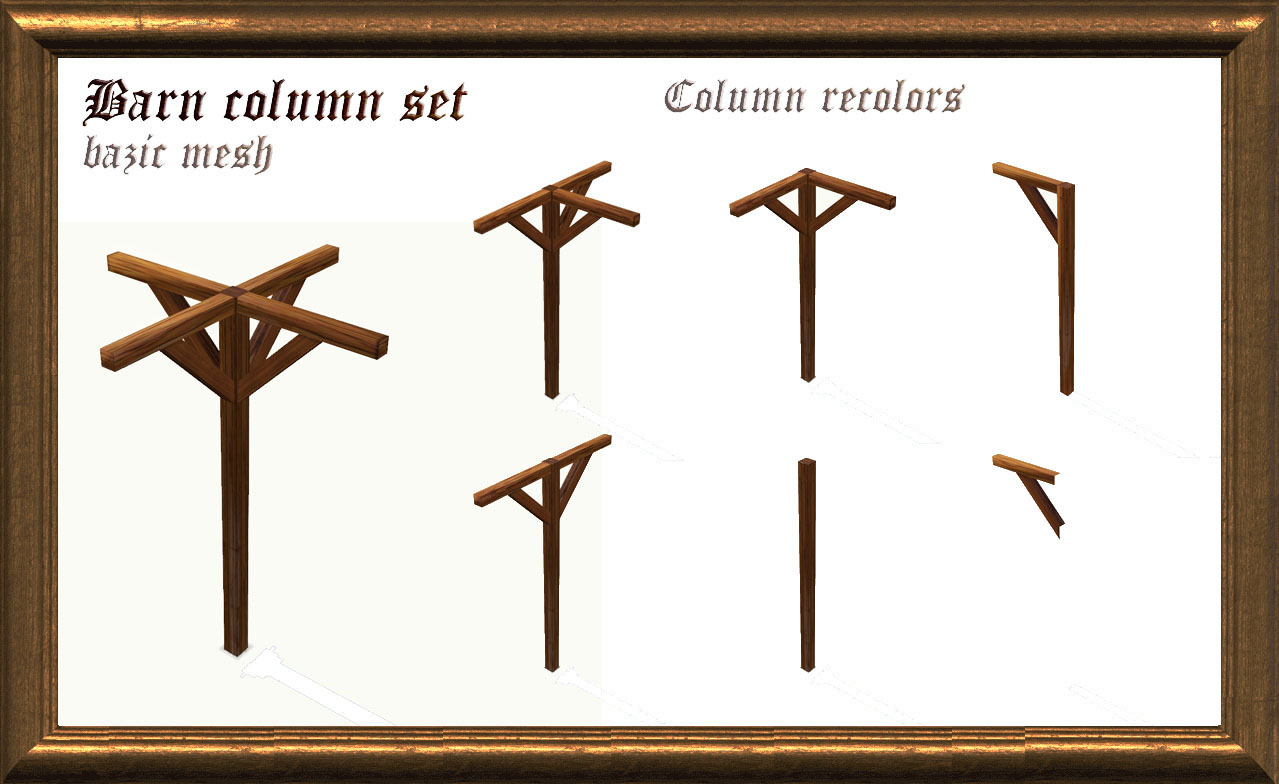
All columns have different consoles. You can see it all in the recolors of the basic mesh. You can find it in the "columns" in buildmode. It has price 30$.
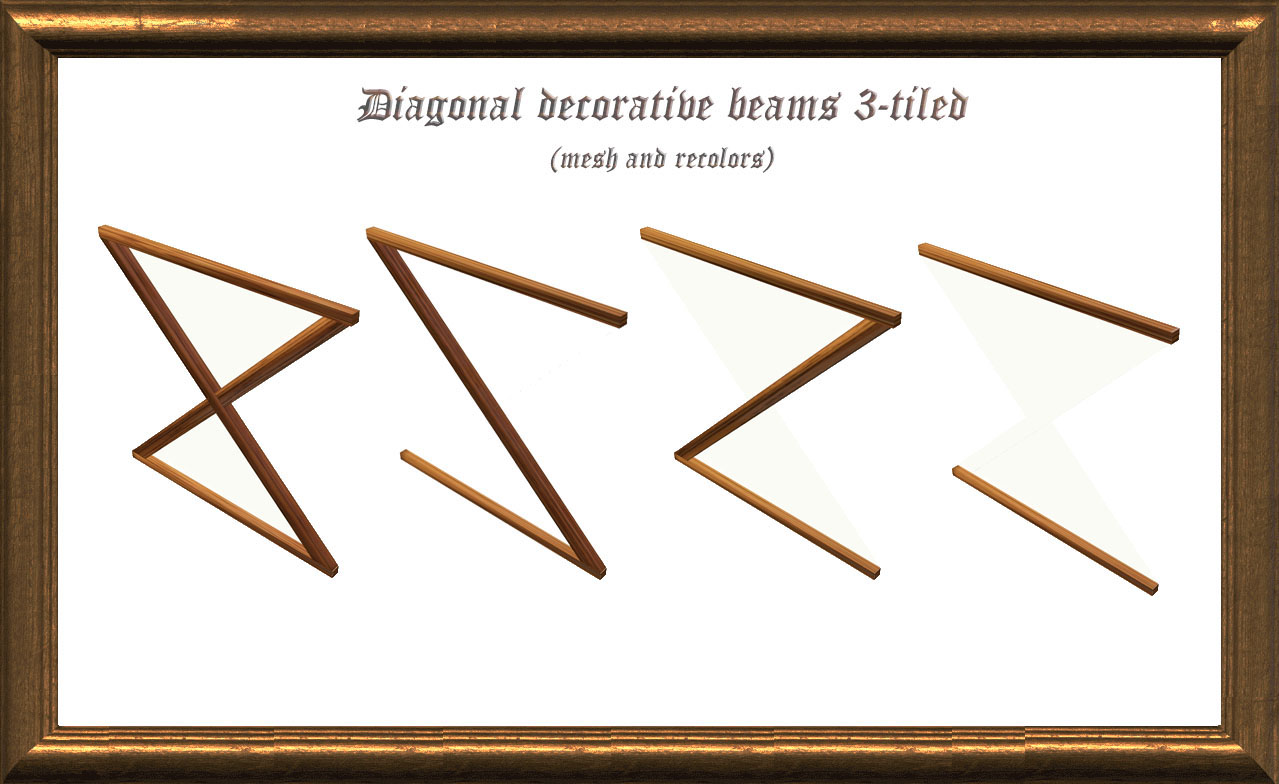
All items have different width - from one-tiled to three-tiled. Search for diagonal variations in recolors of the basic mesh. It is in buldmode -> columns and buymode -> decorative -> miscellaneous. Price is 15$ - for one-tiled, 30$ - for two-tiled and 40$ - for tree-tiled meshes.
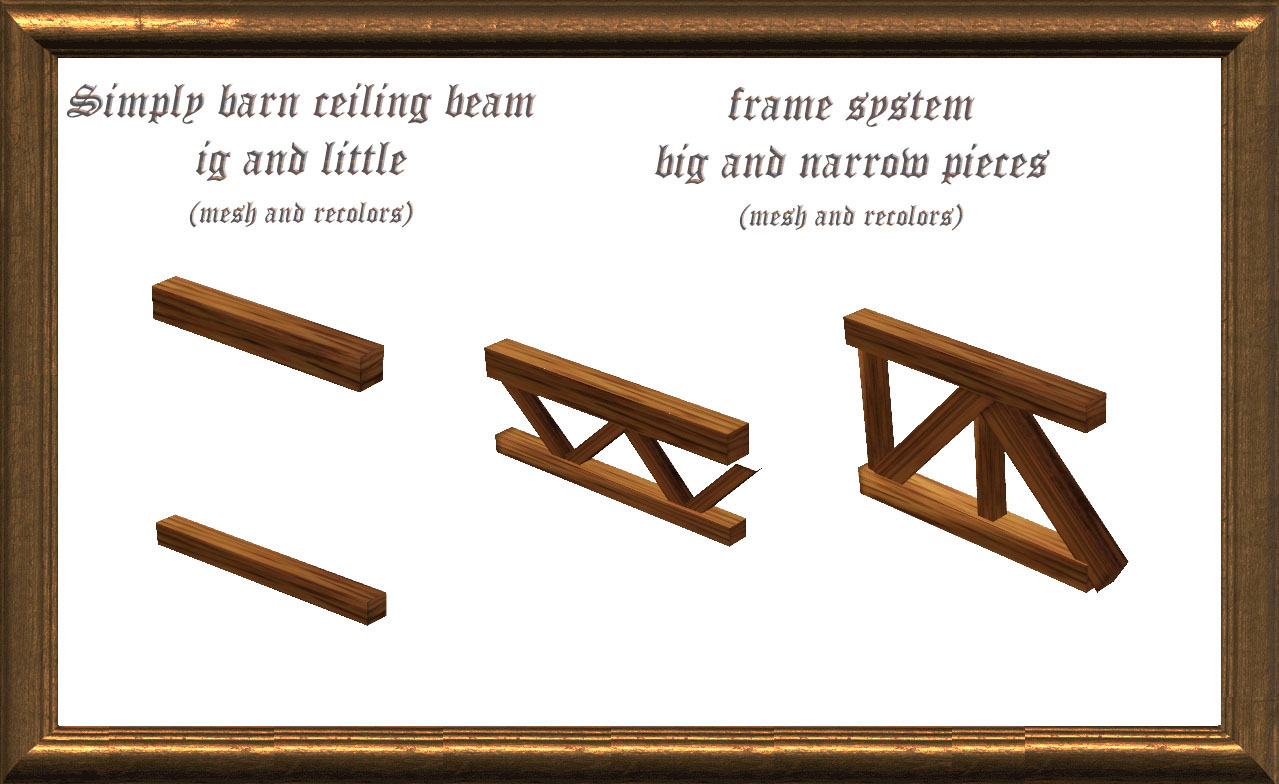
All beams are cloned from rugs so you can put them anywhere you want using moveobjects cheat and rotate using ALT keyboard button. All are in buldmode -> columns and buymode -> decorative -> miscellaneous. Pricelist:
Simply barn ceiling beam - little - 3$
Simply barn ceiling beam - big - 5$.
Frame system - narrow piece - 15$
Frame system - big piece - 20$
Each construction type is in a separated folder.
Polygon Counts:
Frame system - narrow piece - 171 verticies, 104 faces
Frame system - narrow piece - 126 verticies, 92 faces
Frame system - big piece - 126 verticies, 70 faces
Diagonal decorative beams 1-tiled - 110 verticies, 82 faces
Diagonal decorative beams 2-tiled - 110 verticies, 82 faces
Diagonal decorative beams 3-tiled - 110 verticies, 82 faces
Simply barn ceiling beam big - 21 verticies, 12 faces
Simply barn ceiling beam little - 21 verticies, 12 faces
Additional Credits:
TSR Workshop, Mikshape, 3ds Max and of course Adobe Photoshope are used for making this set
This is a new mesh, and means that it's a brand new self contained object that usually does not require a specific Pack (although this is possible depending on the type). It may have Recolours hosted on MTS - check below for more information.
|
Column-girdersystem - fixed column added.rar
| fixed version - 15.09.10
Download
Uploaded: 15th Sep 2010, 1.68 MB.
11,660 downloads.
|
||||||||
| For a detailed look at individual files, see the Information tab. | ||||||||
Install Instructions
1. Click the download button, or the filename, to download the file to your computer.
2. Extract the zip, rar, or 7z file. Now you will have either a .package or a .sims3pack file.
For Package files:
1. Cut and paste the file into your Documents\Electronic Arts\The Sims 3\Mods\Packages folder. If you do not already have this folder, you should read the full guide to Package files first: Sims 3:Installing Package Fileswiki, so you can make sure your game is fully patched and you have the correct Resource.cfg file.
2. Run the game, and find your content where the creator said it would be (build mode, buy mode, Create-a-Sim, etc.).
For Sims3Pack files:
1. Cut and paste it into your Documents\Electronic Arts\The Sims 3\Downloads folder. If you do not have this folder yet, it is recommended that you open the game and then close it again so that this folder will be automatically created. Then you can place the .sims3pack into your Downloads folder.
2. Load the game's Launcher, and click on the Downloads tab. Find the item in the list and tick the box beside it. Then press the Install button below the list.
3. Wait for the installer to load, and it will install the content to the game. You will get a message letting you know when it's done.
4. Run the game, and find your content where the creator said it would be (build mode, buy mode, Create-a-Sim, etc.).
Extracting from RAR, ZIP, or 7z: You will need a special program for this. For Windows, we recommend 7-Zip and for Mac OSX, we recommend Keka. Both are free and safe to use.
Need more help?
If you need more info, see:
- For package files: Sims 3:Installing Package Fileswiki
- For Sims3pack files: Game Help:Installing TS3 Packswiki
Loading comments, please wait...

Uploaded: 4th Jul 2010 at 5:32 PM
Updated: 24th Oct 2011 at 11:52 PM - Fixed version added to main archive
-
-
"Bumper Crop" Expansion Set - Keep Varmint at Bay!
by QBUILDERZ 14th Mar 2010 at 8:12pm
 55
95.1k
264
55
95.1k
264
-
-

by Flabaliki 10th Apr 2010 at 11:42pm
14
39.2k
78
-
Build your own Cathedral / Medieval Challenge
by Hekate999 updated 14th Apr 2011 at 10:46am
79
165.9k
230
-
2 Requests (Arch 3x1 - Big Rose Window) and 2 New Windows
by Hekate999 updated 14th Apr 2011 at 10:57am
44
88.7k
200
-
-
-
by Hekate999 5th Jan 2011 at 10:57am
115
228.5k
507
-


-
by Victor_tor 23rd Feb 2019 at 11:13pm
The ruins of two temples foundation in the deep forest is still sorrounded with a lot of mystic... more...
 +3 packs
3 11.1k 28
+3 packs
3 11.1k 28 Get Together
 Vampires
 Jungle Adventure
-
Petit Creek Starter (12.05.19 UPD)
by Victor_tor updated 12th May 2019 at 9:12pm
Ugly (but proudly represented) starter cabin with 18k price and two single beds more...
3
7.7k
16
-
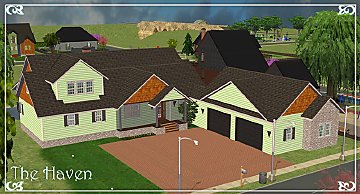
Southern Heritage: The Haven - 4+BR 3.5BA (2.08.22 UPD)
by Victor_tor updated 2nd Aug 2022 at 8:47am
Seems like this one is usual estate that was made according to real life US southern suburban house plans. more...
 +2 packs
8 3.7k 10
+2 packs
8 3.7k 10 Nightlife
 Mansion and Garden
-
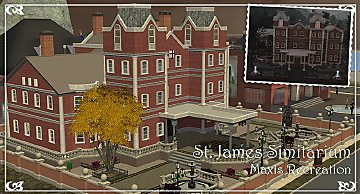
Trio Lake Sights: St. James Simitarium - Maxis Recreation
by Victor_tor updated 12th Jan 2023 at 11:45am
+17 packs
5 4.5k 15 Happy Holiday
 Family Fun
 University
 Glamour Life
Nightlife
Glamour Life
Nightlife
 Celebration
 Open for Business
 Pets
Pets
 H&M Fashion
 Teen Style
 Seasons
 Kitchen & Bath
 Bon Voyage
 Free Time
 Ikea Home
 Apartment Life
Mansion and Garden
Apartment Life
Mansion and Garden
-
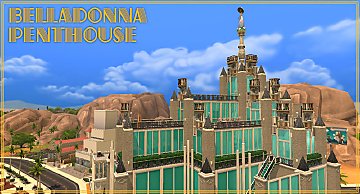
Belladonna Penthouse - 1DBL+1CHD+2.5BA
by Victor_tor 2nd Jan 2020 at 12:50pm
Residential skyscraper that probably may be named after Bella Goth or Belladonna that was introduced apartments and witches in TS2 more...
3
8.7k
20
-
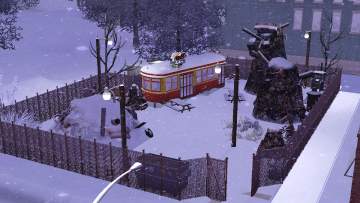
by Victor_tor updated 8th Apr 2020 at 11:25pm
One lot to make your sims Riverview living more... hmm... polluted more...
+1 packs
3 4.7k 12 Ambitions
-
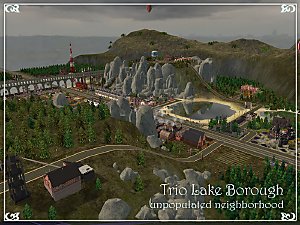
Trio Lake Borough - unpopulated neighborhood
by Victor_tor 21st Apr 2024 at 8:51pm
+17 packs
23 12.4k 35 Happy Holiday
Family Fun
University
Glamour Life
Nightlife
Celebration
Open for Business
Pets
H&M Fashion
Teen Style
Seasons
Kitchen & Bath
Bon Voyage
Free Time
Ikea Home
Apartment Life
Mansion and Garden
Miscellaneous » Neighborhoods & CAS Screens » Neighbourhoods and Worlds
-
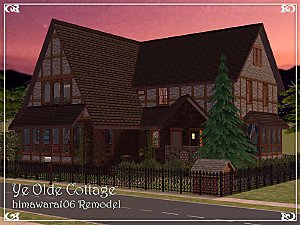
by Victor_tor 28th Apr 2023 at 6:03pm
+17 packs
1.9k 5 Happy Holiday
Family Fun
University
Glamour Life
Nightlife
Celebration
Open for Business
Pets
H&M Fashion
Teen Style
Seasons
Kitchen & Bath
Bon Voyage
Free Time
Ikea Home
Apartment Life
Mansion and Garden
-


Fix It or Flip It Submissions: Strangetown Adobe & Fish Shop
by Victor_tor 15th May 2026 at 1:22am
+17 packs
6 841 1 Happy Holiday
Family Fun
University
Glamour Life
Nightlife
Celebration
Open for Business
Pets
H&M Fashion
Teen Style
Seasons
Kitchen & Bath
Bon Voyage
Free Time
Ikea Home
Apartment Life
Mansion and Garden
-
Trio Lake Sights: Railway Station
by Victor_tor 6th Apr 2023 at 10:06pm
+13 packs
4 2.4k 6 University
Nightlife
Open for Business
Pets
H&M Fashion
Teen Style
Seasons
Kitchen & Bath
Bon Voyage
Free Time
Ikea Home
Apartment Life
Mansion and Garden


About Me
Everything I am creating for group projects, other brands and labels that different from mine is respecting their policy and guidelines, not mine.
Currently I participated just one project in Prosims Creative Group, and any from their site made by me is available for private use only. Please do not redistribute any items, fully or in part, modified insagnificantly, or repainted/recoloured from those site. They did not allow this. My forum threads from there are not part of project.
Other stuff that don't need custom meshes, has been made by myself from scratch, all the buildings and stuff I share here or brought from exchange, from Sims 4 gallery, from Prosims forum threads, are having very simple policy:
DO WHATEVER U WANT WITH MY CREATIONS.
Feel free to use&share my textures, attach my meshes to recolours, rebuild houses etc. until you don't make it for profit.
For Blogspot, TSR, Prosims forum creations it's all the same.
Still any questions?
Leave me alone.