
 Sign in to Mod The Sims
 APModern Contemporary Windows 2x1
 APModern Contemporary Windows 2x1


Picture2.jpg - width=1024 height=768
picture4.jpg - width=1024 height=768
APModern2
picture5.jpg - width=1024 height=768
picture7.jpg - width=1024 height=768
Picture9.jpg - width=1024 height=714
APModern3
Picture10.jpg - width=1024 height=768
APModern4
Picture12.jpg - width=1024 height=768
Picture13.jpg - width=1024 height=768
All windows
all.jpg - width=1024 height=768
Tiling 1&2bars with 7.jpg - width=1024 height=768
Tiling31&4bars with plane.jpg - width=1024 height=768




There are only two recolor able part in the inside and outside of the windows.
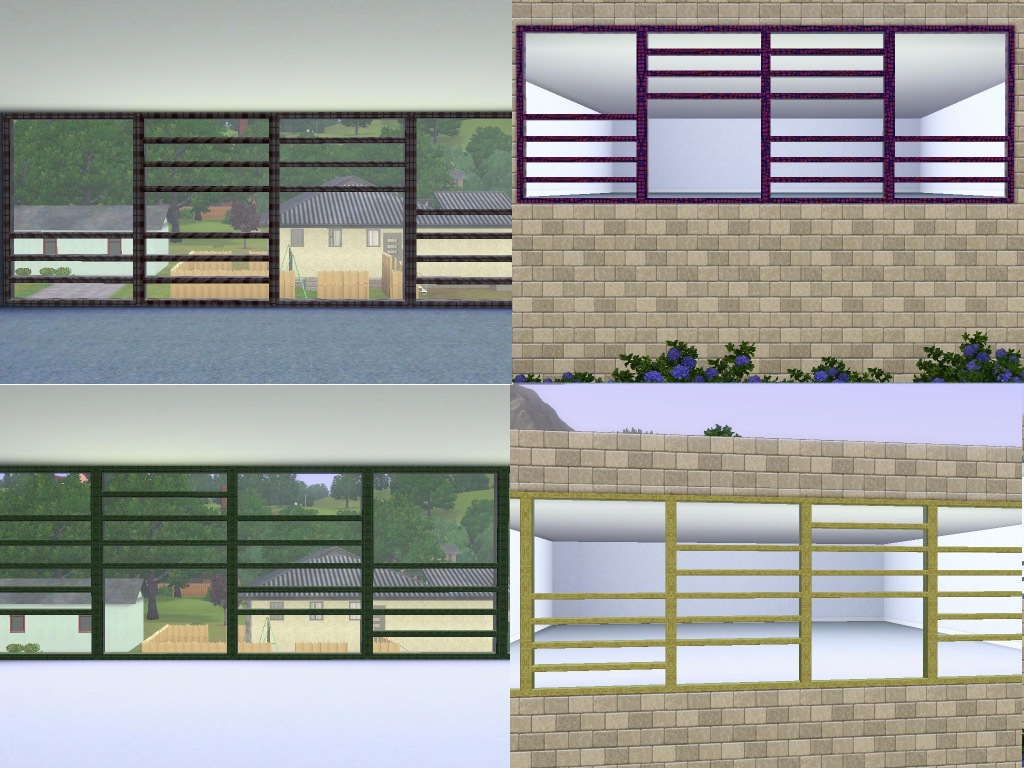
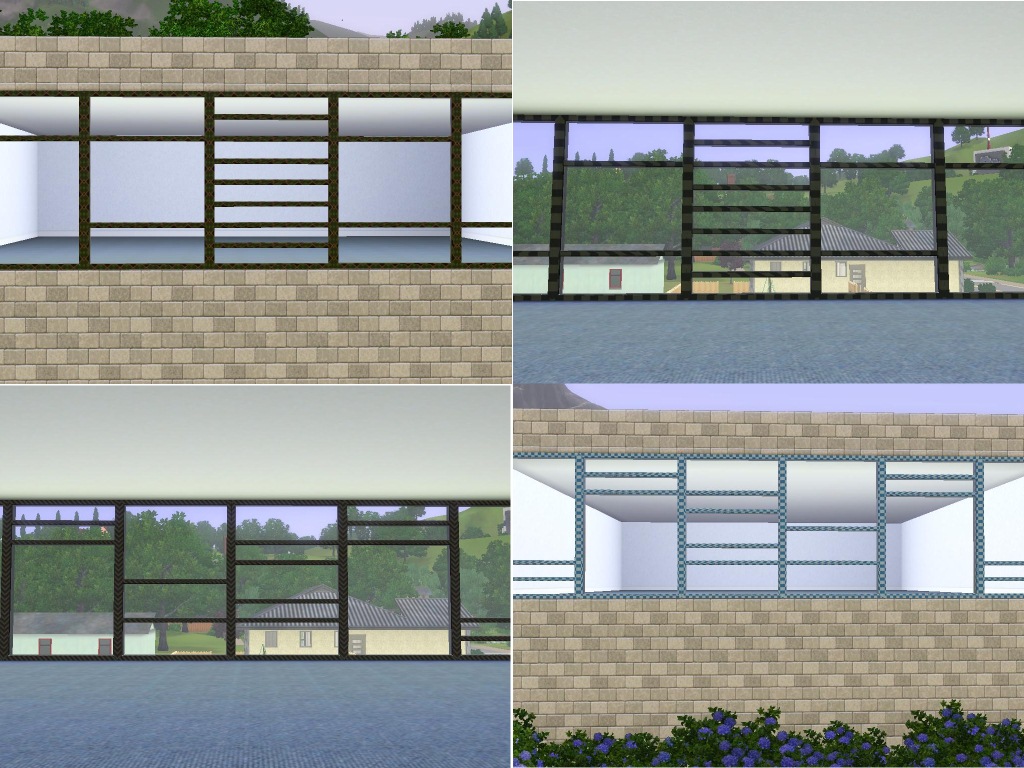
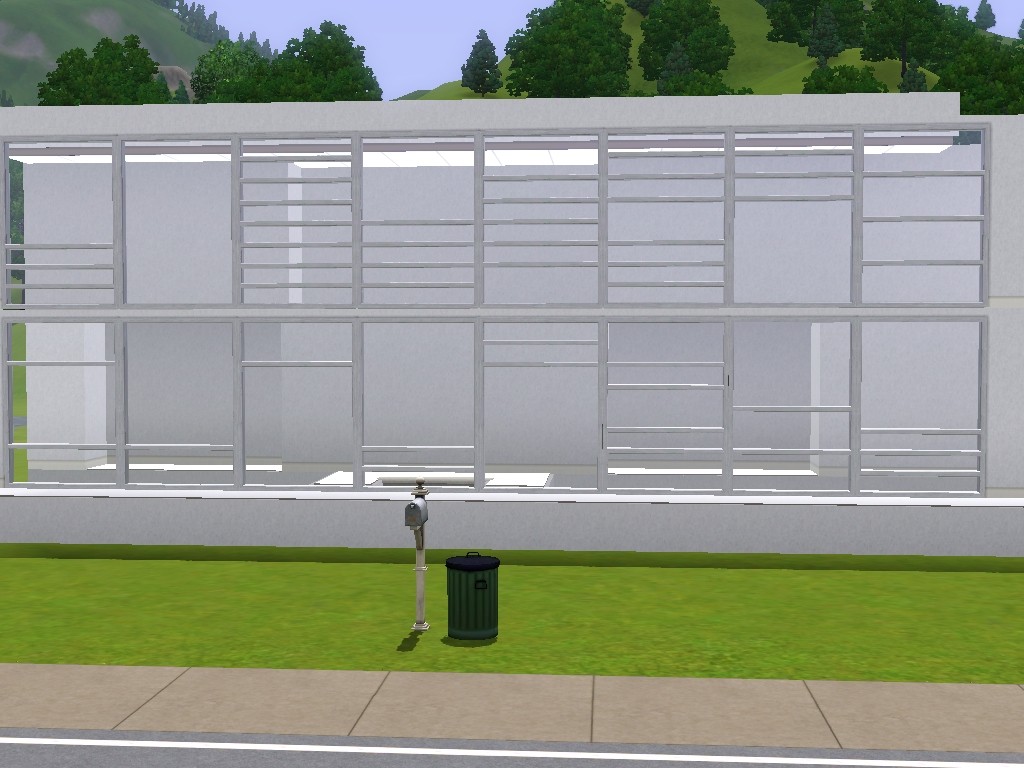
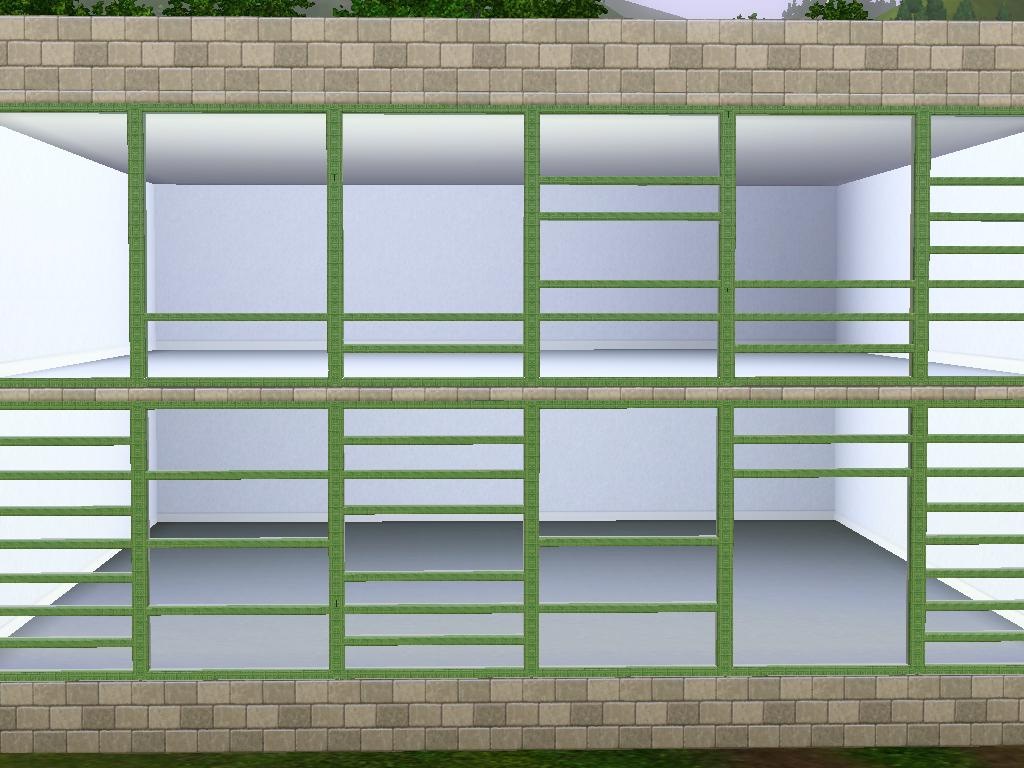
All windows cost 300.
Polygon Counts:
The poly counts are as follow(HL=High level detail, LL= Low level detail)
APModernplane HL 216 LL 196
APModern1 HL 304 LL 284
APModern1b HL 280 LL 240
APModern1c HL 280 LL 240
APModern2 HL 302 LL 282
APModern2a HL 302 LL 282
APModern2b HL 392 LL 372
APModern2c HL 304 LL 284
APModern3 HL 348 LL 328
APModern3a HL 348 LL 328
APModern3b HL 348 LL 328
APModern3c HL 480 LL 460
APModern4 HL 436 LL 416
APModern4a HL 392 LL 372
APModern4b HL 392 LL 372
APModernSieben HL 524 LL 504
Additional Credits:
TSRW
Milkshape
Wes_H for his Milkshape Plugin
This is a new mesh, and means that it's a brand new self contained object that usually does not require a specific Pack (although this is possible depending on the type). It may have Recolours hosted on MTS - check below for more information.
|
APModernALL.zip
| 16 new designs to the contemporary Window 2x1
Download
Uploaded: 24th Jan 2011, 563.8 KB.
29,853 downloads.
|
||||||||
| For a detailed look at individual files, see the Information tab. | ||||||||
Install Instructions
1. Click the download button, or the filename, to download the file to your computer.
2. Extract the zip, rar, or 7z file. Now you will have either a .package or a .sims3pack file.
For Package files:
1. Cut and paste the file into your Documents\Electronic Arts\The Sims 3\Mods\Packages folder. If you do not already have this folder, you should read the full guide to Package files first: Sims 3:Installing Package Fileswiki, so you can make sure your game is fully patched and you have the correct Resource.cfg file.
2. Run the game, and find your content where the creator said it would be (build mode, buy mode, Create-a-Sim, etc.).
For Sims3Pack files:
1. Cut and paste it into your Documents\Electronic Arts\The Sims 3\Downloads folder. If you do not have this folder yet, it is recommended that you open the game and then close it again so that this folder will be automatically created. Then you can place the .sims3pack into your Downloads folder.
2. Load the game's Launcher, and click on the Downloads tab. Find the item in the list and tick the box beside it. Then press the Install button below the list.
3. Wait for the installer to load, and it will install the content to the game. You will get a message letting you know when it's done.
4. Run the game, and find your content where the creator said it would be (build mode, buy mode, Create-a-Sim, etc.).
Extracting from RAR, ZIP, or 7z: You will need a special program for this. For Windows, we recommend 7-Zip and for Mac OSX, we recommend Keka. Both are free and safe to use.
Need more help?
If you need more info, see:
- For package files: Sims 3:Installing Package Fileswiki
- For Sims3pack files: Game Help:Installing TS3 Packswiki
Loading comments, please wait...

Uploaded: 24th Jan 2011 at 5:45 PM
#Contemporary, #windows, #plane, #design, #new
-
-
by hudy777DeSign updated 28th Oct 2010 at 11:13pm
 172
408.1k
709
172
408.1k
709
-
by HugeLunatic 15th Jun 2010 at 6:20pm
60
99.7k
254
-
3 Extended windows for thicker walls
by Lisen801 updated 9th Jun 2012 at 3:14pm
+1 packs
21 27.5k 56 World Adventures
-
by Lisen801 18th Jul 2010 at 10:53pm
27
45.6k
96
-
by AdonisPluto 24th Aug 2010 at 12:18am
10
29.8k
48
-
2 new windows for *Extended* walls
by Lisen801 updated 27th May 2012 at 12:44pm
+1 packs
19 59.7k 104 Late Night
-
by Lisen801 16th Feb 2011 at 6:16pm
13
42.1k
120
-
by Lisen801 22nd Feb 2011 at 6:16pm
30
68.1k
138
-



-
by AdonisPluto updated 10th Mar 2024 at 12:10pm
A door and Arch that can go with any styled Building. more...
 20
39.2k
128
20
39.2k
128
-
by AdonisPluto 9th Aug 2020 at 5:31pm
A set of Circular Jean rugs for modern design more...
1
4.1k
10
-

by AdonisPluto 22nd Sep 2016 at 9:34pm
Wall paintings and abstracts to modernise our Sims modern houses more...
21
24.8k
83
-
-
-
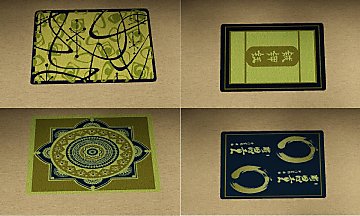
by AdonisPluto 19th Nov 2011 at 9:58pm
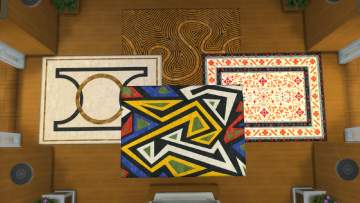
A set of three different rugs with different themes more...
6
19.2k
39
-
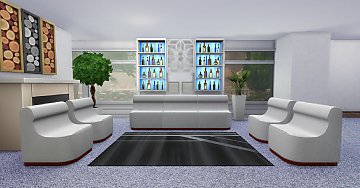
by AdonisPluto 16th Feb 2018 at 6:07pm
Modern modular chair for a modern modular living more...
-

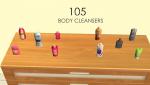
by AdonisPluto 7th Apr 2015 at 7:11am
A conversion of One billion Pixel body cleansers for TS2 more...
 20
14.8k
61
20
14.8k
61
-
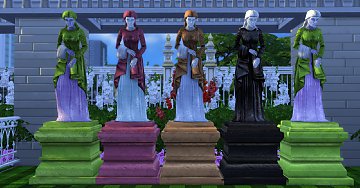
by AdonisPluto 1st Jan 2020 at 11:15pm
A sculpture of the Gray woman that watches over all children in the Sims world more...
4
9.4k
33
-
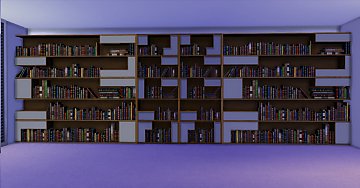
by AdonisPluto 26th May 2015 at 7:58pm
A two set bookshelf conversion to add more beauty to the study room. more...
14
41.2k
131


