
 Sign in to Mod The Sims
 Cat Perch(Updated:11-27-11) Now shiftable!
 Cat Perch(Updated:11-27-11) Now shiftable!


cp2.jpg - width=1000 height=650
cp3.jpg - width=1000 height=594
cp4.jpg - width=634 height=395
cp5.jpg - width=756 height=454
cp1.jpg - width=1000 height=650

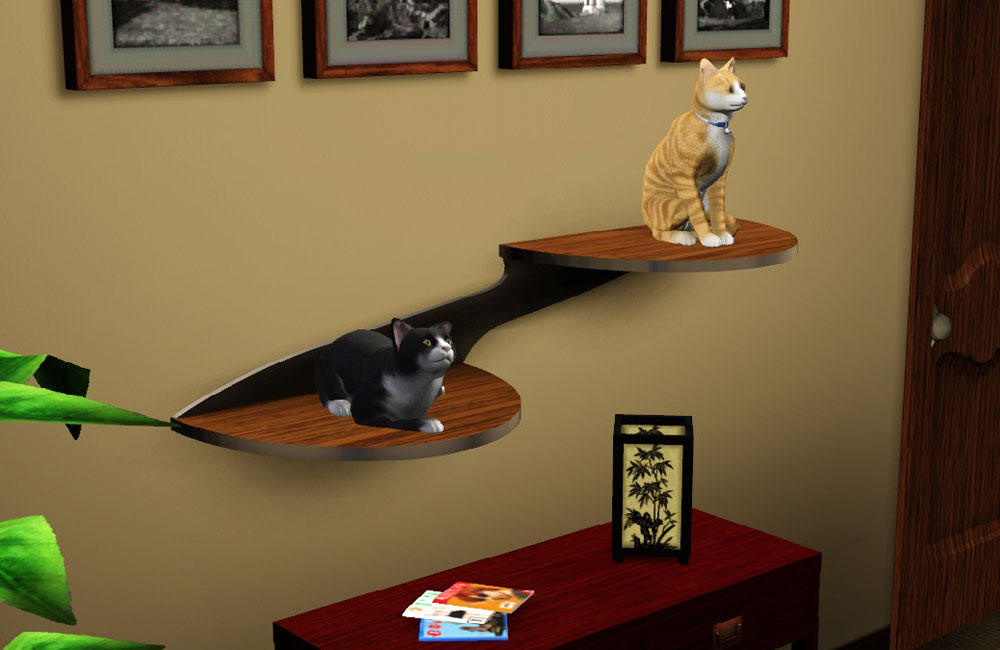
Give your cats a spot with a view with this cat perch. Cats love to climb on things, and cats on the dinner table can be a problem. So why not give them their own furniture to jump on?
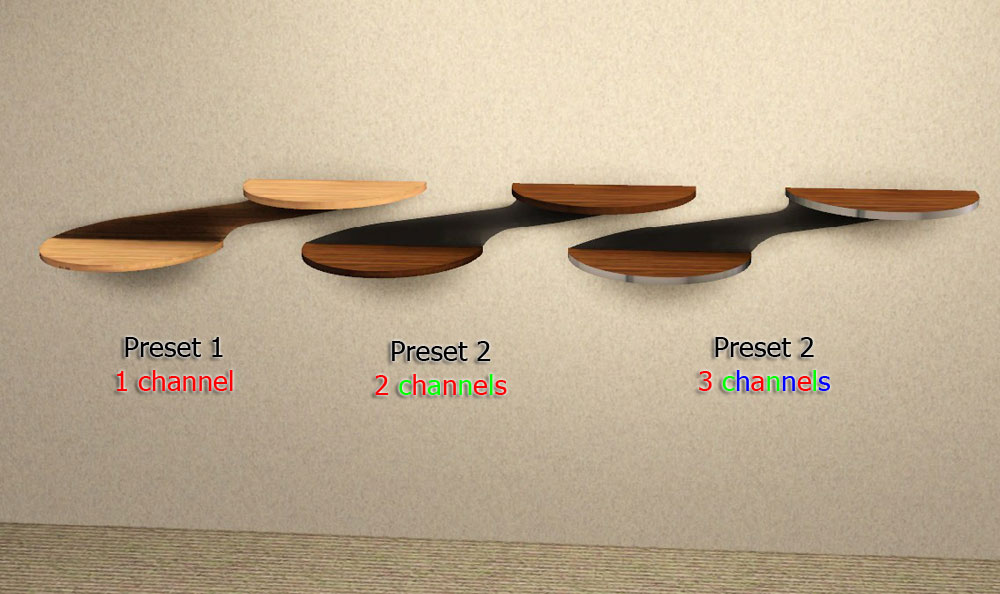
It has three presets:
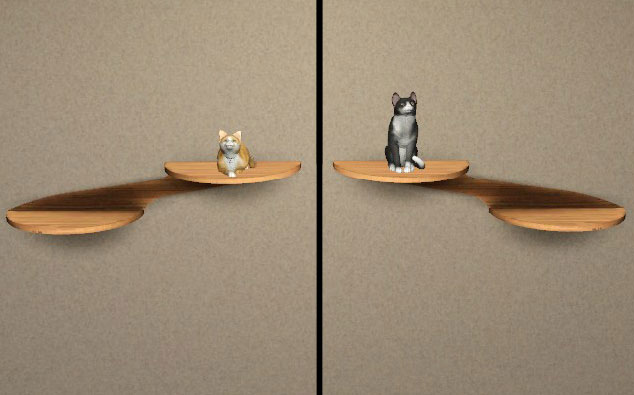
Also included is a mirrored version:
Each costs $100 and can be found in PetEssentials/Cats.
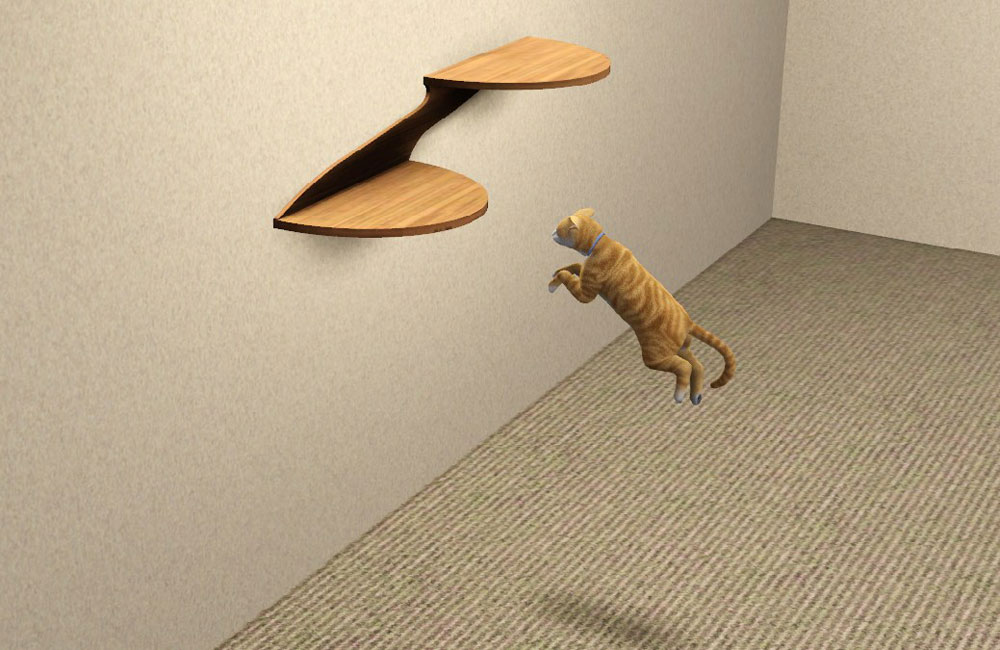
 It can now be shifted up and down the wall, from the original position to the floor.(can't move past original position because cats won't jump that high)
Updated 11-27-11:
- made Shiftable
Polygon Counts:
cat perch: 491
Additional Credits:
Orangemittens for testing and Inge and Peter Jones for S3OC, S3PE and the TextureTweaker.
This is a new mesh, and means that it's a brand new self contained object that usually does not require a specific Pack (although this is possible depending on the type). It may have Recolours hosted on MTS - check below for more information.
|
cmomoney_CatPerch.rar
Download
Uploaded: 17th Nov 2011, 334.9 KB.
30,107 downloads.
|
||||||||
| For a detailed look at individual files, see the Information tab. | ||||||||
Install Instructions
1. Click the download button, or the filename, to download the file to your computer.
2. Extract the zip, rar, or 7z file. Now you will have either a .package or a .sims3pack file.
For Package files:
1. Cut and paste the file into your Documents\Electronic Arts\The Sims 3\Mods\Packages folder. If you do not already have this folder, you should read the full guide to Package files first: Sims 3:Installing Package Fileswiki, so you can make sure your game is fully patched and you have the correct Resource.cfg file.
2. Run the game, and find your content where the creator said it would be (build mode, buy mode, Create-a-Sim, etc.).
For Sims3Pack files:
1. Cut and paste it into your Documents\Electronic Arts\The Sims 3\Downloads folder. If you do not have this folder yet, it is recommended that you open the game and then close it again so that this folder will be automatically created. Then you can place the .sims3pack into your Downloads folder.
2. Load the game's Launcher, and click on the Downloads tab. Find the item in the list and tick the box beside it. Then press the Install button below the list.
3. Wait for the installer to load, and it will install the content to the game. You will get a message letting you know when it's done.
4. Run the game, and find your content where the creator said it would be (build mode, buy mode, Create-a-Sim, etc.).
Extracting from RAR, ZIP, or 7z: You will need a special program for this. For Windows, we recommend 7-Zip and for Mac OSX, we recommend Keka. Both are free and safe to use.
Need more help?
If you need more info, see:
- For package files: Sims 3:Installing Package Fileswiki
- For Sims3pack files: Game Help:Installing TS3 Packswiki
Loading comments, please wait...



 View with Names
Uploaded: 17th Nov 2011 at 12:38 AM
Updated: 28th Nov 2011 at 8:39 PM by whiterider
-
by Ewelina20 12th Dec 2009 at 11:06am
 18
46k
79
18
46k
79
-
by cmomoney 20th Jan 2010 at 6:49pm
30
46.4k
109
-
-
3 New Shiftable Curtain Meshes for Single Windows: PETS compatible
by lhawk07 29th Oct 2011 at 9:52am
12
32.6k
74
-
Shiftable shelf for Windows and Walls
by Lisen801 13th Jun 2012 at 4:54pm
+1 packs
25 77.5k 384 Generations
-
Pet beds of the midcentury! + additional props
by Lyralei 27th Mar 2018 at 4:49pm
+1 packs
35 86.5k 306 Pets
Pets
-
Halloween Paintings - 14 Different Designs - Shiftable
by marydehoyos 11th Oct 2024 at 8:25am
7
1.5k
9
-
-

-

by Y-Dawg 14th May 2026 at 4:36pm
2
1.3k
3





-
No Drift/Lower Level Live Mode Camera Mod
by cmomoney 21st Jan 2010 at 6:43pm
Works for versions 1.26-1.42. Updated 3.14.2010: Increased zoom out distance. Please re-download. more...
61
143.3k
280
-
Blender 2.7 TS3 Tools v3.02 updated 5-2-14
by cmomoney 15th Feb 2011 at 8:32pm
Object importer/exporter and other various tools for modding TS3 with Blender 3d 2.5 more...
214
268.1k
181
-
Bookshelf Revisited: Emptied with 21 Slots *Updated 7-8-12
by cmomoney 22nd Apr 2010 at 7:23pm
Running out of places to put your stuff? Bookshelves shouldn't be just for books. more...
38
72.8k
219
-


-
-
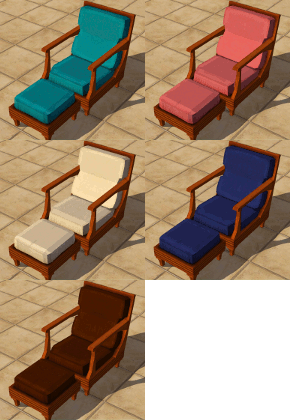
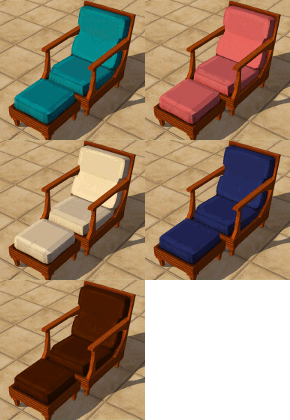
"Castillo" Style Patio Set Recolours
by cmomoney 24th Jul 2009 at 6:17pm
This set includes recolours for my "Castillo" Style Patio Set. The set(meshes) can be found here. more...
-
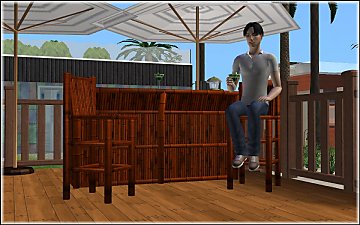
*UPDATED*Bamboo Tiki Bar w/ drinkable/servable Margaritas by Cmomoney
by cmomoney updated 16th Jul 2009 at 6:54am
:alarm: UPDATED July 19, 2009 This update makes a couple of changes: Margaritas no longer have a drinking limit more...
 86
80.7k
127
86
80.7k
127
-

-
*UPDATED* Cozy Cottage Dining Set
by cmomoney 13th Nov 2009 at 9:59pm
This set is based on Cindy Crawford's "California Cottage" set. more...
-



Packs Needed
| Expansion Pack | |
|---|---|
| Pets |