
 Sign in to Mod The Sims
 Shiftable shelf for Windows and Walls
 Shiftable shelf for Windows and Walls


Index.jpg - width=1100 height=833
WallsDown.jpg - width=1200 height=663
SidebySide.jpg - width=1100 height=854
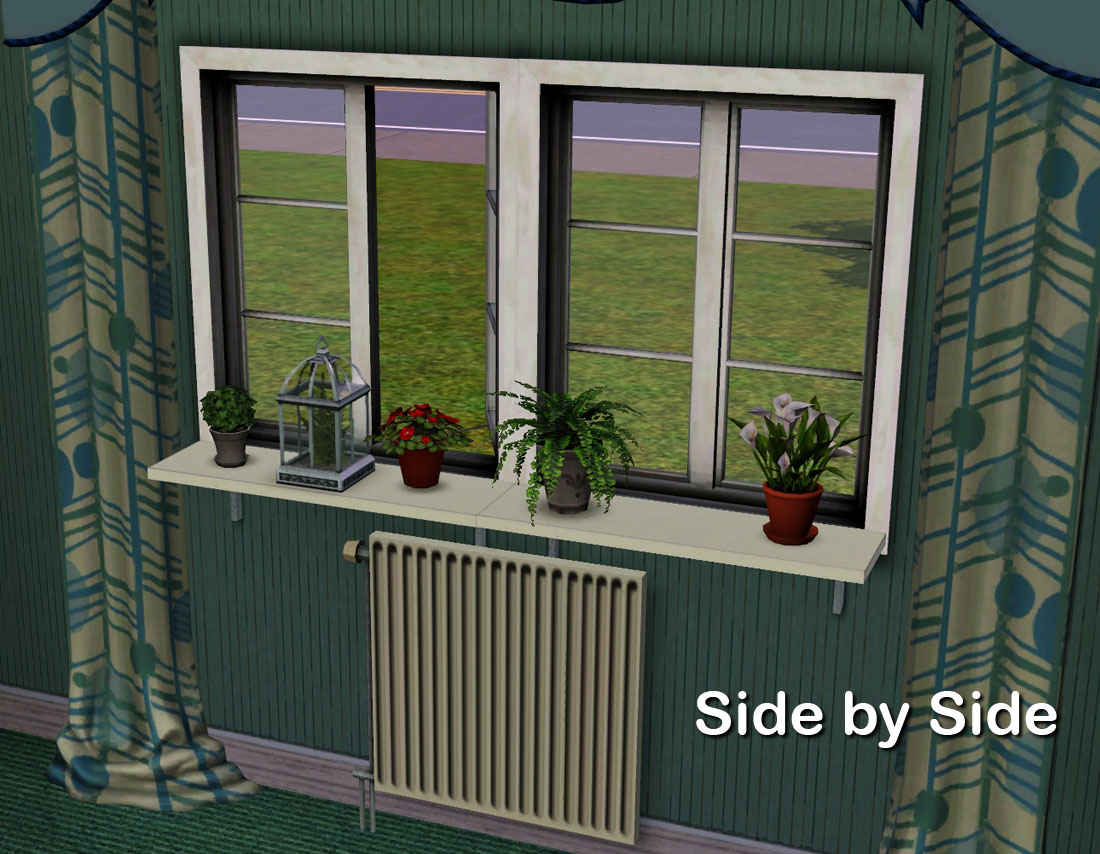
The shelf is one module wide and can be placed side by side to make a long shelf.
ShiftableShelf.jpg - width=484 height=645
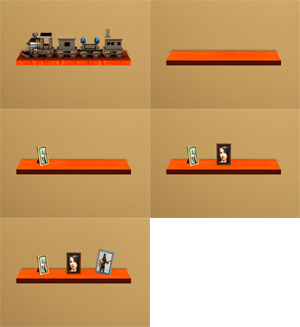
Shiftable in nine positions
Defaults.jpg - width=1100 height=832
Three default materials
TextureandColor.jpg - width=878 height=627
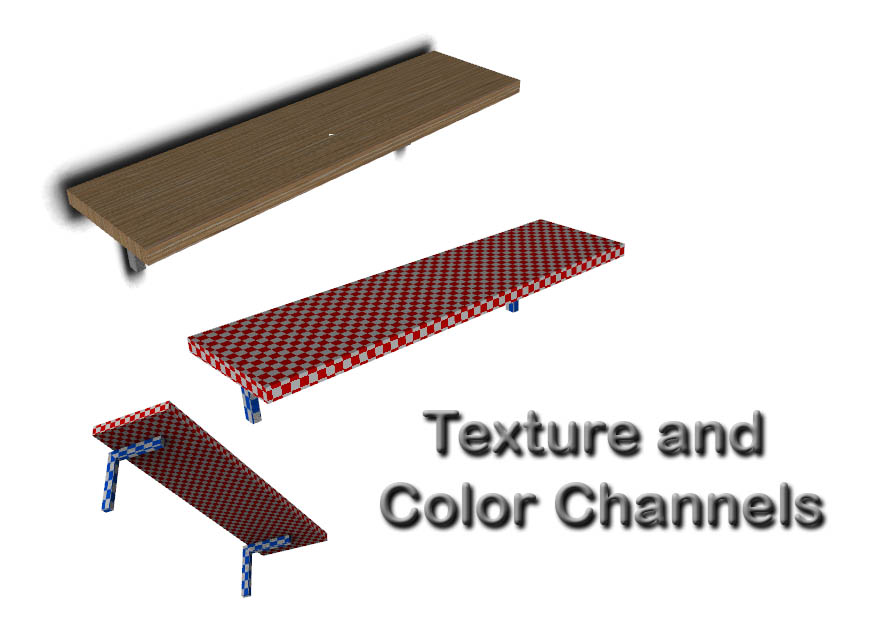
Two recolorable, CAST-able, channels
Directory.jpg - width=1145 height=724
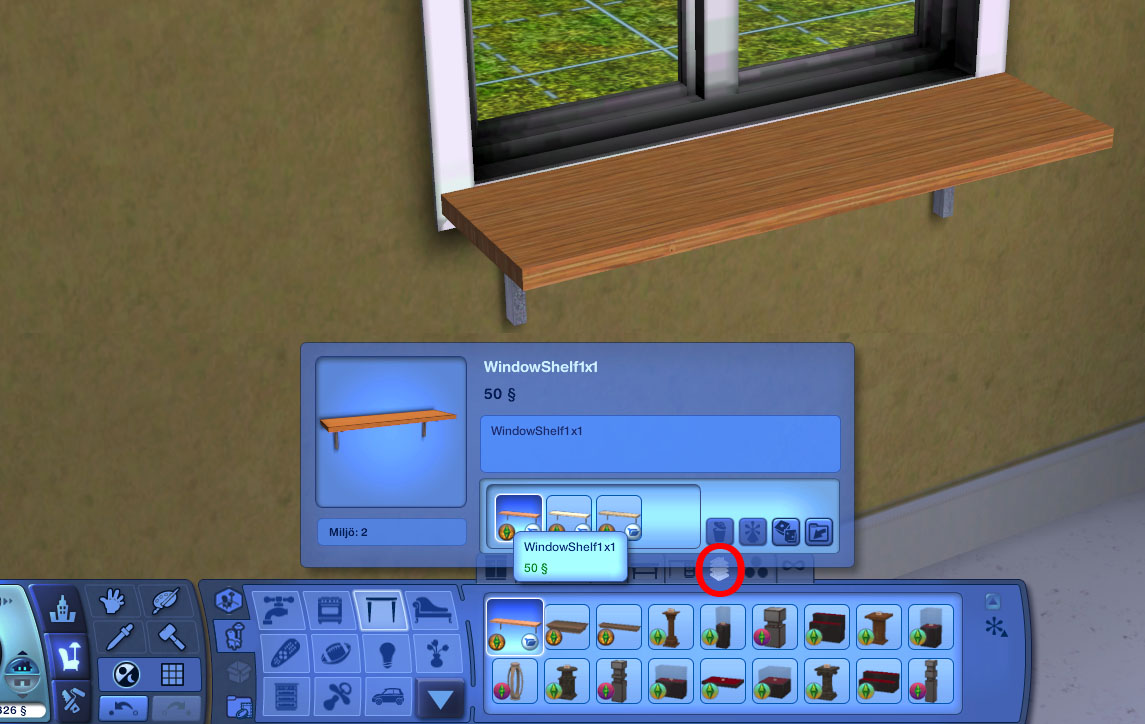
Here's where you can find the shelf in the catalog of objects. Surfaces-Displays. Cost $50.
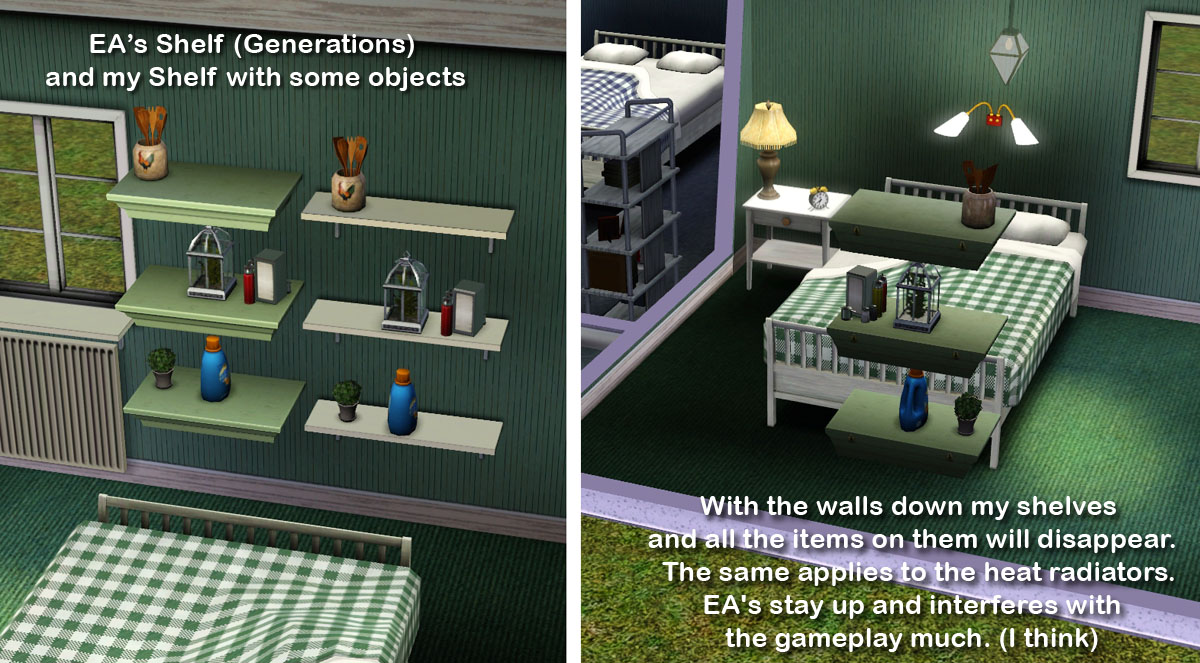
With Generations, we got a nice shift variable shelf. But I think it has two drawbacks. I think it would be wider so that you could put two shelves next to each other so that there was a long shelf.
Another major drawback is that the shelves and all the objects on them does not disappear when the walls go down. I think it interferes with gameplay very much.
So what do you do? Well, I clonade EA's shelf and made a new mesh, narrower and longer, and made so that it disappears when the walls go down.
The shelf is shiftable in nine positions with the default high adopted to my "Nordic Windows" and you can place them side by side with the windows.
The shelf comes with three default materials
Ther's two CAST-able channels
Where you find it and how much did it cost?
You find the shelf in Surface-Display-catalog. The cost is $50.
Polygon Counts:
The shelf have 32 vertices and 22 faces.
Additional Credits:
As usual I want to thank EA for a great game and nice objects, the developers and publichers of the tools I use and also all the helpful people here and there.
This is a new mesh, and means that it's a brand new self contained object that usually does not require a specific Pack (although this is possible depending on the type). It may have Recolours hosted on MTS - check below for more information.
|
Lisen_WindowShelf.7z
Download
Uploaded: 13th Jun 2012, 133.8 KB.
26,164 downloads.
|
||||||||
| For a detailed look at individual files, see the Information tab. | ||||||||
Install Instructions
1. Click the download button, or the filename, to download the file to your computer.
2. Extract the zip, rar, or 7z file. Now you will have either a .package or a .sims3pack file.
For Package files:
1. Cut and paste the file into your Documents\Electronic Arts\The Sims 3\Mods\Packages folder. If you do not already have this folder, you should read the full guide to Package files first: Sims 3:Installing Package Fileswiki, so you can make sure your game is fully patched and you have the correct Resource.cfg file.
2. Run the game, and find your content where the creator said it would be (build mode, buy mode, Create-a-Sim, etc.).
For Sims3Pack files:
1. Cut and paste it into your Documents\Electronic Arts\The Sims 3\Downloads folder. If you do not have this folder yet, it is recommended that you open the game and then close it again so that this folder will be automatically created. Then you can place the .sims3pack into your Downloads folder.
2. Load the game's Launcher, and click on the Downloads tab. Find the item in the list and tick the box beside it. Then press the Install button below the list.
3. Wait for the installer to load, and it will install the content to the game. You will get a message letting you know when it's done.
4. Run the game, and find your content where the creator said it would be (build mode, buy mode, Create-a-Sim, etc.).
Extracting from RAR, ZIP, or 7z: You will need a special program for this. For Windows, we recommend 7-Zip and for Mac OSX, we recommend Keka. Both are free and safe to use.
Need more help?
If you need more info, see:
- For package files: Sims 3:Installing Package Fileswiki
- For Sims3pack files: Game Help:Installing TS3 Packswiki
Loading comments, please wait...



 View with Names
Uploaded: 13th Jun 2012 at 4:54 PM
-

-
by lemoncandy 3rd Sep 2009 at 5:18pm
 43
83.1k
132
43
83.1k
132
-
by Ewelina20 2nd Dec 2009 at 6:28pm
21
40.7k
70
-
-
Bookshelf Revisited: Emptied with 21 Slots *Updated 7-8-12
by cmomoney 22nd Apr 2010 at 7:23pm
38
72.9k
220
-
-
Updated: Versatile Glass Shelving:5 levels/2 choices of uprights. Freestanding or for walls.
by orangemittens 24th May 2010 at 3:48pm
28
53.4k
86
-
Versatile Shelving: Half Shelves & In-between Uprights
by orangemittens 6th Jul 2010 at 6:08pm
16
41.4k
70
-
by Lisen801 14th Jan 2011 at 5:32pm
41
91.8k
320
-
by armiel 18th Jul 2011 at 7:10pm
34
53k
196



-
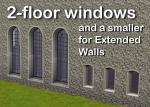
2 new windows for *Extended* walls
by Lisen801 updated 27th May 2012 at 12:44pm
One 2-story big window and a smaller one for 'extended' windows for maisons, castles, churches, etc... more...
+1 packs
19 59.9k 106 Late Night
-
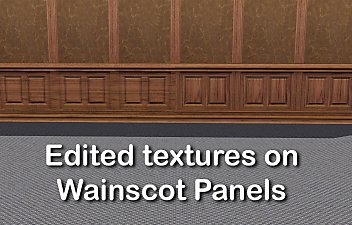
Edited Wainscot panels textures
by Lisen801 5th Jun 2012 at 4:30pm
The Wainscot Panels with more real texturing more...
14
21k
51
-
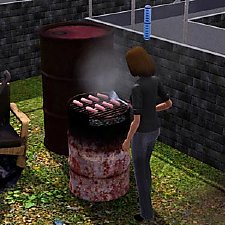

Elegant BBQ for your junky lots
by Lisen801 updated 25th May 2012 at 1:42pm
A cheap and effective BBQ for everyone more...
-


-
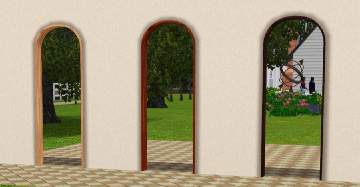
Singel tile arch with curved top
by Lisen801 8th Jul 2010 at 5:32pm
I've been searching for a one tile curved arch but couldn't find any so I made one myself. Maybe someone other wants it? more...
+1 packs
34 35.8k 95 World Adventures
-
-
-
-
Typical Swedish? Buildset for the swedish patriot.
by Lisen801 4th Jul 2010 at 5:26pm
This set contain four walls and one plank fence in swedish style. more...
+1 packs
19 35k 26 World Adventures
-


Packs Needed
| Expansion Pack | |
|---|---|
| Generations |
About Me
Credit is nice but not mandatory.