
 Sign in to Mod The Sims
 Port of Ennui [CEP-EXTRA]
 Port of Ennui [CEP-EXTRA]


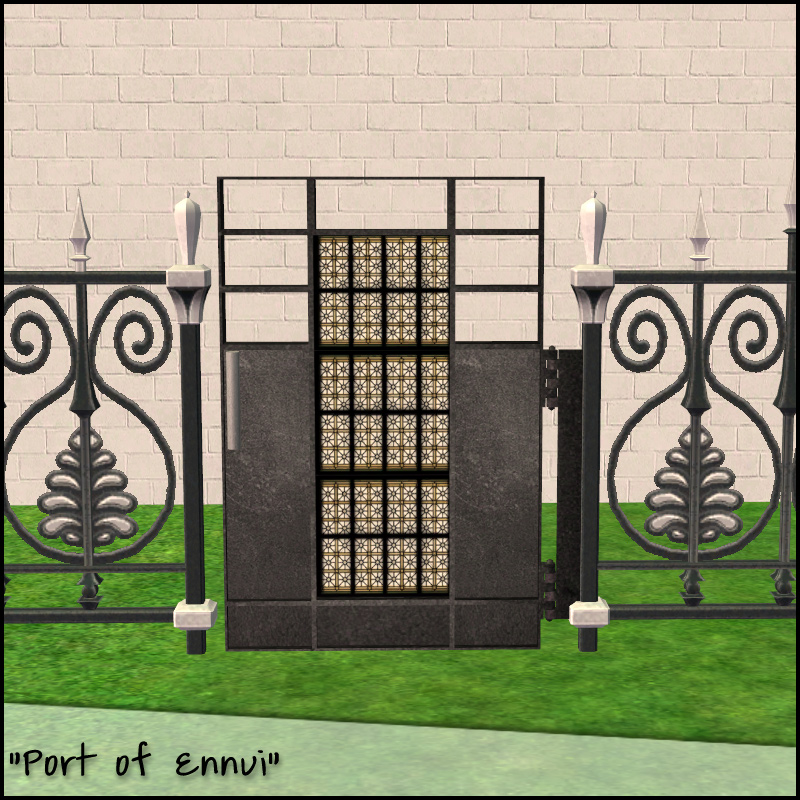
Port-of-Ennui-1.jpg - width=800 height=800
Port-of-Ennui-2.jpg - width=800 height=800
Port-of-Ennui-thumb.jpg - width=256 height=256


I've remapped the door portion a bit, the mapping still doesn't support directional textures well for the main part, but now the panels have been separated. As you can see in my shoddy recolor preview, you can use nice patterns for that portion. The black texture part around the pattern is also part of the panels, I just chose to have those match the black trim.
 Installation!
The zip contains two files:
HL_CEP_fenceloftgate-programfiles-programFiles - Install this in C:\Program Files (x86)\EA GAMES\The Sims 2\TSData\Res\Catalog\zCEP-EXTRA.
HL_CEP_fenceloftgate-programfiles - Install this in \Documents\EA Games\The Sims 2\zCEP-EXTRA
Note: If you would like to recolor, I've included the uvmap as a psd. It is 1024x1024 for clarity in mapping, but I would recommend you use 512x512 texture size, or the default which is 256x256.
|
fenceloftgate_uv.rar
Download
Uploaded: 27th Feb 2014, 117.6 KB.
744 downloads.
|
||||||||
|
HL_CEP_fenceloftgate.rar
Download
Uploaded: 27th Feb 2014, 356.6 KB.
1,835 downloads.
|
||||||||
| For a detailed look at individual files, see the Information tab. | ||||||||
Install Instructions
1. Download: Click the download link to save the .rar or .zip file(s) to your computer.
2. Extract the zip, rar, or 7z file.
3. Place in Downloads Folder: Cut and paste the .package file(s) into your Downloads folder:
- Origin (Ultimate Collection): Users\(Current User Account)\Documents\EA Games\The Sims™ 2 Ultimate Collection\Downloads\
- Non-Origin, Windows Vista/7/8/10: Users\(Current User Account)\Documents\EA Games\The Sims 2\Downloads\
- Non-Origin, Windows XP: Documents and Settings\(Current User Account)\My Documents\EA Games\The Sims 2\Downloads\
- Mac: Users\(Current User Account)\Documents\EA Games\The Sims 2\Downloads
- Mac x64: /Library/Containers/com.aspyr.sims2.appstore/Data/Library/Application Support/Aspyr/The Sims 2/Downloads
- For a full, complete guide to downloading complete with pictures and more information, see: Game Help: Downloading for Fracking Idiots.
- Custom content not showing up in the game? See: Game Help: Getting Custom Content to Show Up.
- If you don't have a Downloads folder, just make one. See instructions at: Game Help: No Downloads Folder.
Loading comments, please wait...


Uploaded: 27th Feb 2014 at 4:56 PM
Updated: 27th Feb 2014 at 6:53 PM
-
Futur-Nu Prime by Zuper Tech [CEP-EXTRA]
by HugeLunatic updated 30th Nov 2014 at 9:29pm
 +1 packs
4 11.6k 21
+1 packs
4 11.6k 21 Pets
Pets
-
Old World Large Window [CEP-EXTRA]
by HugeLunatic 3rd Feb 2014 at 6:45pm
+1 packs
5 16.9k 44 Apartment Life
-
by HugeLunatic updated 2nd Apr 2024 at 11:12am
+1 packs
8 26.5k 12 Apartment Life
-
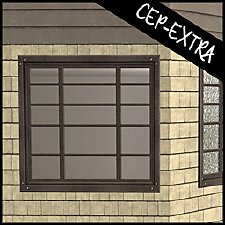
by HugeLunatic 18th Nov 2018 at 5:07pm
4
12.8k
26
-
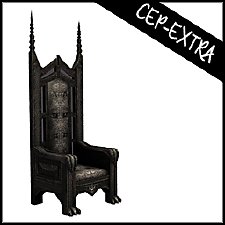
by HugeLunatic updated 8th May 2019 at 7:31pm
+1 packs
2 9.8k 26 Apartment Life
-
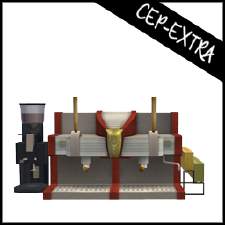
by HugeLunatic updated 17th Sep 2019 at 8:48pm
+1 packs
8 11.8k 36 University
-
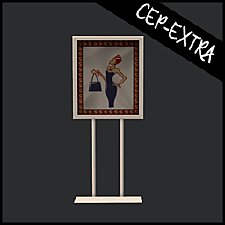
Mr. Generic's Sign [CEP-Extra]
by HugeLunatic 25th Jun 2020 at 5:25pm
+1 packs
4 5.3k 14 Open for Business
-
-
-


-
Grey Value Door "Lost & Found"
by HugeLunatic updated 13th Jun 2020 at 9:28pm
A lone grey texture in game files left unlinked to the door. more...
3
10.2k
31
-
Colonial Windows - Counterheight
by HugeLunatic 20th Sep 2009 at 10:01am
Ok, so nothing earthshattering or spectacular, just a couple more basic windows made to fit above counter tops. more...
 58
88.4k
182
58
88.4k
182
-
by HugeLunatic 18th Sep 2010 at 11:30pm
The Darien is a classic Scottish Highland castle finished in stone. more...
+2 packs
7 15.2k 7 World Adventures
 High-End Loft Stuff
-
by HugeLunatic 20th Mar 2013 at 6:26pm
This is my round four entry from the Pleasantview Makeover last fall, designed for the Wilson family. more...
+17 packs
8 15.5k 29 Happy Holiday
 Family Fun
University
Family Fun
University
 Glamour Life
 Nightlife
 Celebration
Open for Business
Pets
Celebration
Open for Business
Pets
 H&M Fashion
 Teen Style
 Seasons
 Kitchen & Bath
 Bon Voyage
 Free Time
 Ikea Home
Apartment Life
Ikea Home
Apartment Life
 Mansion and Garden
-
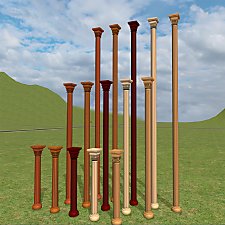
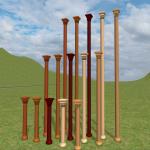
by HugeLunatic 26th Apr 2025 at 1:56pm
A two and three story version of the base game Canonical column. more...
1
1.6k
7
-
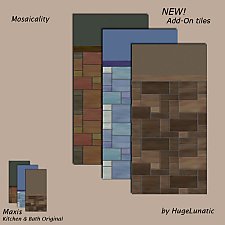
by HugeLunatic 12th Dec 2008 at 2:01pm
I like most all of the tiles that came with Kitchen & Bath, except that all the tiles don't go more...
30
53.9k
162
-
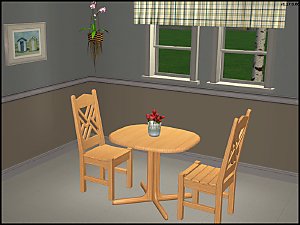
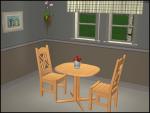
FLATWÖUD Dining Table - One Tile
by HugeLunatic 4th Dec 2012 at 5:23am
A one tile version of the base game "FLATWÖUD Dining Table by Iseeya". more...
15
26k
89
-
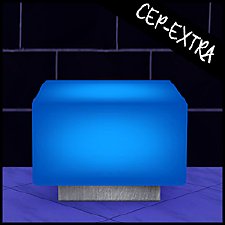
by HugeLunatic updated 30th Oct 2022 at 7:59pm
Thanks to MrsM'Quve for pointing out this blue recolor was just hanging out in the game files and nowhere more...
+1 packs
7 10.7k 27 Nightlife
-
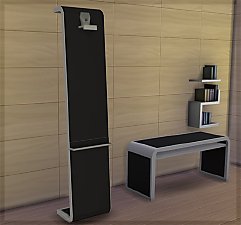
by HugeLunatic 15th Nov 2014 at 3:56am
A basic modern easel, designed to match the desk "The Recognizer" in game, but will work in more...
 57
65.2k
331
57
65.2k
331
-
by HugeLunatic 10th Dec 2010 at 2:31am
This is a very old set of mine, my very first mesh set that I shared. more...
20
57.6k
119


About Me
Pet Stories || Dog Agility Items? || Castaway Stories || Holy Simoly Extras
4esf Archive || Holy Simoly Archive || CEP-Extras List || Buyable Game Objects
lunie content from GoS/s2a
 Installation of CEP Extras
-the package with pfiles appended to the name will go into your cep extras folder where your game is installed (typically c drive, you do you)
-the other goes in CEP extra folder in documents.
The following locations are what I am aware of, beyond that you'll have to do some searching.
Downloads Folder:
C:\Users\<user>\Documents\EA Games\The Sims 2 Legacy
C:\Users\<user>\Documents\EA Games\The Sims 2 Ultimate Collection
With multiple launchers, the location for your game install will vary.
C:\Program Files\EA GAMES\The Sims 2 Legacy\TSData\Res\Catalog\zCEP-EXTRA
C:\Program Files\EA GAMES\The Sims 2\TSData\Res\Catalog\zCEP-EXTRA
C:\Program Files (x86)\EA GAMES\The Sims 2\TSData\Res\Catalog\zCEP-EXTRA