
 Sign in to Mod The Sims
 Indoor Lights Brighter
 Indoor Lights Brighter


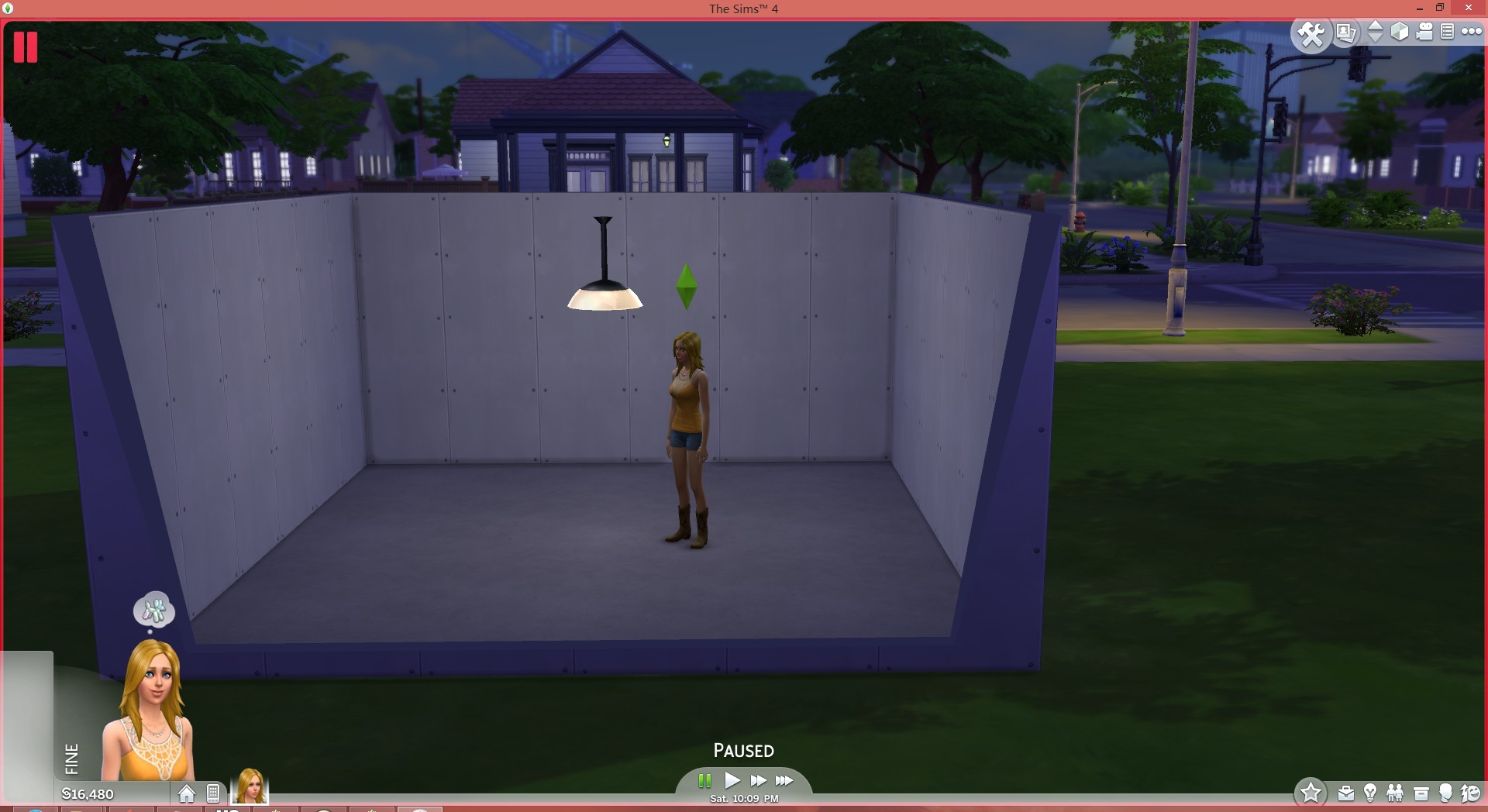
before.jpg - width=1920 height=1048
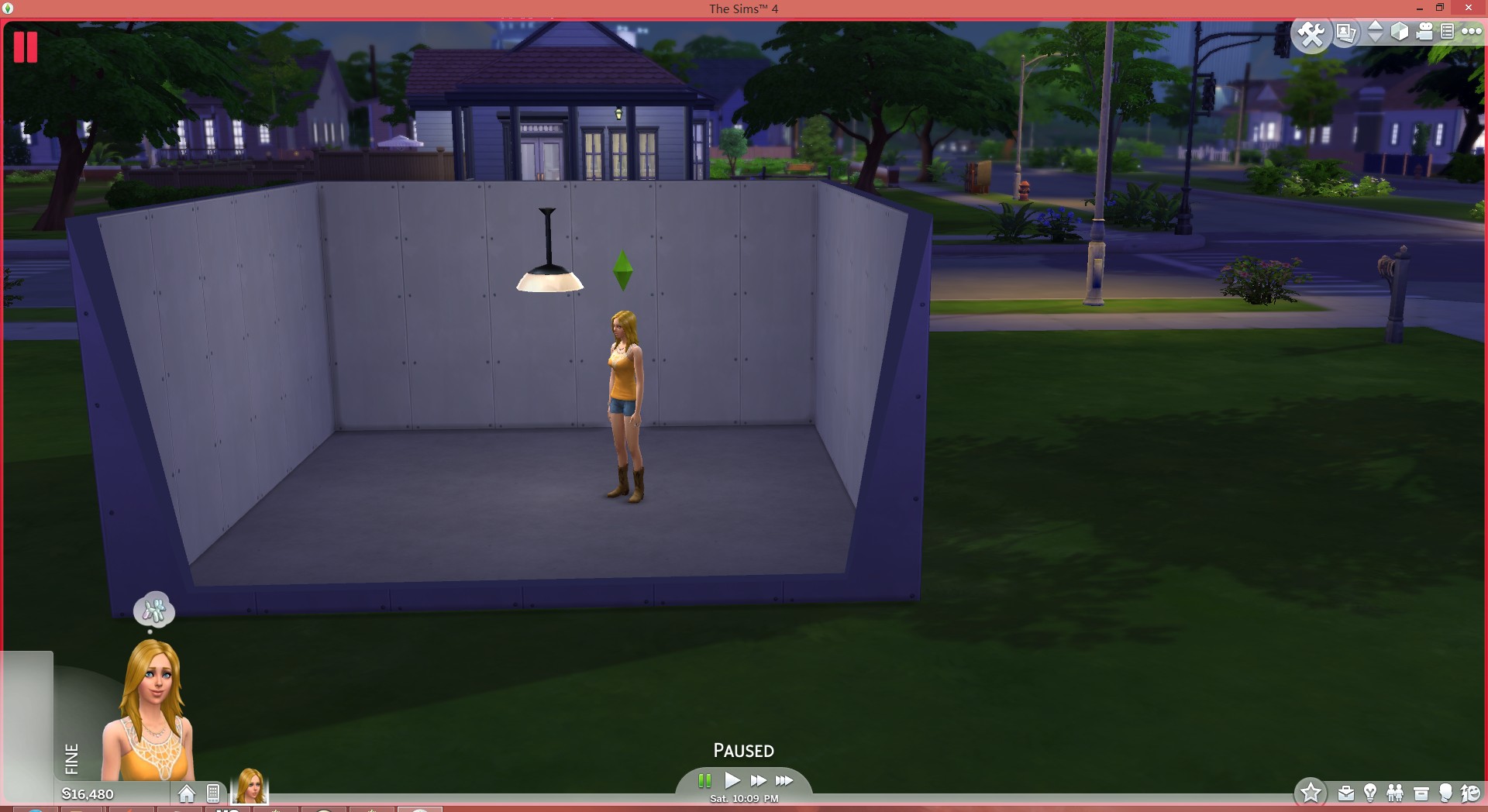
after.jpg - width=1920 height=1048
High.jpg - width=1920 height=1048
Low.jpg - width=1920 height=1048
Medium.jpg - width=1920 height=1048
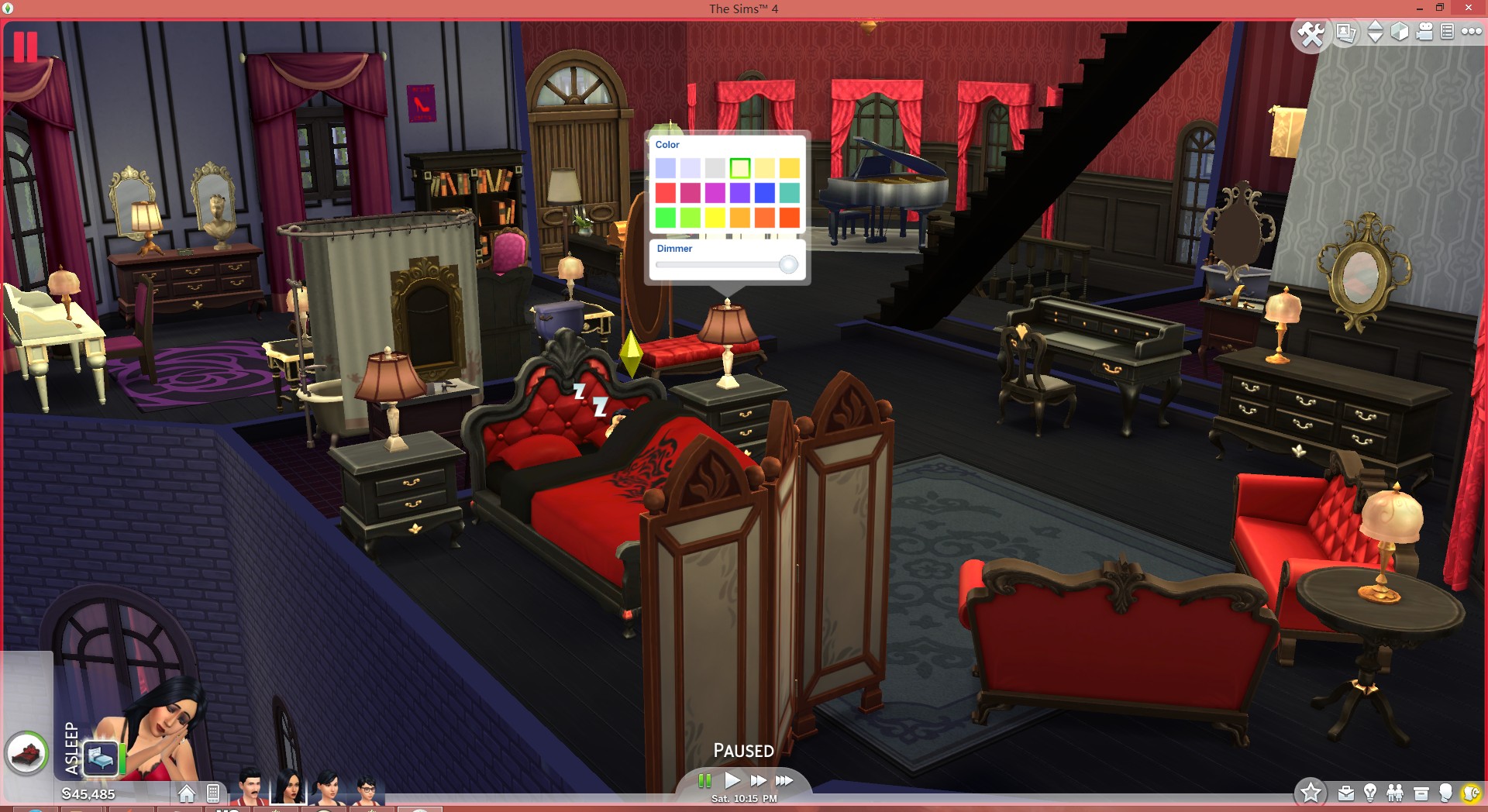
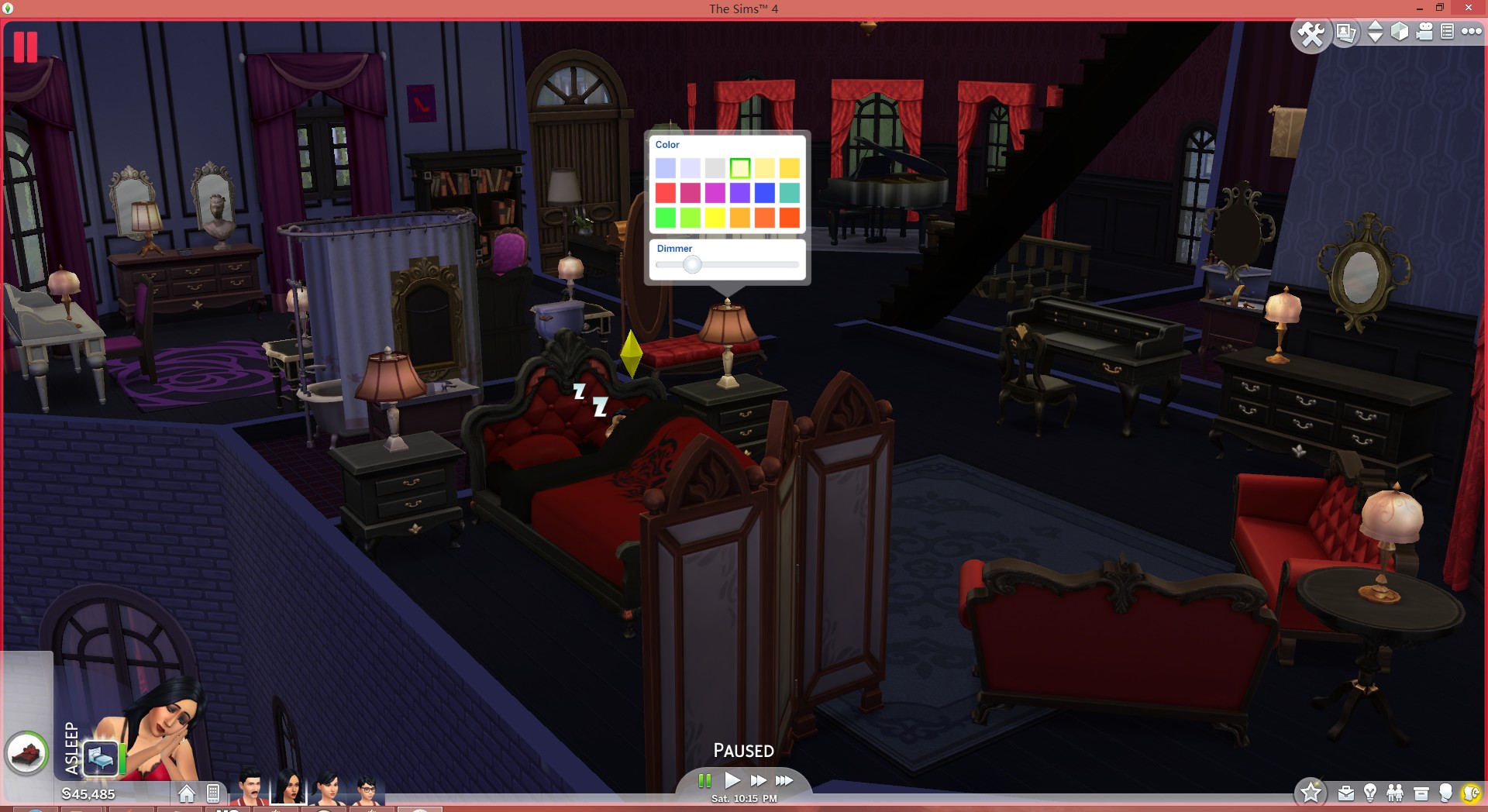
You can adjust the brightness urself in game, or make it even higher.
9/7/ Updated the version that slightly increased the environmental lighting. The default brightness is lowered by 40%, but still much brighter than vanilla game.
 NOTICE
 For some of user reported that the brightness went back, it's caused by loading(include loading, leaving lot, entering CAS etc.). The brightness will be automatically set back to default when you try to modify the brightness again after loading.
This issue also appeared in vanilla game without modding, it's not caused by this mod. Hope some day EA will fix this problem.
Here I recommend you, once you have finished modifying your brightness, then ignore those lamps at all!

before
after
Default brightness level
Adjusted on your own
Additional Credits:
Credits
s4pe by kuree https://github.com/Sims4Group/Sims4Tools/releases
s4 data file tool by velocitygrass http://modthesims.info/showthread.php?t=531876
|
BrighterLights.rar
| Old version
Download
Uploaded: 7th Sep 2014, 1.4 KB.
10,775 downloads.
|
||||||||
|
BrighterLightsV1.1.rar
| Latest version. Slightly increased the environmental lighting. Lowered default brightness.
Download
Uploaded: 7th Sep 2014, 1.4 KB.
101,894 downloads.
|
||||||||
| For a detailed look at individual files, see the Information tab. | ||||||||
Install Instructions
1. Download: Click the File tab to see the download link. Click the link to save the .rar or .zip file(s) to your computer.
Read the upload description for installation instructions. If nothing else is specified, do the following:
2. Extract: Use WinRAR (Windows) to extract the .package file(s) (if included, ts4script as well) from the .rar or .zip file(s).
3. Cut and paste the .package file(s) (if included, ts4script as well) into your Mods folder
- Windows XP: Documents and Settings\(Current User Account)\My Documents\Electronic Arts\The Sims 4\Mods\
- Windows Vista/7/8/8.1: Users\(Current User Account)\Documents\Electronic Arts\The Sims 4\Mods\
Need more information?
- Anyone can use both .rar and .zip files easily! On Windows, use WinRAR.
- If you don't have a Mods folder, just make one.
- Mod still not working? Make sure you have script mods enabled

Loading comments, please wait...
Uploaded: 6th Sep 2014 at 5:27 PM
Updated: 8th Sep 2014 at 12:28 AM - Update
#light, #lightning, #bright, #brightness, #brighter
-
-
-
Live Mode and Tab Mode Camera Mods - No Drift & Lower Level!
by Buckley 30th Sep 2014 at 4:08pm
 121
475.4k
805
121
475.4k
805
-
-
-
by MizoreYukii updated 15th Nov 2019 at 9:48pm
48
160.4k
290
-
by Zafire updated 31st Jul 2023 at 1:22pm
68
96.1k
166
-
by Lunula Simmer updated 8th Jun 2025 at 6:42pm
+1 packs
8 5.8k 38 Spa Day
-
-
by LunarBritney updated 13th Oct 2025 at 10:36pm
+1 packs
11 53.4k 24 Seasons


