
 Sign in to Mod The Sims
 Improved Lighting (V7 1.19 patch)
 Improved Lighting (V7 1.19 patch)


LightingMod1.jpg - width=1280 height=1024
LightingMod2.jpg - width=1280 height=1024
LightingMod3.jpg - width=1280 height=1024
The V6 mod is available for the 1.15.55 update.
The V5 mod for the December 16th patch reduces the extra brightness/glow/bloom which appeared with this patch, so the lighting is approximately the same as before this patch with my mod installed. The issue with the darker rugs doesn't exist anymore, rugs are the normal EA rugs when using this mod now.
The V4 version removes this issue with black walls when the lights are off, and the issue with extreme brightness on walls beside a window when the lights are off (when the walls weren't black instead). The BradyBunchBlue extra blue color in the light is reduced drastically (lower than EA has done in the newest patch); in my game at least, white furniture indoors is white. This BBBlue in the light has nothing to do with RGB values in the color of clothing or furniture or anywhere else. The blue sky is a bit less extreme blue, as when using desaturation on a color.
This mod improves the lighting primarily indoors, and alters outdoor lighting a bit also. Indoors will be brighter than the default overall and Ambient light is spread throughout so walls will not be as dark and sims facing away from the light source will not be as dark.
Sunlight entering through windows is greater than the default. Also the SS Ambient Occlusion is increased such that objects everywhere have a little more contrast and/or depth; the washed-out look of the entire game graphics is reduced a bit.
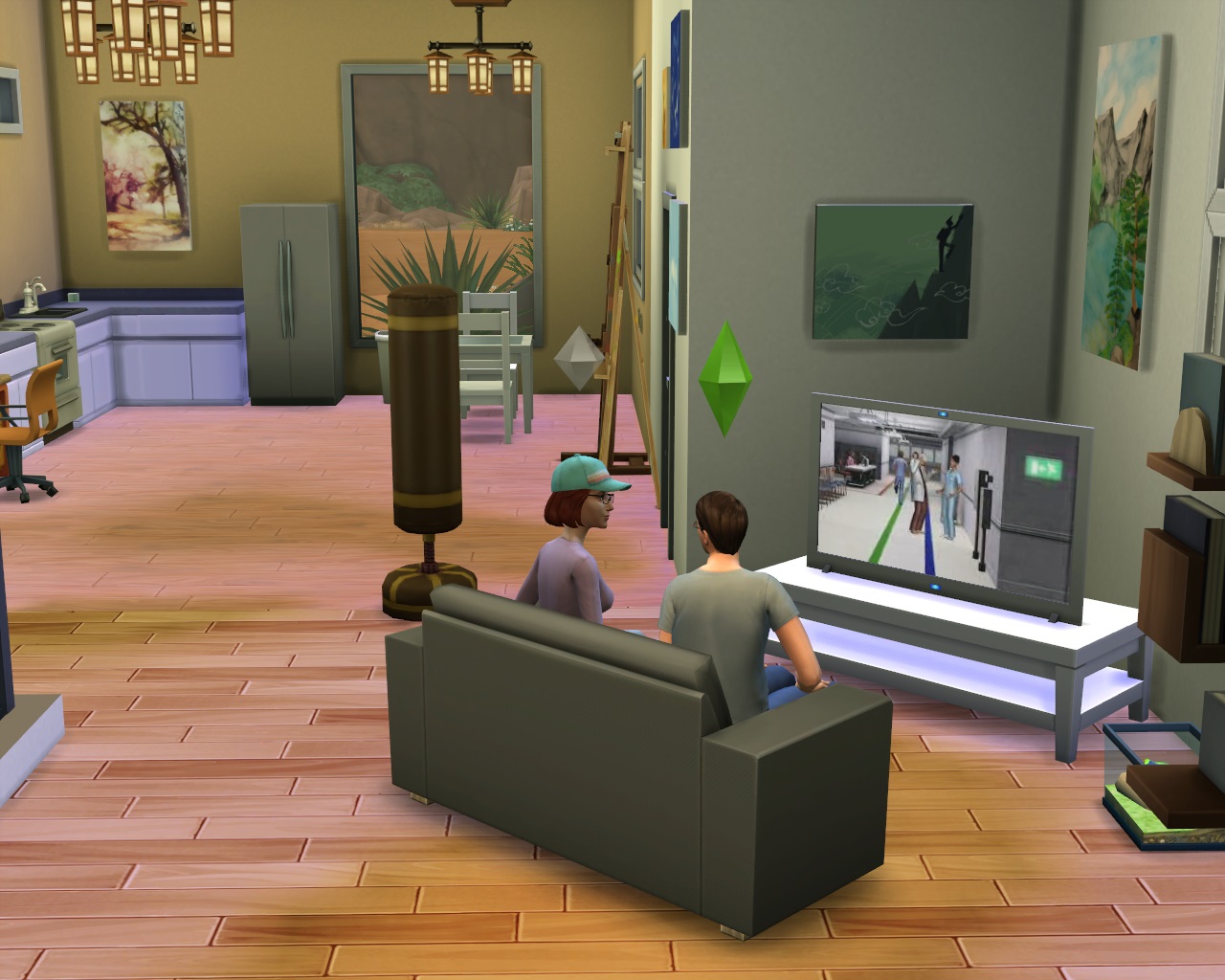
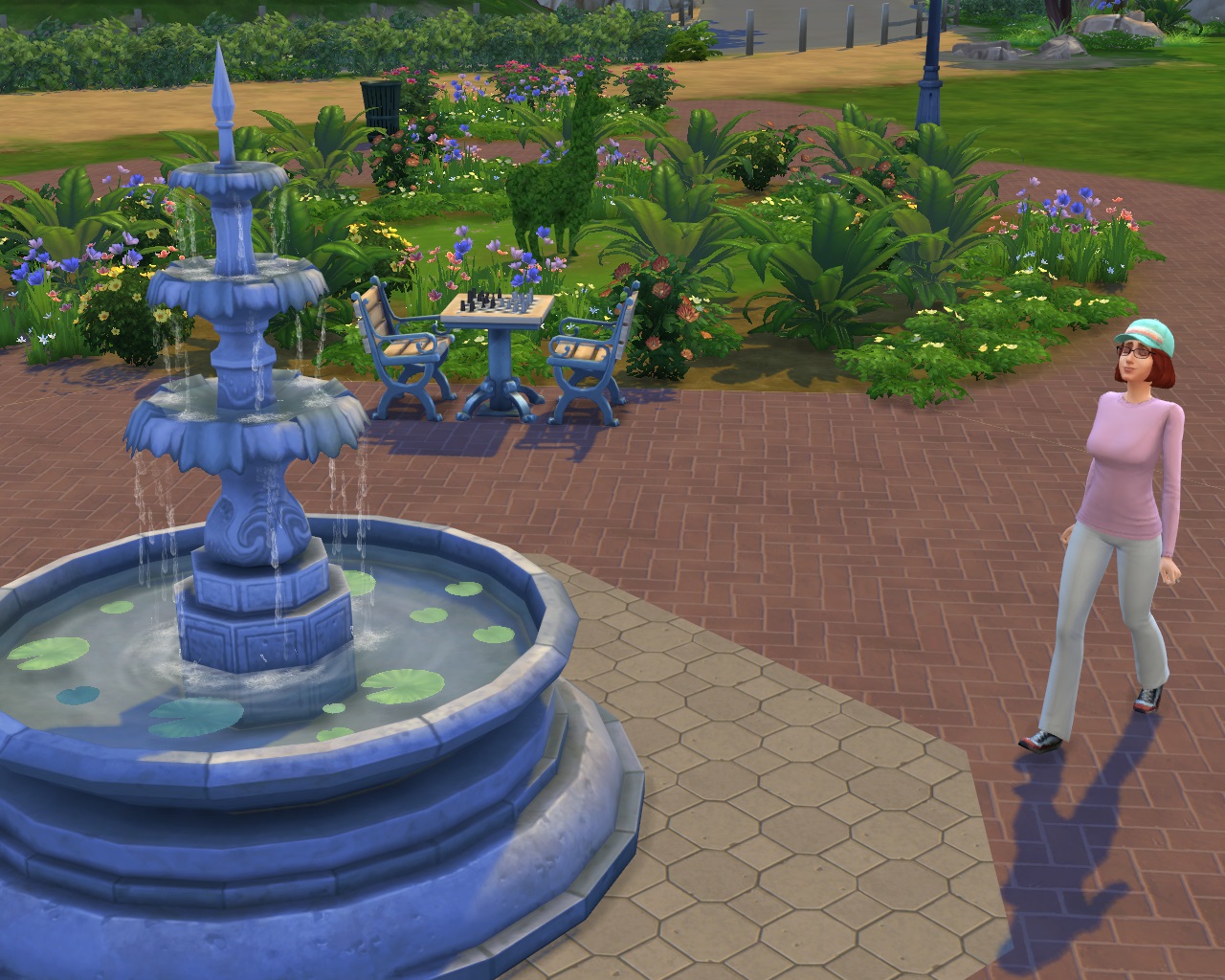
In the screenshot below, the Library has the original lights, none are added by me, and the slider intensity is set at the highest. If you require a brighter room than this, edit the lot through Manage Worlds and add a couple extra lamps.
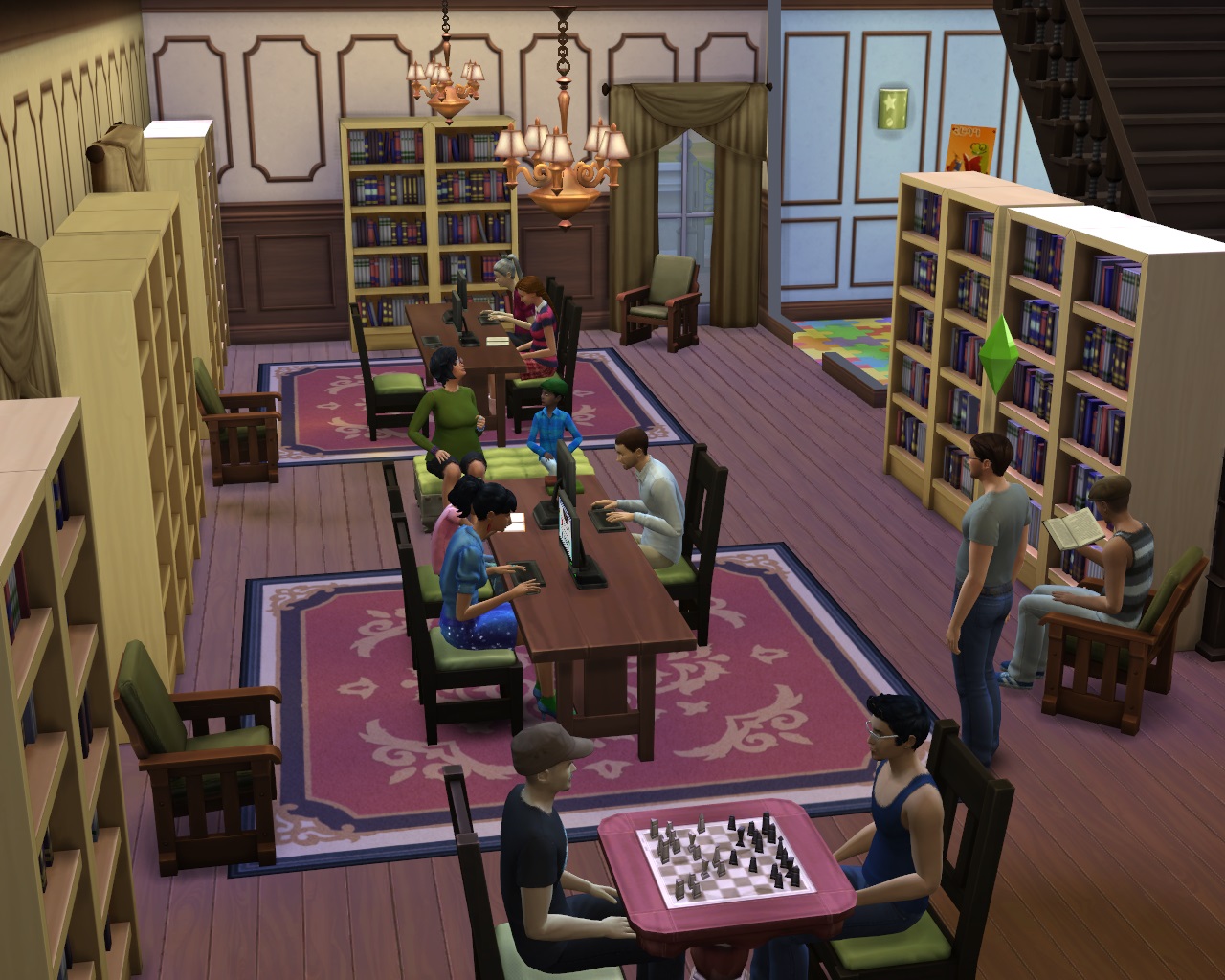
This mod uses two DATA files named Renderer Global Light Settings and Renderer Global Ssao Settings, and the 2 XML files of the same name. Cannot be used together with the Indoor Lights Brighter mod as my mod uses the same DATA file.
Install this by unzipping the file somewhere, and moving the .package file into the Mods folder (or a subfolder). With the Oct.1st Update, the business with the unpackedmod folder and altered Resource.cfg file isn't necessary anymore, as XML can be read inside a .package file as normal.
Additional Credits:
Created with the use of s4pe by Kuree and Sims4Group, and the Data File Tool and XML Extractor by velocitygrass.
And also the XML Extractor by scumbumbo.
|
ShimrodImprovedLighting_V7.zip
Download
Uploaded: 4th Jun 2016, 4.2 KB.
110,098 downloads.
|
||||||||
|
ShimrodImprovedLighting_V6.zip
Download
Uploaded: 28th Feb 2016, 4.2 KB.
11,754 downloads.
|
||||||||
|
ShimrodImprovedLighting_V5.zip
Download
Uploaded: 28th Dec 2014, 4.1 KB.
39,081 downloads.
|
||||||||
|
ShimrodImprovedLightingV4.zip
Download
Uploaded: 3rd Oct 2014, 4.1 KB.
28,225 downloads.
|
||||||||
| For a detailed look at individual files, see the Information tab. | ||||||||
Install Instructions
1. Download: Click the File tab to see the download link. Click the link to save the .rar or .zip file(s) to your computer.
Read the upload description for installation instructions. If nothing else is specified, do the following:
2. Extract: Use WinRAR (Windows) to extract the .package file(s) (if included, ts4script as well) from the .rar or .zip file(s).
3. Cut and paste the .package file(s) (if included, ts4script as well) into your Mods folder
- Windows XP: Documents and Settings\(Current User Account)\My Documents\Electronic Arts\The Sims 4\Mods\
- Windows Vista/7/8/8.1: Users\(Current User Account)\Documents\Electronic Arts\The Sims 4\Mods\
Need more information?
- Anyone can use both .rar and .zip files easily! On Windows, use WinRAR.
- If you don't have a Mods folder, just make one.
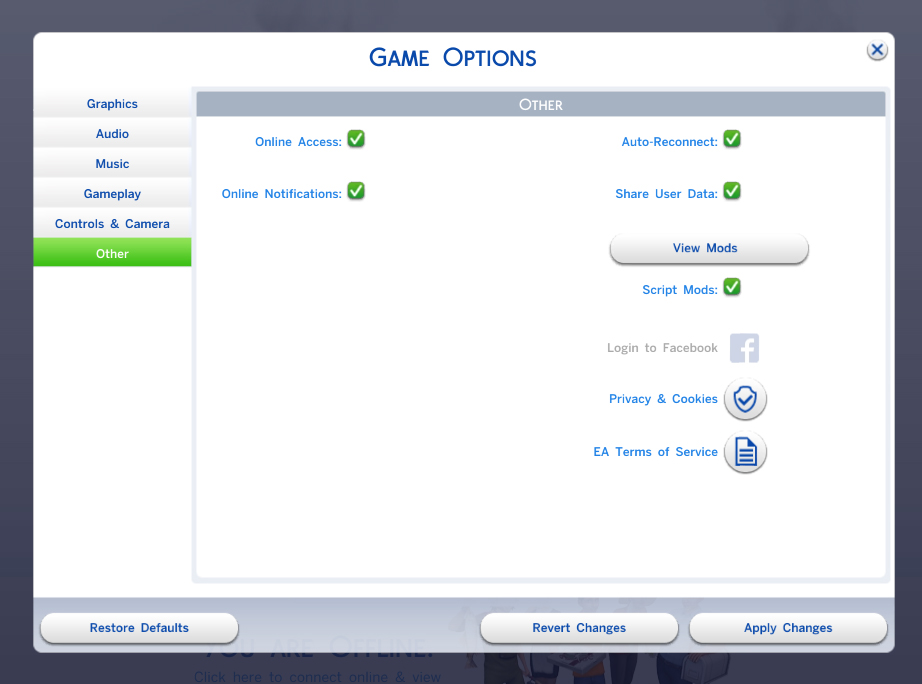
- Mod still not working? Make sure you have script mods enabled
Loading comments, please wait...

Uploaded: 8th Sep 2014 at 4:33 PM
Updated: 4th Jun 2016 at 10:10 PM - Updated for 1.19 patch
-
by kikiwalu updated 7th Sep 2014 at 7:32pm
 160
247k
616
160
247k
616
-
-
Live Mode and Tab Mode Camera Mods - No Drift & Lower Level!
by Buckley 30th Sep 2014 at 4:08pm
121
477.7k
806
-
-
-

-
-
by Lunula Simmer updated 8th Jun 2025 at 6:42pm
+1 packs
8 5.9k 38 Spa Day
-

by ViiK26 4th Apr 2023 at 11:19am
8
13k
36
-
by Scipio Garling 17th Dec 2023 at 6:41am
+1 packs
4 5.3k 3 Get Famous



-
.jpg)
Portrait, StillLife, MemorizeScene quality fixer
by Shimrod101 updated 23rd Sep 2013 at 7:09pm
All of the portrait, still life and memorize scene paintings have black spots and speckles, making them plain ugly. more...
 87
107.2k
239
87
107.2k
239
-


by Shimrod101 updated 17th Mar 2016 at 5:31pm
This mod is updated to V3 for the 1.19 patch. more...
117
83.4k
362
-
Less Frequent NPC Pushups (1.19)
by Shimrod101 updated 13th Apr 2016 at 4:03pm
This mod is updated to V5 for the 1.19 patch. This is updated to V4 for the 1.16.61 patch. more...
64
48k
161
-
by Shimrod101 21st Jan 2015 at 8:52pm
This mod replaces all of the terrain textures on the three Outdoor Retreat maps with sharpened more detailed textures. more...
-
by Shimrod101 26th Sep 2014 at 5:43pm
This mod is updated to V2 for the 1.15, 1.16, 1.17, 1.18 patches. more...
240
618.3k
1k
-
Stand Still In CaS (V3 1.17.7)
by Shimrod101 updated 21st Dec 2014 at 11:29pm
Sims stand still in CaS when body/face molding more...
147
315k
585
-
.jpg)
CaS Modifiers bugfix: Aging & Randomization (update V3)
by Shimrod101 updated 24th Oct 2014 at 3:15pm
:new: Mod is updated to V3. more...
148
193.6k
423
-
Weirder Walkstyles Disabled (Discontinued)
by Shimrod101 updated 7th Mar 2016 at 5:25pm
:!!: These mods are useless now from the 1.21 patch and moving forward. more...
124
75.3k
144
-
UI Normal Sim Picture (1.15.55)
by Shimrod101 26th Jan 2015 at 7:04pm
The V2 mod is made for the 1.15.55 update. more...
-
Invite Into Home Indefinitely (1.17.7)
by Shimrod101 6th Jan 2015 at 6:40pm
The mod is updated to V2 for the 1.17.7 patch. more...
87
52.1k
130


