
 Sign in to Mod The Sims
 Giltwood Torchere
 Giltwood Torchere


preview.jpg - width=780 height=780
01.jpg - width=1920 height=1080
02.jpg - width=1920 height=1080
03.jpg - width=1920 height=1080
04.jpg - width=1920 height=1080
05.jpg - width=1920 height=1080
06.jpg - width=1920 height=1080
07.jpg - width=1920 height=1080
08.jpg - width=1920 height=1080
tall version.jpg - width=1920 height=1080


Hello everyone
 ,
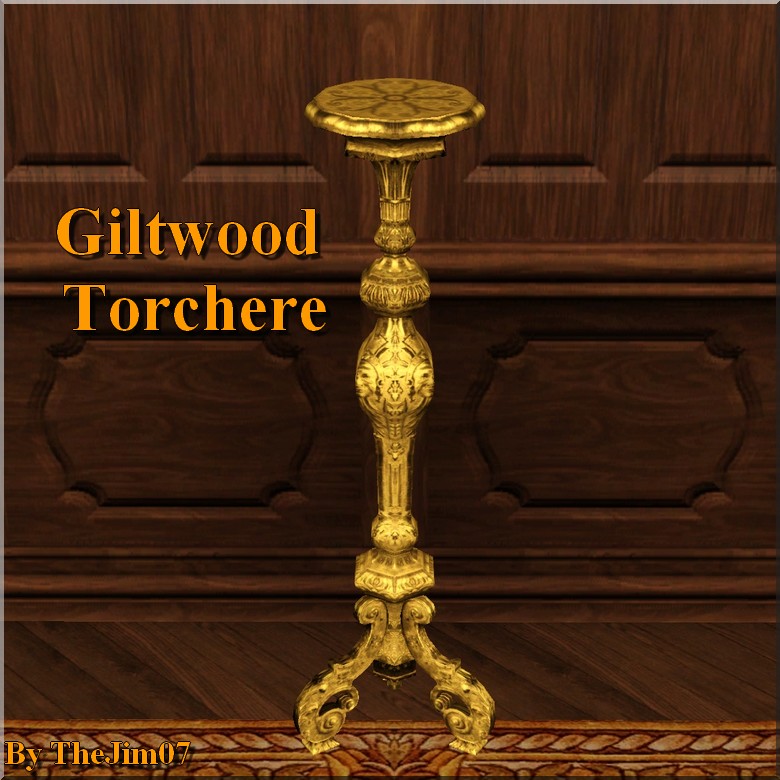
,This is a XVIIIth Century Giltwood Torchere. I absolutely wanted this beautiful object in my game ! So I created it (mesh and texture). You may want it too ^^.
- It has 1 channel
- It has 1 slot
- It costs 1200§
- You can find it in the End Table category or in the Display category of the catalogue.
28th june 2016 EDIT : I added a taller version, cf. screenshots.
I hope you will like it
,Jim.
Polygon Counts:
High : 1879
Low : 1836
This is a new mesh, and means that it's a brand new self contained object that usually does not require a specific Pack (although this is possible depending on the type). It may have Recolours hosted on MTS - check below for more information.
|
TheJim07_EndTable_GiltwoodTorchereTallVersion.rar
Download
Uploaded: 28th Jun 2016, 420.7 KB.
6,311 downloads.
|
||||||||
|
TheJim07_EndTable_GiltwoodTorchere.rar
Download
Uploaded: 11th Apr 2016, 416.4 KB.
7,213 downloads.
|
||||||||
| For a detailed look at individual files, see the Information tab. | ||||||||
Install Instructions
1. Click the download button, or the filename, to download the file to your computer.
2. Extract the zip, rar, or 7z file. Now you will have either a .package or a .sims3pack file.
For Package files:
1. Cut and paste the file into your Documents\Electronic Arts\The Sims 3\Mods\Packages folder. If you do not already have this folder, you should read the full guide to Package files first: Sims 3:Installing Package Fileswiki, so you can make sure your game is fully patched and you have the correct Resource.cfg file.
2. Run the game, and find your content where the creator said it would be (build mode, buy mode, Create-a-Sim, etc.).
For Sims3Pack files:
1. Cut and paste it into your Documents\Electronic Arts\The Sims 3\Downloads folder. If you do not have this folder yet, it is recommended that you open the game and then close it again so that this folder will be automatically created. Then you can place the .sims3pack into your Downloads folder.
2. Load the game's Launcher, and click on the Downloads tab. Find the item in the list and tick the box beside it. Then press the Install button below the list.
3. Wait for the installer to load, and it will install the content to the game. You will get a message letting you know when it's done.
4. Run the game, and find your content where the creator said it would be (build mode, buy mode, Create-a-Sim, etc.).
Extracting from RAR, ZIP, or 7z: You will need a special program for this. For Windows, we recommend 7-Zip and for Mac OSX, we recommend Keka. Both are free and safe to use.
Need more help?
If you need more info, see:
- For package files: Sims 3:Installing Package Fileswiki
- For Sims3pack files: Game Help:Installing TS3 Packswiki
Loading comments, please wait...

Uploaded: 11th Apr 2016 at 8:52 PM
Updated: 28th Jun 2016 at 8:05 PM



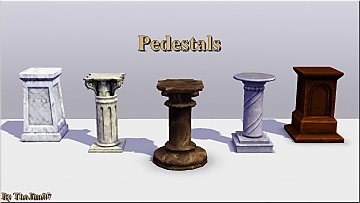
-
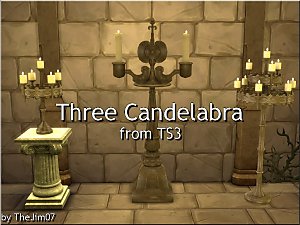
-
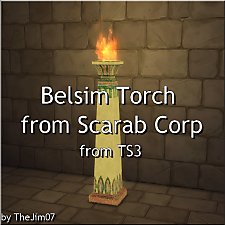
Belsim Torch from Scarab Corp, from TS3
by TheJim07 updated 5th Sep 2018 at 6:47am
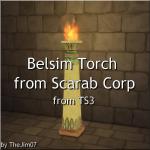
Hi everyone :), This is an Egyptian Torch I converted from TS3 World Adventures : more...
 2
40.7k
57
2
40.7k
57
-


-
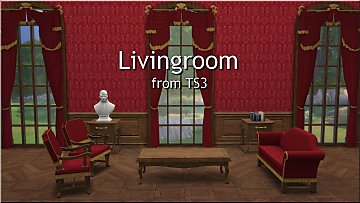
Living Chairs, Sofa & Loveseat from TS3
by TheJim07 updated 2nd May 2021 at 2:13pm
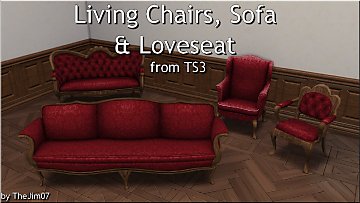
Hi everyone :), I converted these four objects from TS3 : The Dromedary (1200§) - more...
6
35.1k
86
-
-
-


-
-
-


About Me
I'm a French guy, born in february 1988.
As a lot of creators, I will ask you to respect a few points.
You can recolor my items, modify the meshes, etc. But if you want to share your modifications I would like you send me a PM about that and add credits in the thread concerned. A link to the original item can be appreciated.
You can too make lots with my custom content. Again, I would like you send me a PM and add credits and links in the thread.
Of course, I don't want you redistribute my work.
You can also follow me on my tumblr : https://thejim07.tumblr.com. There is exclusive content there :).
If you appreciate my work and want to support me, you can make a donation in my ko-fi page : https://ko-fi.com/thejim07
Well I think all is said. If you have any questions, or suggestions, you can send me a PM :).
Thanks for your consideration and your support.
Jim