
 Sign in to Mod The Sims
 Dark Custom Pool and Fountain Colours
 Dark Custom Pool and Fountain Colours


Slide77.JPG - width=960 height=720
Preview.png - width=1920 height=1080
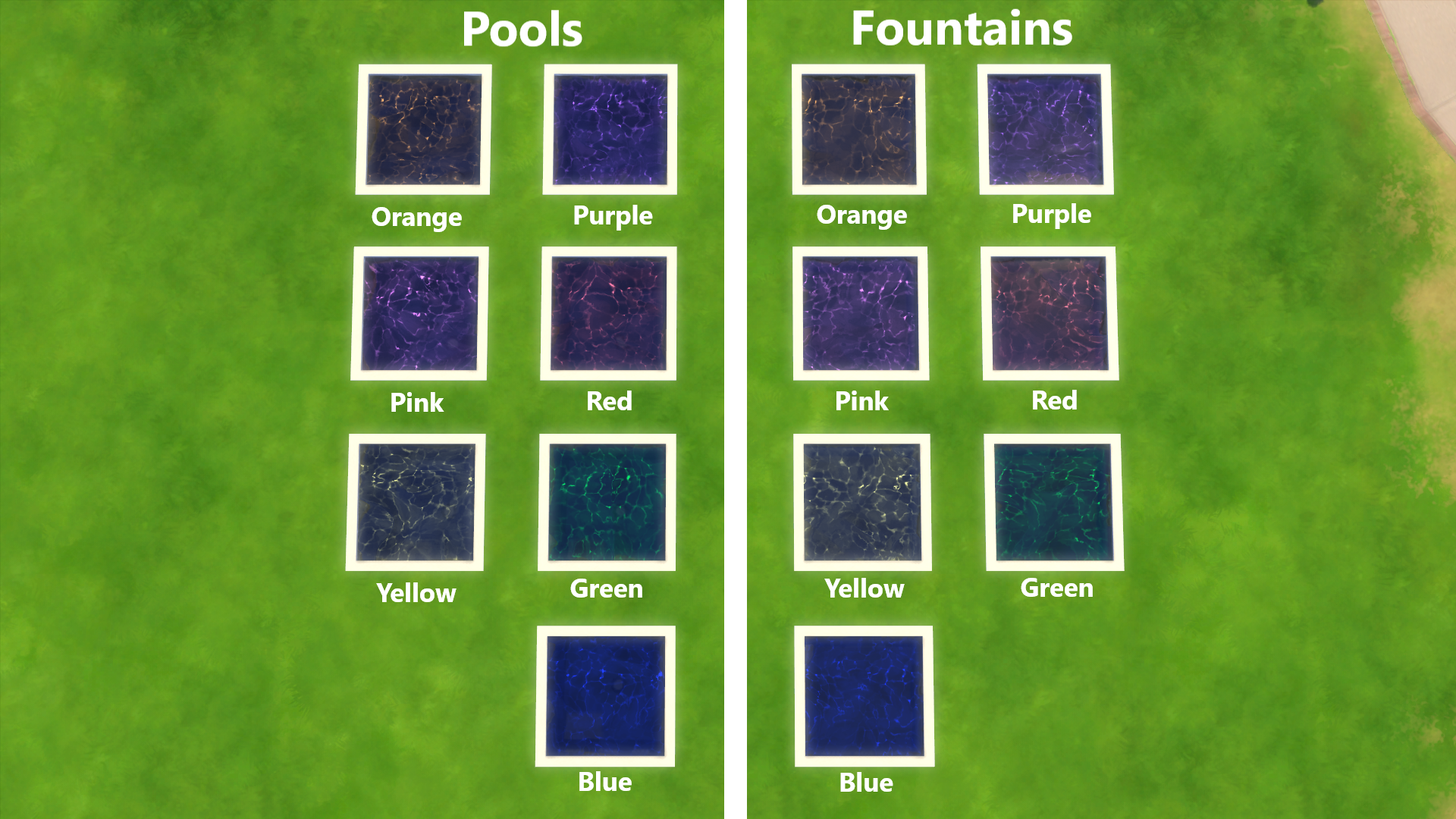
Preview of all colours in both pools and fountains
Build Mode.png - width=1920 height=350
Where to find in build mode, and what they look like
07-09-19_7-41-46 PM.png - width=1920 height=1080
Blue
07-09-19_7-41-48 PM.png - width=1920 height=1080
Green
07-09-19_7-41-50 PM.png - width=1920 height=1080
Red
07-09-19_7-41-52 PM.png - width=1920 height=1080
Purple
07-09-19_7-41-54 PM.png - width=1920 height=1080
Pink
07-09-19_7-41-56 PM.png - width=1920 height=1080
Yellow
07-09-19_7-41-57 PM.png - width=1920 height=1080
Orange


These are 7 recolours for the base game pool water.
I went for rainbow colours, which are:
Red
Yellow
Pink
Green
Purple
Orange
Blue
I'ts nice to have a viariety of colours for my pools. I thought a dark water with a tinted shimmer would look great, and I'm pleased with how it looks
You can find these in build mode, it's 1 "item" with 7 swatches

 INSTALLATION:
Extract all files from the .zip into your mods folder, which should be here → Documents > Electronic Arts > The Sims 4 > Mods

Updates:
• 10/08/2021 - It disappeared in the menu after the pond update, I have added it back to the menu
|
Dark Water v2.zip
| Custom dark water colours including; red, yellow, pink, green, purple, orange, and blue
Download
Uploaded: 10th Aug 2021, 623.5 KB.
10,430 downloads.
|
||||||||
| For a detailed look at individual files, see the Information tab. | ||||||||
Install Instructions
1. Download: Click the File tab to see the download link. Click the link to save the .rar or .zip file(s) to your computer.
2. Extract: Use 7zip (Windows) to extract the file(s) from the .rar or .zip file(s).
3. Cut and paste the file(s) into your Mods folder
Need more information?
- My Documents\Electronic Arts\The Sims 4\Mods\
- Anyone can use both .rar and .zip files easily! On Windows, use 7zip!
- If you don't have a Mods folder, just make one.
Loading comments, please wait...

Uploaded: 11th Jul 2019 at 4:18 PM
Updated: 3rd Aug 2022 at 8:25 PM - Added back to menu
-
by plasticbox 21st Jul 2015 at 11:32am
 19
48.4k
173
19
48.4k
173
-
by plasticbox 9th Dec 2015 at 3:25am
16
50.3k
124
-
-
-
by Teknikah updated 22nd Sep 2019 at 11:13am
7
18.1k
61
-
-
-
by Teknikah updated 13th Aug 2021 at 11:03am
7
7.5k
16
-
by Teknikah updated 10th Aug 2021 at 11:21am
5
10.2k
51
-
by Teknikah 30th Jul 2022 at 7:16pm
9
35.5k
72

-
-
-
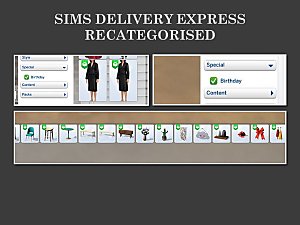
Sims Delivery Express (SDX) Items Recategorised
by Teknikah updated 23rd Jun 2022 at 8:44pm
*This is an OVERRIDE* This was just a little personal project, but I like to share my creations in case anyone more...
18
14.5k
45
-
Monster Repellent Oil Lamp (Off-The-Grid Night Light) [BASE GAME]
by Teknikah 22nd Aug 2019 at 4:53pm
I've edited the 3 Senses Oil Lamp from the base game to be functional as a night light, for use on off-the-grid lots to keep the monster under the bed at bay more...
9
13.8k
97
-
The Elder Scrolls Dark Brotherhood We Know Painting (Optional Simlish Version)
by Teknikah updated 7th Dec 2019 at 2:01pm
A painting displaying the black hand with 'We Know' from the Dark Brotherhood of assassins from The Elder Scrolls series. more...
3
5.6k
31
-
-
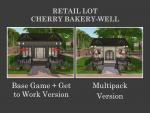
by Teknikah 3rd Sep 2022 at 11:44pm
This small bakery is designed for you to sell your sim's baked goods. You don't necessarily need every one of the more...
+18 packs
3.2k 4 Get to Work
 Outdoor Retreat
 Get Together
 City Living
 Spa Day
 Cats and Dogs
 Cool Kitchen Stuff
 Seasons
 Get Famous
 Movie Hangout Stuff
 Dine Out
 Romantic Garden Stuff
 Vintage Glamour Stuff
 Vampires
 Horse Ranch
 Parenthood
 Fitness Stuff
 Laundry Day Stuff
-
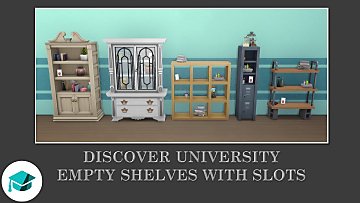
Empty Discover University Bookshelves with Slots
by Teknikah 13th Dec 2019 at 10:51pm
I've decluttered a collection of bookshelves/displays from Discover University and added a number of slots to place your own clutter. more...
+1 packs
4 10.2k 52 Discover University
-
-


About Me
Other places you can find my creations:
- Nexus Mods (Username: TeknikahMods)
- Sims 4 Studio (Username: Teknikah)
- The Sims Resource (Username: Teknikah) (I have requested deletion of all of my creations from here)
- CurseForge (Username: Teknikah)
All of my creations will be uploaded on CurseForge, other sites listed previously might not have all of them and may not be kept updated.
You MAY NOT upload/share my creations to any paid sites or anything of the sort (ad.fly, paid mods, etc)
Using and sharing my creations:
- You can use, and share a link to any of my creations anywhere you like, just as long as you don't try and pass it off as your own, or if it will cost/earn money (as mentioned above)
- You MAY NOT upload/re-upload my creations anywhere, unless it is a translation file.
- Credits: If you include my creations in your lots/sims/etc credits are not required, but are always appreciated. If you upload a translation, please do credit.
Recolouring and altering my creations:
- If you want something altered/recoloured you can leave a comment and suggest your idea, I will try to honour all of these requests. I apologise in advance if I somehow miss a request and don't see it. If you request something and it's been a while since you posted with no reply, don't worry about asking again :) (I will accept private messages)
- Feel free to recolour and alter anything I share, but please credit and link to the original item if you do this.
Translating my creations:
- Feel free to translate any of my creations. Could I please ask that you send the translation file to me? Just so I can upload it to the original page and keep everything together. If you do not wish to send it to me, that's okay, just please send me links/etc so I can credit you properly and direct users to the translation file.
- If you could also provide some information in the target language please? Just so I can provide a correct translation on the page explaining what translation it is, who translated it, and what the user needs to do/etc. Example: "French Translation by TRANSLATOR, requires original file."