
 Sign in to Mod The Sims
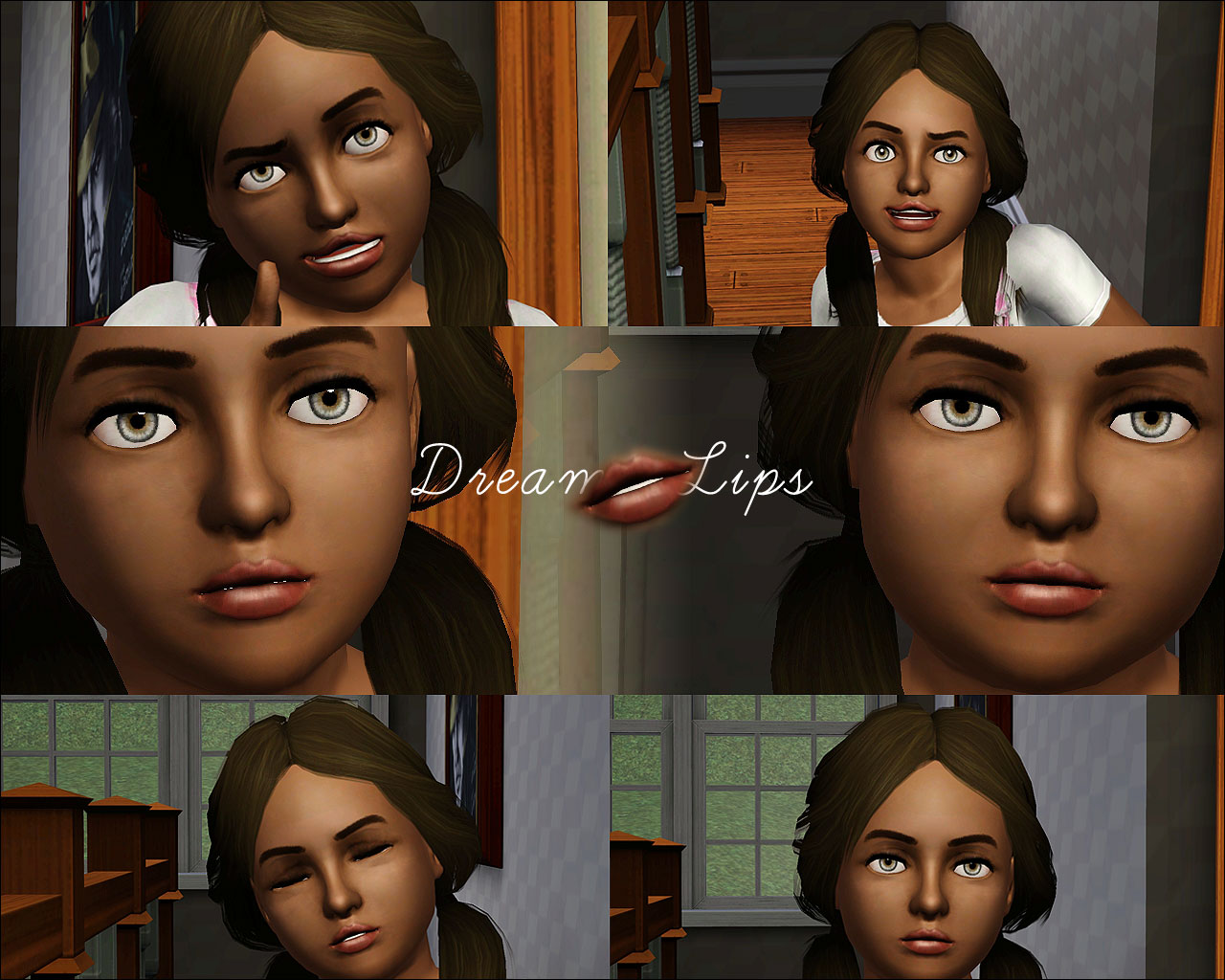
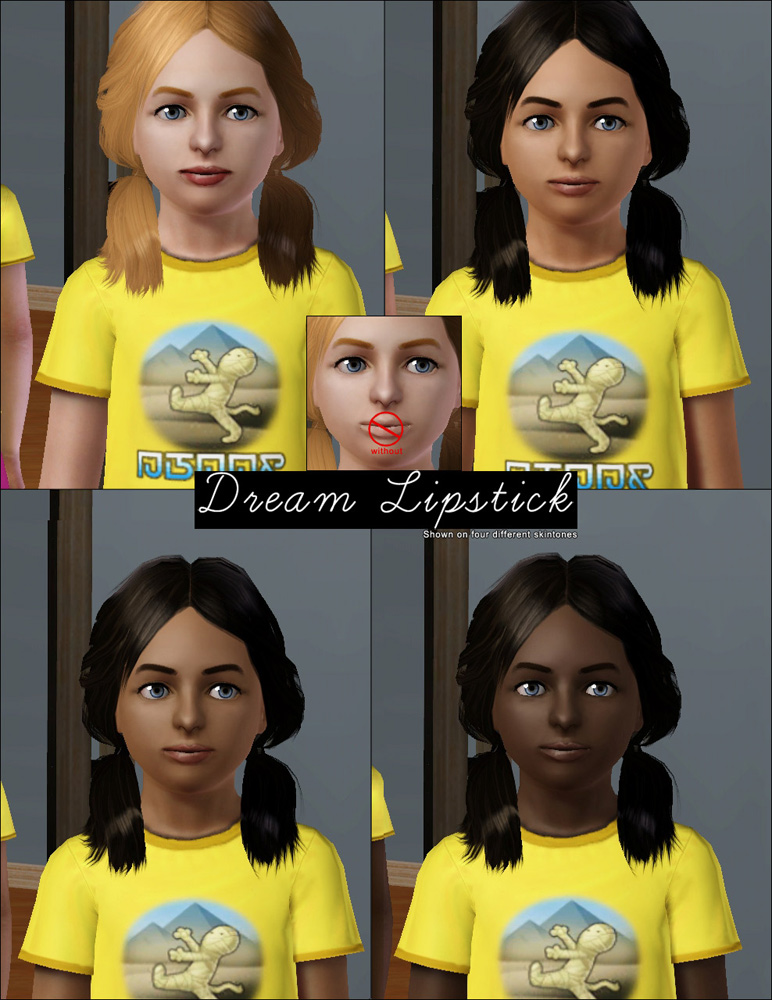
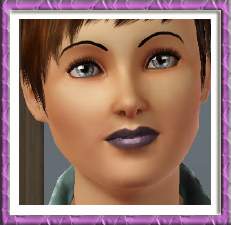
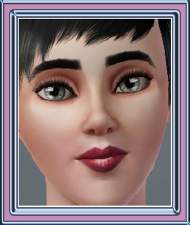
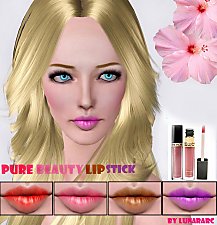
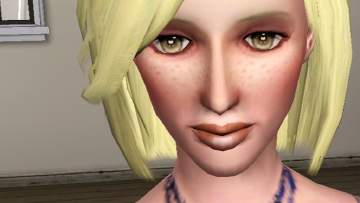
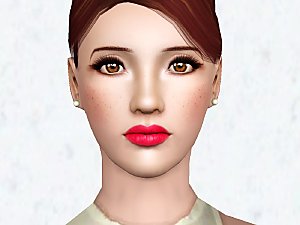
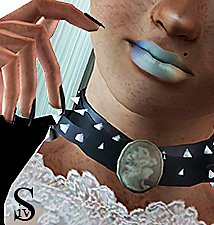
 CF Dream Lipstick
 CF Dream Lipstick


img002.jpg - width=1280 height=1024
DreamLipsticks.jpg - width=772 height=1000
channels.jpg - width=961 height=873
Additional Credits:
DreamIsMyReality @DeviantArt
|
KiaraRawks_CFDreamLips.rar
Download
Uploaded: 4th Aug 2011, 54.4 KB.
16,433 downloads.
|
||||||||
| For a detailed look at individual files, see the Information tab. | ||||||||
Install Instructions
1. Click the download button, or the filename, to download the file to your computer.
2. Extract the zip, rar, or 7z file. Now you will have either a .package or a .sims3pack file.
For Package files:
1. Cut and paste the file into your Documents\Electronic Arts\The Sims 3\Mods\Packages folder. If you do not already have this folder, you should read the full guide to Package files first: Sims 3:Installing Package Fileswiki, so you can make sure your game is fully patched and you have the correct Resource.cfg file.
2. Run the game, and find your content where the creator said it would be (build mode, buy mode, Create-a-Sim, etc.).
For Sims3Pack files:
1. Cut and paste it into your Documents\Electronic Arts\The Sims 3\Downloads folder. If you do not have this folder yet, it is recommended that you open the game and then close it again so that this folder will be automatically created. Then you can place the .sims3pack into your Downloads folder.
2. Load the game's Launcher, and click on the Downloads tab. Find the item in the list and tick the box beside it. Then press the Install button below the list.
3. Wait for the installer to load, and it will install the content to the game. You will get a message letting you know when it's done.
4. Run the game, and find your content where the creator said it would be (build mode, buy mode, Create-a-Sim, etc.).
Extracting from RAR, ZIP, or 7z: You will need a special program for this. For Windows, we recommend 7-Zip and for Mac OSX, we recommend Keka. Both are free and safe to use.
Need more help?
If you need more info, see:
- For package files: Sims 3:Installing Package Fileswiki
- For Sims3pack files: Game Help:Installing TS3 Packswiki
Loading comments, please wait...
Uploaded: 4th Aug 2011 at 11:52 AM
-
-
-
-
-
-
by Sleepy-Genius 23rd Jul 2012 at 8:31pm
-
by Winterayne 9th Jan 2013 at 7:36pm
-
-
-

-
[NEW MESH] Full Long Pants for Child Males.
by KiaraRawks 24th May 2006 at 5:04am
Here's a male version of my Curvy Sweater & Jeans Mesh for little girls. more...
-
by KiaraRawks 9th Jan 2006 at 5:19pm
These are clothing from my old site Just For Him. more...
 11
10.5k
5
11
10.5k
5
Male » Mixed Sets » Toddler
-
by KiaraRawks 23rd Jul 2005 at 12:11am
I have to type this all over now cause AOL shut off, so here I go. more...
7
9.2k
2
-
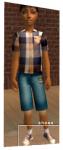
[Just For Him] Child clothing "2"
by KiaraRawks 10th Jan 2006 at 8:07pm
Here is more clothing off my site Just For Him! more...
-

by KiaraRawks 20th Dec 2005 at 8:45pm
Here I have made for you some Stucco walls in different shades of reds. more...
6
5.7k
3
-
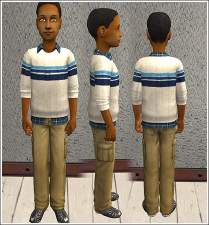
Zip neck sweater/flannel shirt for boys.
by KiaraRawks 30th Dec 2008 at 8:28pm
Here's a Zip neck sweater/flannel shirt for your boys. more...
-
by KiaraRawks 22nd May 2012 at 3:23pm
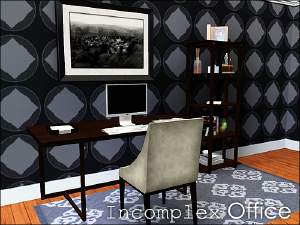
A small home office set for your sims. It includes 12 meshes in total, some recolorable and some not. more...
 18
55.3k
105
18
55.3k
105
-
by KiaraRawks 20th Jun 2015 at 2:11am
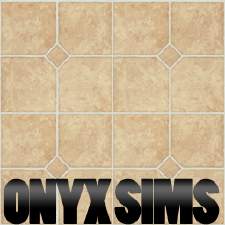
10 vinyl tiles to add into your sim's build category. more...
 6
8.5k
37
6
8.5k
37
-
by KiaraRawks 5th Feb 2006 at 1:10am
I hope you like this bedroom. I tried uploading it hours earlier but it wouldnt work. more...
-
by KiaraRawks 22nd Dec 2005 at 9:38pm
Here are some different shades of greens and blue wall coverings for you! more...
1
4k
1


About Me
You may never upload my meshes to any other site. Meshes must be linked to where they can be downloaded; Meaning please do not package my meshes with your recolored objects.
Clothing:
Meshes must be linked back MTS2 for downloaders to download, if you decide to recolor. Never include my meshes in your zips or rars unless you have permission from me.
If you want include clothing made by me or yourself on my mesh, the mesh as stated above must be linked to download here at MTS2 but the clothing recolor itself may be uploaded with your sim.