
 Sign in to Mod The Sims
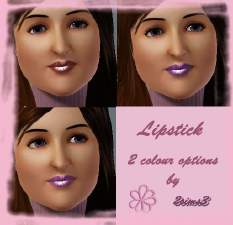
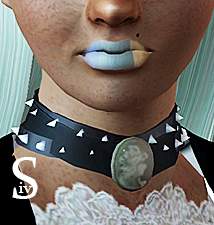
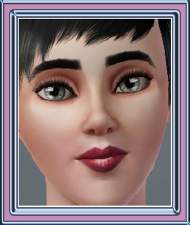
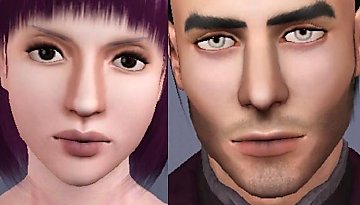
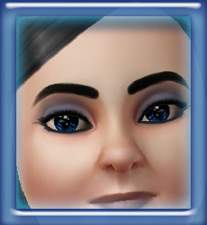
 Silver lipstick
 Silver lipstick


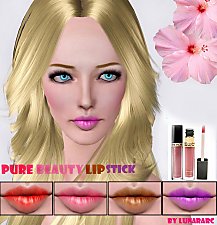
lips.jpg - width=336 height=327
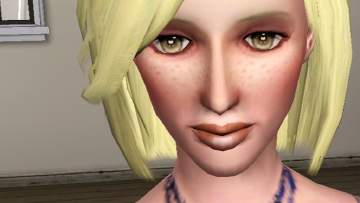
lips1.jpg - width=320 height=312
lips2.jpg - width=281 height=255
lips3.jpg - width=305 height=296
lips4.jpg - width=319 height=320
lips5.jpg - width=301 height=296
I hope you enjoy!
Thanks Vampire_aninyosaloh and AnimalMad for the feedback.
Please comment

Additional Credits:
Thanks Delphy for the CTU tool
|
Lipstick.rar
Download
Uploaded: 19th Sep 2009, 33.4 KB.
3,109 downloads.
|
||||||||
| For a detailed look at individual files, see the Information tab. | ||||||||
Install Instructions
1. Click the download button, or the filename, to download the file to your computer.
2. Extract the zip, rar, or 7z file. Now you will have either a .package or a .sims3pack file.
For Package files:
1. Cut and paste the file into your Documents\Electronic Arts\The Sims 3\Mods\Packages folder. If you do not already have this folder, you should read the full guide to Package files first: Sims 3:Installing Package Fileswiki, so you can make sure your game is fully patched and you have the correct Resource.cfg file.
2. Run the game, and find your content where the creator said it would be (build mode, buy mode, Create-a-Sim, etc.).
For Sims3Pack files:
1. Cut and paste it into your Documents\Electronic Arts\The Sims 3\Downloads folder. If you do not have this folder yet, it is recommended that you open the game and then close it again so that this folder will be automatically created. Then you can place the .sims3pack into your Downloads folder.
2. Load the game's Launcher, and click on the Downloads tab. Find the item in the list and tick the box beside it. Then press the Install button below the list.
3. Wait for the installer to load, and it will install the content to the game. You will get a message letting you know when it's done.
4. Run the game, and find your content where the creator said it would be (build mode, buy mode, Create-a-Sim, etc.).
Extracting from RAR, ZIP, or 7z: You will need a special program for this. For Windows, we recommend 7-Zip and for Mac OSX, we recommend Keka. Both are free and safe to use.
Need more help?
If you need more info, see:
- For package files: Sims 3:Installing Package Fileswiki
- For Sims3pack files: Game Help:Installing TS3 Packswiki
Loading comments, please wait...

Uploaded: 19th Sep 2009 at 2:09 AM
Updated: 19th Sep 2009 at 6:50 PM
-
-
-
-
-
-
-
-
by Sleepy-Genius 23rd Jul 2012 at 8:31pm
-
-

-
Medieval Terrain Paints - Ye Olde Kingdom of Pudding
by The Merrye Makers 7th Dec 2011 at 4:31pm
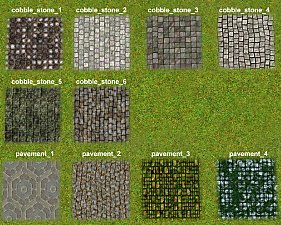
Ingame and CAW Terrain Paints. Cobblestones and Pavements. more...
 19
63.1k
195
19
63.1k
195
-
-

-
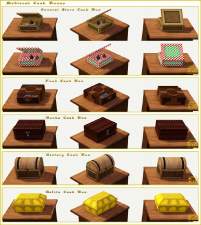
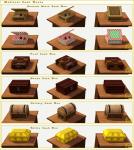
Medieval Cash Registers - Ye Olde Kingdom of Pudding
by The Merrye Makers 1st Jan 2012 at 4:23pm
Community Objects Cash Boxes/Registers made by Hekate999 for The Merrye Makers. Only the General Store register is recolourable. more...
+1 packs
11 44k 107 World Adventures
-
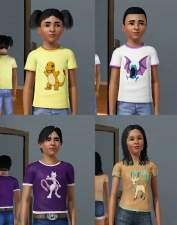
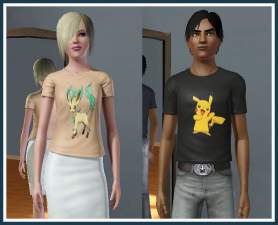
Pokémon T-shirts for children and teen’s
by Kiara24 27th Jul 2009 at 6:09am
I made t-shirts for children boys and girls and for Teen boys and teen girls with seven Pokémons. more...
14
23k
57
-
-
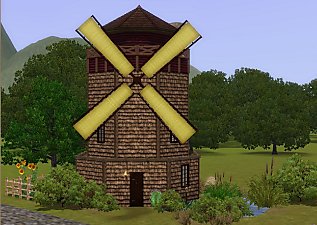
Medieval Windmill Home - Ye Olde Kingdom of Pudding
by The Merrye Makers 24th Apr 2012 at 4:24pm
Perfect starter home for a family of four, this repurposed medieval windmill has 2 bedrooms, 1 bathroom, pond and garden. more...
+5 packs
8 35.1k 52 World Adventures
 Ambitions
 Late Night
 Generations
 Pets
Pets
-
-
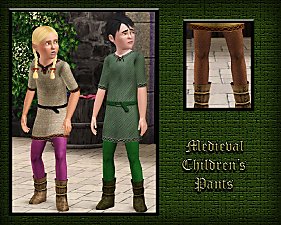
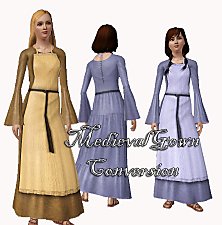
Medieval Pants for Boys and Girls CAS - Ye Olde Kingdom of Pudding. Now as outerwear too
by The Merrye Makers 14th Jul 2013 at 5:52pm
Soon winter will come ... and our boys and girls can not walk through the kingdom with bare legs. So, our tailors rushed to sew pants to warm them. more...
22
49.9k
155
-


About Me
Subscribe to my channel.