Sign in to Mod The Sims
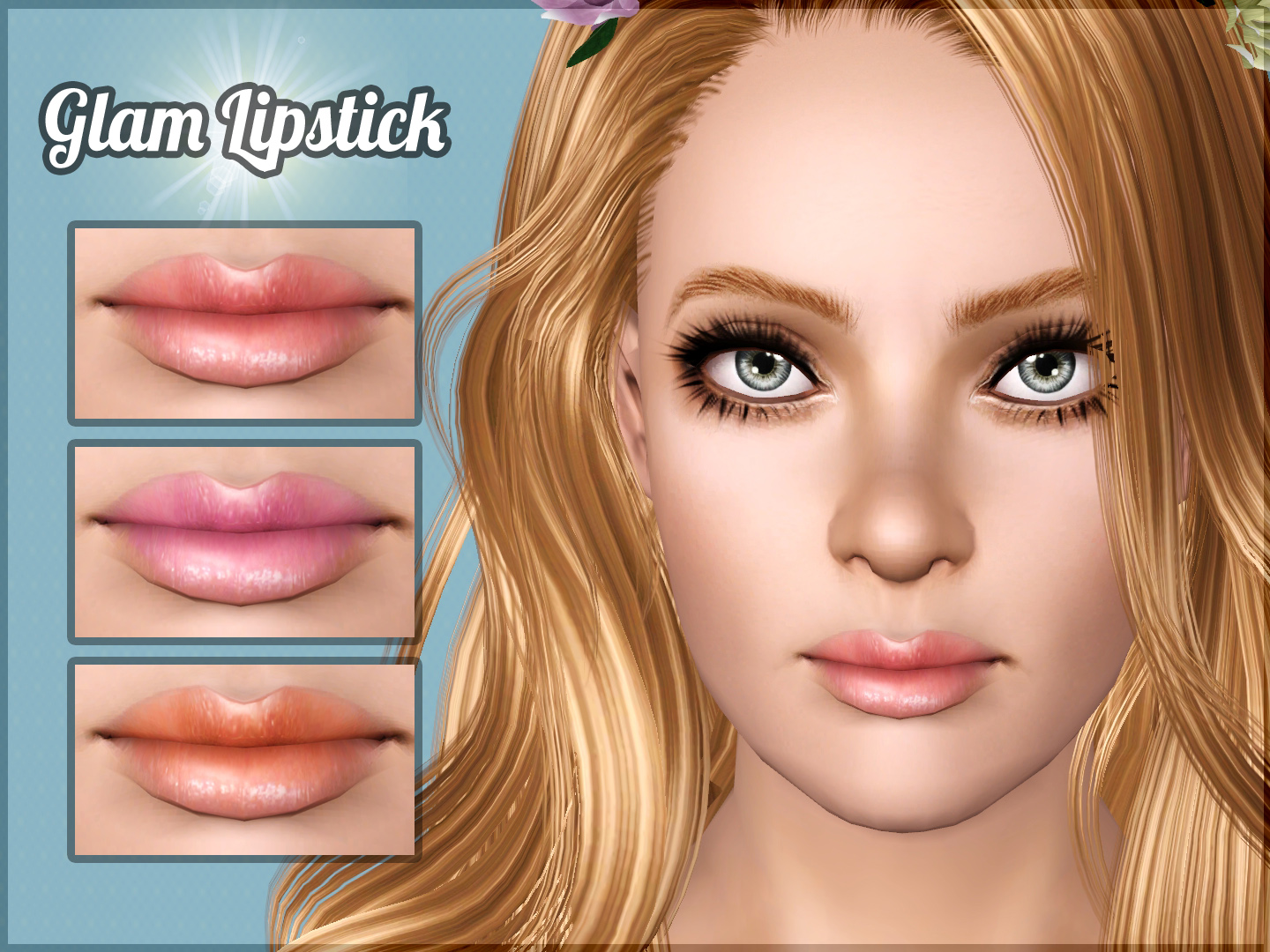
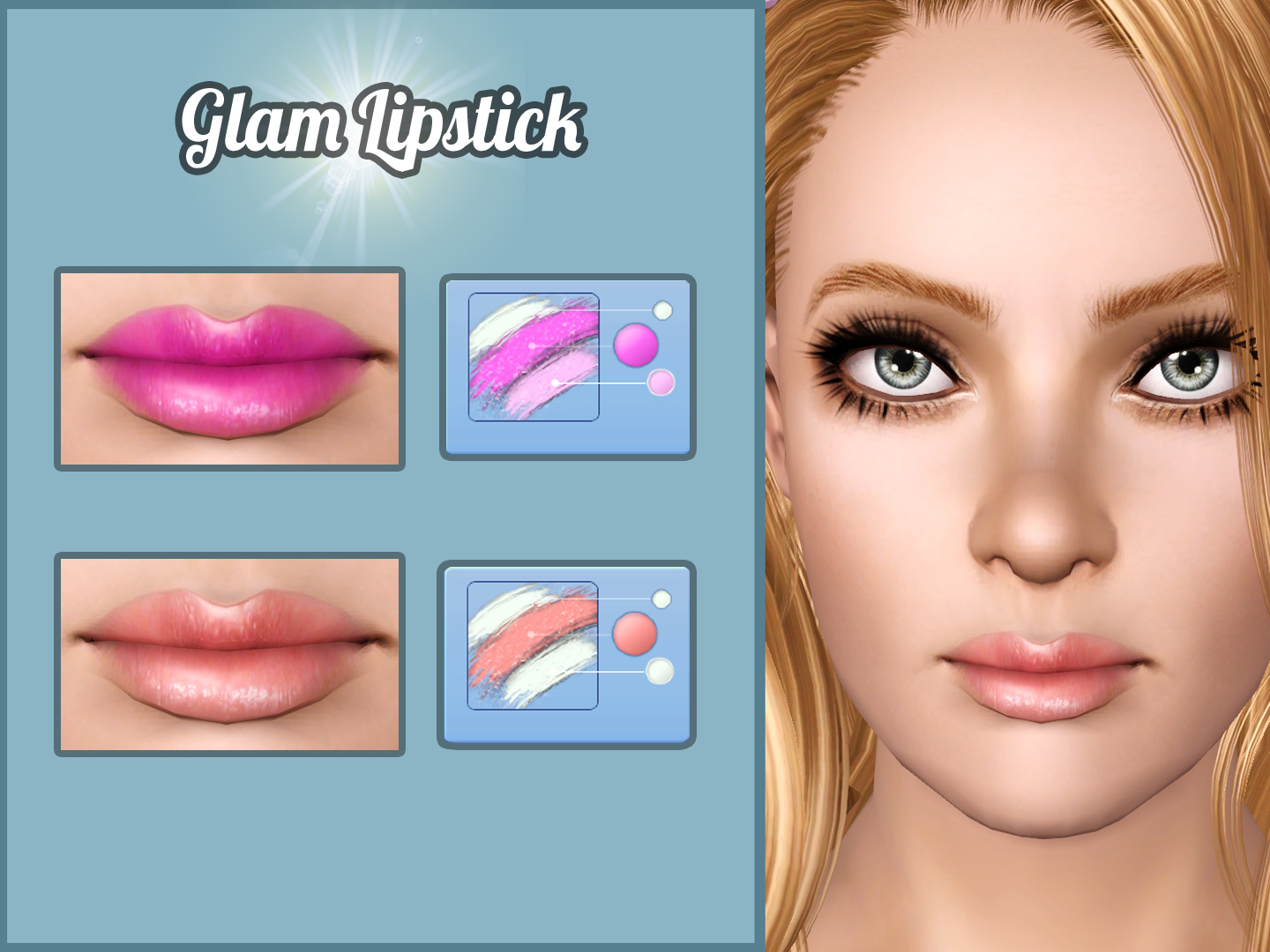
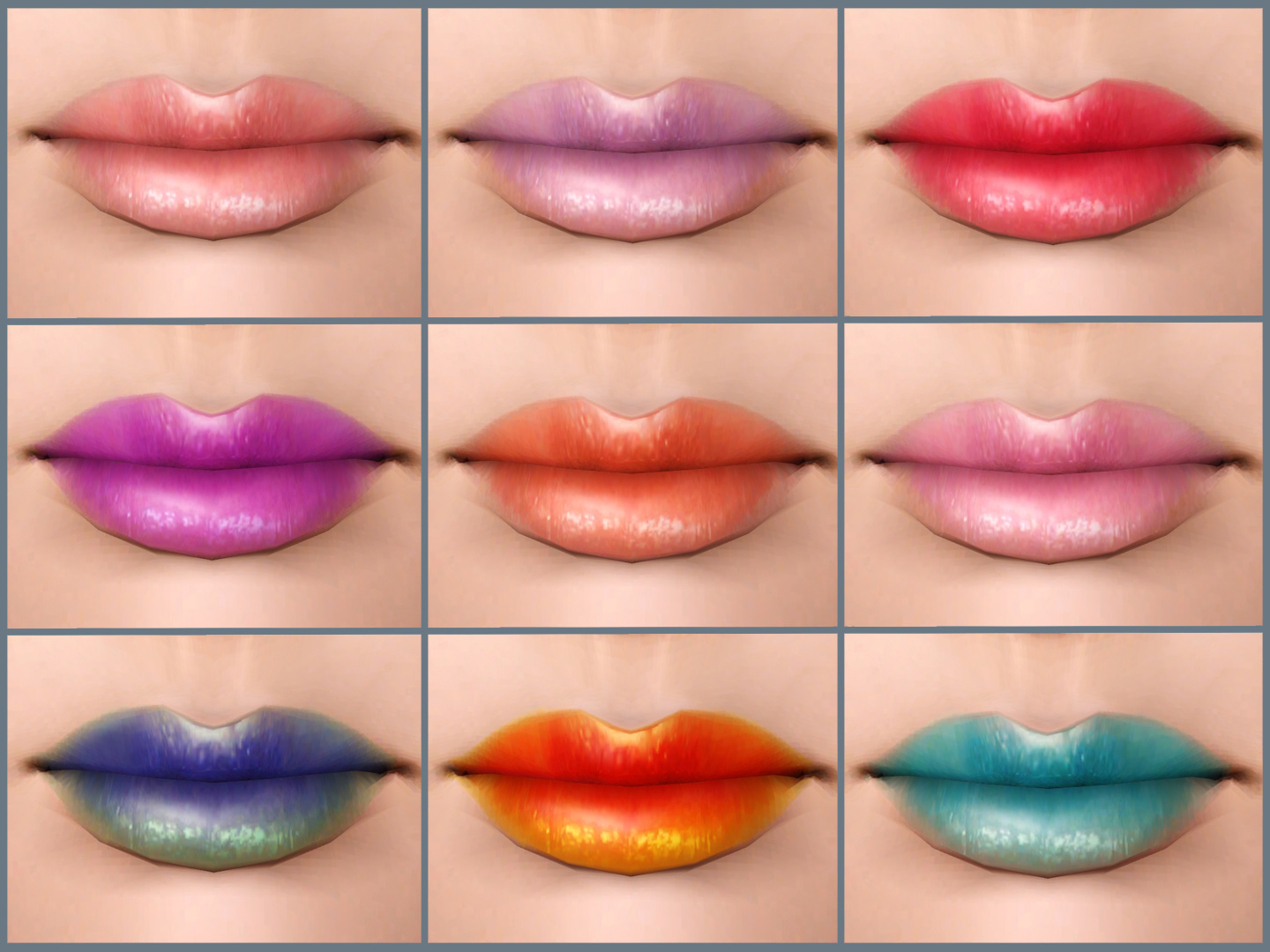
 Glam Lipstick
 Glam Lipstick


1.jpg - width=1440 height=1080
2.jpg - width=1440 height=1080
3.jpg - width=1440 height=1080
4.jpg - width=932 height=1080
5.jpg - width=256 height=256

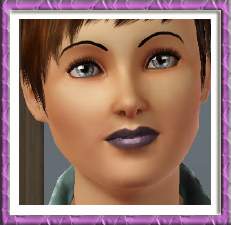
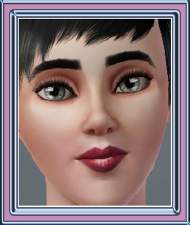
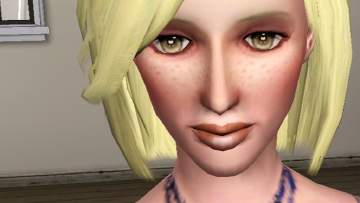
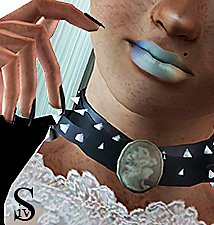
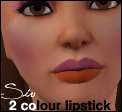
I've decided to make a new lipstick for young adult and adult female sims based on this Image that I found on Jessica Liani blog, this lipstick works well with so many colors to fit different occasions. Enjoy !!
Details:
- For young adult and adult female sims only
- This lipstick found under lipstick category.
- 3 channels: main color, outline color and highlight color.
- Detailed texture 2048 x 2048
- HQ mod is recommended for highest quality
- Custom thumbnail
Additional Credits:
- Thanks Hp

- S-club for using her N36 lipstick texture as a reference for my lipstick
- Jessica Liani blog
- TSRW, Adobe Photoshop
|
Glam Lipstick By Lunararc.rar
Download
Uploaded: 27th Aug 2014, 280.8 KB.
48,447 downloads.
|
||||||||
| For a detailed look at individual files, see the Information tab. | ||||||||
Install Instructions
1. Click the download button, or the filename, to download the file to your computer.
2. Extract the zip, rar, or 7z file. Now you will have either a .package or a .sims3pack file.
For Package files:
1. Cut and paste the file into your Documents\Electronic Arts\The Sims 3\Mods\Packages folder. If you do not already have this folder, you should read the full guide to Package files first: Sims 3:Installing Package Fileswiki, so you can make sure your game is fully patched and you have the correct Resource.cfg file.
2. Run the game, and find your content where the creator said it would be (build mode, buy mode, Create-a-Sim, etc.).
For Sims3Pack files:
1. Cut and paste it into your Documents\Electronic Arts\The Sims 3\Downloads folder. If you do not have this folder yet, it is recommended that you open the game and then close it again so that this folder will be automatically created. Then you can place the .sims3pack into your Downloads folder.
2. Load the game's Launcher, and click on the Downloads tab. Find the item in the list and tick the box beside it. Then press the Install button below the list.
3. Wait for the installer to load, and it will install the content to the game. You will get a message letting you know when it's done.
4. Run the game, and find your content where the creator said it would be (build mode, buy mode, Create-a-Sim, etc.).
Extracting from RAR, ZIP, or 7z: You will need a special program for this. For Windows, we recommend 7-Zip and for Mac OSX, we recommend Keka. Both are free and safe to use.
Need more help?
If you need more info, see:
- For package files: Sims 3:Installing Package Fileswiki
- For Sims3pack files: Game Help:Installing TS3 Packswiki
Loading comments, please wait...



Uploaded: 27th Aug 2014 at 6:33 AM
Updated: 28th Jan 2015 at 12:02 PM
-
-
by Kiara24 5th Sep 2009 at 2:51pm
 11
22.7k
33
11
22.7k
33
-
-
-
-
-
by JuBa_0oº 15th Jun 2012 at 6:27am
4
17.3k
21
-
by Sleepy-Genius 23rd Jul 2012 at 8:31pm
-
-

-
by Lunararc 3rd Dec 2009 at 7:31pm
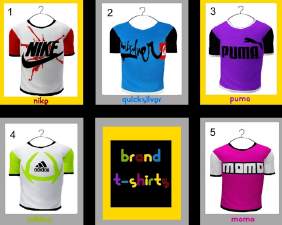
Hi Guys, i have decided to make six t-shirts for six different brands they are (Nike,Quicksilver,Puma,Adidus,Momo) for young Adult more...
7
24.7k
15
Male » Everyday » Young Adult
-
Peggy female "free hair" conversion
by Lunararc 18th Feb 2010 at 10:48pm
Hey Guys ! more...
39
116.1k
188
Hair » Female » Young Adult
-

The Junk Yard House - New Objects ,New Patterns With New lot design ?!
by Lunararc 19th Jul 2010 at 3:41am
Hey Guys , today i present to you "The Junk Yard House" my latest creations this idea came to me more...
+3 packs
34 47.6k 41 World Adventures
 High-End Loft Stuff
 Ambitions
-
-
-
-
Royal Medieval Patterns / Medieval Challenge
by Lunararc 12th Apr 2010 at 4:25pm
Hey guys ! Here's my first entry into the medieval challenge ! more...
14
47.9k
123
-
-
Silver Monkey of Doom Tees (YA/A)
by Lunararc 23rd May 2014 at 2:38pm
Happy Birthday MTS! more...
7
11.6k
35
Male » Everyday » Young Adult
-