
 Sign in to Mod The Sims
 A Bed for your Vampires - Sims 2 Conversion
 A Bed for your Vampires - Sims 2 Conversion


main pic.jpg - width=758 height=540
4x recolours with back view.jpg - width=864 height=504
Issues.jpg - width=930 height=432
ZZZ.jpg - width=687 height=792
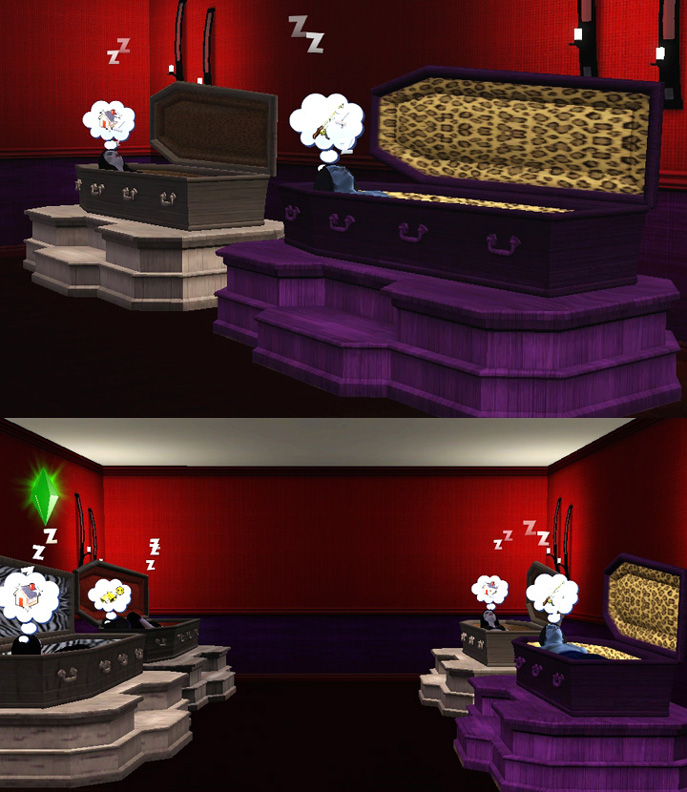
UPDATE 13 NOVEMBER 2010: I've now installed Late Night and this bed works fine with the new vampires. You can choose to have them sleep in it instead of the Late Night coffin bed - they sleep inside it like a regular sim (just like depicted below) rather than levitating over it like they do with the Late Night beds. So you now have a choice between two different vampire beds and styles of sleeping, according to your preference. I have both beds in my vampire family's house for variety!
Here's a nice bed for your Vampire simmies.
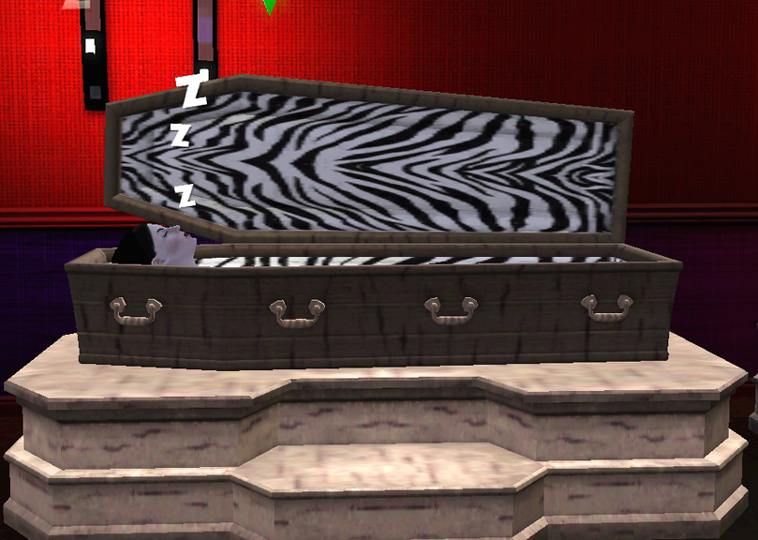
It's a conversion of the vampire coffin bed from The Sims 2. It will be found under Bedroom, Beds and costs 900 simoleons.
It has two recolourable channels: the interior lining, and the coffin exterior and platform. The coffin shell comes out much darker than the platform, so gives the impression of the two items being two separate colours. (ETA: At the time I made this item, which was my first-ever object, I was unaware of how to make three separate colour channels. In CaST, only the first 2 channels are used for this item, the other two are non-functional.)
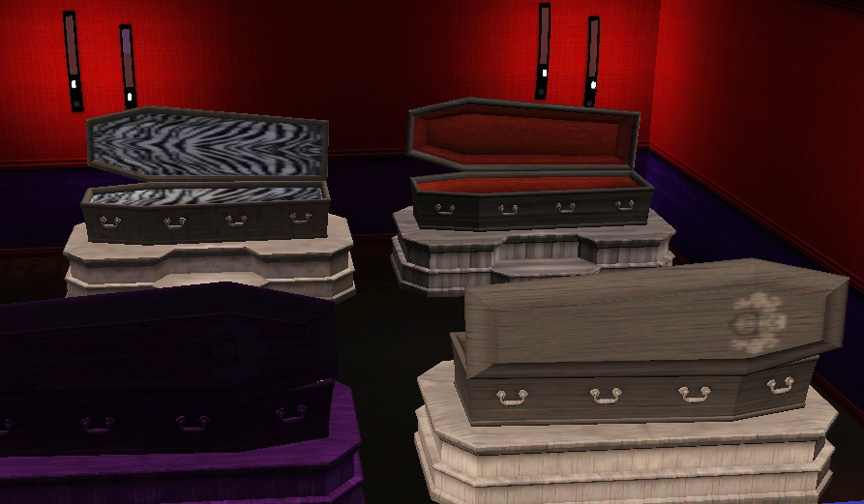
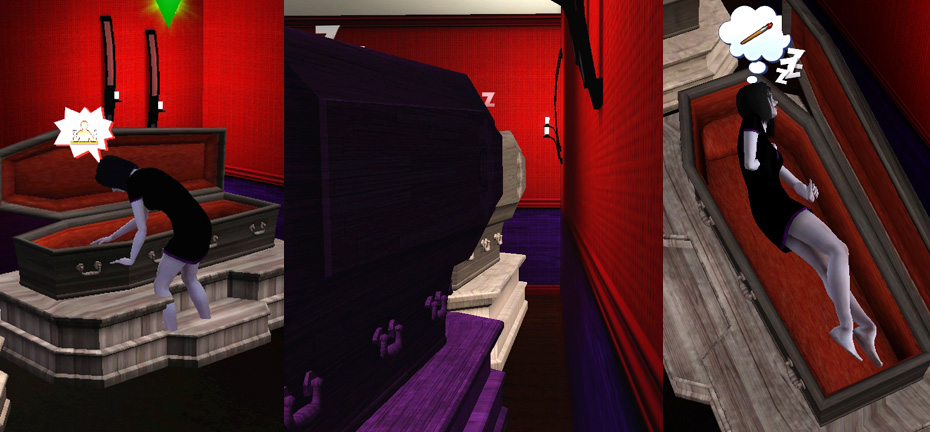
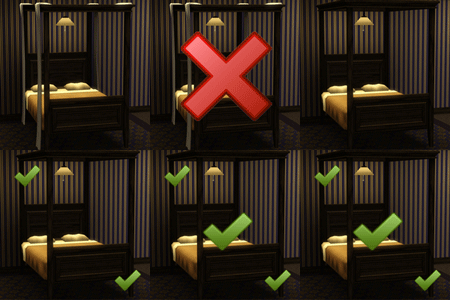
ISSUES: Being a conversion of a Sims 2 item of a non-standard size and shape that The Sims 3 is not coded to accommodate, some clipping will occur in two circumstances:
When the sim makes the bed, their feet will clip through the platform, as seen in the first shot in the pic below. The bed must be placed against the wall or else the sim may also try to make the bed from the lid side and end up clipping through the lid as well as the platform. But it can't go directly against the wall - it must be positioned with a gap, as shown in the second shot, or else the lid will clip through the wall.
Also, because there are no blankets or bedspreads, the sim's body is visible when it sleeps, and it does some pretty strange distortions with its feet and arms during sleep, so it's best not to look from above, as in the third shot.
It also goes without saying that the lid doesn't close, as there is no animation for that in The Sims 3.
Aside from those small points, the bed looks great and makes a really nifty resting place for your vamps. Just be sure to remove all windows in the bedroom to prevent sunlight getting in!
INSTALL INSTRUCTIONS:
Unzip the .zip file, and copy the .package file to your Mods\Packages folder. If you don't have a Mods\Packages folder and/or don't know how to install .package files, please see full instructions here: http://www.modthesims.info/wiki.php...g_Package_Files
Polygon Counts:
2860
Additional Credits:
An enormous THANK YOU to HugeLunatic for helpful advice on joint assignment for this oddball item, so that the bed would no longer disappear as soon as the sim used it! All working nicely now with no more levitating sims.
Made with s3oc, S3PE and Sims 3 Object Tool.
Tested with Delphy's Sims 3 Dashboard for 'Blue Lot Syndrome' and came up clean.
This is a new mesh, and means that it's a brand new self contained object that usually does not require a specific Pack (although this is possible depending on the type). It may have Recolours hosted on MTS - check below for more information.
|
EsmeraldaF_PETSBedVampire.zip
| New fixed file for pets/patch 1.26 upwards. NOT backwards compatible.
Download
Uploaded: 19th Oct 2011, 907.6 KB.
10,305 downloads.
|
||||||||
|
EsmeraldaF_BedVampire.zip
| Old version - only use if you HAVEN'T upgraded to Pets or patch 1.26
Download
Uploaded: 26th Mar 2010, 910.6 KB.
19,532 downloads.
|
||||||||
| For a detailed look at individual files, see the Information tab. | ||||||||
Install Instructions
1. Click the download button, or the filename, to download the file to your computer.
2. Extract the zip, rar, or 7z file. Now you will have either a .package or a .sims3pack file.
For Package files:
1. Cut and paste the file into your Documents\Electronic Arts\The Sims 3\Mods\Packages folder. If you do not already have this folder, you should read the full guide to Package files first: Sims 3:Installing Package Fileswiki, so you can make sure your game is fully patched and you have the correct Resource.cfg file.
2. Run the game, and find your content where the creator said it would be (build mode, buy mode, Create-a-Sim, etc.).
For Sims3Pack files:
1. Cut and paste it into your Documents\Electronic Arts\The Sims 3\Downloads folder. If you do not have this folder yet, it is recommended that you open the game and then close it again so that this folder will be automatically created. Then you can place the .sims3pack into your Downloads folder.
2. Load the game's Launcher, and click on the Downloads tab. Find the item in the list and tick the box beside it. Then press the Install button below the list.
3. Wait for the installer to load, and it will install the content to the game. You will get a message letting you know when it's done.
4. Run the game, and find your content where the creator said it would be (build mode, buy mode, Create-a-Sim, etc.).
Extracting from RAR, ZIP, or 7z: You will need a special program for this. For Windows, we recommend 7-Zip and for Mac OSX, we recommend Keka. Both are free and safe to use.
Need more help?
If you need more info, see:
- For package files: Sims 3:Installing Package Fileswiki
- For Sims3pack files: Game Help:Installing TS3 Packswiki
Loading comments, please wait...

Uploaded: 26th Mar 2010 at 4:56 PM
Updated: 20th Dec 2015 at 11:25 AM - Just some changes to text
-
by Hekate999 9th Jul 2010 at 5:03pm
 46
112.4k
224
46
112.4k
224
-
-
by daluved1 updated 29th Oct 2011 at 8:40pm
99
197.7k
511
-
-
by chasmchronicle 1st Jul 2011 at 6:26am
19
36k
86
-
-
by chasmchronicle 13th Jun 2012 at 5:00pm
-
by TheJim07 26th Mar 2015 at 4:48pm
14
41.2k
174
-
by christmas fear 27th Mar 2016 at 10:31pm
29
48.9k
145
-
Vampire Coffin (TS2: Nightlife Adaptation)
by Naus Allien updated 8th Mar 2018 at 11:56pm
+2 packs
29 46.6k 117 Late Night
 Supernatural


-
Glowing Wraparound Cyber Glasses for Men and Women, Teen-Elder
by Esmeralda 24th Oct 2009 at 9:31pm
All credits and thanks go to Delphy for his discovery on how to play around with the properties of sunglass more...
58
55.4k
64
-
Crystal Ball PC for Fantasy Sims
by Esmeralda updated 19th Dec 2017 at 5:20pm
Crystal Ball PC for Fantasy Sims more...
 29
45.5k
168
29
45.5k
168
-
-
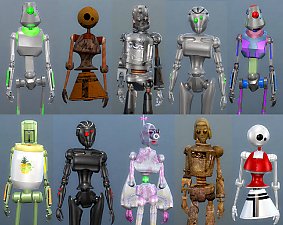
Lots More Bots - 21 New Servo Overrides
by Esmeralda updated 22nd Feb 2020 at 10:30am
21 new default replacement choices for your Servos more...
+1 packs
28 39.6k 62 Discover University
-
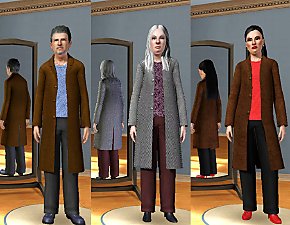
More Trenchcoat Outfits: Adult/YA Women, Elder Men, Elder Women
by Esmeralda 3rd Feb 2012 at 4:24pm
More Trenchcoat Outfits: Adult/YA Women and Elder Men and Women more...
13
59.4k
113
-
-

Telescope as Observatory Alternative
by Esmeralda 1st Apr 2015 at 1:49pm
Telescope as Observatory Alternative more...
95
84.6k
332
-
Butterfly Wings for Toddler-Elder
by Esmeralda updated 30th May 2016 at 5:08pm
Smaller version of my Butterfly Wings for Teen to Elder more...
21
51.2k
122
-
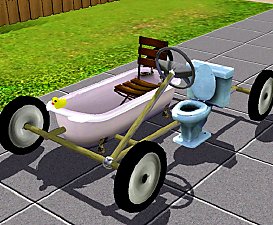
Cheap and Silly Transport for Eccentric/Inappropriate Sims: The Bathroomobile
by Esmeralda 27th Sep 2012 at 3:32pm
Cheap and Silly Transport for Eccentric/Inappropriate Sims: The Bathroomobile more...
147
93k
284
-
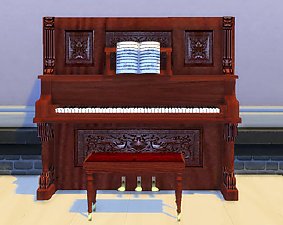
The Sims 2 Upright Saloon Piano - UPDATE: 8 new plain textures
by Esmeralda updated 2nd Apr 2016 at 6:15pm
The Sims 2 Upright Saloon Piano more...
45
41.6k
182


About Me
MY POLICY: I'm easygoing, please just don't copy my creations or claim them to be your own work. You may include my creations with your sims or lots, just credit me with a link back to the item.