
 Sign in to Mod The Sims
 Farhan Safi - A Pashtun Sim
 Farhan Safi - A Pashtun Sim


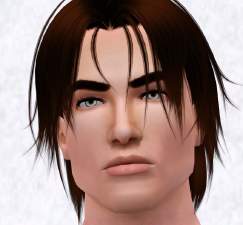
farhan1.jpg - width=1000 height=660
Farhan Angles
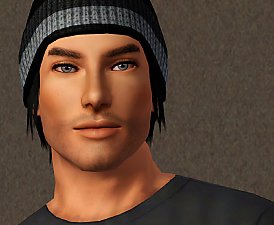
farhan2.jpg - width=1000 height=660
Farhan Expressions
farhan3.jpg - width=702 height=643
Farhan Face 1
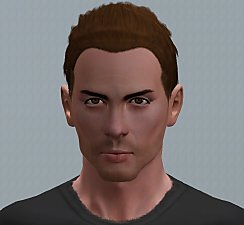
farhan5.jpg - width=595 height=660
Farhan Face 2
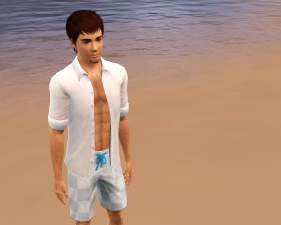
farhanstanding.jpg - width=235 height=683
Farhan Standing

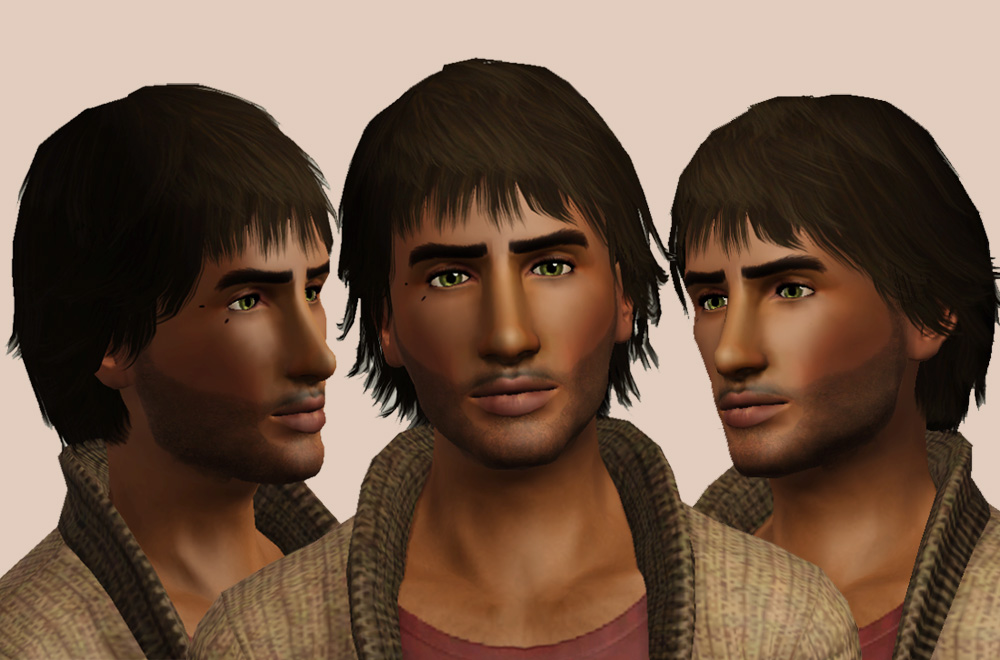
Farhan is a bit misunderstood. He's a bit of a loner and people tend to mistake this for aloofness when he's actually a really nice guy. He likes things a certain way and can often be found buried in a book.
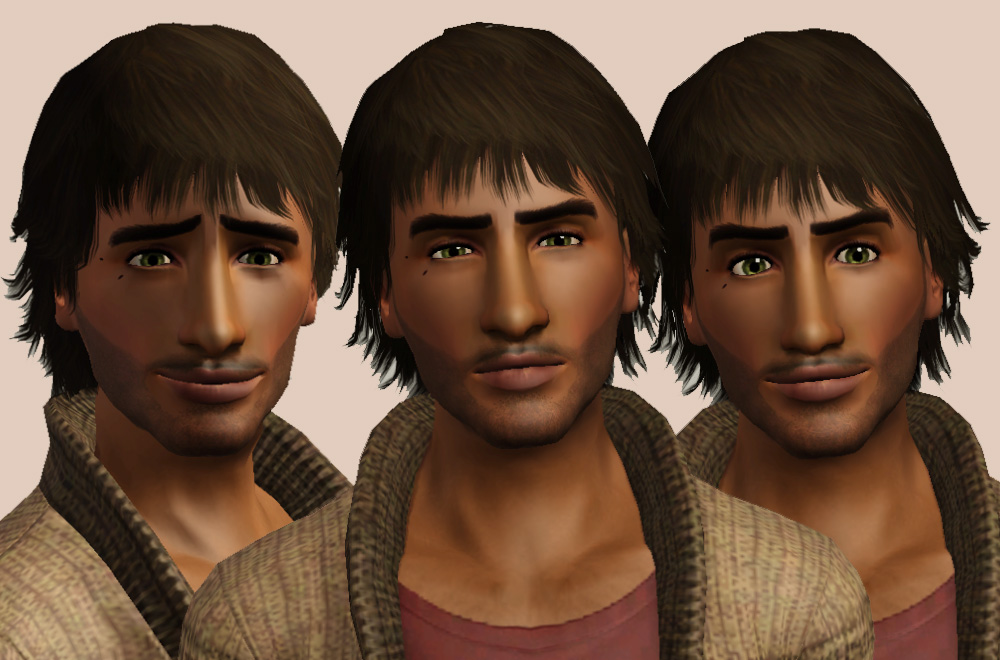
I created Farhan a while ago and decided that I'd share him on here so he got some minor facial adjustments and a bit of a re-vamp to get him ready for your game. I really hope you like him. Again, he's one of my favourites

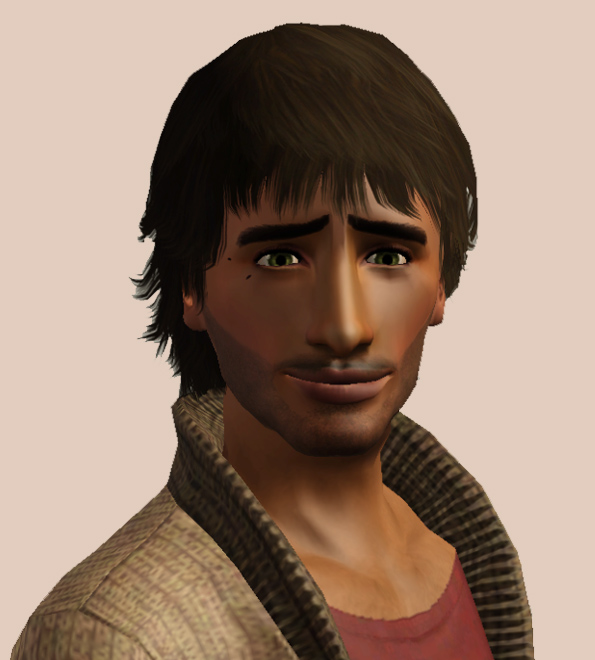
Farhan is 100% basegame and comes with default hair, skin, and expansion clothing* and eyes but he'd really appreciate it if you downloaded the following to help him feel more like himself:
Hair: The Sims Store]The Sims Store
Skin: Club Crimsyn
Eyes: Club Crimsyn
Moles: Daluved1
Slider Mods:
AwesomeMod(x2 Sliders)
Jasumi's Lip Fatness Slider
Jasumi's Brow Ridge Slider
aWT's Jawline Set
aWT's Lip Set
aWT's Nose Set
*My game has no issue with .sim files with clothing from an other pack and simply loads them in default clothes but apparently some people do have issues. If you download him without owning the noted expansions, he should be okay but he might cause a crash.
|
HellfrozeoverFarhan_Safi.zip
| Farhan .Sim File
Download
Uploaded: 13th Nov 2011, 354.2 KB.
2,451 downloads.
|
||||||||
| For a detailed look at individual files, see the Information tab. | ||||||||
Install Instructions
1. Click the filename or the download button to download the sim to your computer.
2. Extract the zip, rar, or 7z file.
2. Select the .sim file you got from extracting.
3. Cut and paste it into your Documents\Electronic Arts\The Sims 3\SavedSims folder. If you do not have this folder yet, it is recommended that you open the game, enter Create-a-Sim, and save a sim to the sim bin to create this folder, rather than doing so manually. After that you can close the game and put the .sim file in SavedSims
4. Once the .sim file is in SavedSims, you can load the game, and look for your sim in the premade sims bin in Create-a-Sim.
Extracting from RAR, ZIP, or 7z: You will need a special program for this. For Windows, we recommend 7-Zip and for Mac OSX, we recommend Keka. Both are free and safe to use.
Need more help?
If you need more info, see Game Help:Installing TS3 Simswiki for a full, detailed step-by-step guide! Special Installation Instructions
- If you get an error that says "This content requires expansion pack data that is not installed", please use Clean Installer to install this sim.
Loading comments, please wait...





-
Arthit Yodsuan - A Thai boy for your neighbourhood! - PLEASE RE-DOWNLOAD
by Hellfrozeover updated 8th Jul 2012 at 10:20am
Arthit is a happy go lucky guy. He always has a smile on his face and a cheery disposition! more...
-
by Hellfrozeover 1st Sep 2017 at 10:34pm
Joely loves learning and believes that keeping her mind active and learning something new every day is key to living more...
-
Female Waist and Hip Height Slider (Updated 20th July 2022
by Hellfrozeover updated 20th Jul 2022 at 3:59pm
This slider adds a hip and waist height slider to CAS. more...
-

by Hellfrozeover 6th Nov 2018 at 7:13pm
Ms. Finster is feared by many, seen as a challenge others and adored by Randall. more...
 16
50.2k
48
16
50.2k
48
-
by Hellfrozeover 27th Aug 2017 at 4:34pm
Monique would fit the starving artist stereotype perfectly if she didn't enjoy food as much. more...
-
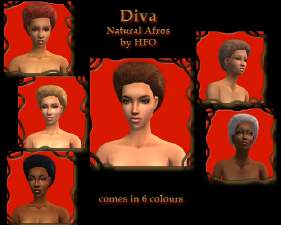
Diva: Afro Style by Hellfrozeover
by Hellfrozeover 20th Jan 2007 at 4:28pm
Hi again. I've got another afro hairstyle for you to play about with. more...
-
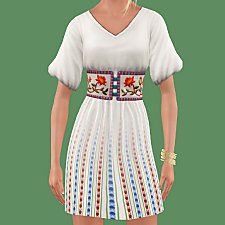
"Ludmilla" Belted Folk Dress (BGC)
by Hellfrozeover 16th Jul 2017 at 8:43pm
It's spring in my game, so I wanted to create a dress for my sims that would carry them through more...
26
43.8k
89
-
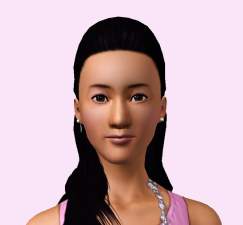
by Hellfrozeover 3rd Nov 2011 at 4:23pm
Lien is a model and all round girly girl. Although she takes pride in her appearance, she's not *too* vain! more...
-
by Hellfrozeover 17th Jul 2017 at 1:22am
I wanted a neck scarf for my female sims, so I retrieved this one from one of the 70s, 80s more...
+1 packs
20 27.4k 84 World Adventures
-
by Hellfrozeover 18th Jun 2017 at 6:30pm
I loved the way the top part of my wrap-dress, so I decided to see what it would look like more...
14
23.8k
61


Packs Needed
| Expansion Pack | |
|---|---|
 | Late Night |
 | Generations |
About Me
Recolours
Retextures
Mesh Conversions (within the Sims series)
Mesh Edits
Reuploads on foreign language sites to make it easier for non English speaking players to access it. A link to my own site is preferable if you could, but this is okay as long as you provide credit and a link back to the original.
Including the mesh in your recolour as long as you credit and link back.
Optional (nice, but not necessary)
Tagging when you use my CC if you want me to see it. I love seeing what you all create and do with it :)
Comments and feedback
No!
Taking credit for my CC or claiming it as your own
Converting my CC outwith the Sims series without my permission
Using my CC or any part of it (including textures) to make money, including Patreon Early Releases
Uploading my CC to Paysites or putting it behind a pay wall (looking at you, Simsdom)
Anything to do with TSR
Reuploading my CC to English language sites. What’s the point? Just link to the original!
If I leave the simming community, my CC may be uploaded to a free, adlink-free graveyard site.
Yes - Sims
Change their names/traits etc
Make them over
Edit them with sliders
Use them in your stories
No - Sims
Reupload them
Claim them as your own
Anything to do with T$R, the Gallery or Sims 3 Studio
Involve them in Simumblr blogs, because no
Don't punch dolphins