
 Sign in to Mod The Sims
- Downloads >
- Sims 3 >
- Build Mode >
- Stairs - Other
 Simple Ladder
 Simple Ladder


ladder01.jpg - width=847 height=800
ladder02.jpg - width=543 height=748
ladder03.jpg - width=850 height=825

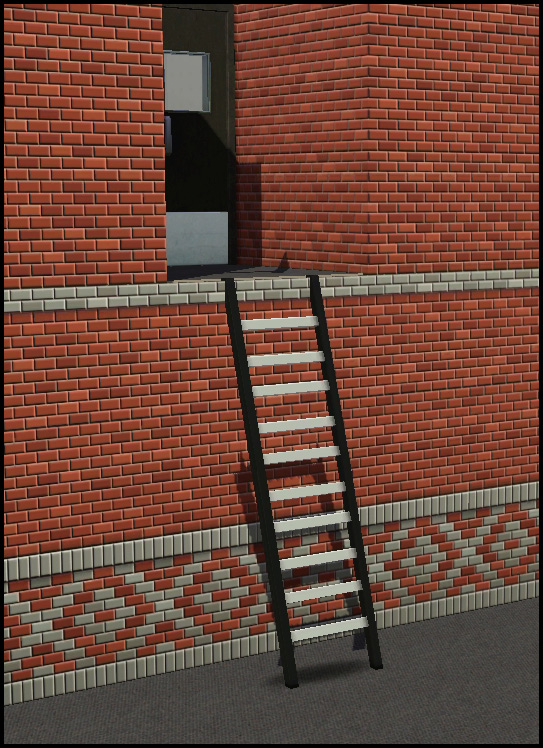
| Name | Category | Cost | Channels | Polys |
|---|---|---|---|---|
| Simple Ladder | Build/Spiral Stairs | 175 | 2 | 120 |
Notes
- When placing the ladder the floor above is covered with a floor tile. Simply use the sledgehammer tool to remove it.
- The ladder has a one tile footprint, but a space needs to be left one tile in front on the bottom level and one tile in the back on the upper level for access.
- There are no animations, sims simply teleport up/down.
- Tested with patch 1.36
Polygon Counts:
See table
Additional Credits:
Inge Jones for custom script
This is a new mesh, and means that it's a brand new self contained object that usually does not require a specific Pack (although this is possible depending on the type). It may have Recolours hosted on MTS - check below for more information.
|
HL_simpleLadder.rar
Download
Uploaded: 1st Aug 2012, 260.1 KB.
28,521 downloads.
|
||||||||
| For a detailed look at individual files, see the Information tab. | ||||||||
Install Instructions
1. Click the download button, or the filename, to download the file to your computer.
2. Extract the zip, rar, or 7z file. Now you will have either a .package or a .sims3pack file.
For Package files:
1. Cut and paste the file into your Documents\Electronic Arts\The Sims 3\Mods\Packages folder. If you do not already have this folder, you should read the full guide to Package files first: Sims 3:Installing Package Fileswiki, so you can make sure your game is fully patched and you have the correct Resource.cfg file.
2. Run the game, and find your content where the creator said it would be (build mode, buy mode, Create-a-Sim, etc.).
For Sims3Pack files:
1. Cut and paste it into your Documents\Electronic Arts\The Sims 3\Downloads folder. If you do not have this folder yet, it is recommended that you open the game and then close it again so that this folder will be automatically created. Then you can place the .sims3pack into your Downloads folder.
2. Load the game's Launcher, and click on the Downloads tab. Find the item in the list and tick the box beside it. Then press the Install button below the list.
3. Wait for the installer to load, and it will install the content to the game. You will get a message letting you know when it's done.
4. Run the game, and find your content where the creator said it would be (build mode, buy mode, Create-a-Sim, etc.).
Extracting from RAR, ZIP, or 7z: You will need a special program for this. For Windows, we recommend 7-Zip and for Mac OSX, we recommend Keka. Both are free and safe to use.
Need more help?
If you need more info, see:
- For package files: Sims 3:Installing Package Fileswiki
- For Sims3pack files: Game Help:Installing TS3 Packswiki
Loading comments, please wait...


Uploaded: 1st Aug 2012 at 3:57 PM
#ladder, #stairs, #spiral, #custom stairs
-
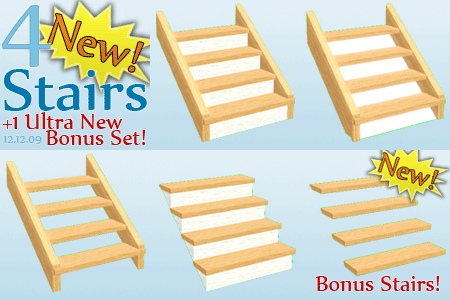
4 New Stairs - Alder Stairs - Upd. 16th Dec, Now CASTable!
by Flabaliki updated 12th Dec 2009 at 1:29pm
 66
185.8k
315
66
185.8k
315
-
-
Stairs made of logs - 4 new meshes
by Victor_tor 25th Mar 2010 at 11:26am
34
48.4k
98
Build Mode » Stairs » Other
-
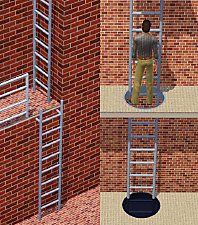
Industrial Ladder (Now also stackable)
by misukisu updated 10th Dec 2011 at 9:28am
59
93.7k
246
Build Mode » Stairs » Other
-
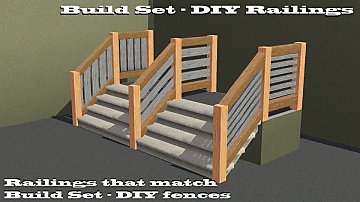
by armiel 16th Jan 2012 at 12:46am
8
41.8k
86
Build Mode » Stairs » Other
-
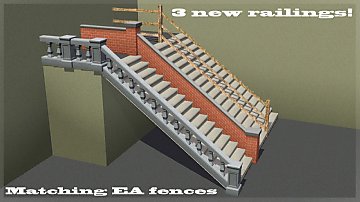
-
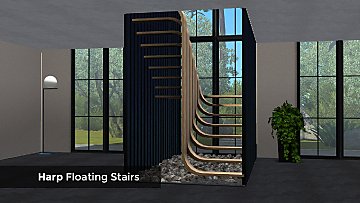
by enable_llamas 26th Jan 2021 at 9:56pm
20
30.5k
87
-
by lizcandor 27th Apr 2021 at 8:22pm
82
117.1k
375
-
-

-

by HugeLunatic 10th Apr 2011 at 10:40pm
Cleo Hwang spends her days puttering in her garden, growing fresh vegetables and herbs to cook with. more...
-
by HugeLunatic 28th Sep 2014 at 10:33am
Fishnet stockings/tights for adult males. Can be found in Accessories/Socks. more...
 8
18k
62
8
18k
62
-
Novellas Nouveau Bookcase Centered
by HugeLunatic 14th Mar 2018 at 3:31am
A center version of the Art Nouveau bookcase, with books for dharden, from the base game. more...
 3
11.6k
35
3
11.6k
35
-


-
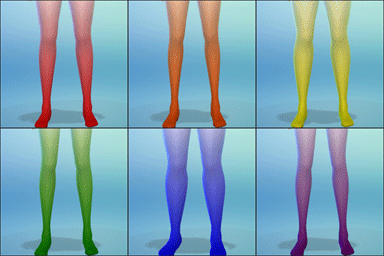
by HugeLunatic 22nd Sep 2014 at 5:48am
A rainbow selection of gradient opaque tights. Red, Orange, Yellow, Green, Indigo and Blue. Found in Accessories/Tights. more...
7
17.1k
98
-
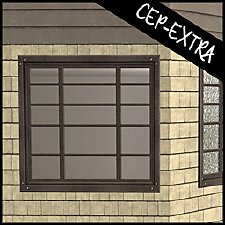
by HugeLunatic 19th Nov 2018 at 12:07am
A small mod to make the glass separately recolorable from the frame. more...
4
12.7k
26
-
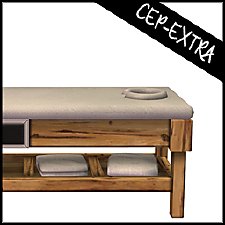
by HugeLunatic 1st Feb 2019 at 8:58pm
When I went to recolor the massage table in Island Colors, I found the cushion was not a separate subset more...
+1 packs
3 13.1k 28 Bon Voyage
-
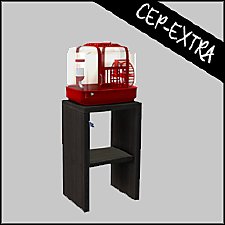
by HugeLunatic updated 31st Mar 2025 at 12:03am
The small mammal containment now with two subsets! more...
+1 packs
4 7.1k 22 Pets
Pets
-
by HugeLunatic 15th Nov 2014 at 10:56am
A basic modern easel, designed to match the desk "The Recognizer" in game, but will work in more...
57
65.1k
331
-
Insta-Door with Glass & Mullions
by HugeLunatic 22nd Oct 2010 at 3:43am
So this Insta-Door (aka Mission) from the base game is my most used door. more...
21
47.1k
152


About Me
Pet Stories || Dog Agility Items? || Castaway Stories || Holy Simoly Extras
4esf Archive || Holy Simoly Archive || CEP-Extras List || Buyable Game Objects
lunie content from GoS/s2a
 Installation of CEP Extras
-the package with pfiles appended to the name will go into your cep extras folder where your game is installed (typically c drive, you do you)
-the other goes in CEP extra folder in documents.
The following locations are what I am aware of, beyond that you'll have to do some searching.
Downloads Folder:
C:\Users\<user>\Documents\EA Games\The Sims 2 Legacy
C:\Users\<user>\Documents\EA Games\The Sims 2 Ultimate Collection
With multiple launchers, the location for your game install will vary.
C:\Program Files\EA GAMES\The Sims 2 Legacy\TSData\Res\Catalog\zCEP-EXTRA
C:\Program Files\EA GAMES\The Sims 2\TSData\Res\Catalog\zCEP-EXTRA
C:\Program Files (x86)\EA GAMES\The Sims 2\TSData\Res\Catalog\zCEP-EXTRA