
 Sign in to Mod The Sims
 MTS Official 2015 Calendar
 MTS Official 2015 Calendar


2015Calendar1.jpg - width=1280 height=670
2015Calendar2.jpg - width=1280 height=670
2015Calendar3.jpg - width=1280 height=670
2015Calendar5.jpg - width=1265 height=551
2015Calendar.jpg - width=1091 height=800
2015CalendarThumb.jpg - width=431 height=431
2015Calendar4.jpg - width=1280 height=670

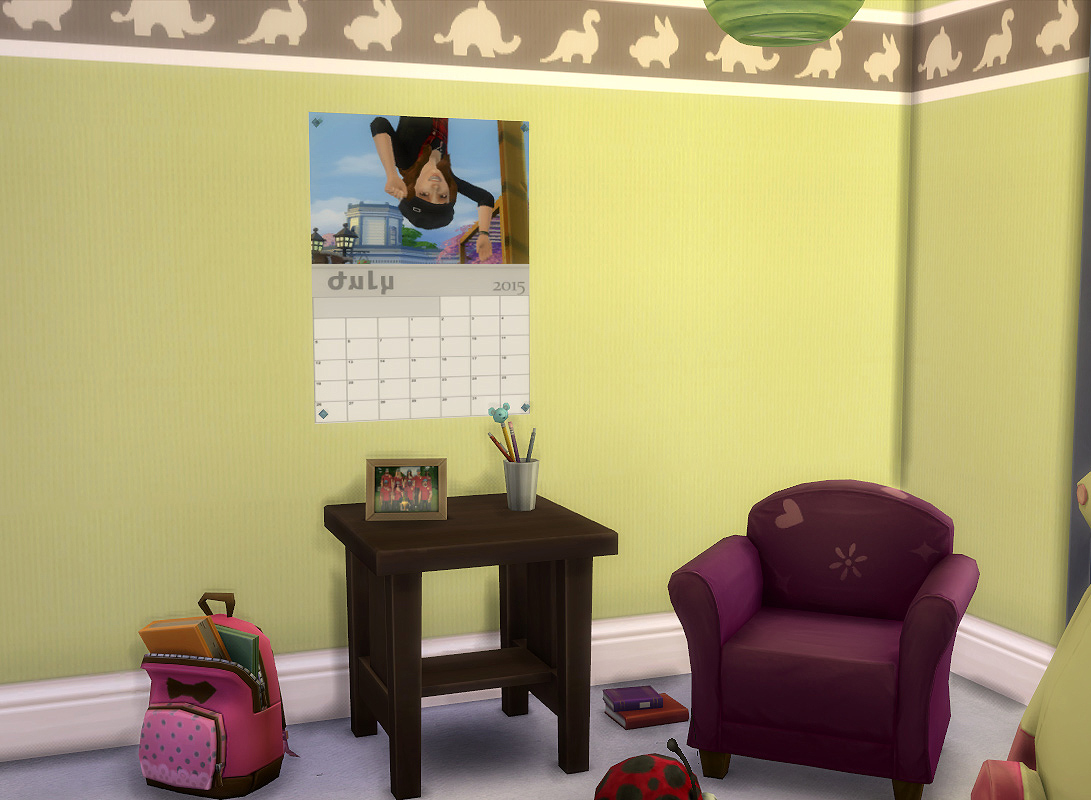
Each month is a different coloured swatch which are based on the months birthstone colour. If you have no idea what color goes with each month, then the order is top to bottom, right to left. Because that is the "order" that EA thinks is numerical. As with all cc, to recolor you will need to sell and rebuy with the correct texture (month).
Special thanks and congratulations go out to all of our winners:zexxa, applefeather, ginrouken, ImAGirltoyou, w_sims, SimsRocka778, RomerJon17, w_sims, Lunararc, Nabucodonosorll, MariTom, and MissChevus. For a full list of entries, please see the original entry table
Tech Bits:
- 140 -ish Polys
- 65 §
- Deco/Pictures
Additional Credits:
Additional Credits:
- MTS Staff for judging entries and contestants for entering. Would not have been possible without all of you!
- heaven; because I used her TS3 mesh to tweak for this one
- Creators of TSRW, S4PE.
This is a new mesh, and means that it's a brand new self contained object that usually does not require a specific Pack (although this is possible depending on the type). It may have Recolours hosted on MTS - check below for more information.
|
MTS-2015-Calendar-TS4.rar
Download
Uploaded: 2nd Jan 2015, 2.72 MB.
3,799 downloads.
|
||||||||
| For a detailed look at individual files, see the Information tab. | ||||||||
Install Instructions
1. Download: Click the File tab to see the download link. Click the link to save the .rar or .zip file(s) to your computer.
2. Extract: Use 7zip (Windows) to extract the file(s) from the .rar or .zip file(s).
3. Cut and paste the file(s) into your Mods folder
Need more information?
- My Documents\Electronic Arts\The Sims 4\Mods\
- Anyone can use both .rar and .zip files easily! On Windows, use 7zip!
- If you don't have a Mods folder, just make one.
Loading comments, please wait...


Uploaded: 2nd Jan 2015 at 3:57 PM
Updated: 2nd Jan 2015 at 8:00 PM
#calendar, #2015, #official, #calendar contest, #TS4 calendar
-
-
by plasticbox 31st Dec 2015 at 6:48pm
 8
11.1k
53
8
11.1k
53
-
-
by justJones 23rd Jan 2018 at 9:36pm
8
10.9k
39
-

by OfficerPuncake 9th Nov 2021 at 2:40pm
1
1.2k
5
-
by Z3nJ3n 11th Aug 2022 at 10:39pm
2
3.3k
14
-
-
-
by Veggpryd67 30th Aug 2023 at 7:49pm
4
5.4k
10
-
by Lumster 13th Apr 2025 at 1:54pm
2.1k
2


-
by HugeLunatic 27th Jan 2016 at 3:59pm
Who knew I could still find something hidden in the game files?! more...
 18
14.5k
49
18
14.5k
49
-
by HugeLunatic 9th Aug 2009 at 1:32am
No surprise the first thing I had to try and make was a build mode object, and a matching item more...
 54
95k
160
54
95k
160
-
C-C-C-Chandelower - Lighting Fix
by HugeLunatic updated 17th Jul 2020 at 3:21pm
This fixes the height of the light cast by the M&G two story chandelier. more...
+1 packs
5 9.4k 41 Mansion and Garden
-
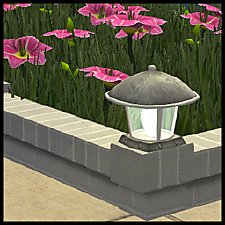
"Blazin' Buckaroos!" [Recolors]
by HugeLunatic 25th May 2013 at 4:55am
Basic black and silver recolors of garden light. more...
13
21.3k
73
-
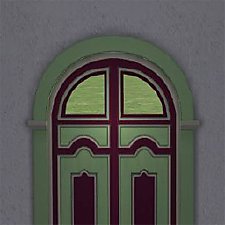
by HugeLunatic 26th Mar 2020 at 4:31pm
None of the doors from M&G that have glass appear to let light into a room. more...
+1 packs
4 5.8k 23 Mansion and Garden
-
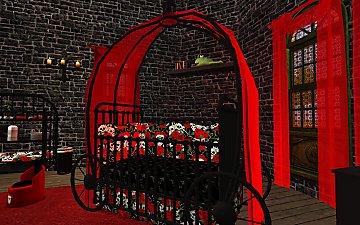
Gothic Princess Nursery and Child/Teen Room
by HugeLunatic 30th Dec 2008 at 1:52am
Cinderella style coach bed and crib recolor in a dark red, black, and images of skulls and roses. more...
-
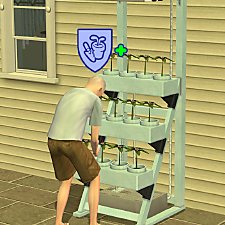
Gardening Badge from Hydroponics
by HugeLunatic updated 21st May 2022 at 1:08pm
I wanted my sims to earn gardening badges from using the Hydroponic career reward. more...
+2 packs
18 10.8k 70 Open for Business
 Seasons
-
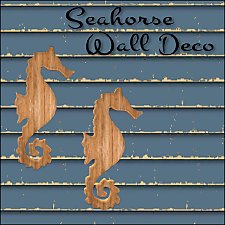

by HugeLunatic 3rd Apr 2015 at 11:35pm
I was going to do a set for the beach theme in March, but got too busy with work and more...
13
8.4k
28
-
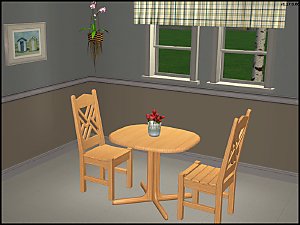
FLATWÖUD Dining Table - One Tile
by HugeLunatic 4th Dec 2012 at 5:23am
A one tile version of the base game "FLATWÖUD Dining Table by Iseeya". more...
15
26k
89
-
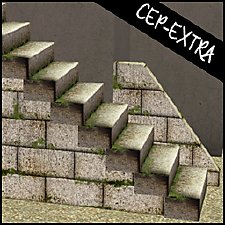
Backyard Pyramid "Step it Up" - [CEP-EXTRA]
by HugeLunatic updated 21st Dec 2021 at 11:20am
It's taken quite a while, but I've finally got the steps from Bon Voyage recolorable. more...
+1 packs
7 21.8k 63 Bon Voyage


About Me
Pet Stories || Dog Agility Items? || Castaway Stories || Holy Simoly Extras
4esf Archive || Holy Simoly Archive || CEP-Extras List || Buyable Game Objects
lunie content from GoS/s2a
 Installation of CEP Extras
-the package with pfiles appended to the name will go into your cep extras folder where your game is installed (typically c drive, you do you)
-the other goes in CEP extra folder in documents.
The following locations are what I am aware of, beyond that you'll have to do some searching.
Downloads Folder:
C:\Users\<user>\Documents\EA Games\The Sims 2 Legacy
C:\Users\<user>\Documents\EA Games\The Sims 2 Ultimate Collection
With multiple launchers, the location for your game install will vary.
C:\Program Files\EA GAMES\The Sims 2 Legacy\TSData\Res\Catalog\zCEP-EXTRA
C:\Program Files\EA GAMES\The Sims 2\TSData\Res\Catalog\zCEP-EXTRA
C:\Program Files (x86)\EA GAMES\The Sims 2\TSData\Res\Catalog\zCEP-EXTRA