Sign in to Mod The Sims
 Maxi Maternity--BG-compatible
 Maxi Maternity--BG-compatible


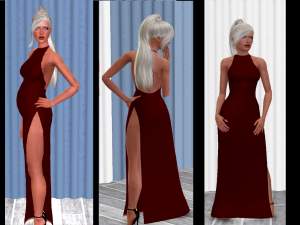
maxi maternity channels.jpg - width=1360 height=768
maxi maternity morphs.jpg - width=1360 height=768
maxi maternity comparison.jpg - width=1360 height=768
maxi maternity thumbnail.jpg - width=1024 height=768
 Original is on the left, edited version is on the right.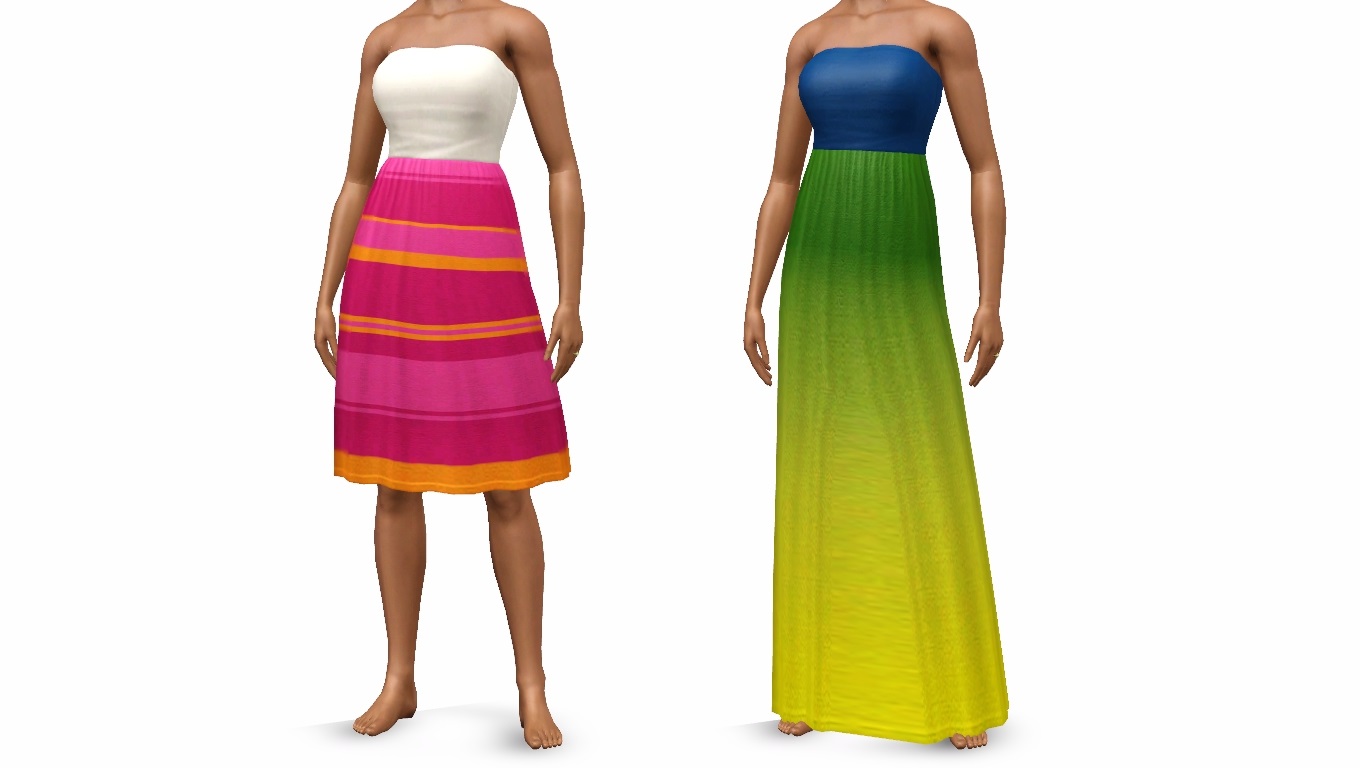
You will NOT need IP installed to use this item, and it DOES NOT overwrite the original. All morphs (including maternity) are enabled. Two variations, all LODs. Available as everyday/formale/career/maternity wear. Not valid for random.
Enjoy! <3
Polygon Counts:
3566-LOD1
1690-LOD2
601-LOD3
Additional Credits:
TSRW, S3PE, Paint.net, EA/Maxis for the original mesh
This is a new mesh, and means that it's a brand new self contained object that usually does not require a specific Pack (although this is possible depending on the type). It may have Recolours hosted on MTS - check below for more information.
|
Maxi Maternity.rar
Download
Uploaded: 6th Sep 2015, 994.4 KB.
22,040 downloads.
|
||||||||
| For a detailed look at individual files, see the Information tab. | ||||||||
Install Instructions
1. Click the download button, or the filename, to download the file to your computer.
2. Extract the zip, rar, or 7z file. Now you will have either a .package or a .sims3pack file.
For Package files:
1. Cut and paste the file into your Documents\Electronic Arts\The Sims 3\Mods\Packages folder. If you do not already have this folder, you should read the full guide to Package files first: Sims 3:Installing Package Fileswiki, so you can make sure your game is fully patched and you have the correct Resource.cfg file.
2. Run the game, and find your content where the creator said it would be (build mode, buy mode, Create-a-Sim, etc.).
For Sims3Pack files:
1. Cut and paste it into your Documents\Electronic Arts\The Sims 3\Downloads folder. If you do not have this folder yet, it is recommended that you open the game and then close it again so that this folder will be automatically created. Then you can place the .sims3pack into your Downloads folder.
2. Load the game's Launcher, and click on the Downloads tab. Find the item in the list and tick the box beside it. Then press the Install button below the list.
3. Wait for the installer to load, and it will install the content to the game. You will get a message letting you know when it's done.
4. Run the game, and find your content where the creator said it would be (build mode, buy mode, Create-a-Sim, etc.).
Extracting from RAR, ZIP, or 7z: You will need a special program for this. For Windows, we recommend 7-Zip and for Mac OSX, we recommend Keka. Both are free and safe to use.
Need more help?
If you need more info, see:
- For package files: Sims 3:Installing Package Fileswiki
- For Sims3pack files: Game Help:Installing TS3 Packswiki
Loading comments, please wait...


Uploaded: 6th Sep 2015 at 9:02 PM
#maternity, #base game, #bg, #bg maternity, #maxi, #maxi dress, #bg maxi dress, #maxi maternity
-
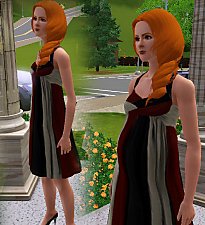
by Kiara24 16th May 2010 at 11:35pm
 30
81.2k
168
30
81.2k
168
Female » Formal » Young Adult
-
-
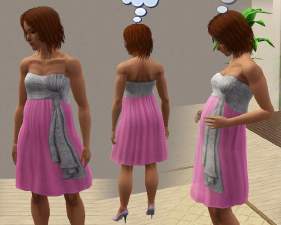
-
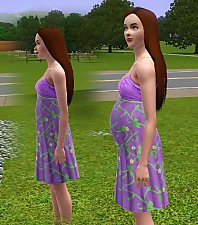
-
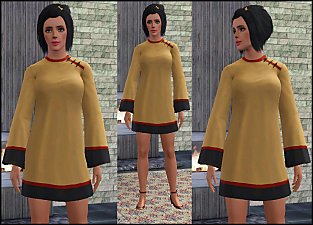
-
by HystericalParoxysm 25th Jul 2014 at 11:13pm
32
60.5k
200
-
by FifthAce2007 11th Aug 2014 at 7:31pm
-
-
-
by marydehoyos 4th Feb 2022 at 6:08am
7
18k
50


-
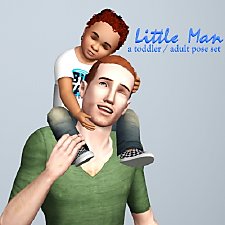
Little Man -- a toddler / adult pose set
by spladoum 12th Jun 2014 at 3:41pm
For all the dads who love their kids too. Happy Father's Day! more...
38
64.9k
237
-
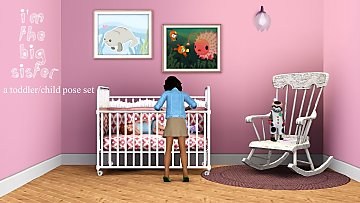
I'm the Big Sister -- a child/toddler pose set
by spladoum 4th Jul 2013 at 6:46pm
Someone to watch over you ... more...
62
101.8k
319
-
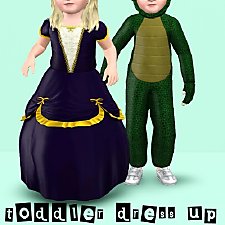
Toddler Dress Up -- Two Generations Outfit Conversions! Base Game Compatible!
by spladoum 18th Aug 2014 at 12:39pm
Outfits for your little ones to play dress up :) more...
8
26.2k
85
-
-
-

"Trade Kitchen Secrets" Enabled for all Sims
by spladoum 7th Dec 2014 at 10:41pm
When I first started playing Sims 3, I noticed a pretty cool interaction while bumbling in the park. more...
14
23.9k
144
-
Movie Night -- A couple's pose set
by spladoum 5th Apr 2014 at 9:06pm
For those nights you just need to stay in and relax. more...
17
55.8k
142
-
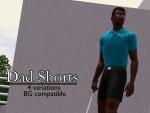
Dad Shorts -- 4 embarrassing outfits! BG-compatible!
by spladoum 11th Apr 2016 at 6:40am
I haven't the first idea what inspired me to work on this bane of suburbia, the Dad Who Doesn't Know more...
9
25.3k
69
Male » Everyday » Young Adult
-
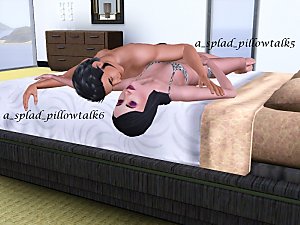
Pillow Talk--Cuddly Couple's Poses
by spladoum updated 6th Jun 2011 at 6:10pm
If you want more love, why don't you say so? more...
44
249.8k
301
-