
 Sign in to Mod The Sims
 Natural Lipcolor for Both Genders
 Natural Lipcolor for Both Genders


MAINmatta.JPG - width=697 height=397
B1a.jpg - width=1025 height=948
C1.jpg - width=868 height=971

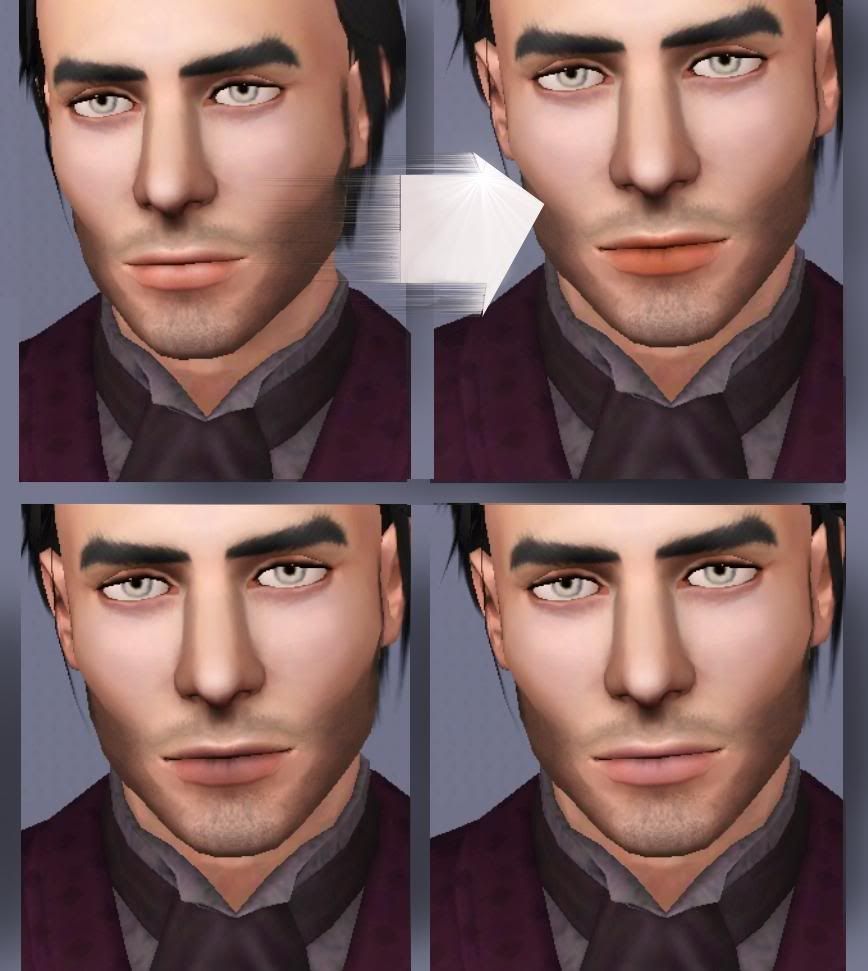
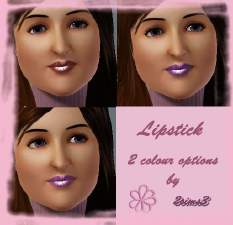
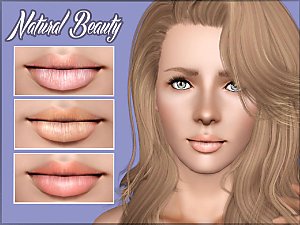
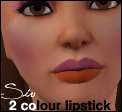
There are times when sim needs a natural lips, but other color than what comes with skintone!
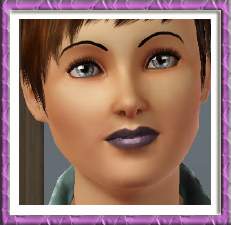
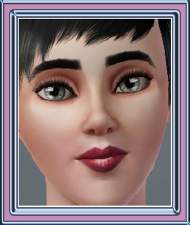
Especially poor Macho Males haven't had any suitable lipcolor for them, so I made this very natural and sheer lipstick for both genders.
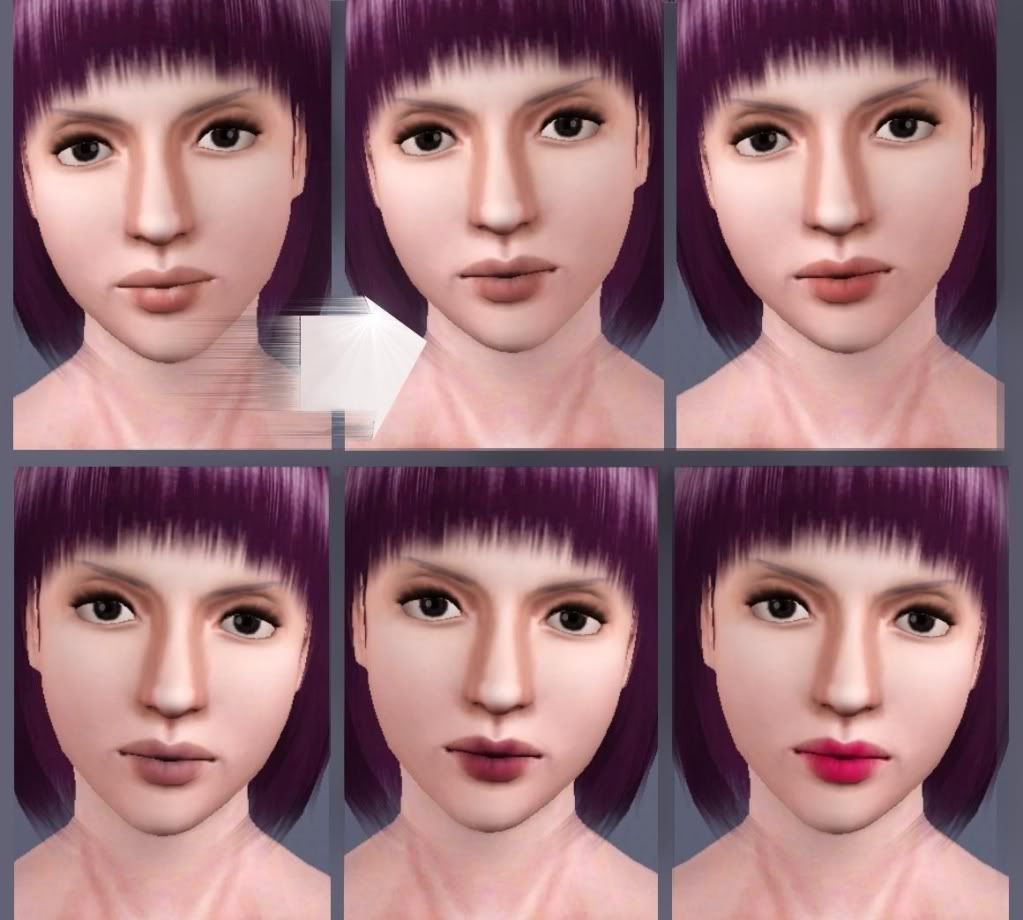
The color is very sheer on the edges, almost transparent, and most intense in middle.
I also made some details to make them more realistic and added dark detail to the corners of the lips.
Of course it works perfectly as a matte lipstick as well, and as a special effect!
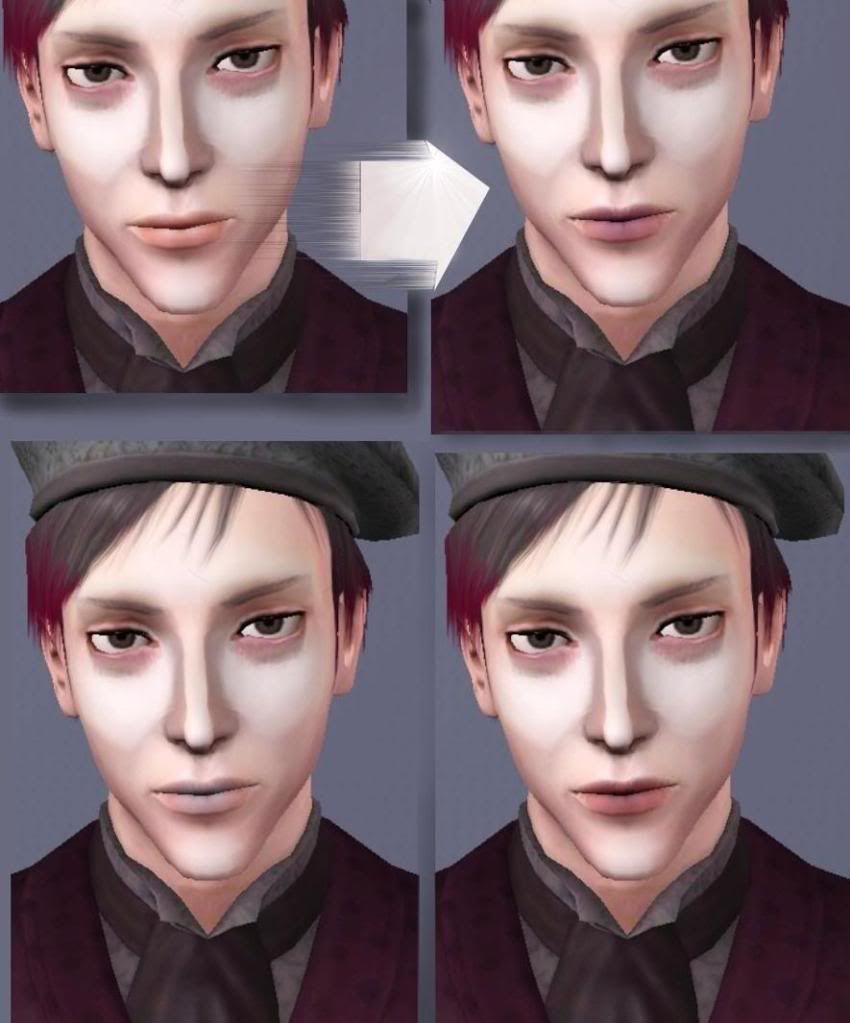
It is for teen to elder and for both genders.
One channel recolorable and These Aren't Default Replacements.

All models by me,
Wes (the first dude) available in my blog and
the last one (Nicholas) available here.
CC used on models:
HP's eyes
234jiao's body skintone
Aikea Guinea's face skins
Girl has Raon conversion by Cazy hair
Kittuklan's face make up, stubble and eyebags
Thin eyebrows by me .
Additional Credits:
Delphy's CTU and all the creators who's fantastic CC I used on my models

|
Arisuka_NaturalLipcolorBothGenders.rar
Download
Uploaded: 9th Jan 2010, 26.3 KB.
40,276 downloads.
|
||||||||
| For a detailed look at individual files, see the Information tab. | ||||||||
Install Instructions
1. Click the download button, or the filename, to download the file to your computer.
2. Extract the zip, rar, or 7z file. Now you will have either a .package or a .sims3pack file.
For Package files:
1. Cut and paste the file into your Documents\Electronic Arts\The Sims 3\Mods\Packages folder. If you do not already have this folder, you should read the full guide to Package files first: Sims 3:Installing Package Fileswiki, so you can make sure your game is fully patched and you have the correct Resource.cfg file.
2. Run the game, and find your content where the creator said it would be (build mode, buy mode, Create-a-Sim, etc.).
For Sims3Pack files:
1. Cut and paste it into your Documents\Electronic Arts\The Sims 3\Downloads folder. If you do not have this folder yet, it is recommended that you open the game and then close it again so that this folder will be automatically created. Then you can place the .sims3pack into your Downloads folder.
2. Load the game's Launcher, and click on the Downloads tab. Find the item in the list and tick the box beside it. Then press the Install button below the list.
3. Wait for the installer to load, and it will install the content to the game. You will get a message letting you know when it's done.
4. Run the game, and find your content where the creator said it would be (build mode, buy mode, Create-a-Sim, etc.).
Extracting from RAR, ZIP, or 7z: You will need a special program for this. For Windows, we recommend 7-Zip and for Mac OSX, we recommend Keka. Both are free and safe to use.
Need more help?
If you need more info, see:
- For package files: Sims 3:Installing Package Fileswiki
- For Sims3pack files: Game Help:Installing TS3 Packswiki
Loading comments, please wait...



Uploaded: 9th Jan 2010 at 5:47 PM
Updated: 16th Jan 2010 at 12:06 AM
#lipstick, #lipcolor, #male lipstick, #lips, #lip
-
-
-
-
-
-
-
-
by Sleepy-Genius 23rd Jul 2012 at 8:31pm
-
-

-
3 Ambitions hairs converted for Males
by Arisuka 3rd Jul 2011 at 10:54pm
More choice for mid-length hairs! more...
 +1 packs
71 200.4k 392
+1 packs
71 200.4k 392 Ambitions
Hair » Male » Young Adult
-
Studded, Ripped Jeans for Males - 3 styles!
by Arisuka 3rd Dec 2009 at 2:34am
This is what happens when I got a migraine! more...
31
74.1k
111
Male » Everyday » Young Adult
-
-
-
-
-
Dir En Grey - Die (in two styles!!)
by Arisuka 30th Sep 2010 at 12:49pm
The heavy metal-hottie guitarist from Japan! more...
33
37.7k
35
-
Eye bags MEGAPACK - 8 styles!!
by Arisuka 18th Feb 2010 at 10:55pm
I love eye bags to an extent that I created a bunch of all kinds of styles for simmies! more...
59
171.7k
314
-
-
Male Facial Hair First Aid pack - from stubble to lashes and brows!!
by Arisuka 8th Mar 2010 at 4:21pm
Our guys have been totally neglected with a lack of cool CC for them, so I'm here to rescue the more...
88
213.7k
300


