Sign in to Mod The Sims
 Matt Default Replacement Skintone + Face Overlay UPDATED
 Matt Default Replacement Skintone + Face Overlay UPDATED


shady_matt-skintone-fem.jpg - width=540 height=979
shady_matt-skintone-male.jpg - width=540 height=979
darker.jpg - width=539 height=681
versions.jpg - width=700 height=526
skintone-shady1.jpg - width=663 height=910
skintone-shady2.jpg - width=663 height=910

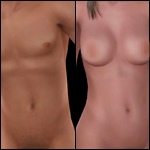
First it was not my purpose ever creating a another Skintone For the sims, but because I'm so dissapointed of the engine of Sims3 and the pudding faces I had try it for my own.
The Skintone I created for all ages and gender and it's completely hand-drawn. it looks for me very natural and less like "pudding", so i hope that you will like it too.
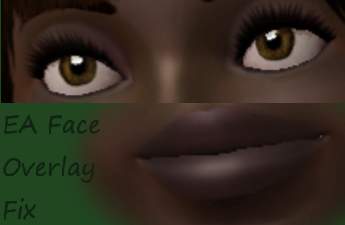
I created a Face fix overlay too, that removes the size of the iris, and the texture of the Lips.
If you downloaded only the SKintone file and it looks not as in the pictures and the lips are even darker ingame (especially by the darker tones), you should download the Face fix too. Before adding it to your "Mods-Folder", please make sure you have NOT installed another face fix overlay yet.
UPDATED: The color difference between the face and body texture should be fixed now. I have done a few little changes here and there too. Please re-download =)
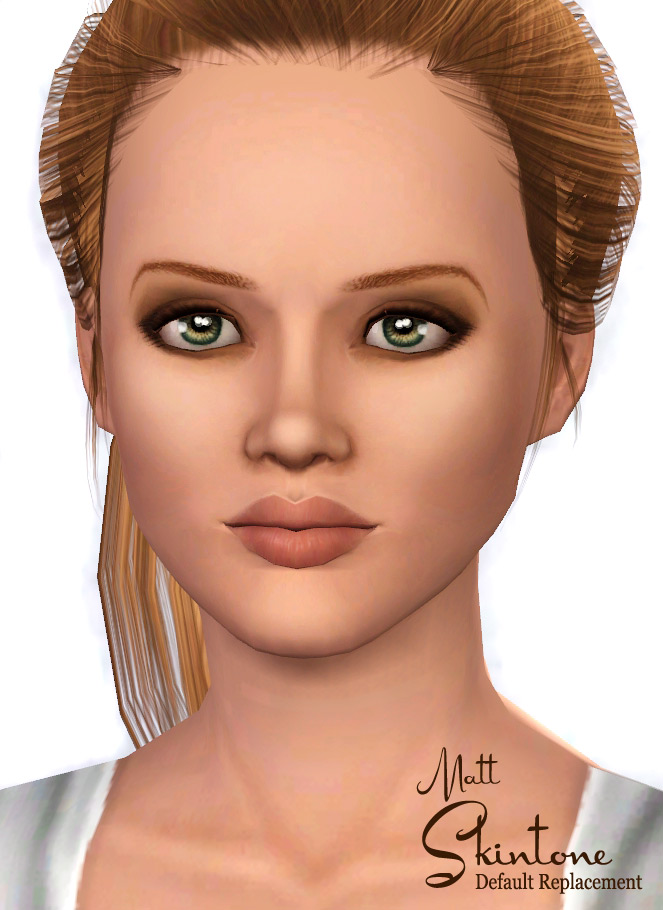
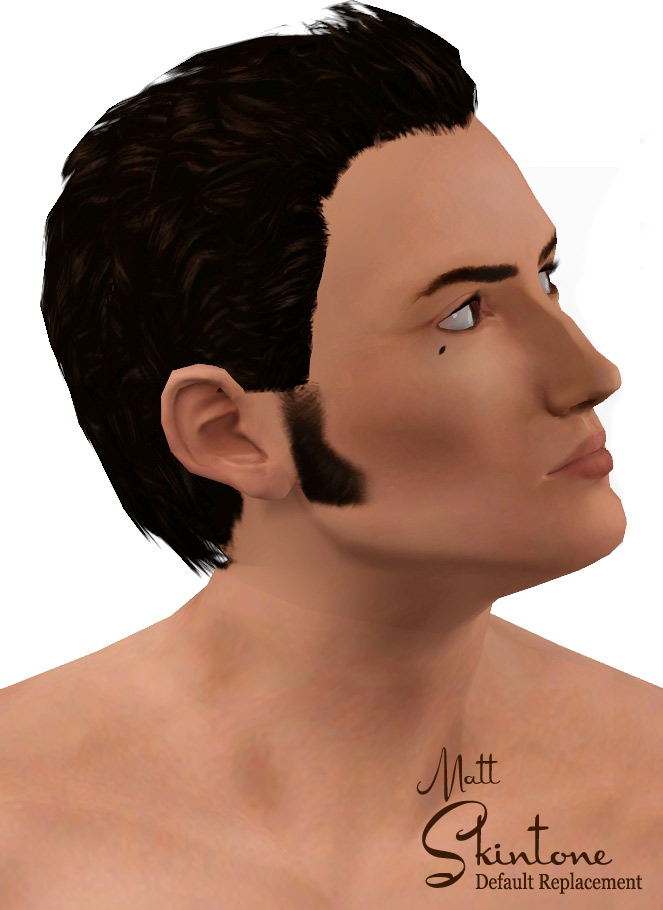
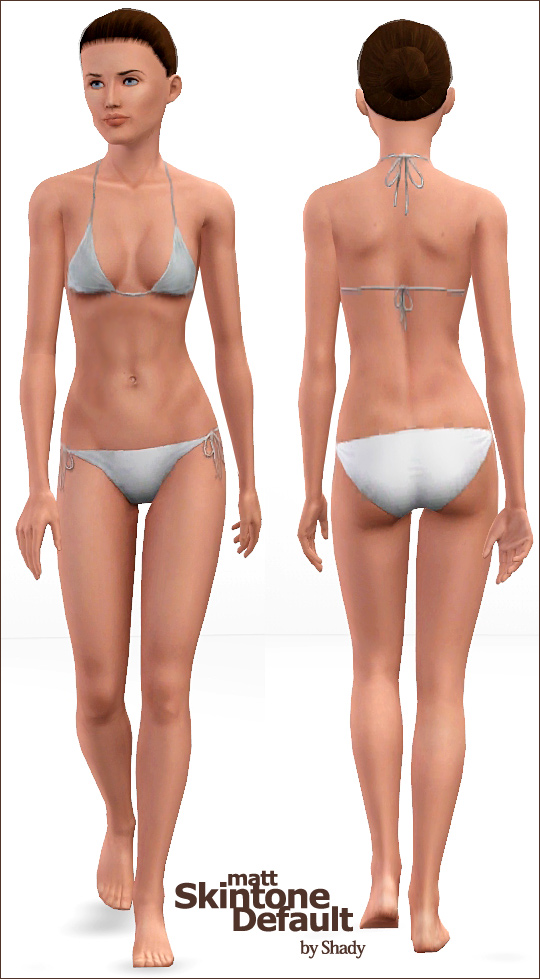
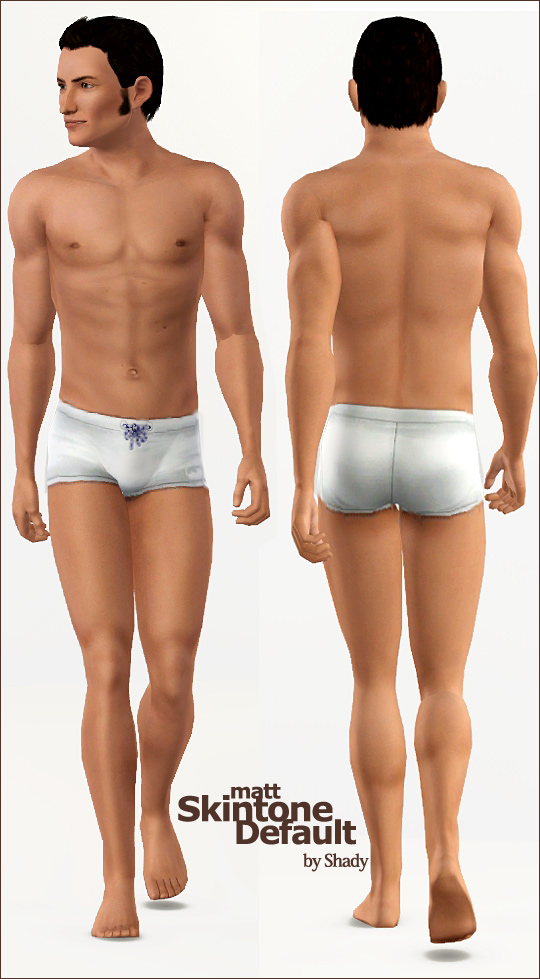
CC List
eyes by me
hair ponytail by rose sims
|
Shady_matt-skintone-DEFAULT.rar
Download
Uploaded: 19th Nov 2010, 8.34 MB.
19,271 downloads.
|
||||||||
|
Shady_DEFAULT-face-overlay.rar
| removes the eye size and lip overlay default
Download
Uploaded: 31st May 2010, 411.4 KB.
28,902 downloads.
|
||||||||
| For a detailed look at individual files, see the Information tab. | ||||||||
Install Instructions
1. Click the download button, or the filename, to download the file to your computer.
2. Extract the zip, rar, or 7z file. Now you will have either a .package or a .sims3pack file.
For Package files:
1. Cut and paste the file into your Documents\Electronic Arts\The Sims 3\Mods\Packages folder. If you do not already have this folder, you should read the full guide to Package files first: Sims 3:Installing Package Fileswiki, so you can make sure your game is fully patched and you have the correct Resource.cfg file.
2. Run the game, and find your content where the creator said it would be (build mode, buy mode, Create-a-Sim, etc.).
For Sims3Pack files:
1. Cut and paste it into your Documents\Electronic Arts\The Sims 3\Downloads folder. If you do not have this folder yet, it is recommended that you open the game and then close it again so that this folder will be automatically created. Then you can place the .sims3pack into your Downloads folder.
2. Load the game's Launcher, and click on the Downloads tab. Find the item in the list and tick the box beside it. Then press the Install button below the list.
3. Wait for the installer to load, and it will install the content to the game. You will get a message letting you know when it's done.
4. Run the game, and find your content where the creator said it would be (build mode, buy mode, Create-a-Sim, etc.).
Extracting from RAR, ZIP, or 7z: You will need a special program for this. For Windows, we recommend 7-Zip and for Mac OSX, we recommend Keka. Both are free and safe to use.
Need more help?
If you need more info, see:
- For package files: Sims 3:Installing Package Fileswiki
- For Sims3pack files: Game Help:Installing TS3 Packswiki
Loading comments, please wait...



Uploaded: 31st May 2010 at 10:00 PM
Updated: 8th Mar 2013 at 12:15 PM
-
Moonlight Skin - All Ages included
by kanno updated 12th Sep 2009 at 3:49pm
-
by robokitty 14th Oct 2009 at 10:43pm
-
by missy harries 26th Mar 2010 at 3:37pm
-
by LadyFrontbum 17th May 2010 at 3:26am
-
Silk & Velvet - Female Face Skins
by LadyFrontbum 28th Jun 2010 at 10:10pm
-
Satin Skin Default replacement by GE
by Goldeneyes updated 7th Feb 2011 at 3:33am
-
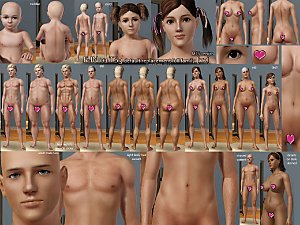
F-IN01 TS3 default replacement FULL FAMILY v2
by Navetsea 6th Mar 2011 at 5:36pm
-
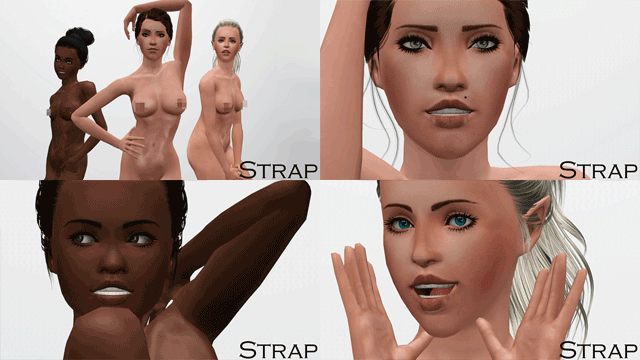
by Strappys updated 4th Dec 2014 at 12:28pm
-
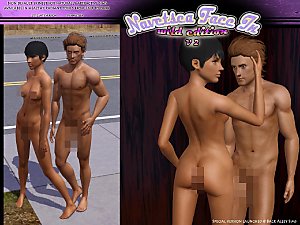
Face- In TS3 revised non default Wild Edition V2
by Navetsea 30th Jul 2012 at 2:17pm
-
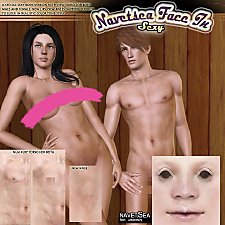
Face- In TS3 SEXY edition MTS version
by Navetsea 2nd Nov 2012 at 10:47pm

-

-
-
The Old Warehouse - residential estate FIXED
by -Shady- updated 27th Jun 2013 at 2:42pm
Welcome to my newest Creation =) This time i made a complete Factory estate with 3 different buildings. more...
 +8 packs
27 30.8k 75
+8 packs
27 30.8k 75 World Adventures
 Ambitions
 Late Night
 Generations
 Pets
Pets
 Showtime
 Supernatural
 Seasons
-
-
-
Realistic Reflecting eyes (22 colors)
by -Shady- updated 23rd Jun 2008 at 5:59am
Ok maybe anyone noticed that i really like to creating eyes! more...
-
The Vampire BAR *UPDATED for Supernatural
by -Shady- updated 10th Sep 2012 at 8:32pm
Be welcome to The Vampire BAR. more...
+7 packs
51 99k 189 World Adventures
Ambitions
Late Night
Generations
Pets
Showtime
Supernatural
-

Mediterrane Family Friendly Home
by -Shady- 26th Oct 2011 at 7:57pm
Hey there This is my newest Mediterrane Family and Pet friendly Home. more...
+5 packs
11 31.9k 79 World Adventures
Ambitions
Late Night
Generations
Pets
-
-