
 Sign in to Mod The Sims
 White-Out Contact Lenses
 White-Out Contact Lenses


cas.jpg - width=1007 height=573
screen1.jpg - width=850 height=593
screen5.jpg - width=662 height=746
screen4.jpg - width=761 height=746
whiteoutlogo.jpg - width=406 height=140

 And since the Halloween season is right around the corner, I made some white-outs for your little simmies to enjoy!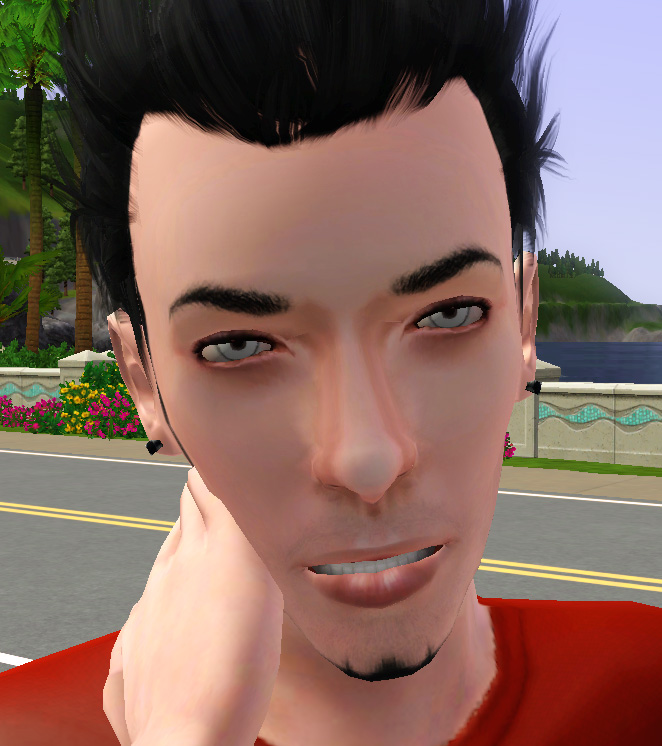
The white-outs are costume make up contacts that can be placed over preexisting genetic eyes. They are available for both genders Teen-Adult. They are not set for random townie/maternity use, so you won't have random sims running around with freaky eyes.
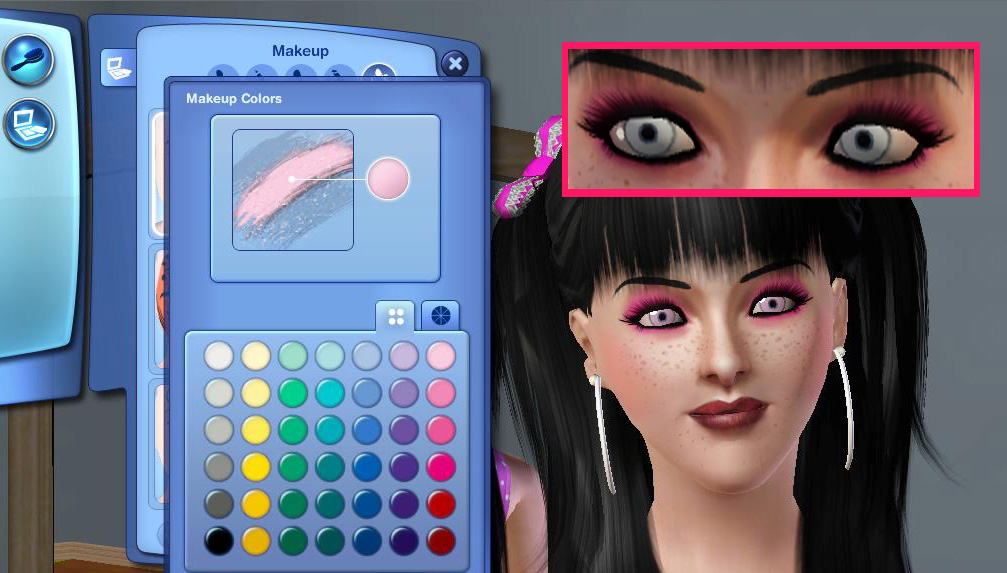
The contacts are recolorable in CAS, and you don't have to set any other unused colors to white. I took care of that for you

To make these look more like real contacts, I added a few features:
- The contacts are slightly smaller than the actual eye, that way you can still see the outer-rim of your sims' iris.
- The pupils are *not* drawn on, instead there is a hole where the pupils go (just like with the real life contacts)
I know you've seen something similar done by EsmeraldaF, but I assure you mine are different
Additional Credits:
newone08 for her super hott sim found here:
http://www.modthesims.info/download.php?t=366717
Female Hair: XM Sims
Female Brows: Glamour Brow by daluved1
Female Hoops: Larger Hoop Earrings by Magnemoe
|
daluved1_White_Out_Contacts.rar
Download
Uploaded: 21st Sep 2009, 6.1 KB.
5,596 downloads.
|
||||||||
| For a detailed look at individual files, see the Information tab. | ||||||||
Install Instructions
1. Click the download button, or the filename, to download the file to your computer.
2. Extract the zip, rar, or 7z file. Now you will have either a .package or a .sims3pack file.
For Package files:
1. Cut and paste the file into your Documents\Electronic Arts\The Sims 3\Mods\Packages folder. If you do not already have this folder, you should read the full guide to Package files first: Sims 3:Installing Package Fileswiki, so you can make sure your game is fully patched and you have the correct Resource.cfg file.
2. Run the game, and find your content where the creator said it would be (build mode, buy mode, Create-a-Sim, etc.).
For Sims3Pack files:
1. Cut and paste it into your Documents\Electronic Arts\The Sims 3\Downloads folder. If you do not have this folder yet, it is recommended that you open the game and then close it again so that this folder will be automatically created. Then you can place the .sims3pack into your Downloads folder.
2. Load the game's Launcher, and click on the Downloads tab. Find the item in the list and tick the box beside it. Then press the Install button below the list.
3. Wait for the installer to load, and it will install the content to the game. You will get a message letting you know when it's done.
4. Run the game, and find your content where the creator said it would be (build mode, buy mode, Create-a-Sim, etc.).
Extracting from RAR, ZIP, or 7z: You will need a special program for this. For Windows, we recommend 7-Zip and for Mac OSX, we recommend Keka. Both are free and safe to use.
Need more help?
If you need more info, see:
- For package files: Sims 3:Installing Package Fileswiki
- For Sims3pack files: Game Help:Installing TS3 Packswiki
Loading comments, please wait...


Uploaded: 21st Sep 2009 at 2:22 AM
-
3-Colour-Eyes - Contact Lenses - UPDATE: + smaller version
by Killc*a updated 27th Aug 2009 at 3:24pm
-
3-Colour-Eyes - Contact Lenses - Smaller Version
by Killc*a 31st Aug 2009 at 1:05am
-
-
-
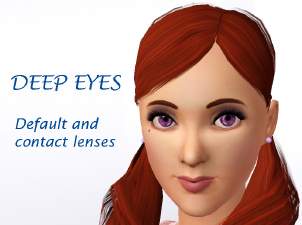
Deep eyes - Default and contact lenses
by delry 21st Mar 2010 at 7:11pm
-
-
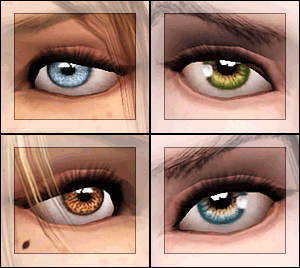
EYES for eye-coholics! CONTACTS - 2 styles
by -Shady- 29th Oct 2010 at 1:55pm
-
Lonely Eyes - Contacts *Defaults Updated
by -Shady- updated 5th Jan 2012 at 4:34pm
-
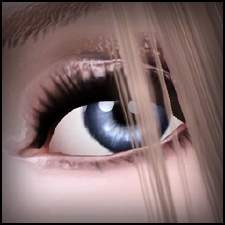
"Diamond Crystals" - Contact Lenses
by Eternila 25th May 2012 at 8:22pm
-
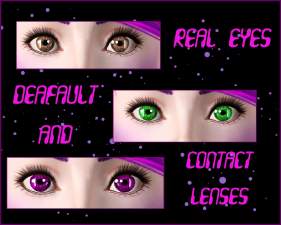
Real Eyes Contact Lenses/Default
by niobe_cremisi 11th Oct 2013 at 8:17pm


-
Medieval Armoury Part 1 - Ye Olde Kingdom of Pudding
by The Merrye Makers 14th Dec 2011 at 4:19am
Decorative Medieval Weapons and Storage more...
 18
63.1k
149
18
63.1k
149
-
-
Teen Vintage Tees: '70s Style!
by daluved1 updated 9th Jul 2009 at 7:38pm
I'm finally about to start on the eighties set...now, I know the eighties is a lot of peoples favorites so, more...
15
29.2k
37
-
Color Burst: Mix-n-Match Plates and Bowls
by daluved1 14th Dec 2010 at 1:47pm
Add some color, make it pop! more...
8
27.9k
47
-
-
I'm Still Sexy! (Four Clothing Conversions for Elders)
by daluved1 2nd Jun 2011 at 1:39pm
They're not bringing sexy back, because it never left! more...
32
53.4k
72
Female » Mixed Sets » Elder
-
-
Medieval Residential Lots - Ye Olde Kingdom of Pudding
by The Merrye Makers 14th Dec 2011 at 9:49am
Ye Olde Kingdom of Pudding Residential Lots Greetings, good gentles/ladies. more...
+4 packs
19 49.5k 106 World Adventures
 Ambitions
 Late Night
 Generations
-
-


About Me
Because my policy is really inconsistent on my uploads, I've decided to make an official policy! So whatever you see here on my profile is my current policy. You may disregard any ''policy'' information you see on the actual upload itself.
-You may use my creations with sims
-You may use my objects with lots.
-You may retexture my meshes.
-You may include my meshes with retextures.
-You may NOT upload my creations with sims
-You may NOT upload my objects with lots.
-You may NOT upload my creations to paysites.
-You may NOT upload my creations to the exchange.
-Always credit me with a link
-I do NOT take requests!