Sign in to Mod The Sims
 Lonely Eyes - Contacts *Defaults Updated
 Lonely Eyes - Contacts *Defaults Updated


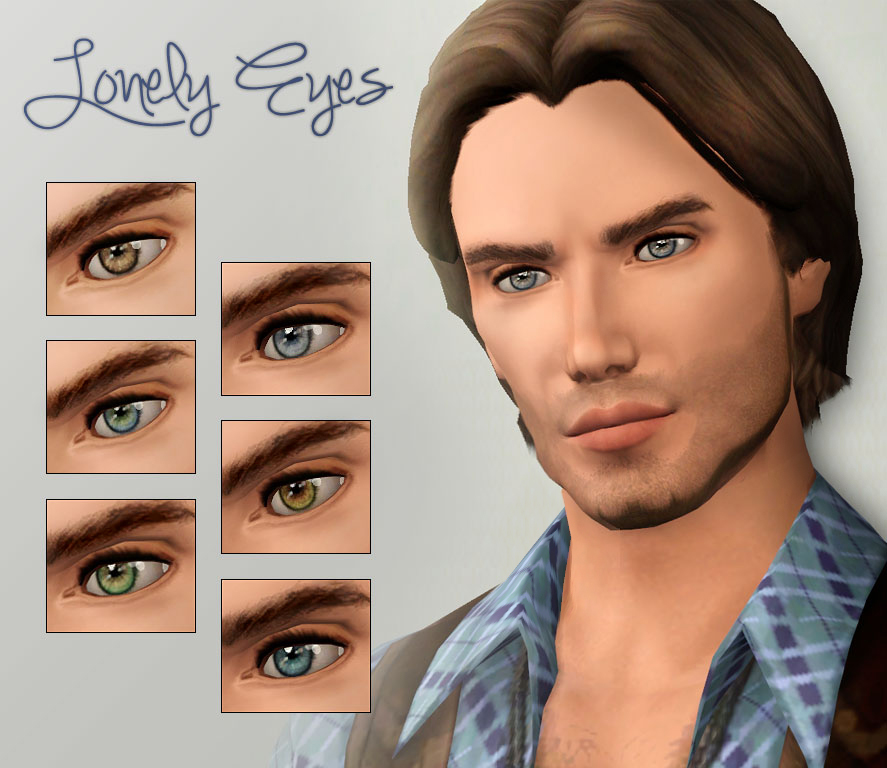
prev.jpg - width=887 height=768
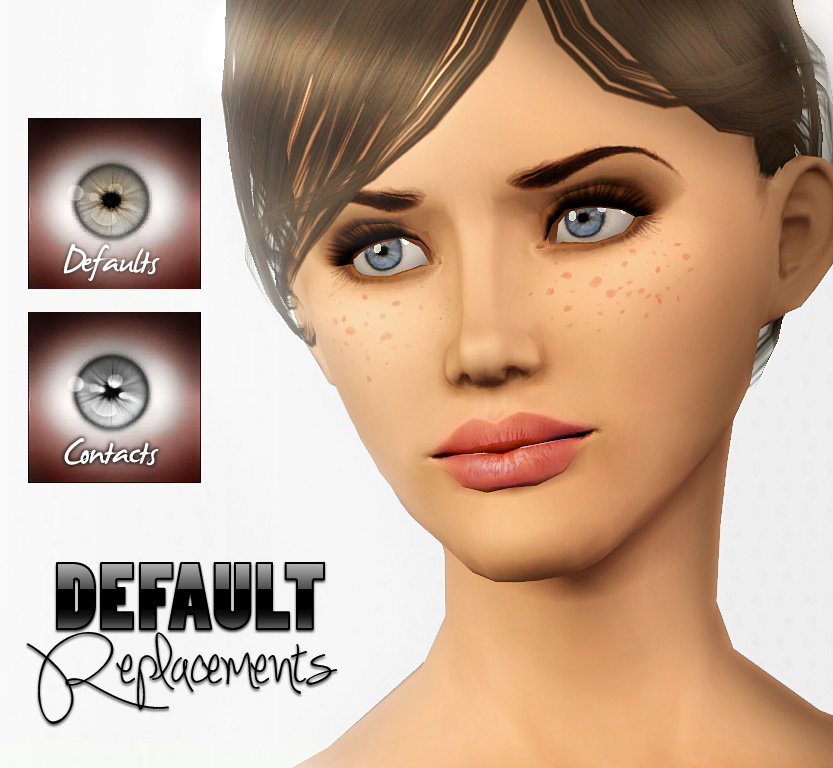
defaults.jpg - width=833 height=768

you can find them in the custom makeup section with thumbnail.
=) I hope you like them!
The contacts only consists of The Iris itself, the eyeball is not included, so your default eyeball will show under them.
Note: When the contacts dont look like the preview pictures i made, maybe you still have the EA Default eye mask. That's the reason why the EA Eyes appear under the contacts. A Face Fix Overlay may help you. I made such a Face Fix, you can find it here
|
lonely-eyes-DEFAULTS.rar
Download
Uploaded: 5th Jan 2012, 644.5 KB.
27,244 downloads.
|
||||||||
|
lonely-eyes.rar
Download
Uploaded: 3rd Jan 2012, 114.3 KB.
31,771 downloads.
|
||||||||
| For a detailed look at individual files, see the Information tab. | ||||||||
Install Instructions
1. Click the download button, or the filename, to download the file to your computer.
2. Extract the zip, rar, or 7z file. Now you will have either a .package or a .sims3pack file.
For Package files:
1. Cut and paste the file into your Documents\Electronic Arts\The Sims 3\Mods\Packages folder. If you do not already have this folder, you should read the full guide to Package files first: Sims 3:Installing Package Fileswiki, so you can make sure your game is fully patched and you have the correct Resource.cfg file.
2. Run the game, and find your content where the creator said it would be (build mode, buy mode, Create-a-Sim, etc.).
For Sims3Pack files:
1. Cut and paste it into your Documents\Electronic Arts\The Sims 3\Downloads folder. If you do not have this folder yet, it is recommended that you open the game and then close it again so that this folder will be automatically created. Then you can place the .sims3pack into your Downloads folder.
2. Load the game's Launcher, and click on the Downloads tab. Find the item in the list and tick the box beside it. Then press the Install button below the list.
3. Wait for the installer to load, and it will install the content to the game. You will get a message letting you know when it's done.
4. Run the game, and find your content where the creator said it would be (build mode, buy mode, Create-a-Sim, etc.).
Extracting from RAR, ZIP, or 7z: You will need a special program for this. For Windows, we recommend 7-Zip and for Mac OSX, we recommend Keka. Both are free and safe to use.
Need more help?
If you need more info, see:
- For package files: Sims 3:Installing Package Fileswiki
- For Sims3pack files: Game Help:Installing TS3 Packswiki
Loading comments, please wait...


-
-
-
discreet eyes - Default Replacement
by -Shady- 20th Jul 2010 at 11:45pm
-
Twisted Series - Bridget's First Eyes
by Briddy_G 1st Aug 2010 at 3:06pm
-
-
EYES for eye-coholics! CONTACTS - 2 styles
by -Shady- 29th Oct 2010 at 1:55pm
-
"Diamond Crystals" - Contact Lenses
by Eternila 25th May 2012 at 8:22pm
-
Pixie - Contacts and DEFAULT replacement eyes
by stefizzi 7th Jun 2012 at 8:31pm
-
-
Ice Castle - Non-Default HD Eyes
by FrozenHalcyon 19th Apr 2014 at 4:12pm

-
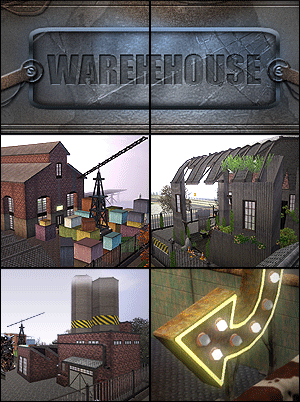
The Old Warehouse - residential estate FIXED
by -Shady- updated 27th Jun 2013 at 2:42pm
Welcome to my newest Creation =) This time i made a complete Factory estate with 3 different buildings. more...
 +8 packs
27 30.7k 75
+8 packs
27 30.7k 75 World Adventures
 Ambitions
 Late Night
 Generations
 Pets
Pets
 Showtime
 Supernatural
 Seasons
-
-
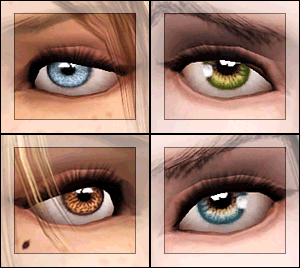
EYES for eye-coholics! CONTACTS - 2 styles
by -Shady- 29th Oct 2010 at 1:55pm
hello ;) I'm coming with new custom eyes. more...
-
-
Clear eyes (15 colors) custom, defaults
by -Shady- 27th Dec 2008 at 7:58pm
I have to say, my creativity for making eyes is very low at the moment ;) That means, my next more...
-
Luminous eyes - Default Replacements
by -Shady- 11th Jan 2010 at 2:15pm
Another ts3 Eye Replacement made by me. This time, very bright looking. more...
-
-
Colorful realistic eyes (16 colors)
by -Shady- 21st Jun 2008 at 1:21pm
This is my brand-new set of eyecolors. This set consists of 16 eyes in natural and clear colors. more...
-
-
Matt Default Replacement Skintone + Face Overlay UPDATED
by -Shady- updated 19th Nov 2010 at 2:10pm
Hey folks =) First it was not my purpose ever creating a another Skintone For the sims, but because more...