
 Sign in to Mod The Sims
 Canonical Kitchen Chair – Update 2014-08-27: post-Pets fix!
 Canonical Kitchen Chair – Update 2014-08-27: post-Pets fix!


ChairKitchen-01.jpg - width=1000 height=750
ChairKitchen-manyofthem.jpg - width=1280 height=759
ChairKitchen-presets03.jpg - width=1000 height=750
ChairKitchen-tiling.jpg - width=1000 height=750
ChairKitchen-playtest01.jpg - width=900 height=700
ChairKitchen-playtest02.jpg - width=900 height=700
Update 2014-08-27: Ran this through granthes’ RigFix and now it works for post-Pets games too. Thanks for testing! Users with Pets or later (or the equivalent base game patch), please remove the old package and use the “rigfixed” one instead.
Update 2015-02-24: This is now available for TS4 as well, see this thread.
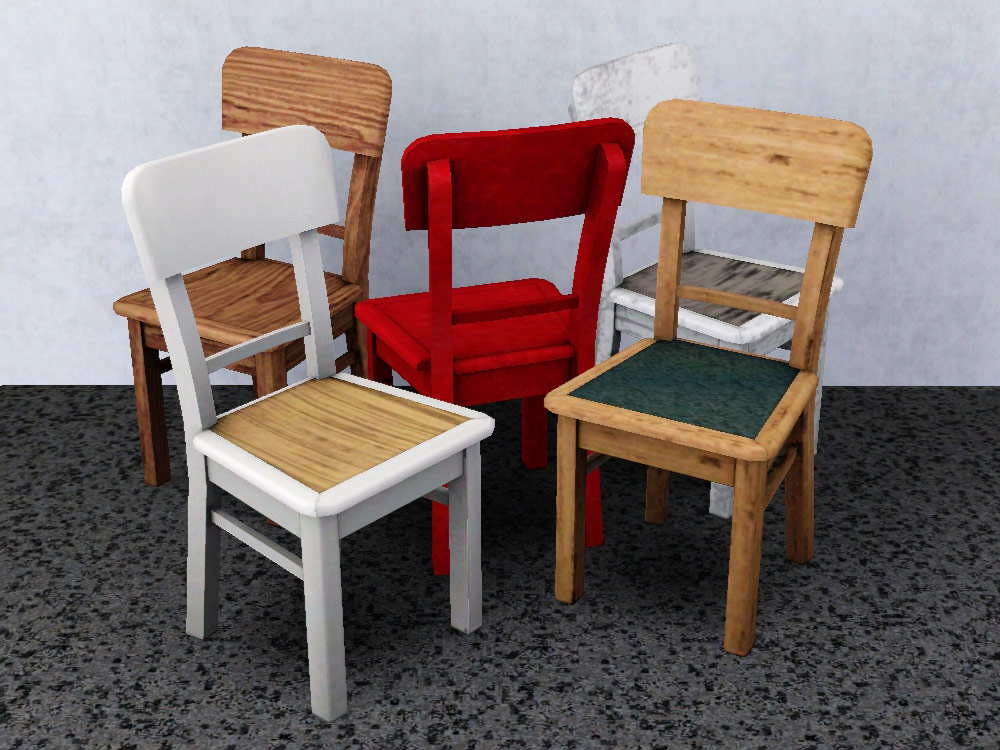
Two recolourable channels: seat and frame. Five custom presets (shown above); three of them are matching my Simple Table, plus a wood-and-linoleum and a red version. There are many other ways in which this chair can look good, see screenshot below. It's mapped so that it also works for all sorts of wild patterns (see the "mapping" screenshot).
The chair costs 80§ in game and is available as a dining and study chair. It is made from 1.8.25 files, and is a frankenchair made partly from the PatioPlastics and partly from the Quaint chair.
Known issues:
- when playing computer games, sim's elbows sometimes clip into the back a little (see the "playtesting01" screenshot). I didn't want to move it any further back than I already have, because then sims look a bit uncomfortable when they're just sitting.
- Fat sims' legs clip through the front edge of the seat, but they do that with EA chairs as well.
- After saving and restarting the game, chairs that already exist in the world will have a two-tile footprint. It reverts to one-tile again when a sim is using it; newly bought chairs also have a one-tile footprint. All custom chairs have this issue – it's got nothing to do with anything in the object and apparently not with the cloning process either. The best guess at the moment as to as to what is causing this is "I am guessing EA had to put in a kludge of some sort to suppress this behaviour in their own chairs – probably comparing against a list of known objects and if it is one of these (known object list), reset the footprint" (Inge in this thread).
Made in blender with the help of s3pe, s3oc, objtool, Milkshape, Postal, BBEdit, Photoshop.
Many thanks to HugeLunatic and Inge for their help with looking into the footprint issue, and to cmomoney for his tutorial on custom presets.
I do not take requests. Please respect that. This is Mod The Sims, not Plz Make Stuff For My Sims Because I'm Too Lazy.
Polygon Counts:
High detail mesh: 396F/451V, low detail mesh: 224F/318V. This is much less than the EA Quaint one which had 851V/792F.
This is a new mesh, and means that it's a brand new self contained object that usually does not require a specific Pack (although this is possible depending on the type). It may have Recolours hosted on MTS - check below for more information.
|
pbox_ChairKitchen_rigfixed.zip
Download
Uploaded: 2nd Sep 2014, 48.9 KB.
2,916 downloads.
|
||||||||
|
ChairKitchen.zip
Download
Uploaded: 20th Feb 2010, 51.4 KB.
12,573 downloads.
|
||||||||
| For a detailed look at individual files, see the Information tab. | ||||||||
Install Instructions
1. Click the download button, or the filename, to download the file to your computer.
2. Extract the zip, rar, or 7z file. Now you will have either a .package or a .sims3pack file.
For Package files:
1. Cut and paste the file into your Documents\Electronic Arts\The Sims 3\Mods\Packages folder. If you do not already have this folder, you should read the full guide to Package files first: Sims 3:Installing Package Fileswiki, so you can make sure your game is fully patched and you have the correct Resource.cfg file.
2. Run the game, and find your content where the creator said it would be (build mode, buy mode, Create-a-Sim, etc.).
For Sims3Pack files:
1. Cut and paste it into your Documents\Electronic Arts\The Sims 3\Downloads folder. If you do not have this folder yet, it is recommended that you open the game and then close it again so that this folder will be automatically created. Then you can place the .sims3pack into your Downloads folder.
2. Load the game's Launcher, and click on the Downloads tab. Find the item in the list and tick the box beside it. Then press the Install button below the list.
3. Wait for the installer to load, and it will install the content to the game. You will get a message letting you know when it's done.
4. Run the game, and find your content where the creator said it would be (build mode, buy mode, Create-a-Sim, etc.).
Extracting from RAR, ZIP, or 7z: You will need a special program for this. For Windows, we recommend 7-Zip and for Mac OSX, we recommend Keka. Both are free and safe to use.
Need more help?
If you need more info, see:
- For package files: Sims 3:Installing Package Fileswiki
- For Sims3pack files: Game Help:Installing TS3 Packswiki
Loading comments, please wait...


Uploaded: 20th Feb 2010 at 9:18 PM
Updated: 24th Feb 2015 at 11:33 PM
-
-
A simple dining table – Update 2014-08-27: Rigfix
by plasticbox updated 2nd Sep 2014 at 8:45pm
 31
48.2k
91
31
48.2k
91
-
by cmomoney 20th Mar 2010 at 9:51pm
28
55.3k
200
-
by Lisen801 22nd Sep 2010 at 9:28pm
26
43.2k
165
-

by Lisen801 15th Jun 2012 at 2:43pm
37
69.5k
262
-

by TheJim07 18th Mar 2015 at 12:42am
9
16.1k
99
-
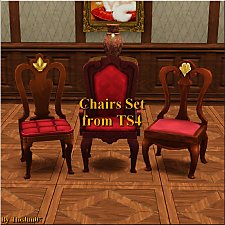
by TheJim07 18th Mar 2015 at 9:08pm
7
16.2k
96
-
by RagdollVioletNeko 16th Oct 2017 at 6:15pm
1
6.1k
16
-
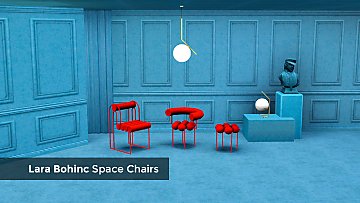
by enable_llamas 10th May 2020 at 5:38pm
8
5k
18
-
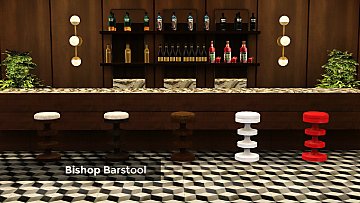
by enable_llamas 11th Jun 2021 at 9:37pm
4
3.5k
10

-
Newbie Road 153 -- Mini Starter
by plasticbox updated 20th Sep 2008 at 5:43am
Requires Seasons. more...
 +1 packs
7 25.1k 33
+1 packs
7 25.1k 33 Seasons
-
by plasticbox 30th Aug 2014 at 2:02pm
A comfortable two-story house furnished for 3, with a spare bedroom and quite a lot of extra space in the more...
20
20.5k
109
-
Newbie Road 75 [NL] - Under 25.000
by plasticbox 19th May 2006 at 6:16am
Title: Newbie Road 75 [NL] - Under 25.000 Category: Lots & Housing > Residential Cost: 22.003 Lot size: 2x2 more...
+1 packs
8 12.5k 6 Nightlife
-
-
by plasticbox updated 16th Feb 2016 at 12:59am
A full set of counters and cabinets in 12 colours, each with a few different countertops to choose from, so more...
 40
91.8k
326
40
91.8k
326
-
by plasticbox updated 30th Apr 2015 at 7:34pm
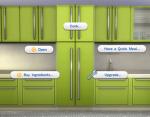
A fridge that matches the Maxis “Harbinger” kitchen, in the 20 colour variants of the Harbinger cabinets. more...
40
46.1k
231
-
by plasticbox 27th Jul 2015 at 1:18am
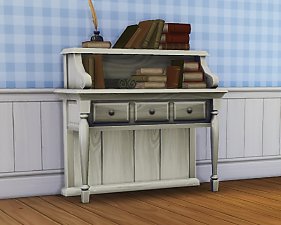
This is a side-table-shaped bookcase that matches the Maxis “Deep Thoughts”. more...
8
22.9k
113
-

More sensible lights for Maxis lamps – Base Game
by plasticbox 8th Apr 2009 at 9:23am
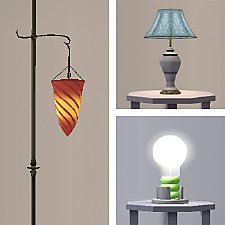
This is a global fix for some of the strange, useless, and/or broken lights of the Maxis lamps. more...
22
52.6k
157
-
Newbie Road 175 -- Base Game Mini Starter, no CC
by plasticbox 9th Nov 2008 at 9:47pm
No EPs required. more...
7
18.4k
25
-
Newbie Road 41 [NL] - "Car with house" starter
by plasticbox 27th Feb 2006 at 3:45pm
Title: Newbie Road 41 [NL] - "Car with house" starter Category: Lots & Housing > Residential > Starter Homes more...
+1 packs
8 8.5k 2 Nightlife


About Me
– Feel free to recycle, you don’t need to ask.
– For the attribution, please link to the upload you’re using wherever possible (instead of my profile). This is particularly important with edits made for/with different games or game versions.
– If you use my stuff in something you make, please upload the result to a free, accessible, noncommercial site with no more restrictions than these. Code must remain open source; meshes and other material must remain re-usable.
Please do not redistribute any unmodified files – link to the upload post instead.