
 Sign in to Mod The Sims
 Edgeview
 Edgeview


edgeview01.jpg - width=1024 height=637
edgeview02.jpg - width=1024 height=637
edgeview03.jpg - width=1024 height=637
edgeview04.jpg - width=1024 height=638
edgeview05.jpg - width=1024 height=638
edgeview06.jpg - width=1024 height=637
top
edgeview07.jpg - width=1024 height=637
first floor
edgeview08.jpg - width=1024 height=637
second floor

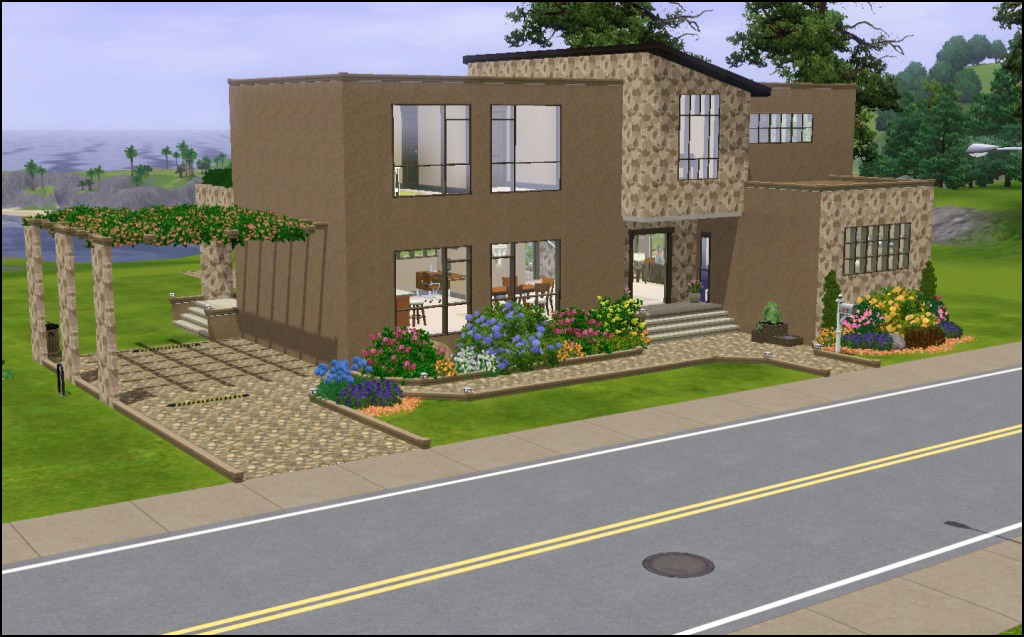
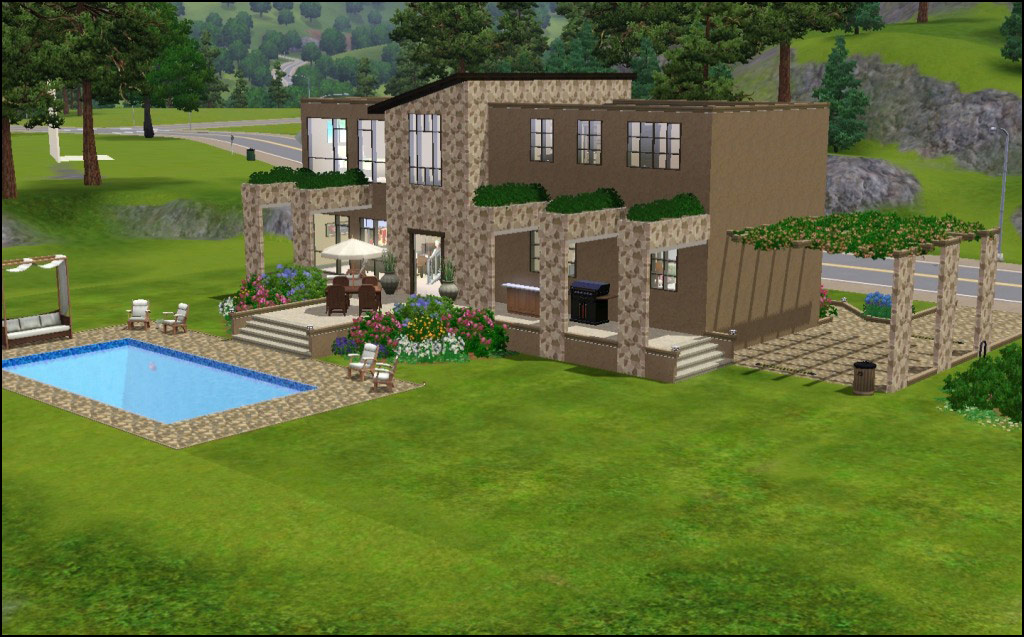
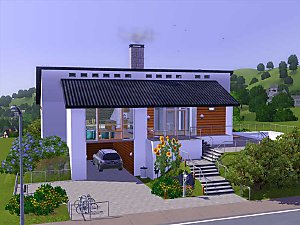
The house is fully furnished with the basics, plus skill building objects...even a foosball table! But there is very little clutter or wallhangings. The house has a fire alarm(hidden behind fridge), a burglar alarm and one phone in the kitchen.
- 3 Bedrooms
- 3 Baths
- Living
- Kitchen/Dining
- Study
- Extra room
- Game area
CC Required but NOT Included:
Sun, Surf & Sand at EA Store
Bauhaus Set at EA Store
Lot Size: 4x3
Lot Price: §118,520/§79,797
|
HL_Edgeview.rar
Download
Uploaded: 30th May 2010, 266.4 KB.
879 downloads.
|
||||||||
| For a detailed look at individual files, see the Information tab. | ||||||||
Install Instructions
1. Click the filename or the download button to download the file to your computer.
2. Extract the zip, rar, or 7z file.
2. Select the .sims3pack file you got from extracting.
3. Cut and paste it into your Documents\Electronic Arts\The Sims 3\Downloads folder. If you do not have this folder yet, it is recommended that you open the game and then close it again so that this folder will be automatically created. Then you can place the .sims3pack into your Downloads folder.
5. Load the game's Launcher, and click on the Downloads tab. Select the house icon, find the lot in the list, and tick the box next to it. Then press the Install button below the list.
6. Wait for the installer to load, and it will install the lot to the game. You will get a message letting you know when it's done.
7. Run the game, and find your lot in Edit Town, in the premade lots bin.
Extracting from RAR, ZIP, or 7z: You will need a special program for this. For Windows, we recommend 7-Zip and for Mac OSX, we recommend Keka. Both are free and safe to use.
Need more help?
If you need more info, see Game Help:Installing TS3 Packswiki for a full, detailed step-by-step guide!
Loading comments, please wait...


 View with Names
Uploaded: 30th May 2010 at 4:31 AM
Updated: 30th May 2010 at 10:50 PM
#modern, #multi-level, #large, #open, #pool
-
-
-
-
-
-
-
by Cubonica Design 25th Sep 2009 at 8:56pm
 15
24.1k
15
15
24.1k
15
-
-
-
by SimplySimlish 11th Nov 2017 at 12:16am
+12 packs
3 6k 6 High-End Loft Stuff
 Ambitions
 Late Night
 Outdoor Living Stuff
 Generations
 Town Life Stuff
 Master Suite Stuff
 Pets
Pets
 Showtime
 Seasons
 University Life
 Island Paradise


-
by HugeLunatic 4th Oct 2013 at 3:25pm
In my latest round for the "It Takes A Village" contest I needed a table lamp to match a ceiling more...
 +1 packs
9 9.9k 21
+1 packs
9 9.9k 21 Teen Style
-
by HugeLunatic 12th Dec 2008 at 2:01pm
I like most all of the tiles that came with Kitchen & Bath, except that all the tiles don't go more...
30
53.5k
161
-
by HugeLunatic 9th Aug 2009 at 1:32am
No surprise the first thing I had to try and make was a build mode object, and a matching item more...
54
94.8k
159
-
[Recolorable] - Maxis Modular Stairs - II
by HugeLunatic updated 31st Jan 2018 at 1:14pm
One last set of EAxis modular stairs made recolorable. more...
13
52.5k
103
-
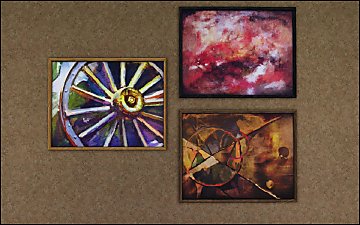
Pets Ranch Paintings [Missing Presets]
by HugeLunatic 1st Jul 2012 at 10:12pm
What it does This mod enables missing images for presets from several Pets paintings, Small Animals, ...A Fool From Any more...
-
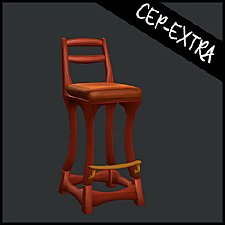
Art Nouveau Bar Stool [CEP-Extra]
by HugeLunatic 8th Oct 2021 at 7:32pm
I'm probably the only simmer who likes this bar stool. more...
7
2.3k
12
-
"Backyard Pyramid" [CEP-EXTRA]
by HugeLunatic 4th Feb 2016 at 10:22pm
All the pieces of the "Backyard Pyramid" set made recolorable. more...
+1 packs
8 9.2k 19 Bon Voyage
-
by HugeLunatic 18th Nov 2013 at 4:00am
The one tile window centered on two tiles. This is a slave to the original one tile window. more...
+1 packs
3 8.5k 17 Pets
Pets
-
by Hood Building Group updated 22nd Aug 2015 at 9:00pm
A small chaotic inhabited neighborhood with a mystery bigger than it's size! more...
32
44.5k
88
Miscellaneous » Neighborhoods & CAS Screens » Neighbourhoods and Worlds
-
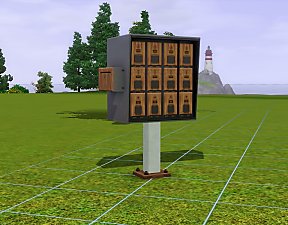
by HugeLunatic 10th Nov 2016 at 4:52pm
Another alternative for the Late Night mailbox. This is converted from The Sims 2. more...
+1 packs
7 18.3k 74 Late Night


Packs Needed
| Expansion Pack | |
|---|---|
| World Adventures |
About Me
Pet Stories || Dog Agility Items? || Castaway Stories || Holy Simoly Extras
4esf Archive || Holy Simoly Archive || CEP-Extras List || Buyable Game Objects
lunie content from GoS/s2a
 Installation of CEP Extras
-the package with pfiles appended to the name will go into your cep extras folder where your game is installed (typically c drive, you do you)
-the other goes in CEP extra folder in documents.
The following locations are what I am aware of, beyond that you'll have to do some searching.
Downloads Folder:
C:\Users\<user>\Documents\EA Games\The Sims 2 Legacy
C:\Users\<user>\Documents\EA Games\The Sims 2 Ultimate Collection
With multiple launchers, the location for your game install will vary.
C:\Program Files\EA GAMES\The Sims 2 Legacy\TSData\Res\Catalog\zCEP-EXTRA
C:\Program Files\EA GAMES\The Sims 2\TSData\Res\Catalog\zCEP-EXTRA
C:\Program Files (x86)\EA GAMES\The Sims 2\TSData\Res\Catalog\zCEP-EXTRA