
 Sign in to Mod The Sims
 Show your teeth- 3 different lips!
 Show your teeth- 3 different lips!


ColorChart2.jpg - width=898 height=469
MTS2_Arisuka_1043917_MAIN.jpg - width=230 height=305

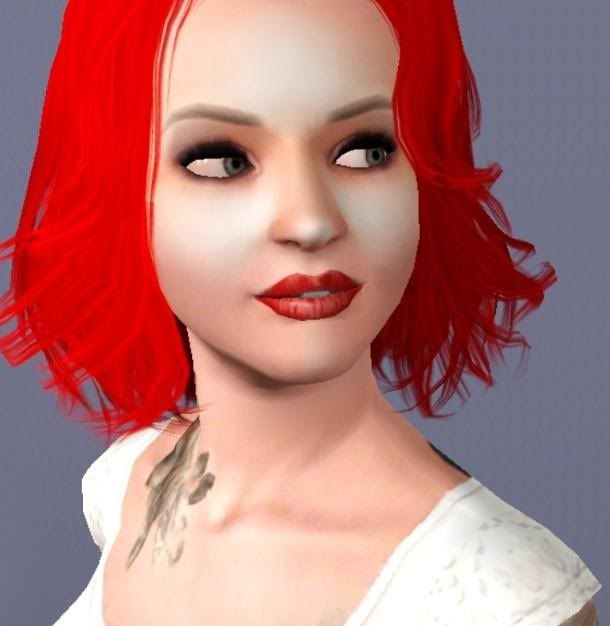

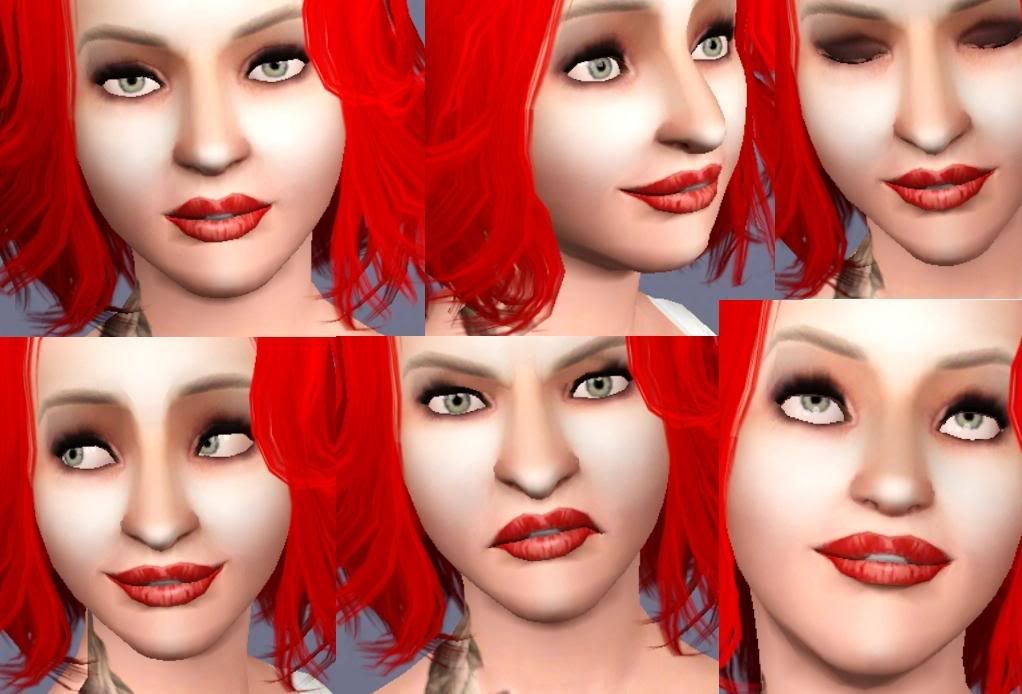
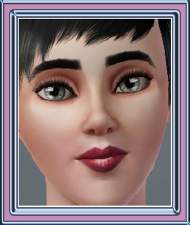
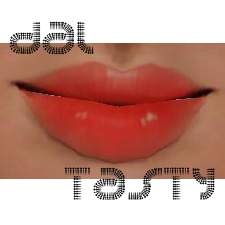
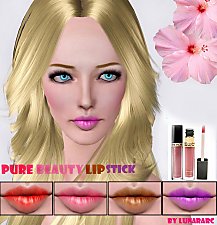
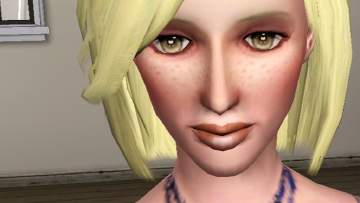
POPPY is a matte powdered lipstick that has a new, flattering shape. Slightly open mouth shows teeth to give a mischievous smile. The texture is realistically powdered and detailed, so playing around with colors should give interesting combinations.
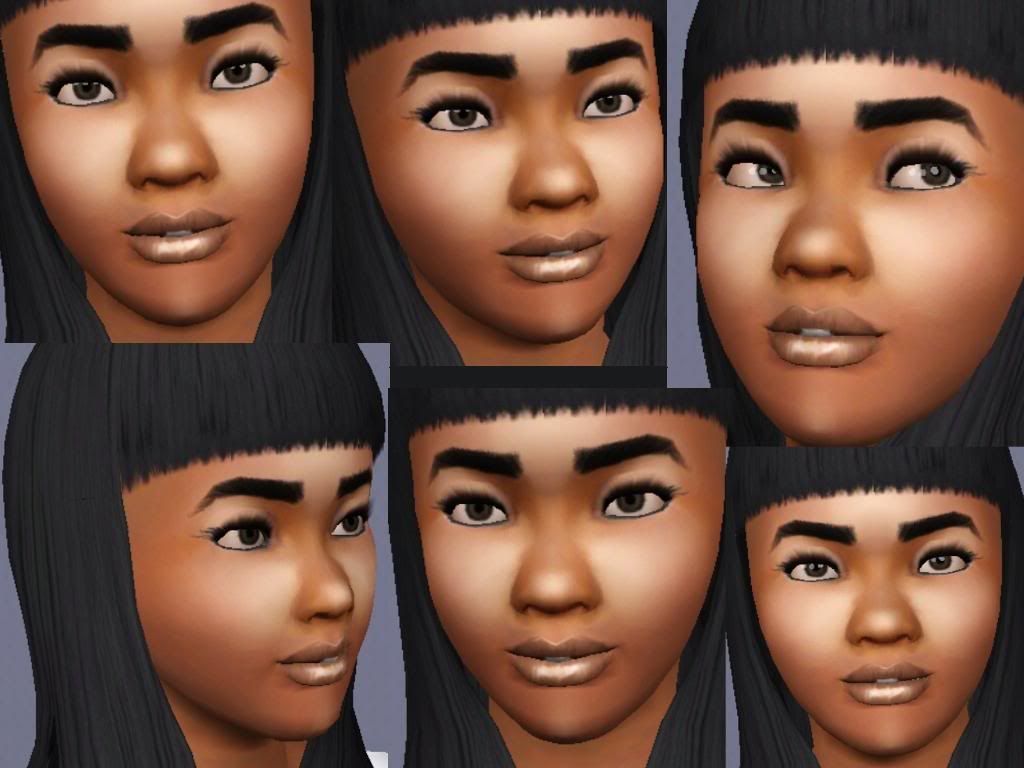
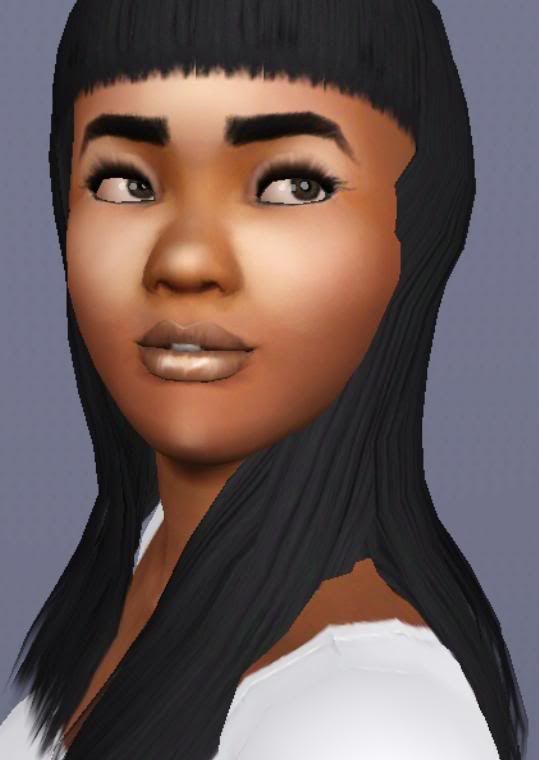
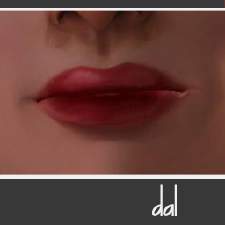
PALOMA is a shiny and alluring gloss that works for day or night. Play around with the colors to get looks from soft pastel smile to most toughest flirty look for night on the town.
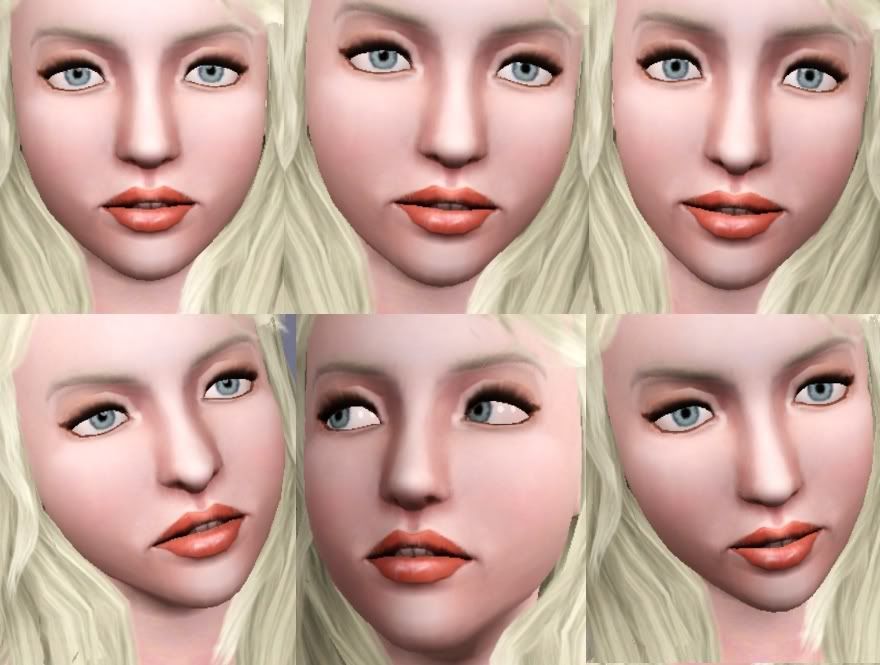
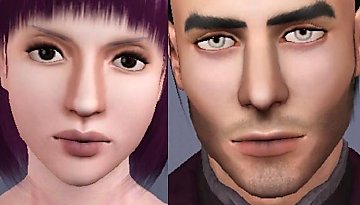
PARDOT is named after the iconic model Brigitte Bardot . This is a smooth and glossy lipstick with a open mouth that shows a bunch of teeth. The shape sculpts the lips to give them as much of character as possible!
All the lips are for teen to adult females.
See the color chart below for CAS channel info!
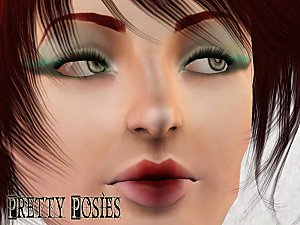
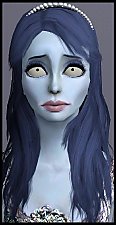
CC used on models:
HP's eye replacements
234jiao's skin replacements
and Aikea Guinea's body replacement skintone .
Additional Credits:
Delphy's CTU!
Everyone at CFF for helping out with Pardot.

|
LipstickTeethALL.rar
Download
Uploaded: 6th Jan 2010, 222.9 KB.
39,603 downloads.
|
||||||||
| For a detailed look at individual files, see the Information tab. | ||||||||
Install Instructions
1. Click the download button, or the filename, to download the file to your computer.
2. Extract the zip, rar, or 7z file. Now you will have either a .package or a .sims3pack file.
For Package files:
1. Cut and paste the file into your Documents\Electronic Arts\The Sims 3\Mods\Packages folder. If you do not already have this folder, you should read the full guide to Package files first: Sims 3:Installing Package Fileswiki, so you can make sure your game is fully patched and you have the correct Resource.cfg file.
2. Run the game, and find your content where the creator said it would be (build mode, buy mode, Create-a-Sim, etc.).
For Sims3Pack files:
1. Cut and paste it into your Documents\Electronic Arts\The Sims 3\Downloads folder. If you do not have this folder yet, it is recommended that you open the game and then close it again so that this folder will be automatically created. Then you can place the .sims3pack into your Downloads folder.
2. Load the game's Launcher, and click on the Downloads tab. Find the item in the list and tick the box beside it. Then press the Install button below the list.
3. Wait for the installer to load, and it will install the content to the game. You will get a message letting you know when it's done.
4. Run the game, and find your content where the creator said it would be (build mode, buy mode, Create-a-Sim, etc.).
Extracting from RAR, ZIP, or 7z: You will need a special program for this. For Windows, we recommend 7-Zip and for Mac OSX, we recommend Keka. Both are free and safe to use.
Need more help?
If you need more info, see:
- For package files: Sims 3:Installing Package Fileswiki
- For Sims3pack files: Game Help:Installing TS3 Packswiki
Loading comments, please wait...



Uploaded: 6th Jan 2010 at 12:48 PM
Updated: 13th Feb 2010 at 1:09 AM

-
-
-
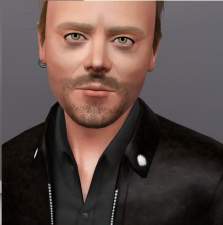
Lars Ulrich, the drummer of Metallica
by Arisuka 18th Nov 2009 at 2:16am
Lars Ulrich is the co-founder of the thrash-metal mammoth band Metallica, alongside James Hetfield , with whom he started more...
 34
35.7k
16
34
35.7k
16
-
-
4 base game female hairs for males
by Arisuka 21st Jan 2011 at 11:31pm
The short straight hair, long straight hair, long hair with scarf and... THE BETTIE PAGE HAIR! ;) more...
35
69.1k
182
Hair » Male » Young Adult
-
-
Piece of Manhattan - Chinese Fast Food & subway station
by Arisuka 24th Jul 2011 at 2:25am
Bring some cool urban groove to any neighborhood with this tiny lot! more...
+3 packs
50 59.6k 138 World Adventures
 Ambitions
 Late Night
-
-
-
Eye bags MEGAPACK - 8 styles!!
by Arisuka 18th Feb 2010 at 10:55pm
I love eye bags to an extent that I created a bunch of all kinds of styles for simmies! more...
59
171.8k
314


