Sign in to Mod The Sims
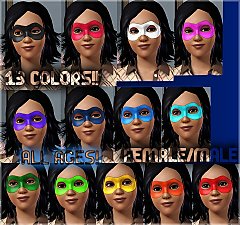
 Carnival Masks
 Carnival Masks


CarnivalMasks_1.jpg - width=966 height=701
CarnivalMasks_2.jpg - width=768 height=768
CarnivalMasks_3.jpg - width=825 height=800
CarnivalMasks_4.jpg - width=550 height=400
CarnivalMasks_Channels1.jpg - width=578 height=462
CarnivalMasks_Channels2.jpg - width=578 height=462
CarnivalMasks_Main.png - width=233 height=201
 . I really enjoy making these, I hope you like them!
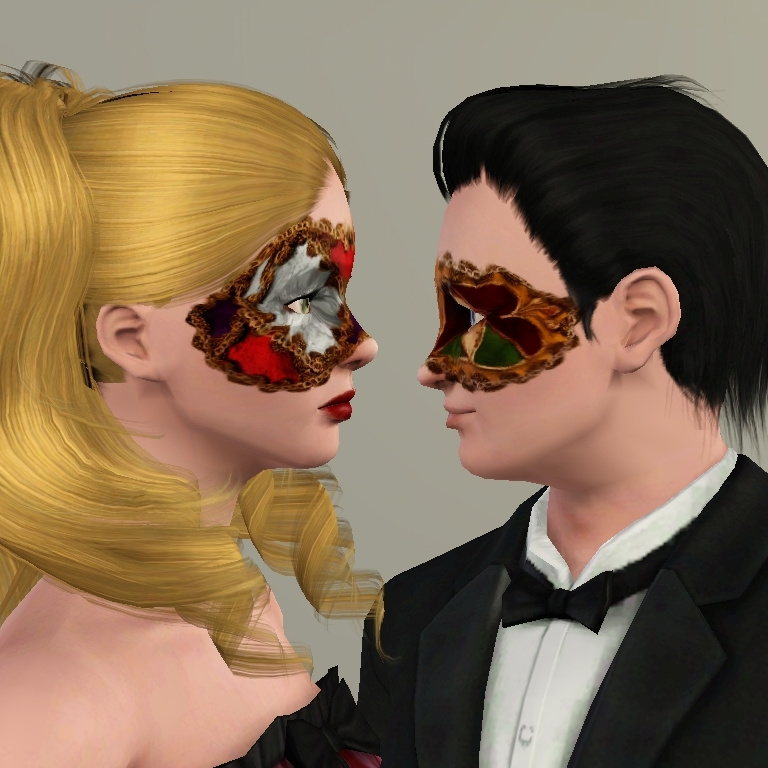
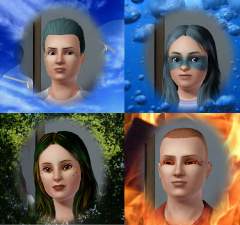
Carnival Mask 1 shown in the male sim.
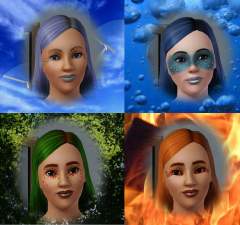
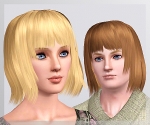
Carnival Mask 2 shown in the female sim.
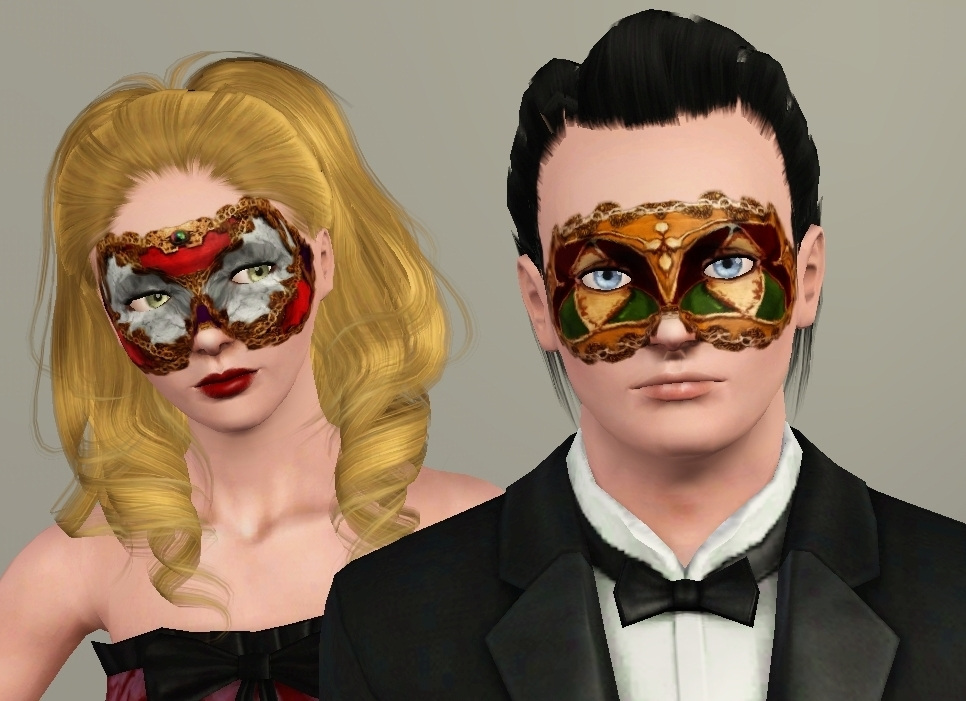
Channels
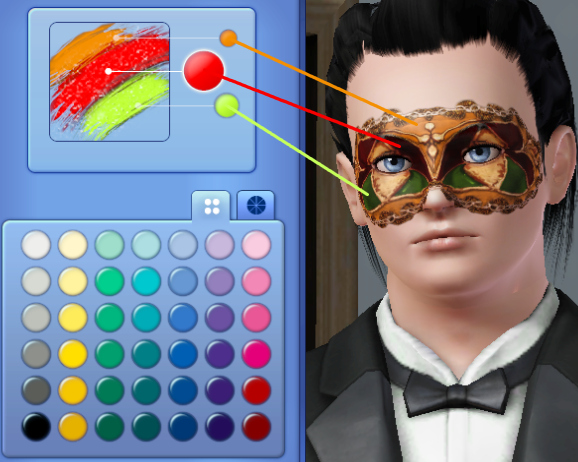
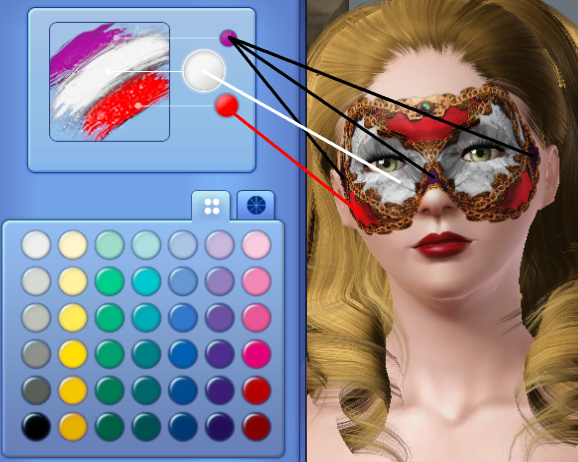
Both are enabled for both genders and all ages.
Enjoy!

Additional Credits:
Blonde sim hair from Savio's Stuff
Black sim hair by v-ware
Skins by Aikea at Club Crimsyn
My sim's dress is from The Store
|
CarnivalMask2.rar
Download
Uploaded: 21st Sep 2009, 854.2 KB.
12,051 downloads.
|
||||||||
|
CarnivalMask1.rar
Download
Uploaded: 21st Sep 2009, 853.8 KB.
12,341 downloads.
|
||||||||
| For a detailed look at individual files, see the Information tab. | ||||||||
Install Instructions
1. Click the download button, or the filename, to download the file to your computer.
2. Extract the zip, rar, or 7z file. Now you will have either a .package or a .sims3pack file.
For Package files:
1. Cut and paste the file into your Documents\Electronic Arts\The Sims 3\Mods\Packages folder. If you do not already have this folder, you should read the full guide to Package files first: Sims 3:Installing Package Fileswiki, so you can make sure your game is fully patched and you have the correct Resource.cfg file.
2. Run the game, and find your content where the creator said it would be (build mode, buy mode, Create-a-Sim, etc.).
For Sims3Pack files:
1. Cut and paste it into your Documents\Electronic Arts\The Sims 3\Downloads folder. If you do not have this folder yet, it is recommended that you open the game and then close it again so that this folder will be automatically created. Then you can place the .sims3pack into your Downloads folder.
2. Load the game's Launcher, and click on the Downloads tab. Find the item in the list and tick the box beside it. Then press the Install button below the list.
3. Wait for the installer to load, and it will install the content to the game. You will get a message letting you know when it's done.
4. Run the game, and find your content where the creator said it would be (build mode, buy mode, Create-a-Sim, etc.).
Extracting from RAR, ZIP, or 7z: You will need a special program for this. For Windows, we recommend 7-Zip and for Mac OSX, we recommend Keka. Both are free and safe to use.
Need more help?
If you need more info, see:
- For package files: Sims 3:Installing Package Fileswiki
- For Sims3pack files: Game Help:Installing TS3 Packswiki
Loading comments, please wait...


Uploaded: 21st Sep 2009 at 2:28 AM
Updated: 12th Apr 2010 at 5:55 PM
#masks, #masquerade, #carnival, #fancy, #elegant, #party, #all ages, #both genders

-
-
Agustin Kate Hudson's Ponytail ~ All ages!
by Anubis360 13th Mar 2010 at 12:18am
Hi there! more...
 82
327.2k
839
82
327.2k
839
Hair » Female » Young Adult
-
-
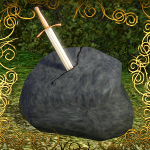
King Wanted ~ Sword in rock deco! (Medieval Challenge)
by Anubis360 13th Apr 2010 at 8:31pm
Hi there! more...
19
62k
121
-
-
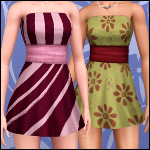
'Midnight Glow' Strapless Dress
by Anubis360 11th Jun 2010 at 11:45pm
A nice, cute and light dress for this summer! more...
40
105.1k
293
-
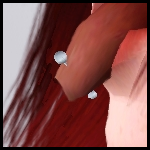
Tourniquet ~ Tongue piercing for both genders
by Anubis360 6th Mar 2010 at 2:55am
Hi there! more...
65
169.6k
391
-
-

-